Is My Phone Being Tapped? The Truth About Secret Codes
The fear that someone might be listening to your phone calls is a common concern. You might have heard about a secret code you can dial to instantly know if your phone is being tapped. However, this is largely a myth. While some codes can reveal call forwarding status, they don’t offer a universal solution for detecting all forms of eavesdropping. Similarly, issues like call drops, echoes, rapid battery drain, or a heating phone aren’t definitive proof of tapping; they can stem from network issues, device problems, or app conflicts.
Instead of focusing on unverified claims that fuel anxiety, it’s more productive to concentrate on verifiable security settings and practices.
Understanding Call Forwarding
Call forwarding is a legitimate phone feature that allows you to redirect incoming calls to another number. It’s often used intentionally for services like voicemail or when you’re unavailable. Just because call forwarding is active doesn’t automatically mean your conversations are being secretly listened to by someone else. You can usually check and manage call forwarding settings within your phone’s ‘Phone’ app or ‘Call Settings’. The exact steps can vary depending on your device and mobile carrier.
If you see an unfamiliar number listed for call forwarding, it’s wise to contact your official telecom provider’s support to confirm its legitimacy. Remember, no single secret code works universally across all SIM cards and networks to detect all types of monitoring.
Beware of Scam Calls Promising to Detect Tapping
The Department of Telecommunications (DoT) has issued warnings about scam calls that instruct users to dial specific codes, often claiming they will reveal call forwarding or tapping. Dialing such codes could inadvertently activate unwanted call forwarding, sending your calls to a scammer’s number. Scammers might use pretexts like “SIM verification needed” or “delivery confirmation” to trick you.
Never perform actions based on such unsolicited calls without official verification. If you find unwanted call forwarding enabled, disable it following your service provider’s guidance. It’s also crucial to check if your bank accounts or other sensitive online accounts have been compromised. Never share your screen or OTPs with unknown individuals.
Call Forwarding, Recording, and Spyware Are Different
It’s important to distinguish between different types of potential intrusions:
- Call Recording: The person on the other end might be recording the conversation.
- Call Forwarding: Your incoming calls are being redirected to another number.
- Spyware: Malicious software installed on your device that can monitor your activities.
A single network status code cannot detect all these scenarios. Avoid making accusations without concrete evidence. While a scan not finding anything doesn’t guarantee complete security, a scan alert might require technical expertise to interpret correctly. Understand the limitations of security tools and supplement them with basic checks.
Review App Permissions on Android
For Android users, regularly review the permissions granted to recently installed or unfamiliar apps. Pay close attention to apps that have microphone access or extensive service privileges. If you’ve installed apps from unknown sources (APKs) via messages, be extra cautious. If you use a work-issued device, understand your company’s policies regarding app installations and device settings.
Ensure Google Play Protect is enabled and run scans. Keep your Android operating system and security updates current. While Play Protect is a valuable security tool, it’s not a foolproof forensic solution for detecting all forms of surveillance.
Secure Your Online Accounts
Account security is as vital as device security. Check your Google or Apple account settings for any unfamiliar devices or active sessions. Review and update your passwords regularly, and enable two-factor authentication (2FA) on a trusted device. Be mindful of who might have physical access to your phone or know your unlock code.
If you suspect a family member or close acquaintance is monitoring your device, consider your immediate safety and privacy before making changes. They might notice if settings are altered. Using a secure, trusted device and seeking support from a reliable source can be helpful. You don’t necessarily need to confront the person directly based solely on internet information.
Protect Your Evidence and Seek Official Help
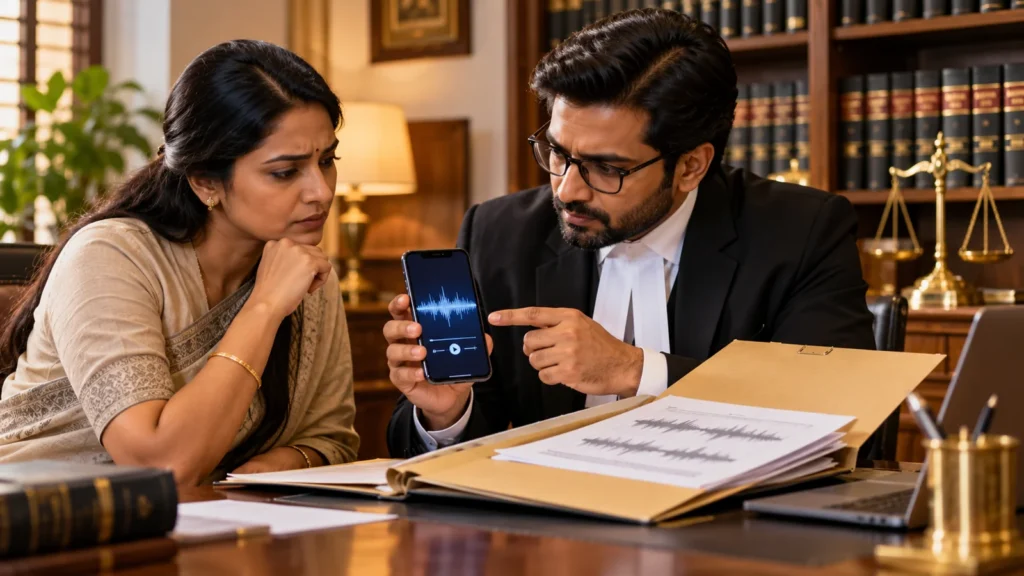
If you have specific evidence, such as an unknown forwarding number, a suspicious app name, or a threatening message, document it securely. Performing a factory reset immediately might erase crucial evidence. If you suspect severe abuse or illegal surveillance, consider consulting a digital forensics expert.
Never pay for fake “spy detector” services or share account details with them. If you’ve lost money due to such scams, report it to your bank and the official cybercrime reporting channels immediately. Suspicious calls or messages can often be reported through services like Sanchar Saathi in India. Remember, no one can definitively claim your phone is tapped without verifiable signs.
Frequently Asked Questions
Can a secret code detect phone tapping?
No. Some codes may only show call forwarding status, and these are network-dependent. They do not universally detect all forms of tapping.
Does call forwarding mean my calls are being recorded?
Not necessarily. Call forwarding and call recording are distinct functions and do not automatically imply each other.
Does low battery indicate spyware?
A low battery alone is not proof of spyware. Other factors related to your device and apps can also cause battery drain.
Is a Play Protect scan sufficient for security?
Play Protect is a helpful security tool, but it is not a complete forensic evaluation and may not detect all types of surveillance.
Sources: DoT – Call Forwarding Scam Alert; Google – Play Protect; Google – Malicious Software; Sanchar Saathi. This article provides general security guidance and is not a substitute for professional device analysis.