 Vista
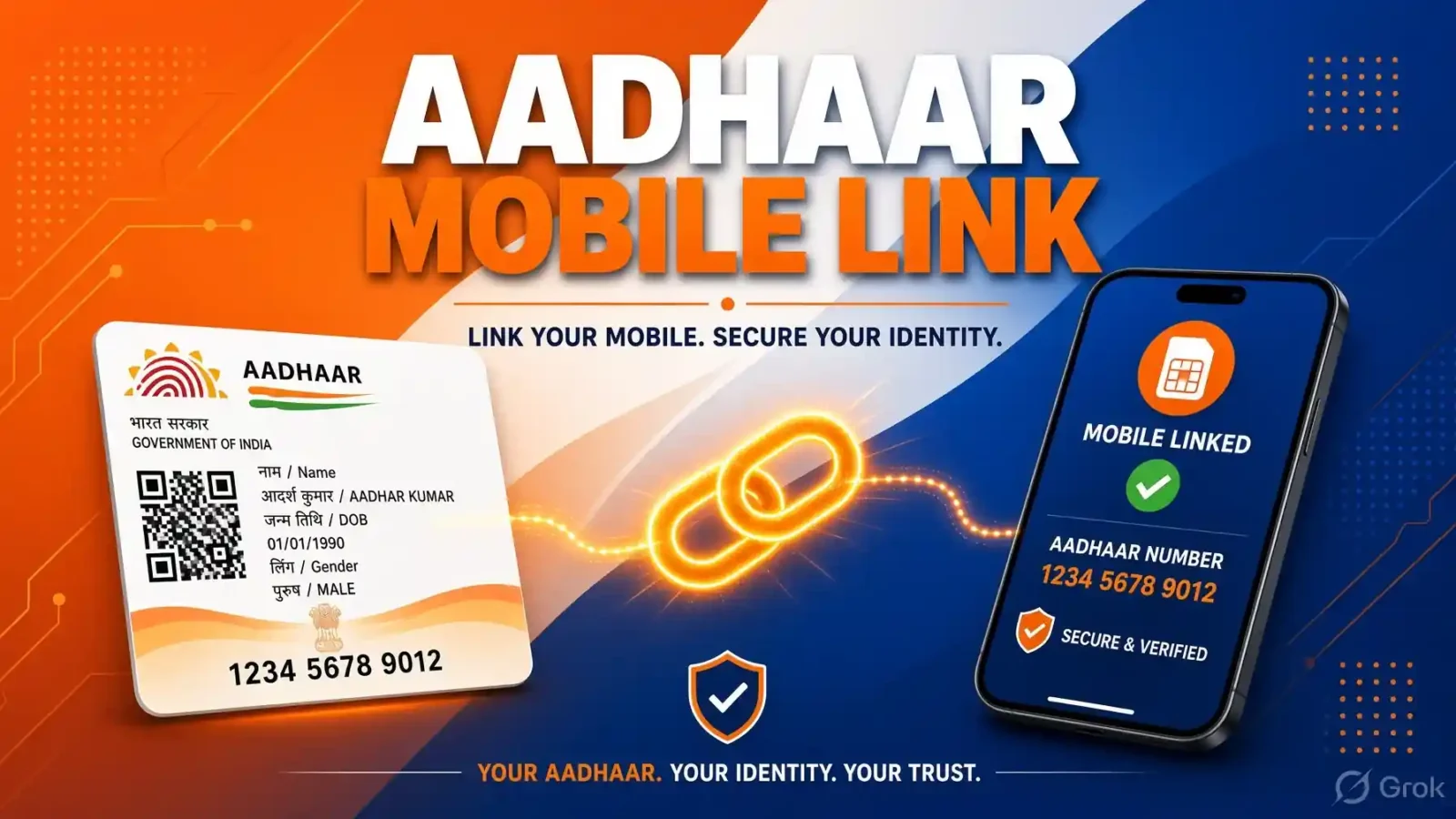
Opening a bank account, linking PAN or doing e-KYC all depend on an Aadhaar OTP. Sometimes the OTP never arrives, and the reason is often that your current number is not linked to Aadhaar, or an old, dead number is. You can now check this from home.
What the facility is
UIDAI lets residents verify the mobile number and email ID seeded with their Aadhaar. According to the PIB release, the “Verify Email/Mobile Number” feature is on myaadhaar.uidai.gov.in and in the mAadhaar app, so you can confirm that your own number is the one on record.
Steps on the website
- Open myaadhaar.uidai.gov.in.
- Under Aadhaar Services, choose Verify Email/Mobile Number.
- Select “Verify Mobile Number”.
- Enter your 12-digit Aadhaar number and the mobile number you want to check.
- Fill in the captcha and continue.
If the number is linked, the screen says it is already verified in the records. If not, the portal tells you and suggests updating the number. The same option is in the mAadhaar app.
If you cannot remember the number
Vikaspedia, citing UIDAI, says that if you do not remember the number you gave at enrolment, you can see the last three digits of the linked mobile using the Verify Aadhaar feature on the myAadhaar portal or the mAadhaar app.
What to do if no number is linked
UIDAI says that to link or update a mobile number you need to visit the nearest Aadhaar centre, where a form and biometric verification are required. Check UIDAI’s site for current fees and documents, as these can change. To track an update, use your URN or call UIDAI’s toll-free number 1947.
Common reasons an OTP does not arrive
- No mobile number is linked to the Aadhaar
- An old, switched-off number is linked
- On services like Google Pay, the number on your bank account differs from the Aadhaar number. Google’s help page says they must match
- Network or SMS-blocking problems on your phone
Stay safe
Use this check only for your own Aadhaar. Never share your Aadhaar number or an OTP with an unknown caller. To see how many SIMs run in your name, read how to check and report fake SIM cards in your name. If you are cheated online, see our guide on reporting online fraud on 1930 and recovering money.
FAQ
How do I find the mobile number linked to my Aadhaar?
Use Verify Email/Mobile Number on myaadhaar.uidai.gov.in, or the mAadhaar app, with your Aadhaar and mobile number.
What if I forgot which number I gave?
The Verify Aadhaar feature shows the last three digits of the linked number.
Can I change my linked mobile number online?
According to UIDAI, you need to visit an Aadhaar centre to link or update the number.
What is the UIDAI helpline?
The toll-free number is 1947.
Can the same mobile number be linked to several Aadhaar numbers?
Rules can change, so confirm with UIDAI or an Aadhaar centre.
This is general guidance. Check UIDAI’s official website for the current process and fees.
Also read: How to Check an Original Aadhaar PVC Card: Security Features and How to Spot a Fake | What Happens If PAN Is Not Linked With Aadhaar? Inoperative PAN, ₹1,000 Fee and How to Link
Sources
- UIDAI / PIB press release (May 2023): verify email/mobile number seeded with Aadhaar
- UIDAI: Avail Aadhaar Services
- Vikaspedia: Check email/mobile number seeded with Aadhaar
- Google Pay Help: Add or link a mobile number with Aadhaar
- Business Today and LatestLY: verification steps
























Share Your Opinion
Comments are closed on this post.