 Vista
An email or SMS saying “notice from the Income Tax Department” scares most people. In reality, not every notice means an inquiry or a penalty. Many are only informational, and some simply ask you to fix a small error. The real trouble starts when people ignore a notice or click a link in a fake email.
This post explains in simple language what the common notices mean, where to find them, how to reply and what to avoid.
First, check whether the notice is genuine
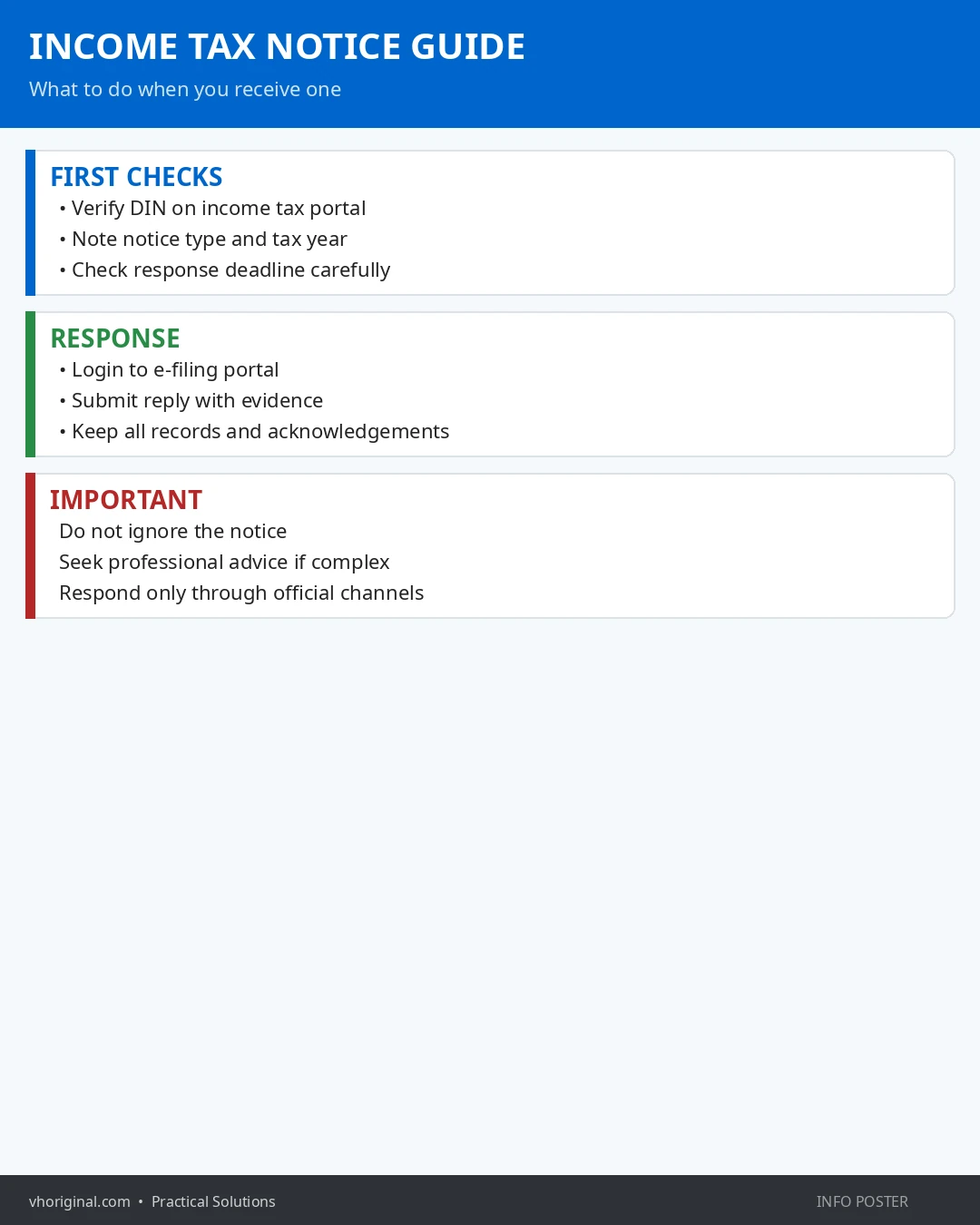
A genuine notice shows up inside your account on the income tax e-filing portal. After logging in, go to Pending Actions > e-Proceedings on the dashboard to view and respond to it. For most notices you do not need to visit an income tax office.
- Never enter bank details, OTPs or passwords through a link in an email.
- Type the portal address yourself and match the notice against what you see after login.
- If someone calls pretending to be a tax officer and asks for money, treat it as possible fraud.
Main notices at a glance (chart)
| Section | Name | Usual meaning | Seriousness |
|---|---|---|---|
| 143(1) | Intimation | Result of the preliminary check: refund, dues or an adjustment | Often informational; reply if you disagree |
| 139(9) | Defective return | Missing information, wrong name or wrong ITR form | Correct within the given time |
| 142(1) | Inquiry before assessment | Asks you to file a return or submit documents | Moderate; reply required |
| 143(2) | Scrutiny notice | Detailed examination of your return begins | Serious; prepare documents |
| 148 | Income escaping assessment | Officer believes some income was missed | Serious; take professional advice |
| 156 | Demand notice | Request to pay tax due | Pay or object in time |
| 245 | Refund adjustment | Refund set against an earlier demand | Informational; respond if you disagree |
Note: under the new Income Tax Act, 2025, section numbers have changed, and some sources show old and new numbers side by side. Use the section printed on your own notice and reply under that.
Section 143(1): intimation
After you file, the department runs a preliminary check for arithmetic errors and mismatches with TDS data, AIS or Form 26AS. The outcome can be that your return is accepted as filed, that a refund is due, or that some tax is payable. If the figures match, it is effectively the end of the matter. If you disagree, you can respond on the portal or, where suitable, file a revised return.
Section 139(9): defective return
This arrives when a return has defects such as incomplete details, an incorrect name or the wrong ITR form. You get a window to correct it, which is stated in the notice. One source mentions 15 days, but read the date on your own notice. If the defect is not fixed in time, the return can be treated as not filed.
Section 142(1): inquiry
The officer may ask you to file a pending return or to provide documents and information. Ignoring it can lead to a best judgement assessment and penalties. One source cites a penalty of ₹10,000 for each failure to comply.
Section 143(2): scrutiny
Your return has been selected for a closer look. Gather the documents linked to the issues in the notice, such as bank statements, investment proofs, rent receipts and sale papers, and upload them by the due date. A chartered accountant’s help is sensible here.
Section 148: income escaping assessment
This is among the most serious types. The department believes some income for a past year escaped assessment. Pull out old records and respond carefully, and do not reply in a hurry without advice.
How to reply, step by step
- Log in to the e-filing portal with your PAN.
- Open Pending Actions > e-Proceedings.
- Note the section, assessment year and deadline.
- Confirm the assessment year matches your return.
- Prepare the requested documents as PDFs.
- Write your response, attach documents and submit.
- Save the acknowledgement.
A tax notice is different from a legal notice sent by a lawyer or a court. For the latter, see our guide on how to respond to a legal notice. If you are filing late, read our belated ITR guide.
Common reasons notices are issued
- Income shown in AIS or 26AS but missing from the return.
- Wrong or inflated deductions and exemptions.
- Unreported high-value cash transactions or sale of shares or property.
- Choosing the wrong ITR form.
- Not filing a return despite taxable income.
Mistakes to avoid
- Ignoring the notice.
- Replying after the deadline.
- Giving verbal explanations without documents.
- Handing your portal password and OTP to an agent.
- Paying money in response to a suspicious email.
Frequently asked questions (FAQ)
Does every income tax notice mean a penalty?
No. Many, such as 143(1), are informational or ask for a minor correction.
Where do I see the notice?
On the e-filing portal under Pending Actions, in e-Proceedings.
Do I have to visit an office to reply?
Most notices can be answered online.
What is the difference between 143(2) and 148?
143(2) examines a return you filed. 148 is based on the belief that some income escaped assessment.
What if I miss the reply deadline?
Action and penalties can follow. Check the portal immediately and consult a chartered accountant.
This is general information, not tax or legal advice. Consult a chartered accountant for your case.
Also read: How Many Days Does an ITR Refund Take in India? Timeline, Status and Reasons for Delay | What Happens If You Do Not File Your ITR in India? Late Fee, Interest, Notices and Penalties
Sources
- Income Tax Department: FAQs on Faceless Income-tax Proceedings, e-Proceedings (incometaxindia.gov.in)
- Business Today: Section 143(1) to 245, decoding the income tax notices
- ClearTax: Types of income tax notices and time limits
- 5paisa: Income tax notice sections explained
- EZTax: IT notice FAQs, with old and new section mapping




















Share Your Opinion
Comments are closed on this post.