 Vista
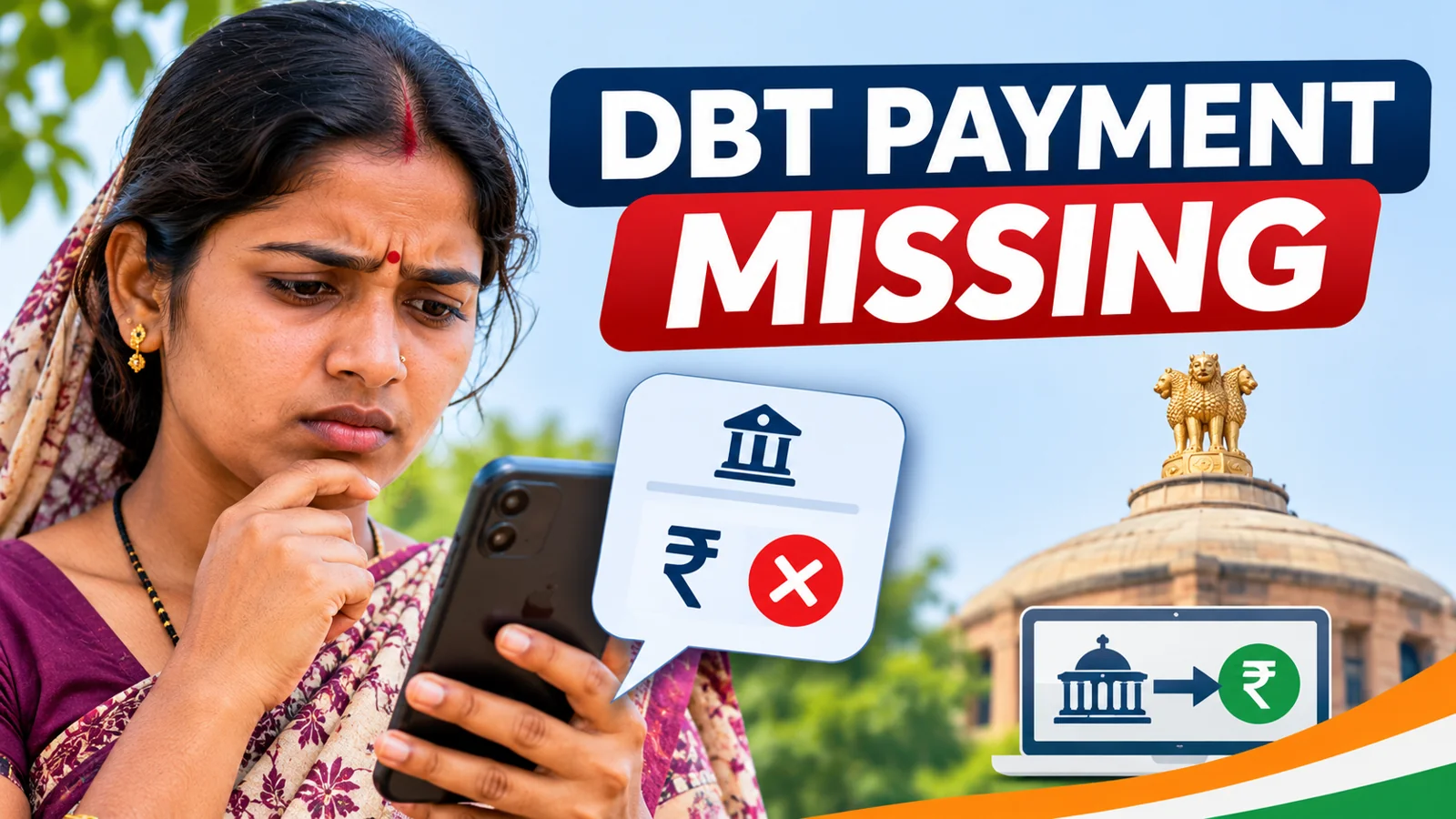
The instalment date has passed and the scheme money has not reached your account. It feels like the government never sent it. But in most cases the problem is a small mismatch in your bank account, Aadhaar or e-KYC. Once you find the real reason, it can often be fixed within a day or two.
This post explains how DBT (Direct Benefit Transfer) money reaches you, the common reasons it fails, how to check your status and where to complain.
How does the money reach your account?
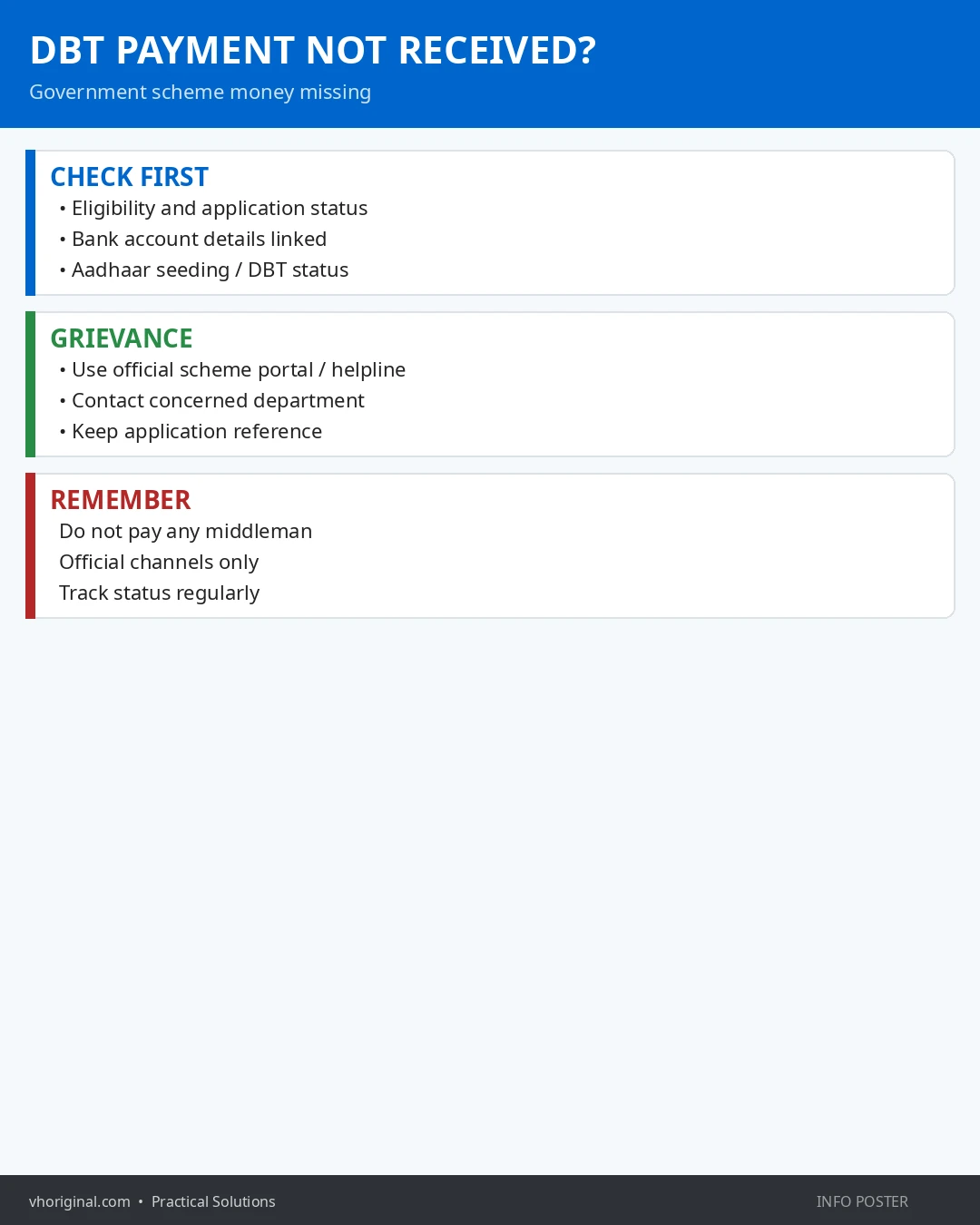
The department running the scheme sends the beneficiary list and payment instruction to NPCI (National Payments Corporation of India). NPCI looks up your Aadhaar number, finds which bank account it is “mapped” to, and sends the money there. This is the NPCI mapper. So the money goes to the account linked to your Aadhaar, even if you wrote a different account number on the form.
Common reasons money does not arrive (chart)
| Reason | What happens | Fix |
|---|---|---|
| Aadhaar not seeded | Aadhaar is not mapped to any account in the NPCI mapper | Apply for Aadhaar seeding at the bank branch |
| Wrong or closed account mapped | An old or closed account is in the mapper | Get Aadhaar seeded again to your preferred account |
| DBT disabled | The bank is blocking government money on the account | Ask the branch to enable it |
| e-KYC pending | The scheme’s e-KYC is incomplete | Do e-KYC on the scheme site or at a Common Service Centre |
| Inactive account or incomplete KYC | No transactions for long, or old KYC | Update KYC and make a small transaction |
| Name mismatch | Spelling differs between Aadhaar and bank | Make the name identical in both |
| Technical glitch | Temporary problem between bank and NPCI | Wait a few days and check again |
The most common mistake: “Aadhaar is linked”
Bank staff may say Aadhaar is linked, but that can mean two different things. One, Aadhaar is recorded in the bank’s own KYC records. Two, Aadhaar is successfully mapped to your account in the NPCI mapper. DBT needs the second. So ask the branch clearly: “Has my Aadhaar been seeded in the NPCI mapper, and has NPCI confirmed it?”
How to check your bank seeding status
According to UIDAI, you can check your bank seeding status on the official Aadhaar portal (myaadhaar.uidai.gov.in). NPCI’s official site also describes a way to check. Enter your Aadhaar OTP only on official sites, never on unknown links.
- Only one account is mapped to Aadhaar for DBT at a time, even if you hold several accounts.
- The bank shown in the status is your DBT account.
- If that account is closed or old, money can get stuck.
How to change your DBT account
- Visit the branch of the bank where you want to receive the money.
- Fill in the Aadhaar seeding (DBT consent) form. Carry Aadhaar and passbook copies.
- Take the acknowledgement and check the seeding status after a few days.
- Keep the spelling of your name identical in Aadhaar and the bank.
Check the scheme side too
Many schemes pay only when e-KYC is complete and eligibility is verified. So check your status on the scheme’s official site as well.
Check the account itself
- Is the account active? An account with no transactions for a long time can turn inactive.
- Is KYC up to date? Old KYC can freeze an account.
- Is there a limit on the account type? Some basic accounts face problems above certain balances.
If the account is inactive, you can reactivate it by taking KYC papers to the branch and making a small transaction.
Where to complain
- First give a written complaint to your bank branch and take a receipt.
- Ask about your status on the scheme’s portal, helpline or nearest Common Service Centre.
- Submit an application at the Gram Panchayat or block office.
- If it is still unresolved, lodge a grievance on the government’s CPGRAMS portal.
Beware of scams
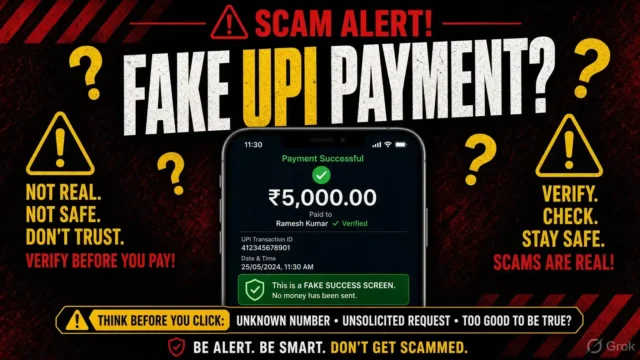
Messages like “your money is stuck, open this link” or “pay some amount to release it” are frauds. Real fixes happen through the bank and government offices. If anyone asks you to install an app or share an OTP, refuse.
Frequently asked questions (FAQ)
What is DBT?
Direct Benefit Transfer: scheme money sent straight to the beneficiary’s bank account.
What is the NPCI mapper?
It is NPCI’s system that links your Aadhaar to one bank account so government money reaches that account.
Can more than one account be used for DBT?
No. Only one account is mapped to an Aadhaar at a time.
Where do I check my mapper status?
On the official Aadhaar site myaadhaar.uidai.gov.in or NPCI’s official site.
What if my account has become inactive?
Submit KYC papers at the branch and make a small transaction to reactivate it.
Also read: Pension Stopped? Why It Happens and How to Restart It (Life Certificate, Aadhaar Seeding, DBT) | How to Check Your Name in the Ayushman Card List (PM-JAY) and What to Do If It Is Missing
Sources
- UIDAI: Direct Benefit Transfer (uidai.gov.in)
- DBT Bharat portal: DBT process documents
- Paytm Blog: Common DBT payment errors and understanding the NPCI mapper
- RTI Wiki: DBT money not credited, fixes
- Official websites of your bank and the scheme


















Share Your Opinion
Comments are closed on this post.