 Vista
You open your bank passbook or statement and see CR, DR, CLG, ECS and TPT. It is hard to tell where money came from and where it went. This confusion is very common because banks use short codes to save space. Once you know what they mean, reading a passbook becomes easy, and a wrong deduction or an unknown transaction stands out right away.
In this post we explain the passbook columns, common short forms, credit and debit entries, how to spot suspicious entries and how to complain, all in simple language.
First, the difference between credit and debit
Every passbook entry either adds money to your account or takes it out.
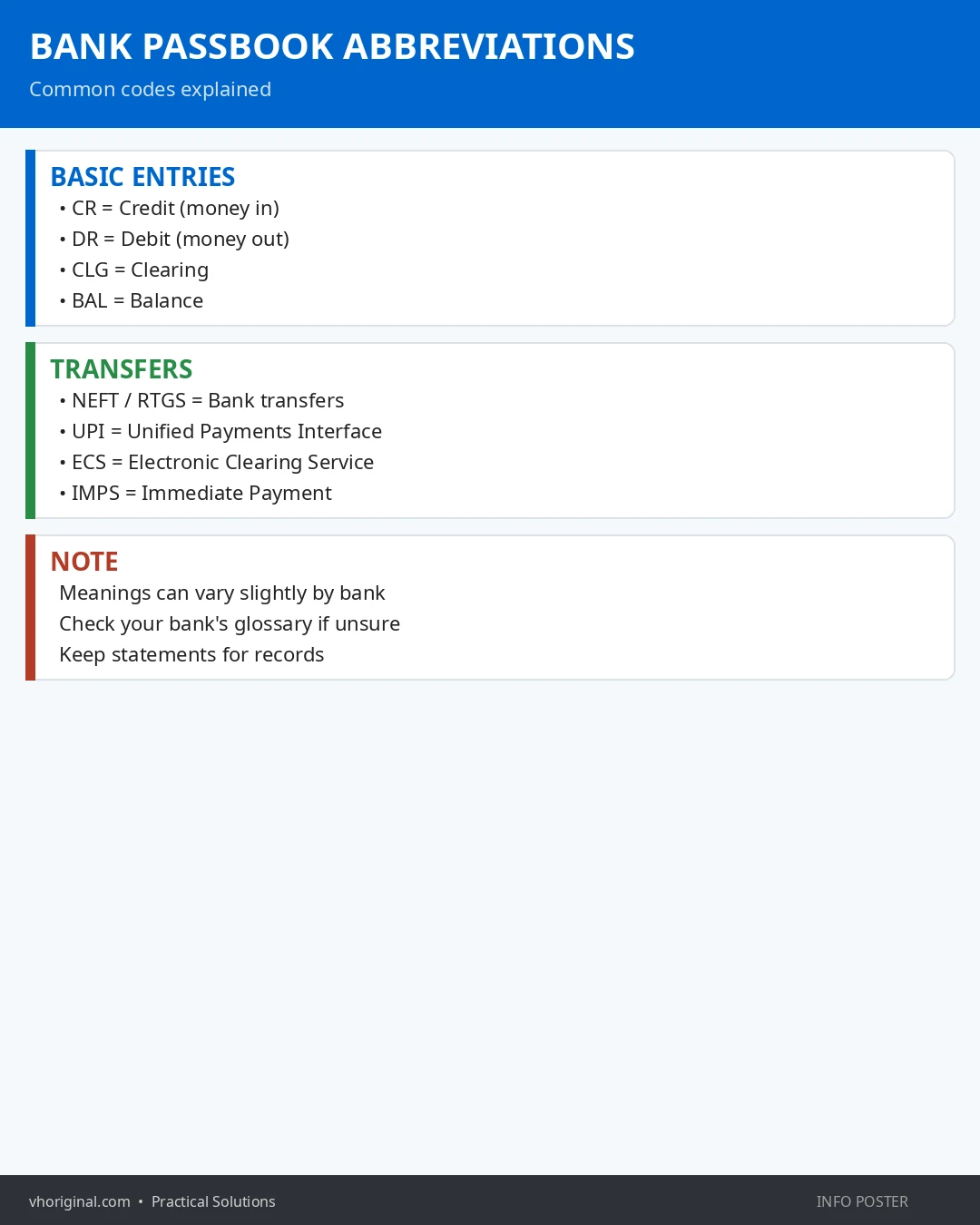
- CR (Credit): money came into your account, such as salary, a transfer from someone, interest or a refund.
- DR (Debit): money left your account, such as a cash withdrawal, a bill payment, a transfer you made or a bank charge.
If an entry says “DR” but you expected to receive money, read the full description carefully.
Common short forms and meanings (chart)
| Code | Full form | Meaning |
|---|---|---|
| CASH DEP | Cash Deposit | Cash deposited at a branch or a cash deposit machine |
| ATM WDL / ATW | ATM Withdrawal | Cash taken from an ATM. Another bank’s ATM can add extra codes |
| INT / INT. CR. | Interest Credit | Interest earned on a savings account |
| NEFT CR/DR | National Electronic Funds Transfer | Electronic transfer between banks, received (CR) or sent (DR) |
| RTGS CR/DR | Real Time Gross Settlement | Instant transfer of large amounts |
| IMPS CR/DR | Immediate Payment Service | Instant 24×7 transfer |
| UPI CR/DR | Unified Payments Interface | Money received or sent by UPI, usually with the other party’s details |
| ECS DR / ECS CR | Electronic Clearing Service | ECS Debit is an automatic bill or instalment payment; ECS Credit is a credit such as a subsidy or refund |
| CLG | Clearing | Cheque clearing entry |
| TPT | Third Party Transfer | Transfer to a third person |
| IB / INF | Internet Banking / Internet Fund Transfer | A transfer made through internet banking |
| REV | Reversal | Money returned from a failed ATM, UPI or card transaction |
| RET / RTN / RETURN | Return | A returned transaction such as a bounced cheque or rejected auto-debit |
Note: not every bank uses the same codes. For example, some public sector banks use XFER or TR for transfer, CLG for clearing and CHS for cash transactions. If an entry is unclear, check your bank’s official list of codes or ask the branch.
Entries that bring money in (credit)
- Cash Deposit: you or someone else deposited cash.
- Cheque Deposit / CLG: a cheque does not give money instantly. It can take a few working days to clear before the credit is final.
- NEFT / RTGS / IMPS / UPI CR: someone sent money digitally. The sender’s name or transaction ID is usually shown.
- Salary: salary from your employer. Compare it with your salary slip.
- INT CR: interest on your savings account, added by the bank at regular intervals.
- ECS CR / DBT: credits such as government subsidies, scholarships or refunds.
Entries that take money out (debit)
- Cash Withdrawal / ATM WDL: cash taken out.
- POS or Debit Card Purchase: a card payment at a shop.
- UPI / IMPS / NEFT DR: you sent money to someone.
- ECS DR / NACH: automatic payments such as electricity bills, insurance premiums, loan EMIs or SIPs.
- Cheque Payment: payment of a cheque you issued.
- Charges / SMS Charges / Annual Fee: bank fees such as SMS alerts, annual card fees or a penalty for low minimum balance.
How to read the other columns
- Date: the day the bank recorded the entry. It can be a day or two off from the actual payment date.
- Particulars / narration: this is where codes, names and transaction IDs appear. The RBI has also set out illustrative narrations, such as recording the payee’s name and the mode (transfer, clearing, RTGS/NEFT, cash or cheque number) in debit entries.
- Cheque number or reference: the cheque number or transaction reference.
- Debit and Credit: the amount taken out and the amount added.
- Balance: what remains in the account after each entry.
How to tell whether an entry is suspicious
- Match the amount, date and the name of the other party against what you remember.
- Note any UPI or card transaction you did not make.
- If an ECS or NACH instalment is being debited every month, check which service it is. Old subscriptions and app auto-debits are often forgotten.
- If small charges keep getting deducted, ask the bank why (SMS fee, card fee or a penalty).
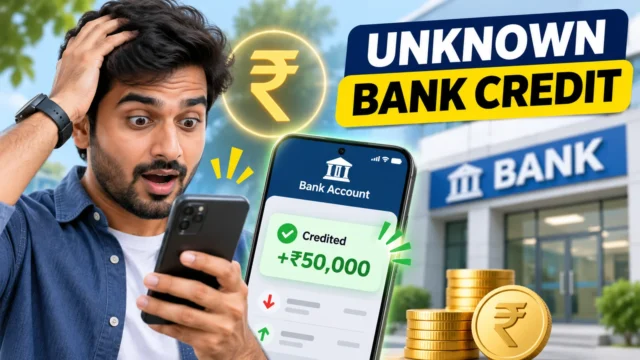
- If money arrives from an unknown account and the sender says it was sent “by mistake”, do not send it back without checking. Our guide on what to do when unknown money lands in your account explains the process.
What to do if you see a wrong entry
- Call the bank immediately, block your card or UPI, and report the suspicious transaction.
- Give a written complaint at the branch with the transaction ID, date and amount, and take a receipt.
- If it looks like fraud, also report it on the national cybercrime helpline 1930 or at cybercrime.gov.in.
- The sooner you report, the better the chances of getting your money back.
How often should you update your passbook?
Passbooks are printed at the branch or on a passbook printing machine. Get it printed at least once a month so old entries are not missed. If you have a smartphone, mobile banking and SMS alerts show every transaction immediately. Never share your passbook or statement details, OTP or password with anyone.
Frequently asked questions (FAQ)
What do CR and DR mean?
CR is Credit, money came into the account. DR is Debit, money went out.
What does ECS mean?
Electronic Clearing Service. ECS Debit is an automatic payment such as a bill or instalment; ECS Credit is a credit such as a subsidy or refund.
What does CLG mean?
Clearing, an entry for cheque clearing.
What is a REV entry?
Reversal: the money from a failed transaction has been returned.
Do all banks use the same codes?
No. Many are similar, but some banks use different terms. Ask your bank if unsure.
What should I do first if I see an unknown debit?
Tell the bank at once and block your card or UPI, then give a written complaint, and call 1930 if it looks like fraud.
Also read: Old Mobile Number Given to Someone Else? Risks to Your Bank, UPI and WhatsApp and What to Change Now | Got Unknown Money in Your Bank Account? What to Do First (Avoid Scams)
Sources
- Paytm Blog: Common Passbook Entries Explained and Transaction Codes in Your Passbook
- Business Standard: Decoding bank statements
- DNA India: Too many acronyms make passbooks a puzzling read
- RBI: Illustrative narrations for Statement of Account/Passbook
- Ujjivan SFB: How to read your bank statement
- BankBazaar: Banking abbreviations glossary
















Share Your Opinion
Comments are closed on this post.