 Vista
Download 10 original mobile wallpaper HD designs for iPhone and Android. This collection is deliberately varied: battery-conscious black AMOLED styling, glossy Liquid Glass aesthetics, depth-style wildlife, surreal 3D-looking scenery, clean space for widgets, Y2K metallic chrome, bright Frutiger Aero, neon rain, warm paper-cut art, and a digital-detox reminder.
Beautiful is not always practical. A vivid lock screen can make it hard to read tiny app labels on your home screen; an all-black wallpaper looks sleek on OLED but cannot fix every source of battery drain. A foreground animal may look like a great depth-effect candidate yet not trigger your phone’s special feature. This guide explains those differences, then lets you open each original image rather than settling for a small screenshot or compressed preview.
Download resolution: each portrait PNG is 841 × 1870 pixels, approximately 9:20. These are HD mobile wallpapers—not genuine 4K files, despite how often “4K phone wallpaper” appears in searches. The 16:9 cover graphic is only an article banner. Cropping may vary from one phone to another.
Quick Guide: Pick the Wallpaper for Your Phone
- OLED and AMOLED: Obsidian Eclipse or Focus Mode.
- Liquid Glass style: Liquid Glass Aurora.
- Subject depth look: Snow Leopard.
- Surreal 3D illusion: Infinity Sky Portal.
- Widgets and clear icons: Crystal Frost.
- Y2K metal: Liquid Chrome Ribbon.
- Colorful nostalgic aesthetic: Aero Dreamscape.
- Neon night: Tokyo Rain After Dark.
- Warm, calm design: Zen Paper Canyon.
- Screen-time reminder: Focus Mode.
1. Obsidian Eclipse — True Black AMOLED
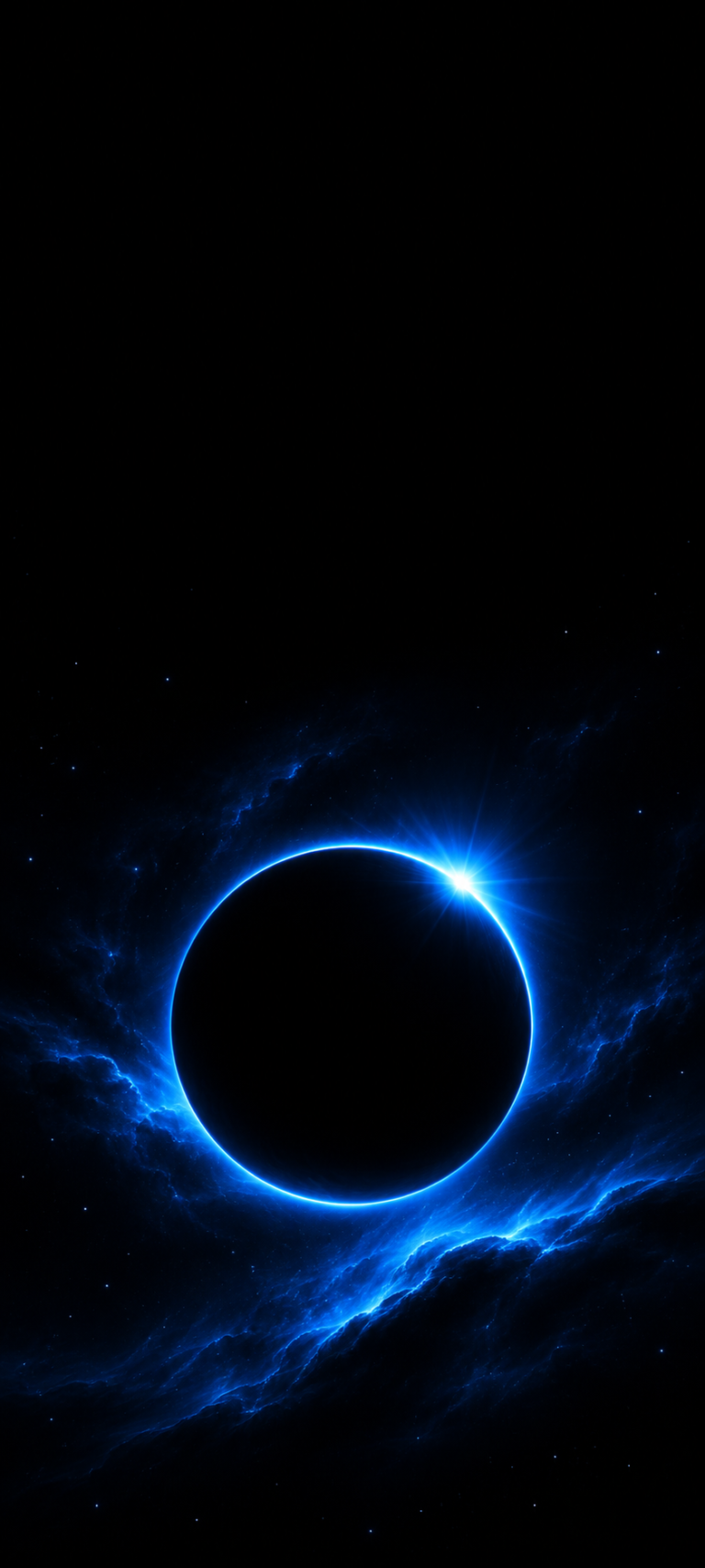
SEO image focus: true black AMOLED wallpaper. The luminous blue halo creates a dramatic focal point while most of the canvas remains dark. If you have an OLED or AMOLED phone, the black areas can require less display power than similarly bright parts of an image because these screens illuminate pixels individually. It is sensible to think of this as a possible efficiency benefit, not a promised battery-saving percentage. Actual savings depend on brightness, time spent viewing the screen, overlays, phone hardware, and everyday use. An LCD has a backlight and does not gain the same per-pixel advantage. The crisp halo works especially well with monochrome icons.
Usage tip: Best for dark Lock Screens, AMOLED phones and minimal setups. Keep bright clock widgets above the eclipse and avoid crop settings that cut off the halo.
2. Liquid Glass Aurora — Translucent iPhone Aesthetic
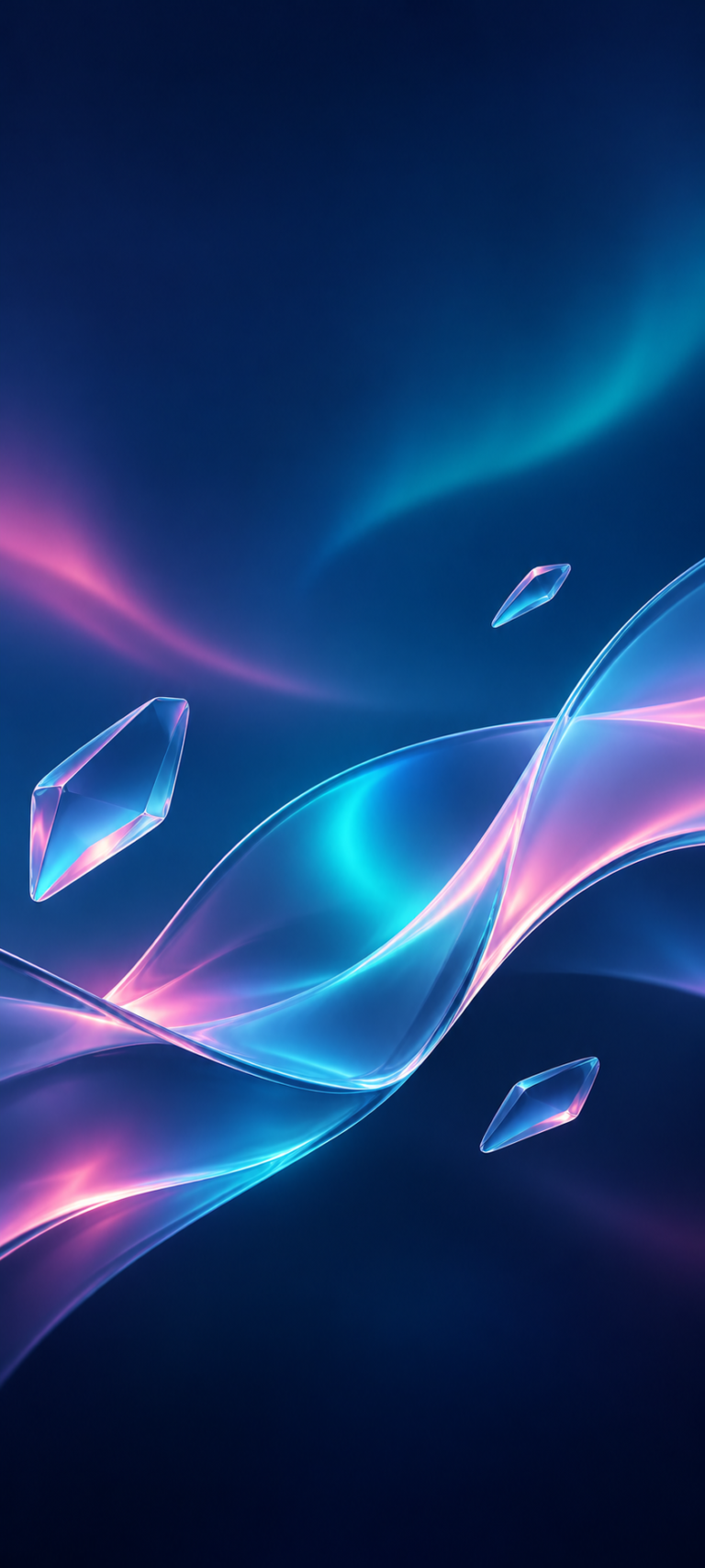
SEO image focus: liquid glass wallpaper iphone. This artwork offers the look of floating glass sheets and softly glowing prisms. It pairs nicely with modern lock screen interfaces, especially if you prefer glass-like styling without a highly detailed photograph. The blue upper area gives the clock some breathing room; the ribbon adds movement without covering every part of the display. Aesthetic wallpaper and a phone’s actual interface effects are separate: downloading this picture cannot enable Apple’s system Liquid Glass feature. On heavily translucent docks and widget backgrounds, the color underneath can still interfere with readability, so preview real widgets after applying it.
Usage tip: Best for glass-themed iPhone or Android personalization. Test dark and light widget text, and use a blur or tint setting when app names compete with the ribbons.
3. Snow Leopard — Depth-Style Animal Lock Screen
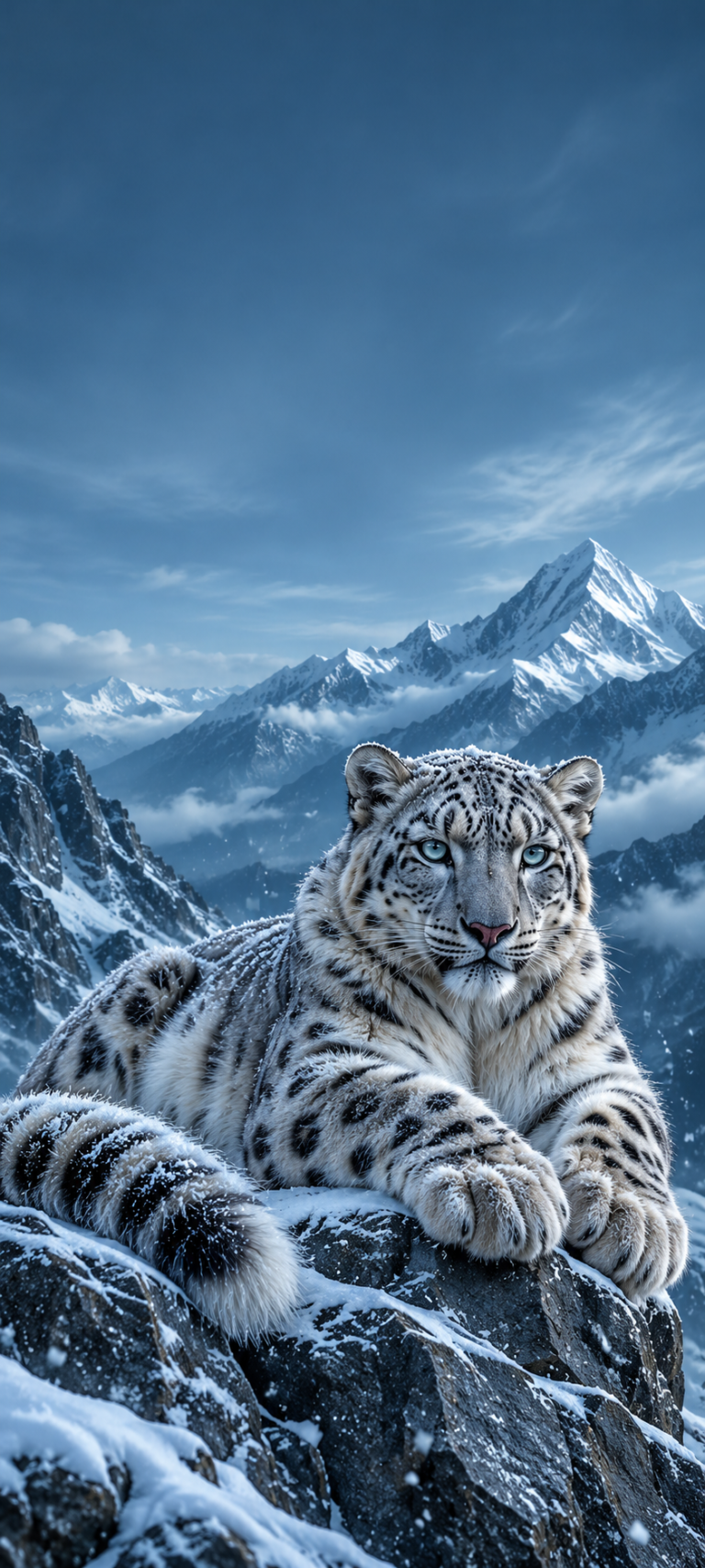
SEO image focus: depth effect wallpaper iphone. The portrait snow leopard sits clearly in front of distant icy peaks, giving the composition a sense of layers. Its face is the center of attention, while the open sky near the top has room for a clock. That makes it attractive for anyone looking for a depth-style phone wallpaper. It is not, however, a verified iOS Depth Effect or Spatial Scene image. Device support and software decide whether the effect is offered for a particular photo. On Android, certain manufacturers provide their own depth or adaptive-clock treatments, which do not work identically across phones. Even with those effects disabled, this image remains a detailed static wildlife wallpaper.
Usage tip: Best for wildlife fans and dramatic Lock Screens. Keep the leopard’s eyes clear of widgets; if your phone offers subject overlap, try it only after testing the result.
4. Infinity Sky Portal — Surreal 3D-Look Wallpaper
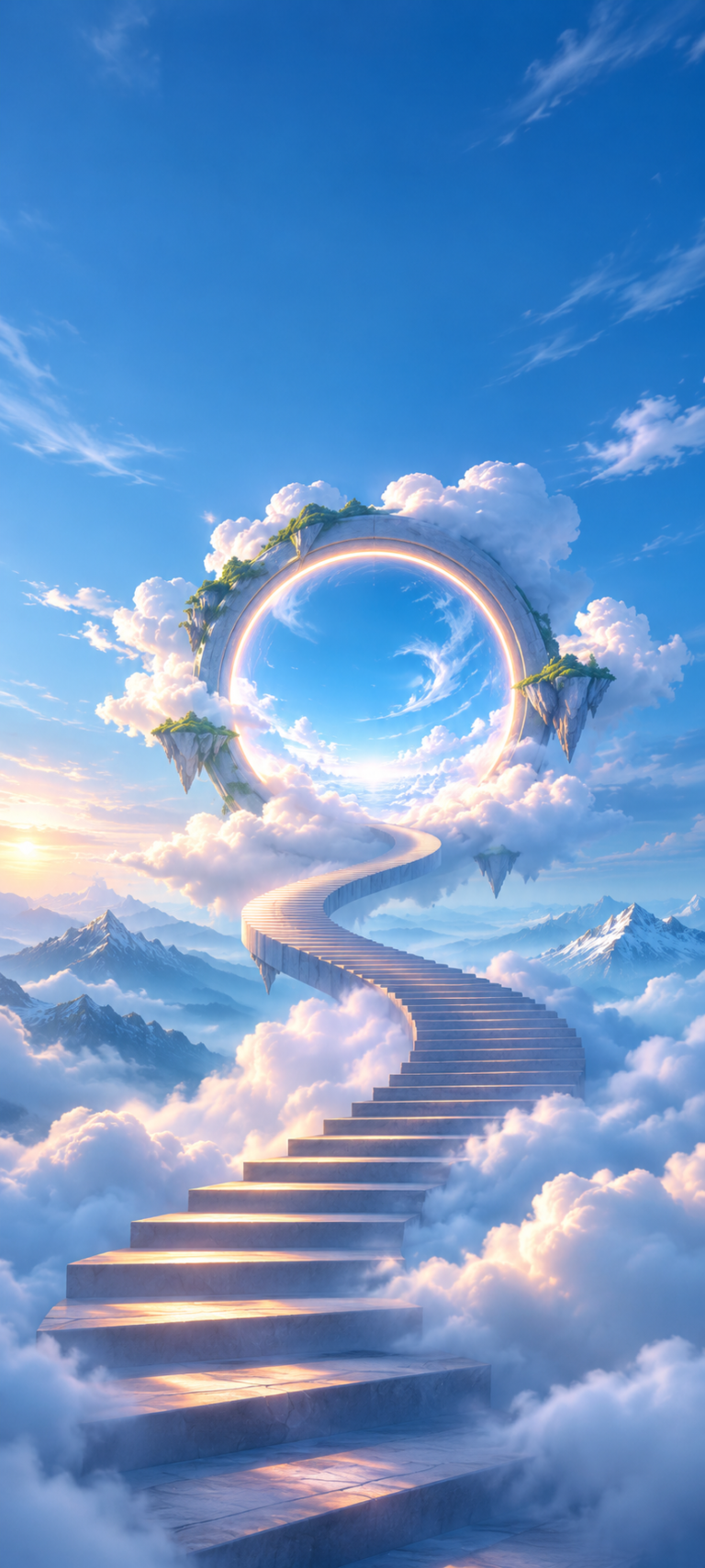
SEO image focus: spatial scene 3d wallpaper. This imaginative scene leads the eye from a staircase in the lower foreground toward a floating gateway above the clouds. The distant mountains and softer atmospheric layers create a convincing illusion of depth without motion or video. It is a striking wallpaper for people who want a little fantasy every time they unlock their phone. Keep in mind that the spatial appearance is part of the artwork; the PNG itself is not a 3D model. Apple’s Spatial Scene and similar smartphone effects use device processing and eligible images, and cannot be guaranteed for every picture. If your phone offers a motion or depth option, test it before describing the effect as active.
Usage tip: Best for cinematic Lock Screens and fantasy art. A simpler background may work better for your Home Screen because the portal and stairs are visually detailed.
5. Crystal Frost — Minimal Wallpaper for Clear Widgets
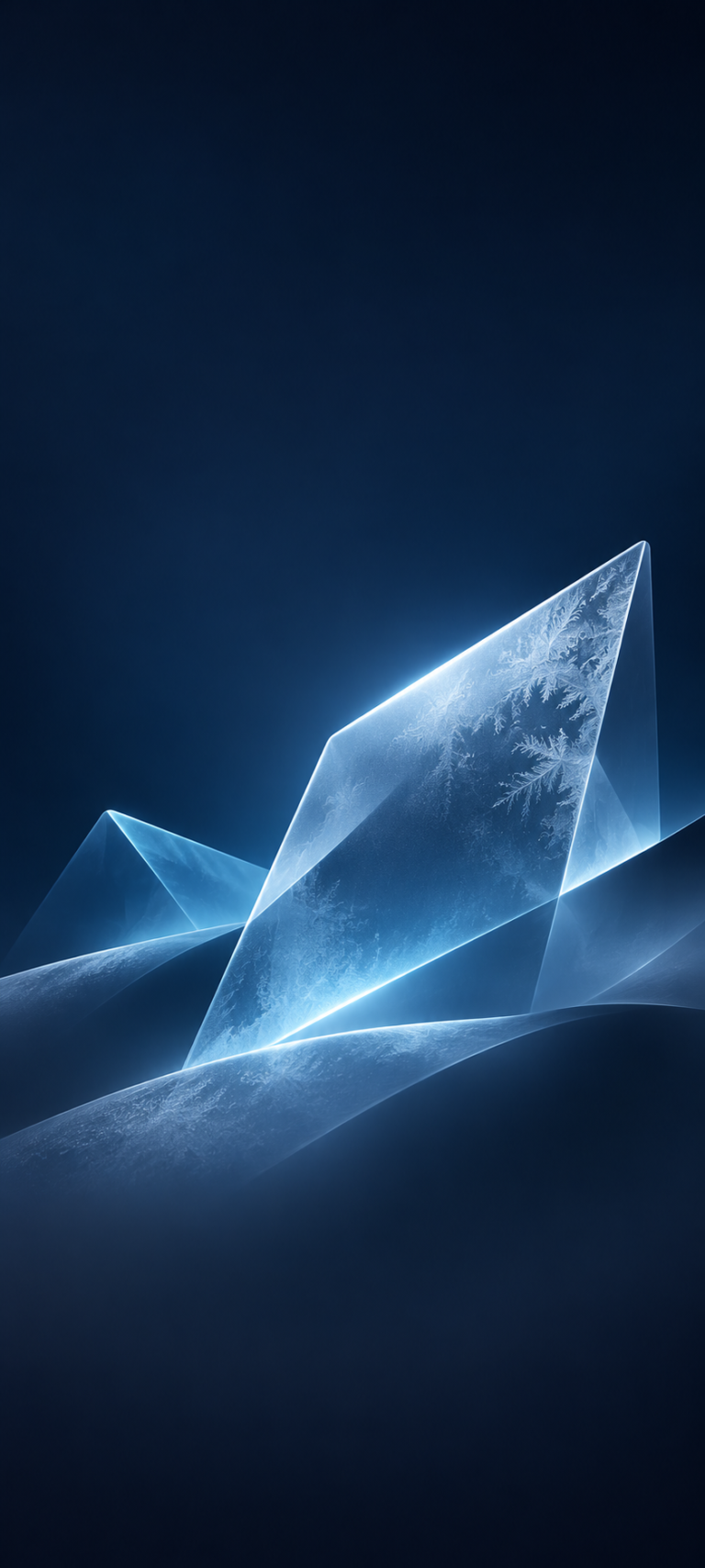
SEO image focus: widget friendly wallpaper. Crystal Frost takes a less-is-more approach: smooth dark areas frame a small arrangement of angular ice-like shapes. The result feels premium without overwhelming the Home Screen. Large weather, calendar or battery widgets can sit over the calmer areas, and white app-label text has a relatively simple background. That does not mean every phone configuration will be readable automatically. Some Android themes adapt colors to wallpapers, and users choose very different icon styles. The best check is to apply the image, examine several home pages, and verify the contrast of your clock, status elements and favorite widgets. This is a practical everyday choice rather than a showpiece that requires constant rearrangement.
Usage tip: Best for busy Home Screens and small text. Place transparent widgets over the smooth dark blue portions instead of the bright crystalline ridges.
6. Liquid Chrome Ribbon — Y2K Metallic Wallpaper
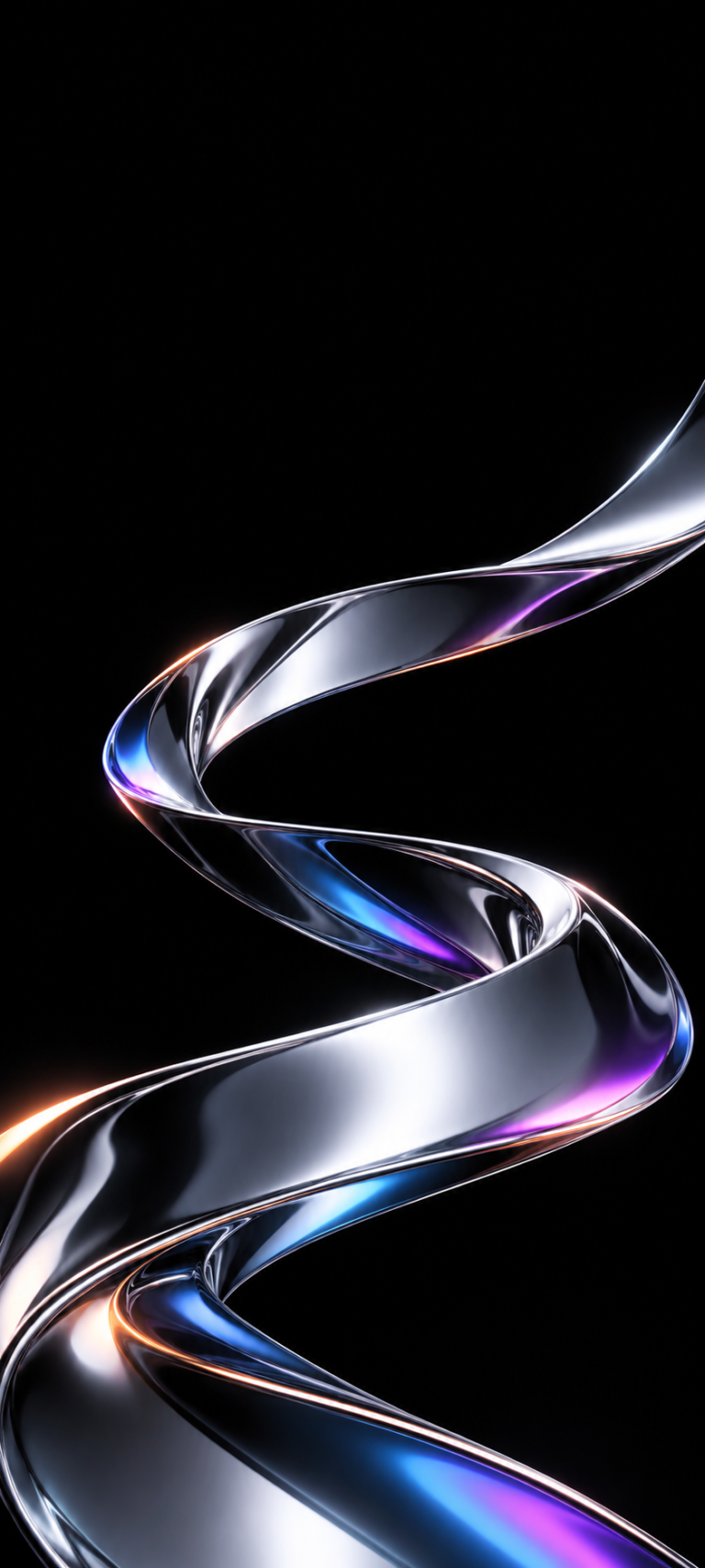
SEO image focus: y2k chrome wallpaper. A sculptural silver ribbon bends through the frame with subtle violet, electric-blue and warm highlights. It evokes the futuristic reflective look commonly associated with Y2K visual design while staying surprisingly minimal. The dark background provides strong contrast, so the chrome structure remains memorable even when viewed as a small thumbnail. On a Home Screen with many bright colored icons, the composition can look busy, especially around the middle of the ribbon. A simple icon layout keeps the aesthetic under control. This is a static metallic-style wallpaper, not a live ribbon animation or a built-in phone theme. It can be used across Android and iPhone as an ordinary image.
Usage tip: Best for silver, black and futuristic setups. Keep your clock at the top and avoid placing the busiest widget directly over the chrome highlights.
7. Aero Dreamscape — Frutiger Aero Nature Style
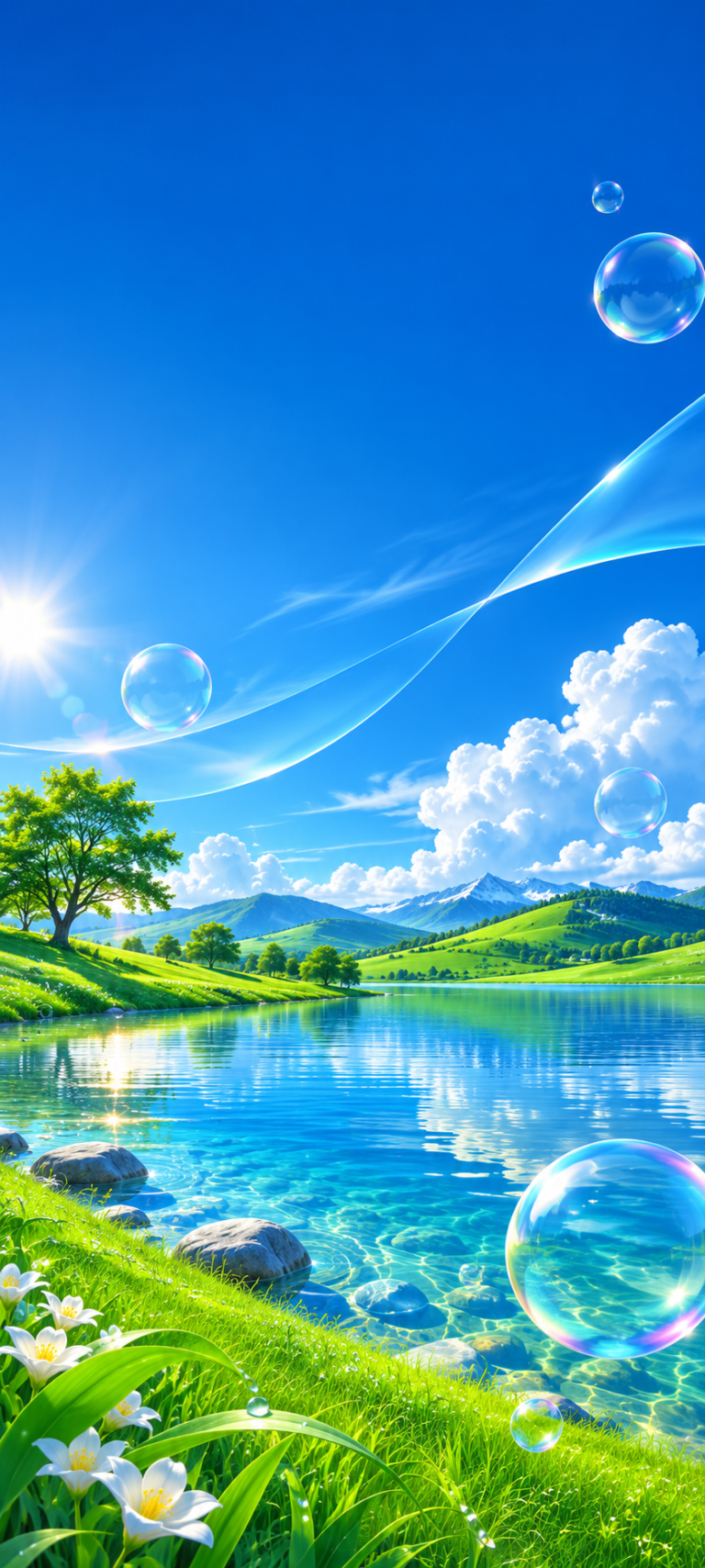
SEO image focus: frutiger aero wallpaper. Aero Dreamscape celebrates vibrant clear water, fresh green hills and floating glassy bubbles. It brings back the optimistic, glossy, nature-meets-technology mood associated with Frutiger Aero aesthetics. The picture is deliberately bright and cheerful, making it ideal when you want your phone to feel more energetic rather than muted or dark. On an OLED screen it will typically light more pixels than Obsidian Eclipse, but the energy impact of a wallpaper depends on screen behavior and how often it is visible. White icons may be difficult to read over the luminous sky and water, so consider keeping this as the Lock Screen while using a quieter Home Screen background. It is an original illustration, not a live interactive wallpaper.
Usage tip: Best for colorful lockscreens and nostalgic digital aesthetics. Try darker clock styling and test readability before making it your Home Screen too.
8. Tokyo Rain After Dark — Rainy Neon City
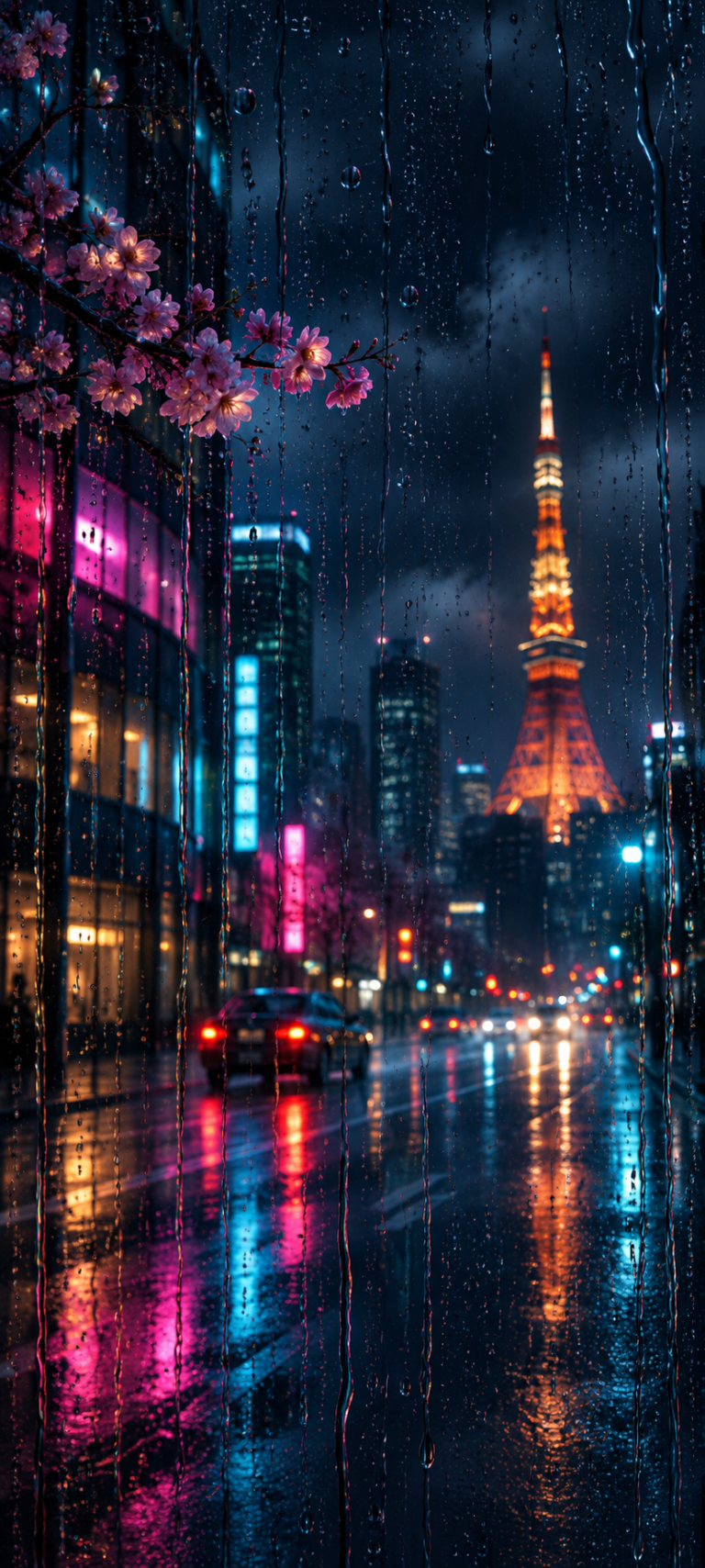
SEO image focus: rainy city aesthetic wallpaper. Rain on glass turns a distant night skyline into a layered display of orange, magenta and cyan reflections. This wallpaper is about mood: a peaceful view outside a window with enough urban light to give the scene atmosphere. Because raindrops and neon highlights appear across much of the frame, some app labels may blend into the scenery. It works particularly well as a dedicated Lock Screen background. If your phone can blur a separately chosen Home Screen wallpaper, the same artwork in blurred form may be more comfortable behind icons. The image is stylized city artwork inspired by Tokyo aesthetics rather than a verified photograph of one specific Tokyo street.
Usage tip: Best for rainy-night aesthetics and cinematic looks. Use dark notification styling where available and keep text away from the brightest signs.
9. Zen Paper Canyon — Calm 3D Paper-Cut Landscape
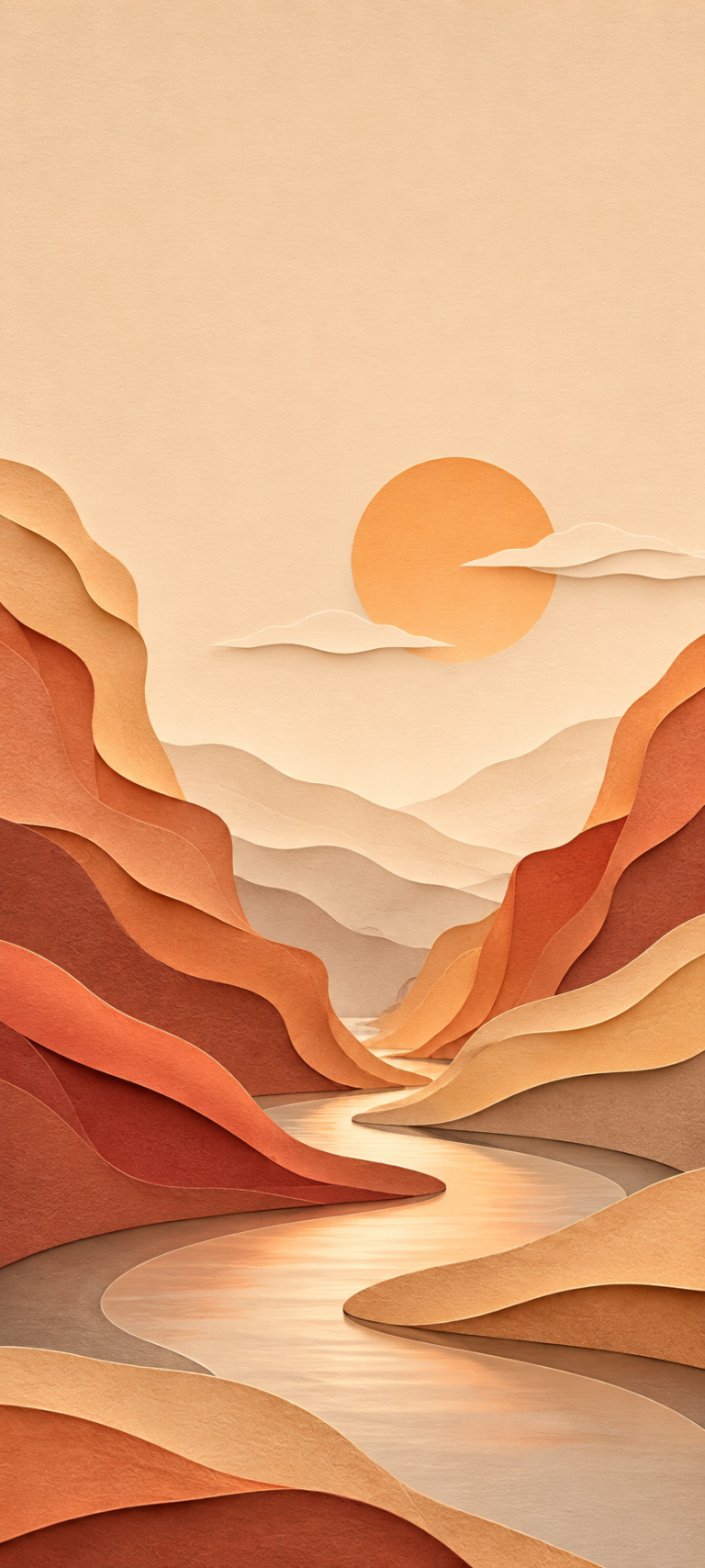
SEO image focus: minimalist 3d phone wallpaper. Zen Paper Canyon looks like overlapping sheets of crafted paper, each curved edge defining a soft valley beneath a warm sun. The restrained earth-tone palette offers a completely different mood from chrome, neon or glass imagery. It is suitable for someone who wants visual warmth without real-world photographic clutter. The pale upper sky also leaves generous negative space for a lock screen clock. On some devices, light home-screen icon labels could disappear over the beige background; switch icon or text appearance if your phone supports the option. This wallpaper is designed for atmosphere and simplicity, not as a battery-saving image. Color preferences and legibility matter more than a blanket claim that any one wallpaper is best.
Usage tip: Best for calm, warm, minimalist phone setups. Pair with simple dark icons or use it as a Lock Screen when you prefer pale colors.
10. Focus Mode — Digital Detox Hourglass
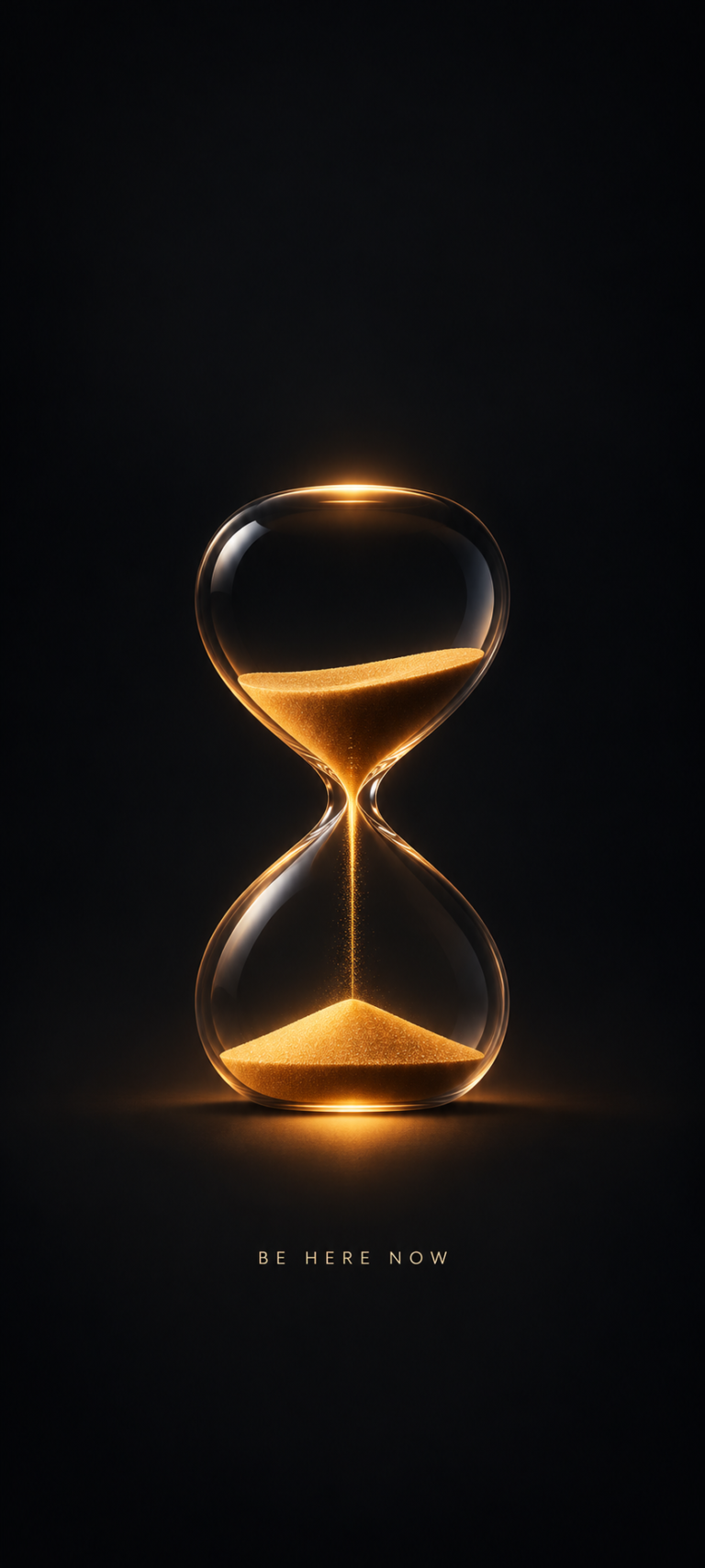
SEO image focus: digital detox phone wallpaper. This wallpaper reduces the entire scene to a small golden hourglass and a subtle message: BE HERE NOW. The design is intended to give you a moment of intention when you reach for your phone, instead of distracting you with another busy background. It cannot block apps, impose usage limits or solve a screen-time habit on its own. For a practical digital-detox setup, combine the reminder with your phone’s notification controls, Focus modes, app timers and a simplified Home Screen. The largely dark canvas also works with a black-themed UI and may suit an OLED display, but battery results vary. Keep the clock away from the hourglass to preserve the calm layout.
Usage tip: Best for study sessions, intentional screen use and simple dark Lock Screens. Combine it with actual device screen-time controls for meaningful change.
Which Wallpaper Can Help Reduce OLED Battery Use?
The honest answer depends on screen hardware. OLED and AMOLED displays light individual pixels, and a genuinely black pixel generally draws less display power than a bright one in comparable conditions. A mostly black static image like Obsidian Eclipse therefore can be a sensible part of a dark-themed OLED setup. But the improvement is not a fixed percentage: brightness, always-on settings, active apps and screen-on time are often more important than the background image itself. On a conventional LCD, the panel’s backlight remains active while displaying black, so the same per-pixel argument does not apply in the same way.
Google’s Android dark theme guidance explains why the display technology matters. Use your device’s Battery Saver options as well, rather than assuming a dark wallpaper will fix noticeable battery drain.
Depth Effect vs Spatial Scene vs Liquid Glass
These search terms describe different things. A depth-style wallpaper is simply an image composed with a separate-looking subject and background, such as the Snow Leopard. A phone’s Depth Effect or Spatial Scene is a software feature that may treat eligible images as layered or more three-dimensional. And a Liquid Glass wallpaper often means a picture with translucent ribbons, glossy gradients or glasslike forms; it does not by itself add a system interface feature.
According to Apple’s wallpaper instructions, compatible iPhones on iOS 26 can turn certain eligible images into Spatial Scenes. Samsung also documents Adaptive Clock behavior on supported Galaxy phones. This collection has not undergone device-by-device eligibility testing: no particular image is promised to activate either feature. If an effect does not appear, the PNG is still usable as a regular wallpaper.
How to Download and Apply a Mobile Wallpaper
- Scroll to your favorite wallpaper and tap its Open / Save Original HD Wallpaper link.
- When the original PNG opens, use your browser’s image save option; on many mobile browsers, a long press offers a save action.
- Open Photos, Gallery or your phone’s Wallpaper settings and choose the saved image.
- Select Lock Screen, Home Screen or both; the available options depend on your phone.
- Move or scale the artwork so the clock, camera cutout and widgets do not cover its main subject.
- Finally check the clock, notification contrast, app names and key widgets. Change their colors or add a blur if your phone supports it.
Do not confuse a screenshot of a web preview with the source file. The links above go to the original 841 × 1870 PNGs. These dimensions can scale to many common phone screens, but some tall displays will crop the top or sides. If your phone has an unusually wide, foldable or high-density display, review the visible crop before saving your final setup.
Lock Screen or Home Screen: Which Image Belongs Where?
Use a visually expressive piece—Snow Leopard, Infinity Sky Portal, Tokyo Rain or Aero Dreamscape—when the Lock Screen has little information covering it. A quieter image, especially Crystal Frost or Zen Paper Canyon, is useful on the Home Screen if you keep calendars, weather, notes or many app shortcuts visible. The contrast between the wallpaper and widget text is more valuable than chasing a trendy look that makes your daily controls hard to read.
You can also mix styles: keep a bright Frutiger Aero lock screen and choose a simple dark wallpaper for your Home Screen. On supported iPhones, a blurred Home Screen treatment can improve icon legibility; Android options depend on the launcher and manufacturer. This is often more satisfying than using a single highly detailed wallpaper everywhere.
Frequently Asked Questions
Are these wallpapers 4K?
No. The actual files are 841 × 1870 pixel HD originals. We disclose the true dimensions instead of calling an upscaled or smaller file native 4K.
Which wallpaper is best for AMOLED battery life?
Obsidian Eclipse is dominated by black areas, and Focus Mode is also mostly dark. Potential OLED power savings depend on the device and usage; do not expect a guaranteed battery-life increase.
Which wallpaper makes widgets easier to read?
Try Crystal Frost first. It has broad dark, low-detail areas that are generally friendlier to small text and app icons. Always check contrast with your actual setup.
Will the Snow Leopard wallpaper activate the iOS depth effect?
It may suit a depth-style visual layout, but activation is not guaranteed. Apple’s system decides whether an image is eligible, and widgets can change the result.
Can I use these wallpapers on both Android and iPhone?
Yes, as ordinary static wallpapers if your device supports a custom image. Each phone may crop or scale the file differently. Device-specific visual effects must be enabled separately when available.
Is the Focus Mode wallpaper a screen-time tool?
No. It is a static visual reminder. Combine it with notification settings, Focus modes, screen-time tracking and app limits if you want to change phone habits.
Final Recommendation
The best wallpaper for a phone is one you enjoy and can comfortably use. For a dark OLED look, choose Obsidian Eclipse. For a glossy modern interface aesthetic, choose Liquid Glass Aurora. For a striking subject, try Snow Leopard. For an everyday Home Screen with lots of information, Crystal Frost is the strongest practical choice. Explore more downloadable image collections in Vista Wallpaper Studio.
Updated November 23, 2026. Design and device compatibility notes are informational; the artwork files are original HD images, not device-certified effects or guaranteed battery-saving tools.




Share Your Opinion
Comments are closed on this post.