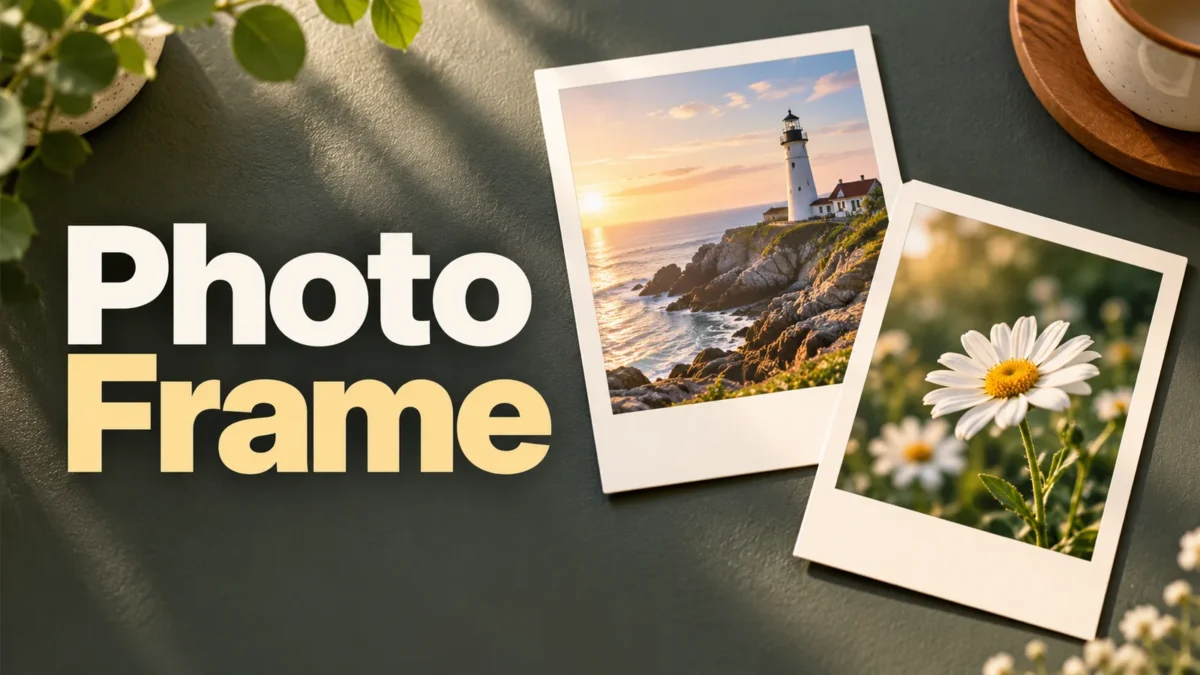
Give a photo an instant-print frame
A thick paper border and a short caption can turn an ordinary photograph into a simple keepsake graphic. This tool places one picture inside a warm white or cream frame, with room for a caption underneath. It produces a flat PNG that you can save, send or use in another design. The effect is a digital illustration of a photo print, not a physical printing service.
You can choose a centered square crop or keep the complete picture inside the image area. This matters when your subject is near an edge, or when a group photograph is much wider than it is tall. Check the actual preview before downloading. The frame does not identify faces, straighten a tilted horizon or invent missing parts of an image.
Choose a supported photo
Select a JPEG, PNG or WebP file no larger than 25 MB. Its decoded dimensions must contain no more than 24 million pixels. HEIC, PDF, animated GIF and video files are not supported inputs. If a phone photo is in another format, create a supported copy first rather than simply changing its extension to .jpg.
Large accepted pictures are reduced internally to a working copy with a longest edge of 1800 pixels. The finished graphic is always 1000 × 1200 pixels. A high-resolution input therefore does not produce a larger export. This reduction helps avoid retaining an unnecessarily large image while preparing the frame, but very fine detail can become softer.
Use a reasonably clear original. A tiny image can be enlarged to fill the photo opening, although its texture or text may become visibly blurred. A screenshot already containing several borders is usually harder to frame neatly than the original photograph. Save the original separately so you can restart without repeatedly editing an edited copy.
Step-by-step use
Choose your picture, then enter an optional caption of up to 60 Unicode characters. The limit counts codepoints rather than treating every visible letter shape as a single unit. Some combined emoji and accented sequences can therefore use more of the allowance than expected. A caption that does not fit within three lines produces a message asking you to shorten it.
Select Warm white or Cream paper. The choice changes the surrounding frame, not the picture's colors. Choose Center crop when a square image area suits the subject. Choose Complete photo when you want all the original content visible; unused space inside the opening receives a neutral background. The picture is not stretched to change its proportions.
Create the preview and inspect the caption, border and image position. The image area is 880 × 880 pixels with a sixty-pixel outer margin at the top and sides. The lower part of the 1000 × 1200 canvas holds the caption. Download the PNG below the preview. Changes to settings invalidate the earlier preview and require a new one.
Practical caption and framing examples
For a holiday photo, a place name and a date usually communicate more than a long description. “Rainy Sunday” or a short Hindi phrase can fit comfortably without competing with the photograph. A date entered as ordinary caption text is decorative; it is not checked against the file's metadata and does not prove when the picture was taken.
For a group photo, Complete photo may prevent friends at the edges from disappearing. You will see margins when the source does not match the square opening. For a centered flower or coffee cup, Center crop can make a tidy layout. There is no manual repositioning control, so prepare a better crop separately if the automatic center removes something important.
For a shared memory card, avoid placing a phone number, address or identity document in the photo or caption. The tool preserves the content you give it. It does not automatically blur faces or detect private details. Review both the original visible image and any added text before posting the finished card publicly.
What the output can and cannot do
The download is one flattened PNG. It contains the border, photograph and caption as rendered pixels. It does not preserve editable layers, the original full-resolution photo or a project file. PNG avoids an additional lossy JPEG export step, but it cannot undo detail lost through resizing, earlier compression or an unsuitable source image.
This is a decorative frame rather than a film simulator. It does not add authentic chemical film characteristics, remove backgrounds or improve exposure. Its caption uses the device's available system fonts. Hindi shaping, emoji color and line width can vary between operating systems, so the preview on the device creating the graphic is the best reference for its rendered output.
The dimensions are pixels, not a guaranteed physical print size. A printer or print service may apply its own resolution and cropping settings. Preview the complete graphic in that service before ordering. If you want an exact border on paper, disable unwanted automatic fill or cropping where your print software provides those controls.
Privacy, mobile use and problems
The custom frame code processes the selected picture locally with browser image decoding and Canvas. It does not upload your input photograph or store an editing history on the server. Ordinary website resources, including advertising or analytics where present, can still use the network. Keep downloaded copies yourself; refreshing removes the current selection.
Use a recent browser with image decoding, Canvas and JavaScript enabled. Mobile screens show a scaled preview, while the download retains 1000 × 1200 pixels. If a file fails to open, check its real format and dimensions, then try a smaller copy. If a caption shows unsupported symbols, use simpler characters or a device with suitable font coverage.
Related tools and reading
If you generate an original illustration to frame, first describe its scene and lighting clearly. Writing clearer Gemini image prompts
Frequently asked questions
Which image formats are accepted?
JPEG, PNG and WebP are supported, up to 25 MB and 24 million decoded pixels each. Other formats must be converted first. Renaming an extension does not convert the image data.
What size is the downloaded frame?
The PNG is 1000 × 1200 pixels, with an 880 × 880 image area and a caption space underneath. The source picture's original dimensions do not change this fixed export size.
Why was part of my photo cropped?
Center crop fills the square opening while keeping proportions, which removes edges from a non-square source. Choose Complete photo to retain everything, accepting margins inside the opening.
Can I write a Hindi caption on mobile?
Yes, within the caption limit. Rendering depends on the device's fonts and emoji support. Check the preview for shaping and line breaks before saving or sharing the PNG.
Are uploaded photos kept online?
The tool does not upload the selected photograph or keep an online project history. Normal page resources may use the network. Refreshing the page discards the current tool state.
Is the PNG an editable print project?
No. It is a single flattened graphic, not an editable template or a guaranteed physical print size. Keep your original picture and review your printer's scaling settings separately.