 Vista
Updated 23 November 2026. Ten GTA 6-themed HD wallpapers for phone and desktop, including Jason and Lucia, neon Vice City-style scenes and pink sunsets. Image dimensions are listed individually. For genuine official 4K versions, see Rockstar’s artwork library.
GTA 6 wallpapers HD: browse and download 10 images
Tap any image to open its full uploaded size. Use the descriptive captions to choose portrait or landscape. These files are HD rather than true 4K; no artificial resolution claim is made.
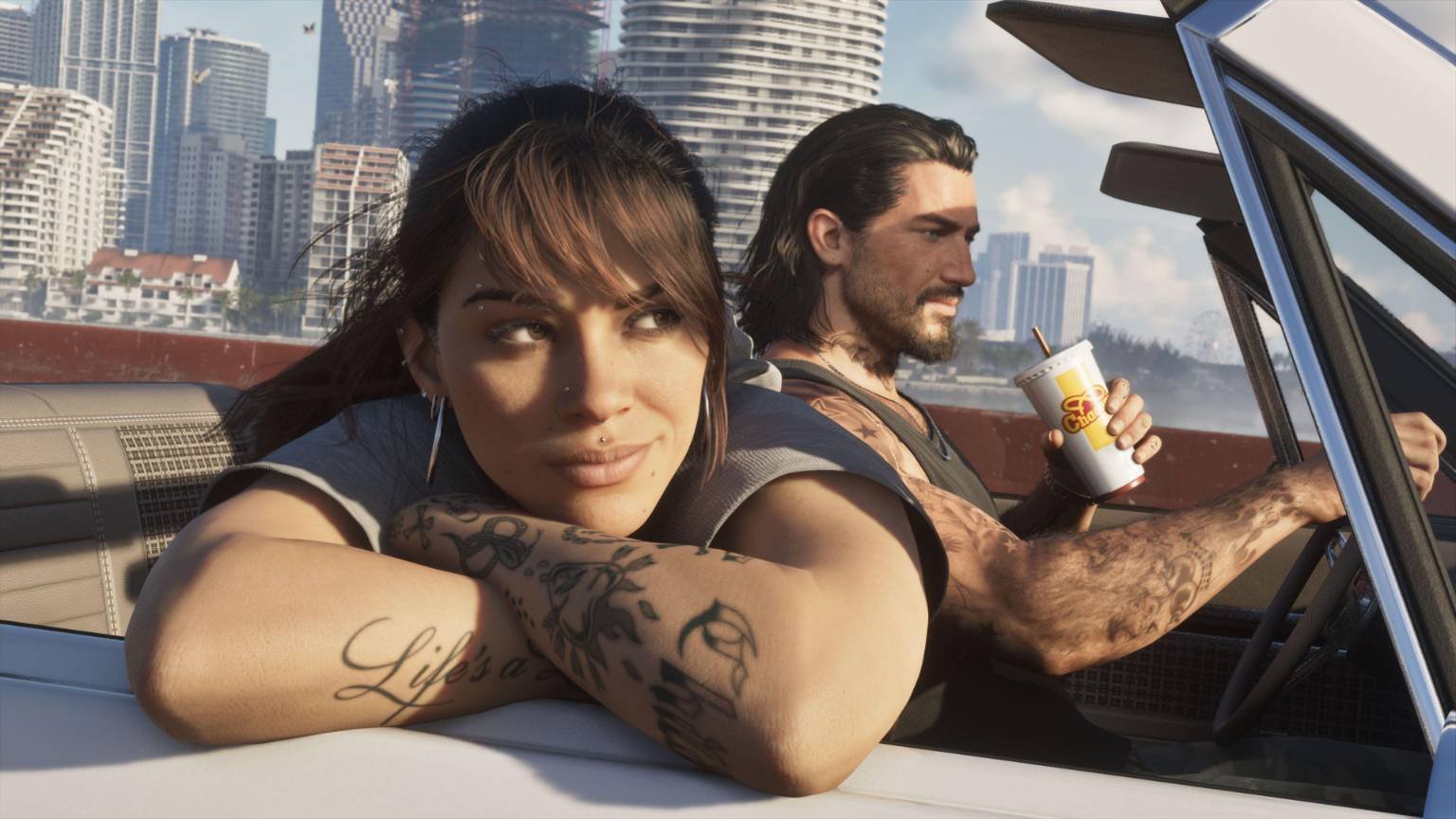
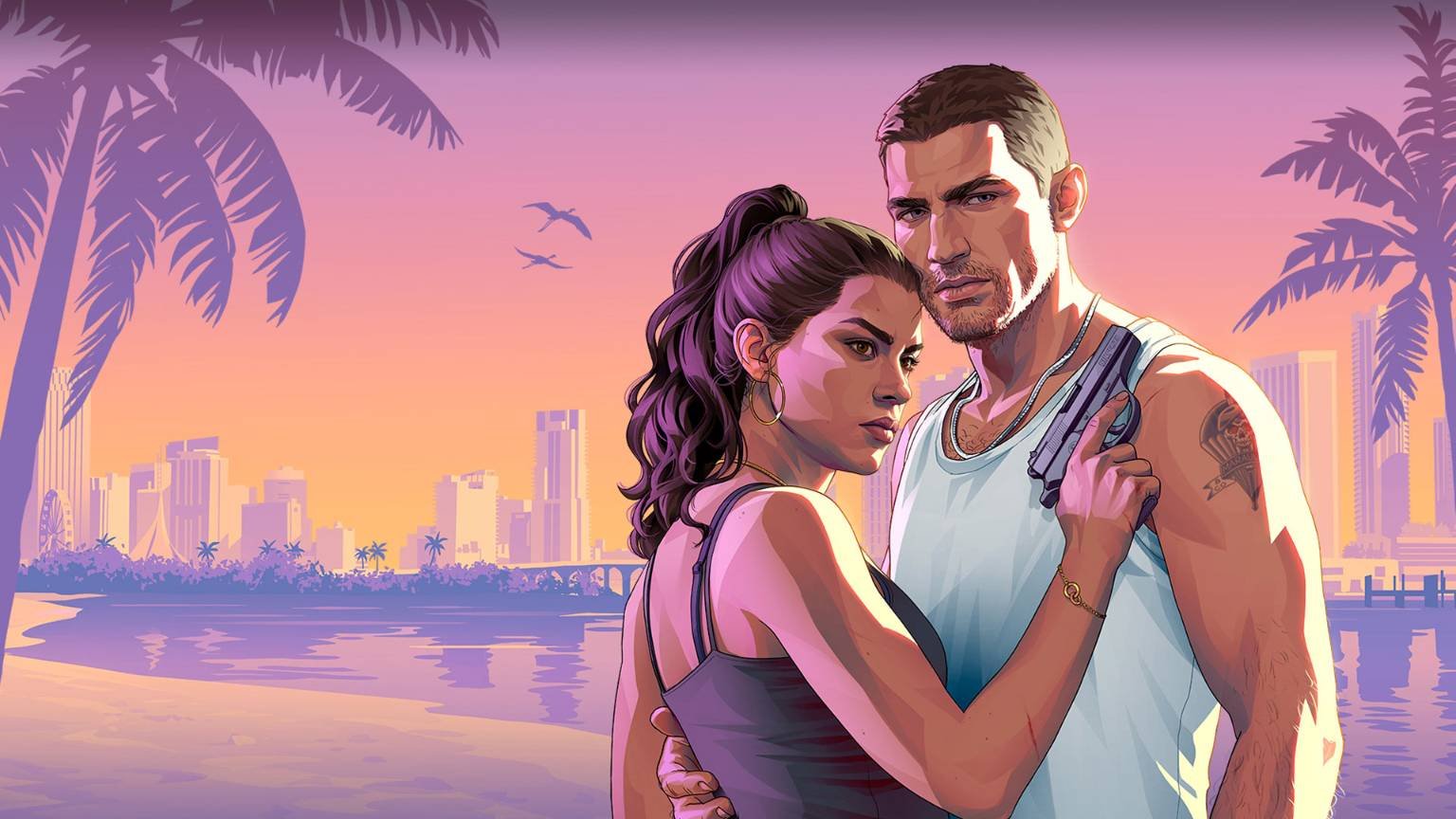
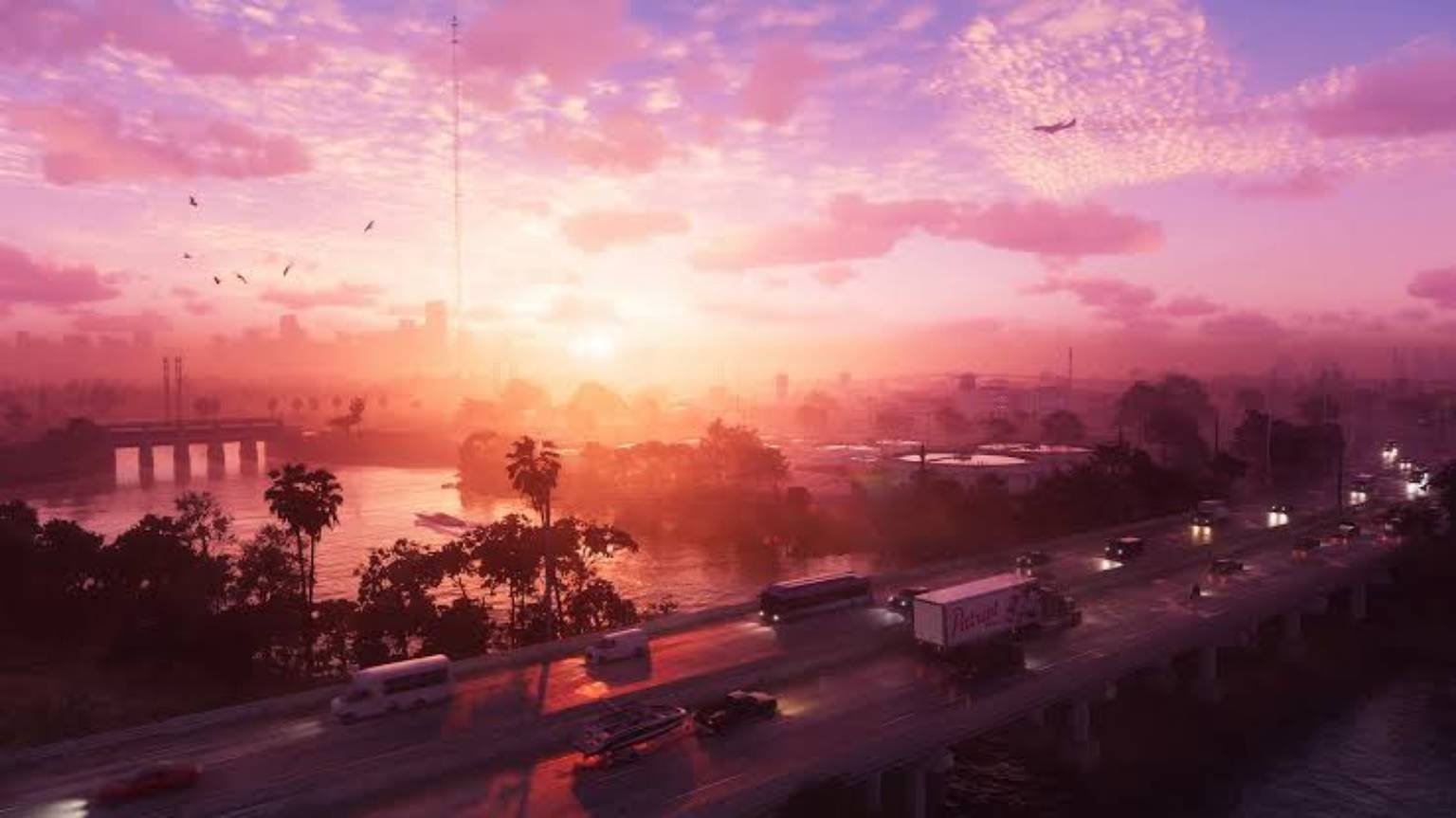
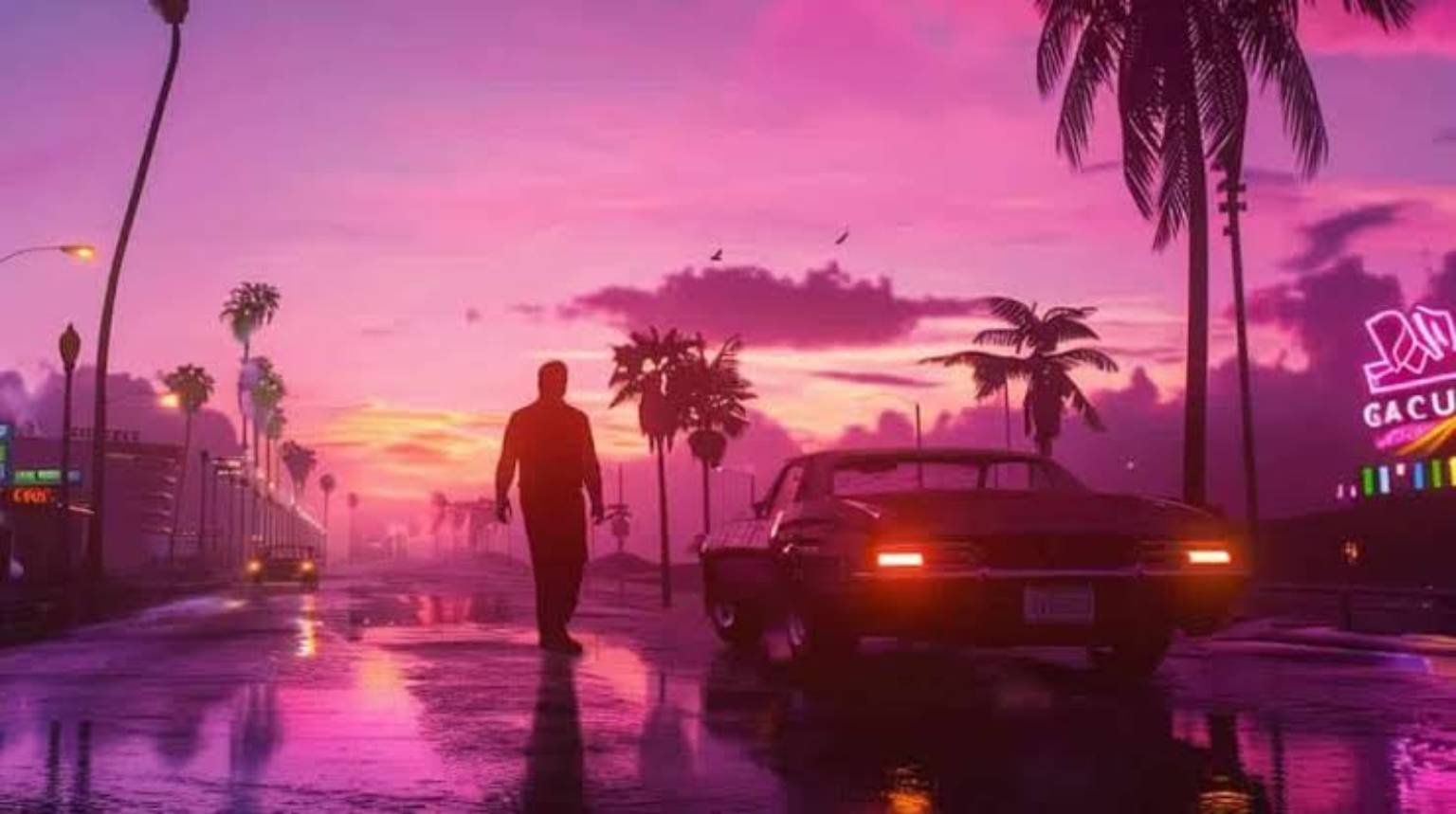
Best GTA 6 wallpapers for phone and PC: quick answer
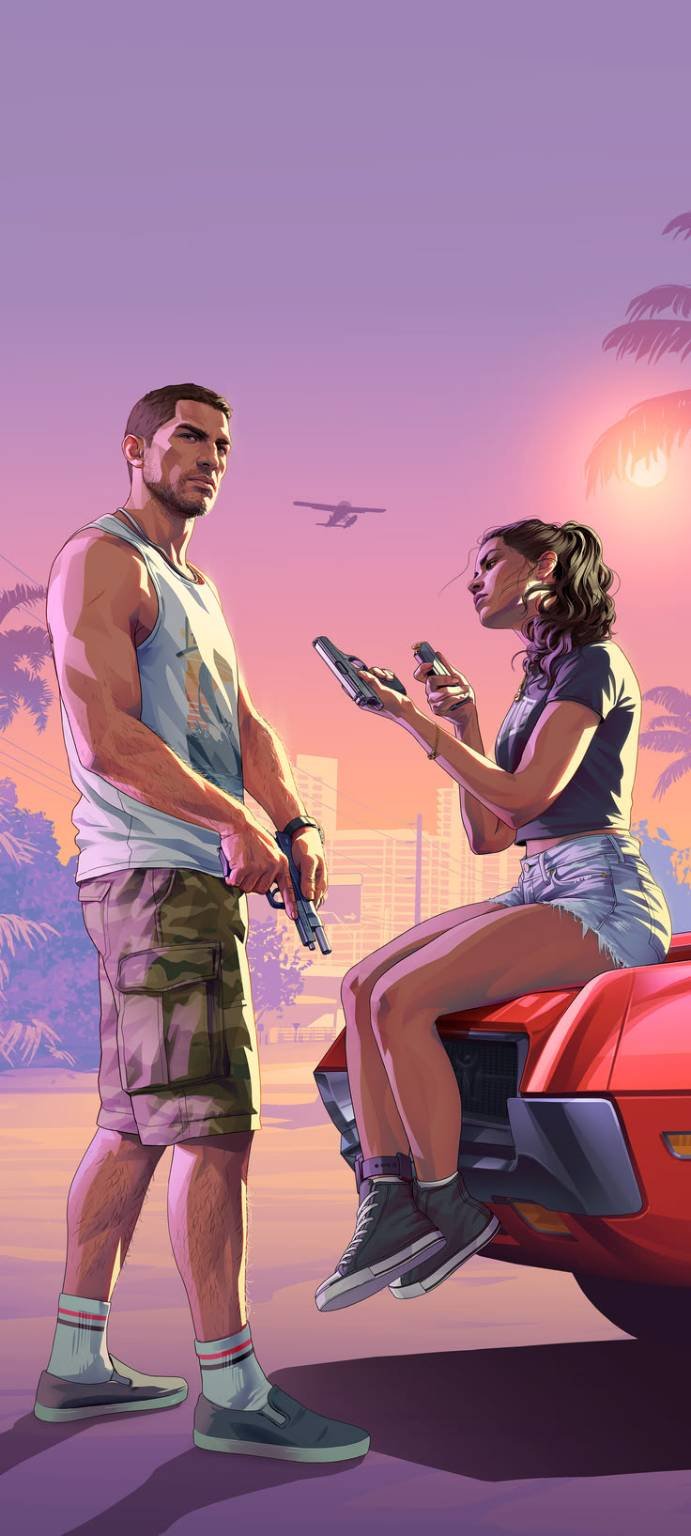
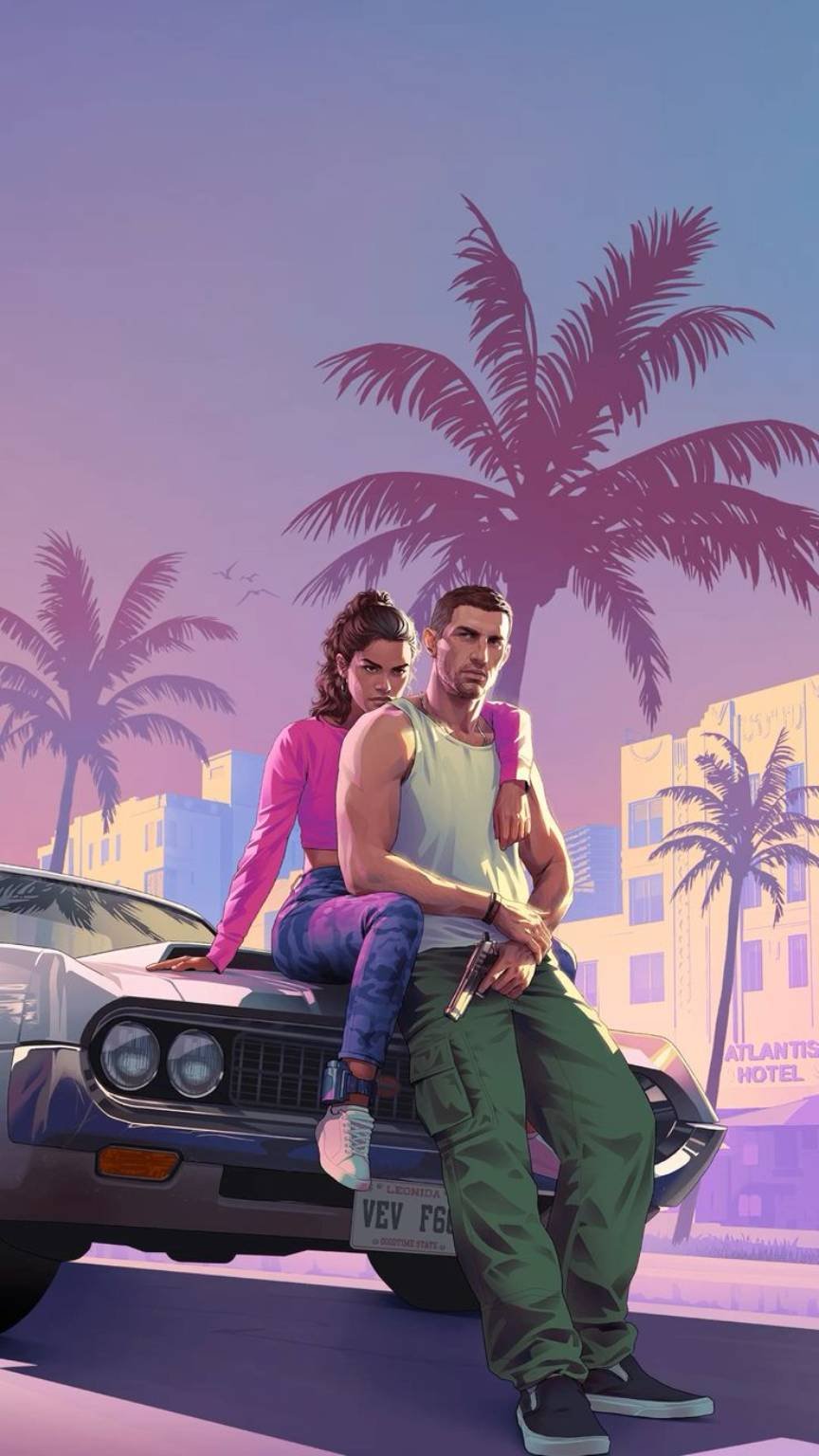
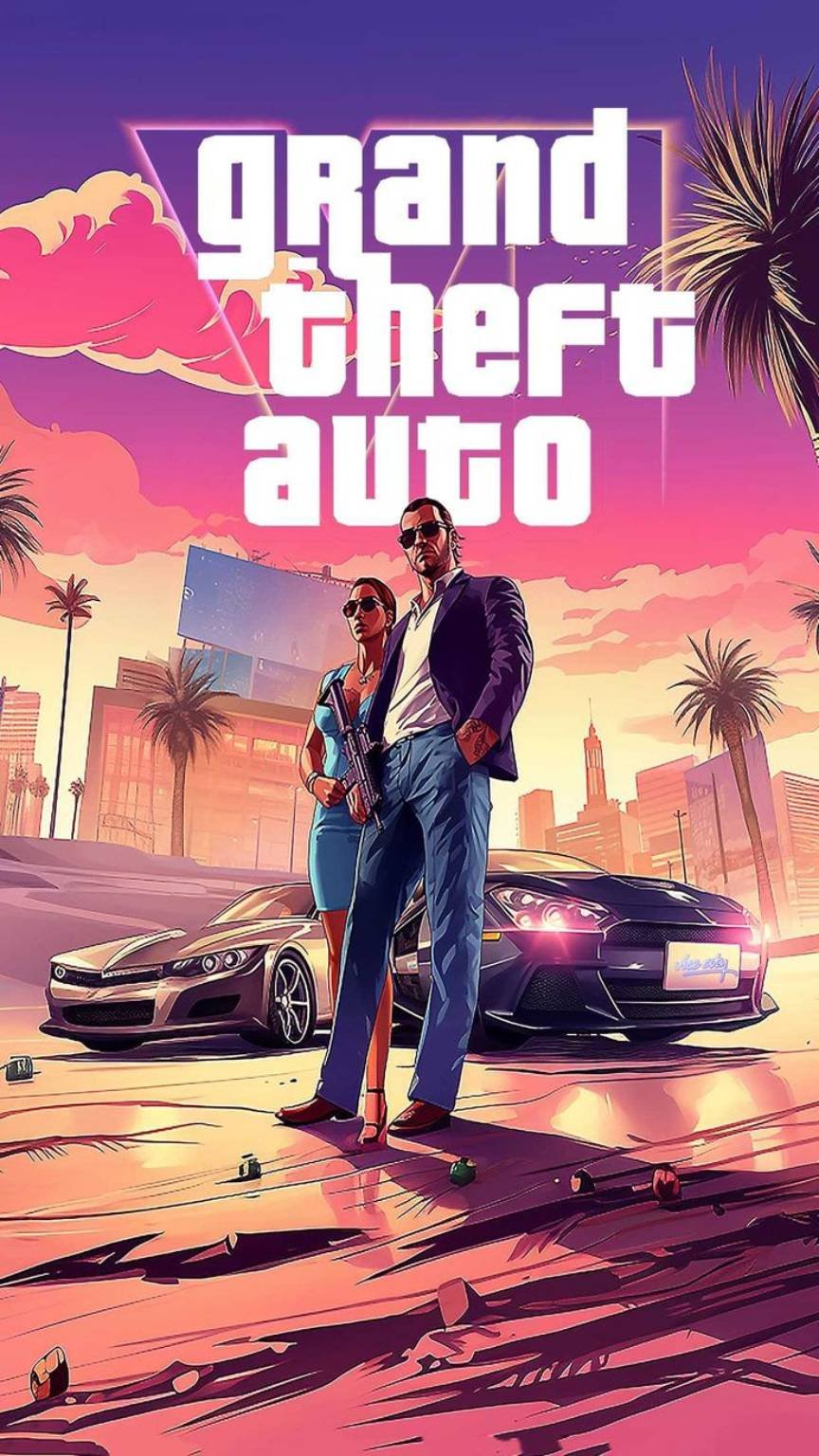
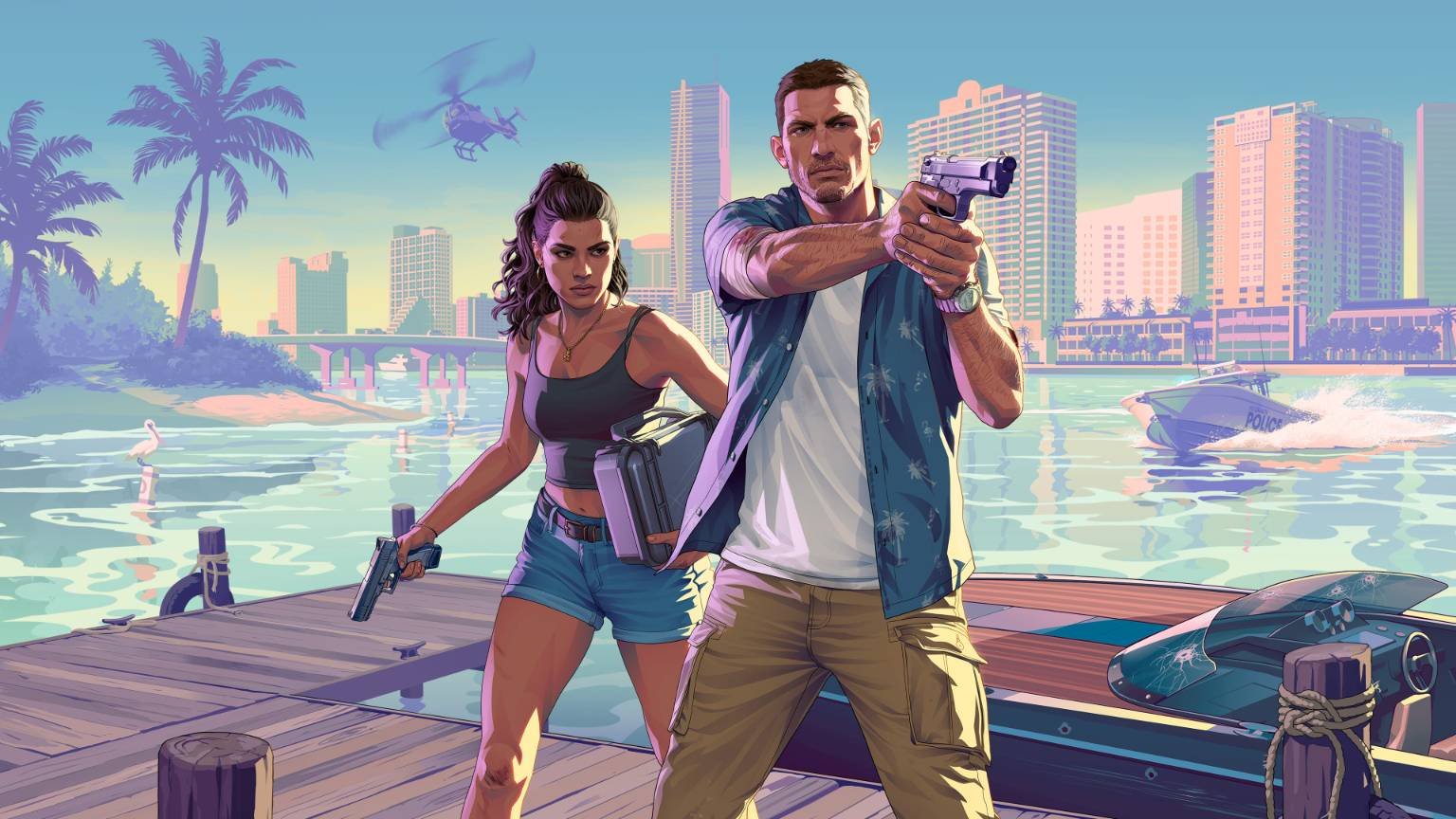
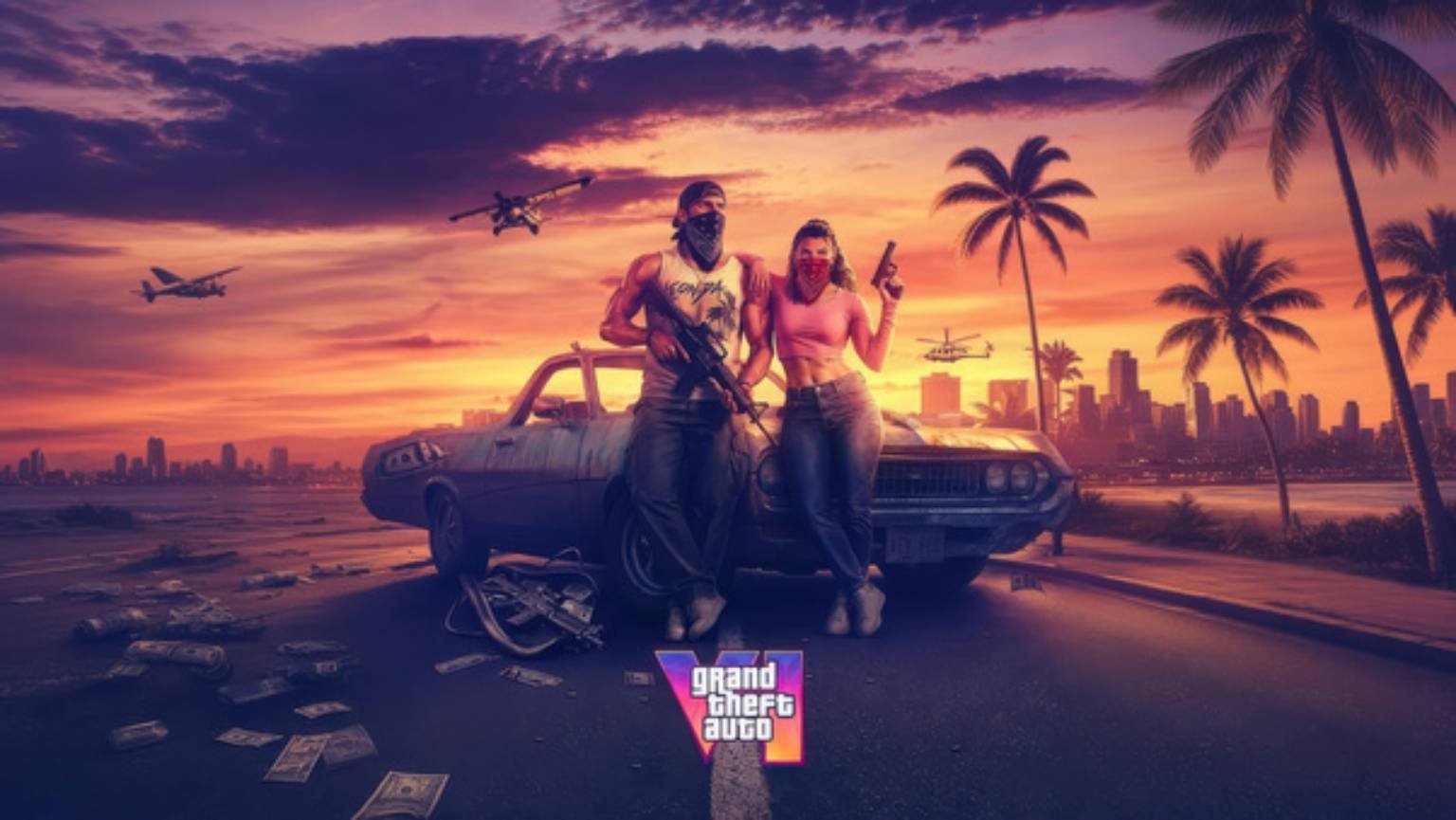
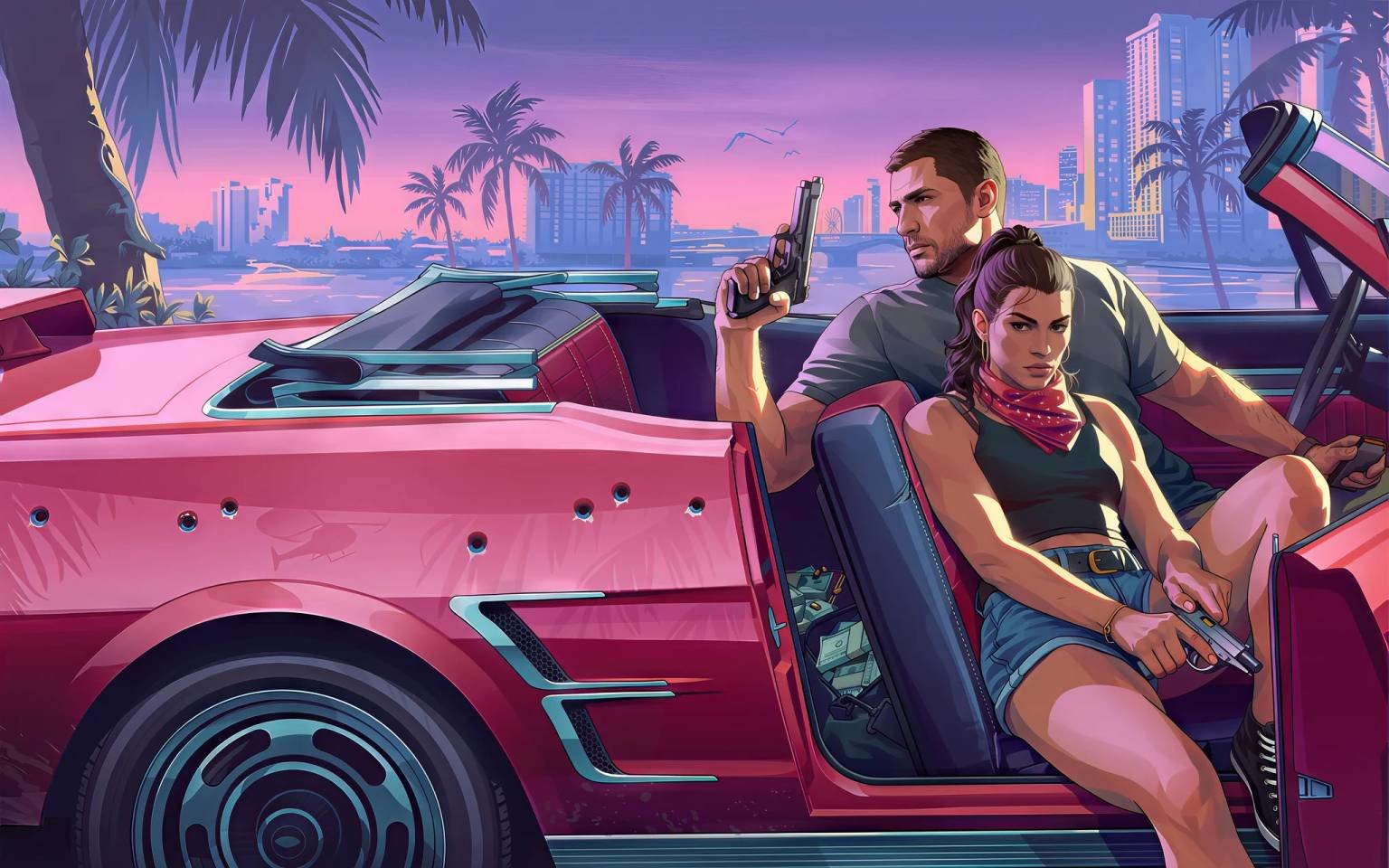
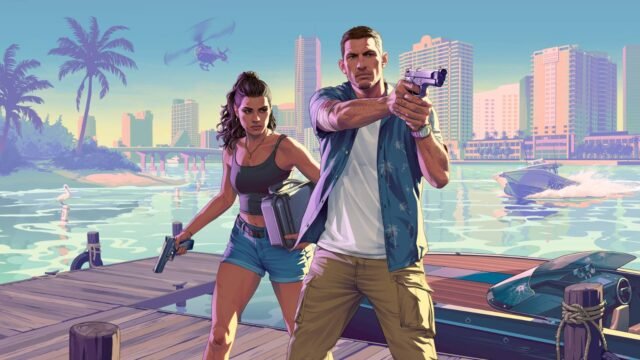
This collection brings together ten high-definition GTA 6 themed wallpapers already available in our Vista Hub media library. It combines character artwork featuring Jason and Lucia, colorful Vice City-style skylines, neon streets and quieter sunset scenes. Three images are designed for portrait screens, while the rest are landscape or near-landscape layouts suitable for monitors, laptops and wide phone crops. The images on this page are not 3840 × 2160 files: their original dimensions appear under every picture so you can choose responsibly. If you specifically need official Rockstar 4K artwork rather than these themed images, use the linked Rockstar GTA VI media library. Rockstar currently offers multiple artwork formats and a download-all collection, which makes the official source better for true 4K or ultrawide files. You can still preview and save each image directly from this gallery.
GTA 6 mobile wallpapers: Jason, Lucia and neon city styles
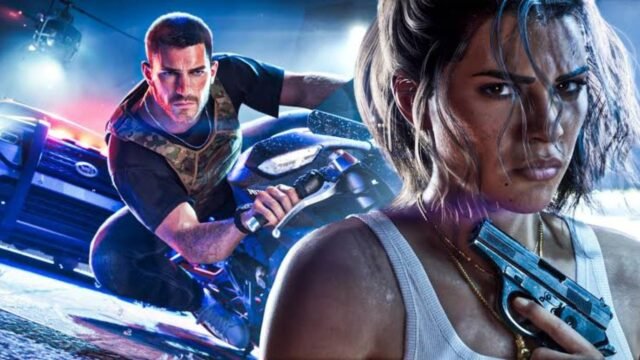
Mobile wallpapers need a tall crop. The 864 × 1536 artworks sit close to the common 9:16 aspect ratio, so they will fill many phones without heavy horizontal cropping. The 691 × 1536 image is even narrower and may be useful for tall Android displays, although your device can still crop the top or bottom depending on its interface. Jason and Lucia are a popular central composition because their faces can remain visible when a clock or notification panel occupies the upper quarter. A vertical character poster may look dramatic as a lock screen, while a softer purple skyline can be easier behind home-screen icons. Remember that a photo or illustration with the main subject directly under your clock can make the time difficult to read. Preview both the lock-screen and home-screen layout before saving it.
Desktop wallpaper gallery: 16:9 versus wider monitor formats
A standard HD widescreen background usually follows a 16:9 ratio. Most of our horizontal artwork is approximately 1536 × 864, which is the same shape but fewer pixels than a 4K UHD file. At desktop size it can still look attractive, especially on a laptop or at a lower display scaling. The pink convertible image uses 1536 × 960, a roughly 16:10 shape that may suit a MacBook or other taller laptop display better. If your screen is 2560 × 1440 or 3840 × 2160, it will upscale the picture. That may soften small details compared with downloading a true higher-resolution version from the game’s official media library. For an ultrawide 21:9 monitor, prefer a dedicated ultrawide version rather than cutting away both characters to stretch a regular image.
How to download the full-size wallpaper without losing quality
Tap an image or its ‘Open original’ text link in the gallery. Your browser will open the full-size copy from our WordPress media library. On Android, long-press or use the browser download menu; on a desktop, use Save image as and choose your folder. Do not save a tiny social preview or thumbnail from a messaging app, because that file may be compressed. Look for the displayed width and height below the image before deciding whether it matches your screen. We do not label a 1536-pixel file as 4K just because the image is sharp. If you require 2160-pixel or larger official artwork, go to Rockstar’s GTA VI Media page, find Artwork & Wallpapers, choose a piece and select the available file size. That route can deliver higher resolution without guessing which social image is authentic.
Which GTA 6 wallpaper works best with app icons and widgets?
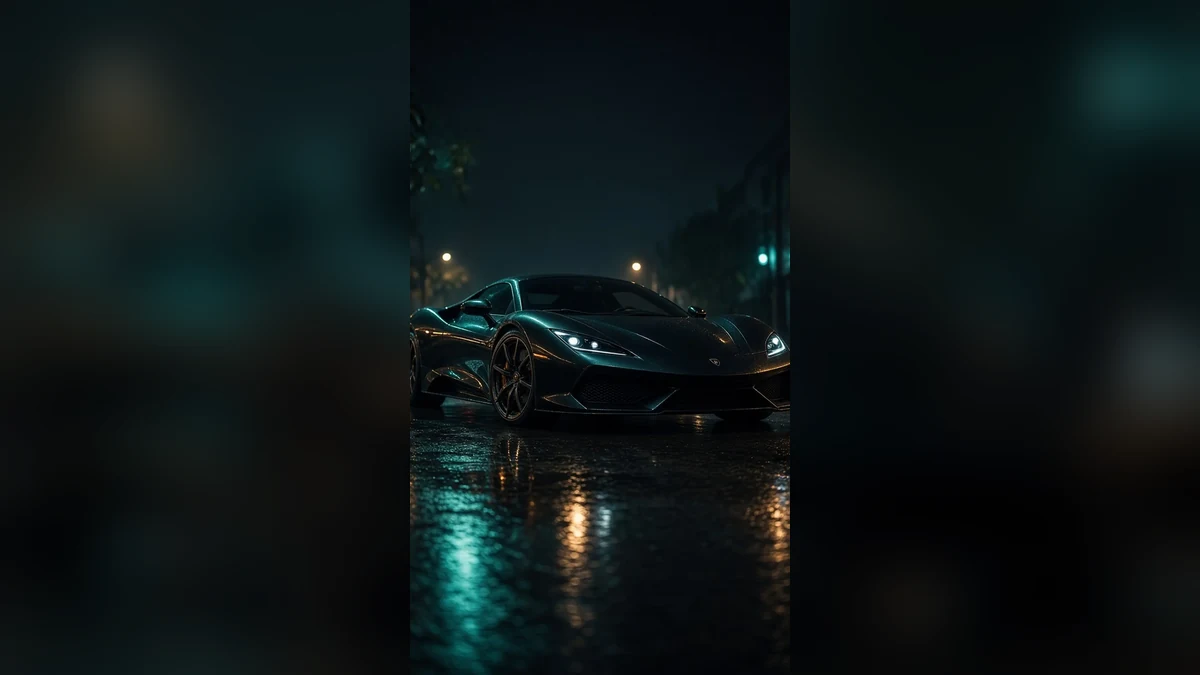
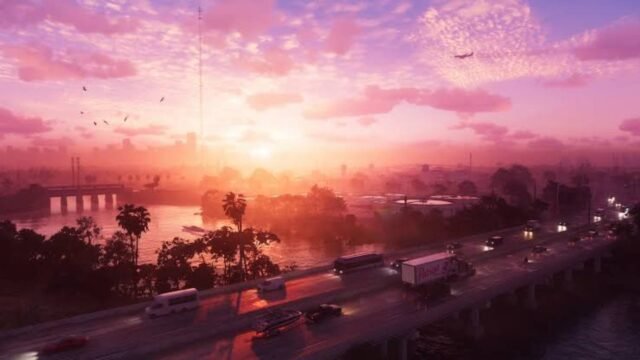
Busy artwork with bright neon text or large faces often looks excellent as a gallery preview but can interfere with home-screen icons. For a phone with many widgets, a sunset sky that contains empty space at the top may be more readable than a close-up portrait. The highway and wet-street scenes are useful because the strongest visual objects sit lower in the frame, leaving broader color fields above. By contrast, a Jason-and-Lucia close-up gives the lock screen a cinematic focus and suits phones where the clock sits away from their faces. Android launchers let you move app rows or select themed icons; an image with darker areas can improve contrast with light icons. On desktop, consider where your shortcuts live: a detailed center composition is fine if your icons are organized on the edges, but a busy left margin can hide folder labels.
Can a GTA wallpaper save phone battery?
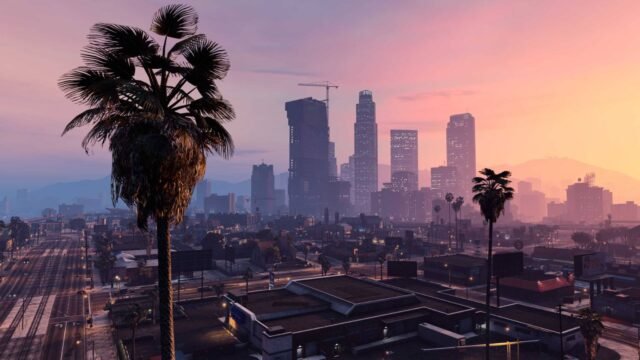
A wallpaper itself does not magically reduce battery consumption. On OLED or AMOLED screens, using genuinely dark pixels can consume less display power in some conditions because those pixels emit less light. On an LCD screen the backlight behavior is different, and an image may not produce the same savings. Our night scenes have dark roads and buildings, but several also contain large pink or purple skies; they are not black-screen battery wallpapers. The bigger everyday variables are screen brightness, refresh rate, time spent with the display on, live animation and widgets updating in the background. A static picture generally uses fewer resources than some animated live wallpapers, but battery behavior depends on your phone and settings. Choose a look that you enjoy and keep brightness comfortable rather than expecting a single gaming wallpaper to materially extend usage.
Are these official Rockstar wallpapers or fan-style artwork?
This matters when a reader searches for ‘official GTA 6 wallpaper 4K’. The set on this page includes GTA-style illustrated and edited artwork supplied for Vista Hub’s themed collection. Some pictures are inspired by the characters and visual language of GTA VI; the images should not automatically be described as the exact official Rockstar artwork. We label them as themed artwork and provide the source of official files separately. Rockstar’s own media page has a dedicated Artwork & Wallpapers section and is the correct place for originals in the sizes the publisher supplies. The same distinction applies to wallpapers shared with captions like ‘real gameplay screenshot’: unless the origin is known, a stylized portrait is not gameplay evidence. This gallery is for backgrounds and visual enjoyment, not proof of a scene or mechanic in the released game.
How to set a GTA 6 wallpaper on Android, iPhone and Windows
On Android, save the picture to Photos or Gallery, open it and choose Set as wallpaper, then select your lock screen, home screen or both. The exact menu wording varies with the phone maker and launcher. On an iPhone, save the image, go to Settings > Wallpaper and add a new wallpaper, then pinch or drag to position the characters away from the clock and notification area. On Windows, right-click the saved file and choose Set as desktop background, or use Settings > Personalization > Background for Fit, Fill and Center options. ‘Fill’ may crop an image while ‘Fit’ can add blank edges, especially with a portrait picture on a widescreen monitor. Reposition carefully before you share a screenshot, and keep an untouched original in case you want a different crop later.
What to search next: city, characters and official artwork
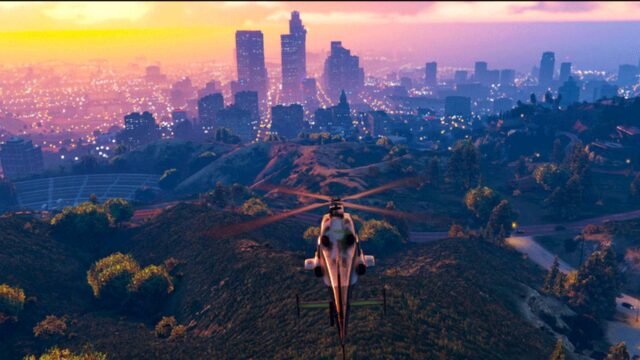
If you like the pink retro aesthetic, search within the gallery for the wet-street, convertible and coastal highway pieces. For a Jason-and-Lucia lock screen, start with the vertical purple sunset and classic car images. For a lighter desktop background, choose the pastel city couple or the highway view. Rockstar’s official artwork selection is more useful if you need the game’s licensed cover art, region postcards or a particular character composition. Use broad searches such as GTA 6 mobile wallpaper, GTA 6 official desktop wallpaper, GTA 6 Vice City night wallpaper and GTA 6 Jason Lucia portrait, then verify the available dimensions rather than assuming every picture is 4K. A good download page should display the image and its size, not only a vague ‘HD’ label or a suspicious installer button.
Download notes and safe image handling
All ten gallery images are linked directly to image files on Vista Hub, not to APKs, EXEs or browser add-ons. You should never have to install a mobile application or give a console login merely to save a picture. If you are browsing on mobile data, opening ten original-resolution images can use more bandwidth than scanning thumbnails, so select your favorites first. When sharing, send this gallery link or the specific image, and avoid implying that an edited character illustration is a Rockstar promotional still. For users who want sharp wall art or very large desktop sizes, the official Rockstar page is a better starting point because it supplies artwork in its native downloadable variants. This page is designed to be a browsable collection you can return to when changing a home-screen layout or choosing a new theme.
Frequently asked questions
Are these GTA 6 wallpapers really 4K?
No. The ten Vista Hub image files are HD, with true dimensions displayed under each. Rockstar offers official artworks in additional download sizes.
Where can I download official GTA 6 4K wallpapers?
On Rockstar Games’ GTA VI Media page, under Artwork & Wallpapers; choose the available size for each image.
Which files work for Android or iPhone?
Start with the 864 × 1536 portrait pictures or the narrower 691 × 1536 character image, then crop in your phone’s wallpaper settings.
Can I use a desktop image on my phone?
Yes, but 16:9 images will crop heavily when used on a tall display. Keep the subject away from the extreme sides.
Does dark GTA wallpaper improve battery?
Some OLED phones save display power with truly black pixels, but ordinary pink or purple artwork is not guaranteed to reduce battery use.
Do I need to install an app to download these images?
No. Each item opens an image file directly, and official Rockstar downloads are available from its media page.
Official source, rights note and takeaway
Official artwork: Rockstar Games GTA VI Media and Artwork & Wallpapers. The official gallery currently provides 28 artwork/wallpaper files with multiple size options for selected pieces. Vista Hub’s images in this gallery are owner-supplied GTA-themed artwork. They are not presented as Rockstar’s originals or as screenshots proving specific gameplay. Use each original link above for the currently uploaded HD file, or use Rockstar’s own source for official higher-resolution downloads.
Bottom line: Start with a portrait piece for a phone or one of the 1536-pixel-wide landscapes for a laptop. Check your screen’s aspect ratio, and save the full file instead of a thumbnail.

Share Your Opinion
Comments are closed on this post.