 Vista
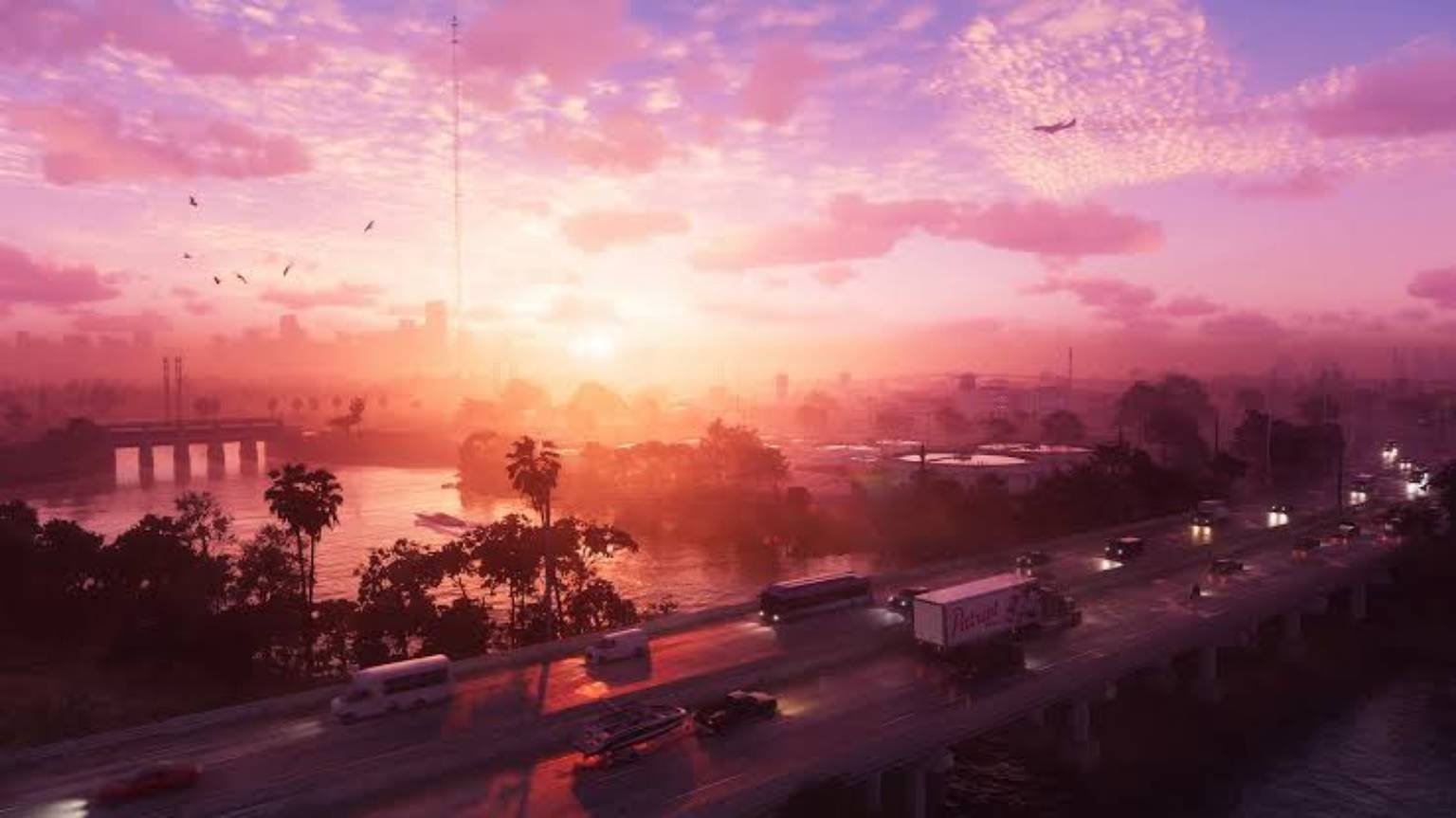
Updated 23 November 2026: This GTA 6 collectibles map and checklist helps you organize the items reported across Leonida without inventing unconfirmed exact coordinates. Use the current in-game Progress / Collections menu to judge completion.
GTA 6 collectibles map: the quick way to use this guide
GTA 6 has a large world with collectibles, points of interest and side activities spread around Leonida. If you search for a collectibles location map, the goal is usually one of three things: find a specific item without a video, see which category you still need, or keep track of collected items so you do not repeat the same route. The best solution combines a map, a checklist and a clear distinction between known and unverified locations. This page gives a practical category-by-category approach and a printable checklist format. It does not fabricate hundreds of precise pins. Rockstar’s official Leonida map is the geographic reference, while dedicated community maps show reported collectible locations that are added and revised as the game is explored. Updated 23 November 2026.
What counts as a collectible in GTA 6?
Different guides may use the word ‘collectible’ differently. A card set, a special wildlife interaction, an audio or scanning point and a hidden object can all be counted under broader exploration systems, while nearby activities such as stunt jumps or a safe may have a different progression category. That is why a single unsorted map with hundreds of icons can become overwhelming. First open the game’s own Progress or Collections interface and note the categories that actually appear in your save. Next choose one category at a time in an interactive map. Do not assume that every interesting marker contributes to 100 percent completion. A collectible can be discovered while exploring but still be irrelevant to a trophy or completion threshold. Conversely, a particular collection may have its own requirement that a general story checklist does not show.
The main collectible categories to look for
Launch-week player tools and guides discuss card collections, WAiNK-related locations, Cocaine Flamingos, magazines or books, music-related items and other discoverable points of interest. Individual guides list different totals because some count every card individually, others count a completed set and some include optional objects outside the game’s 100 percent checklist. The safe approach is to identify the category name inside the game before chasing an online count. When looking for collectible cards, record the set name and whether it is complete, not just a combined number. For a WAiNK-related scan, record the region and the landmark; for a flamingo, write down the nearest road or waterfront. A clean list of known visits is more useful than an inflated ‘all 1,000 hidden items’ headline. Count claims should always identify the game version and counting method.
GTA 6 collectibles location map: which map to use
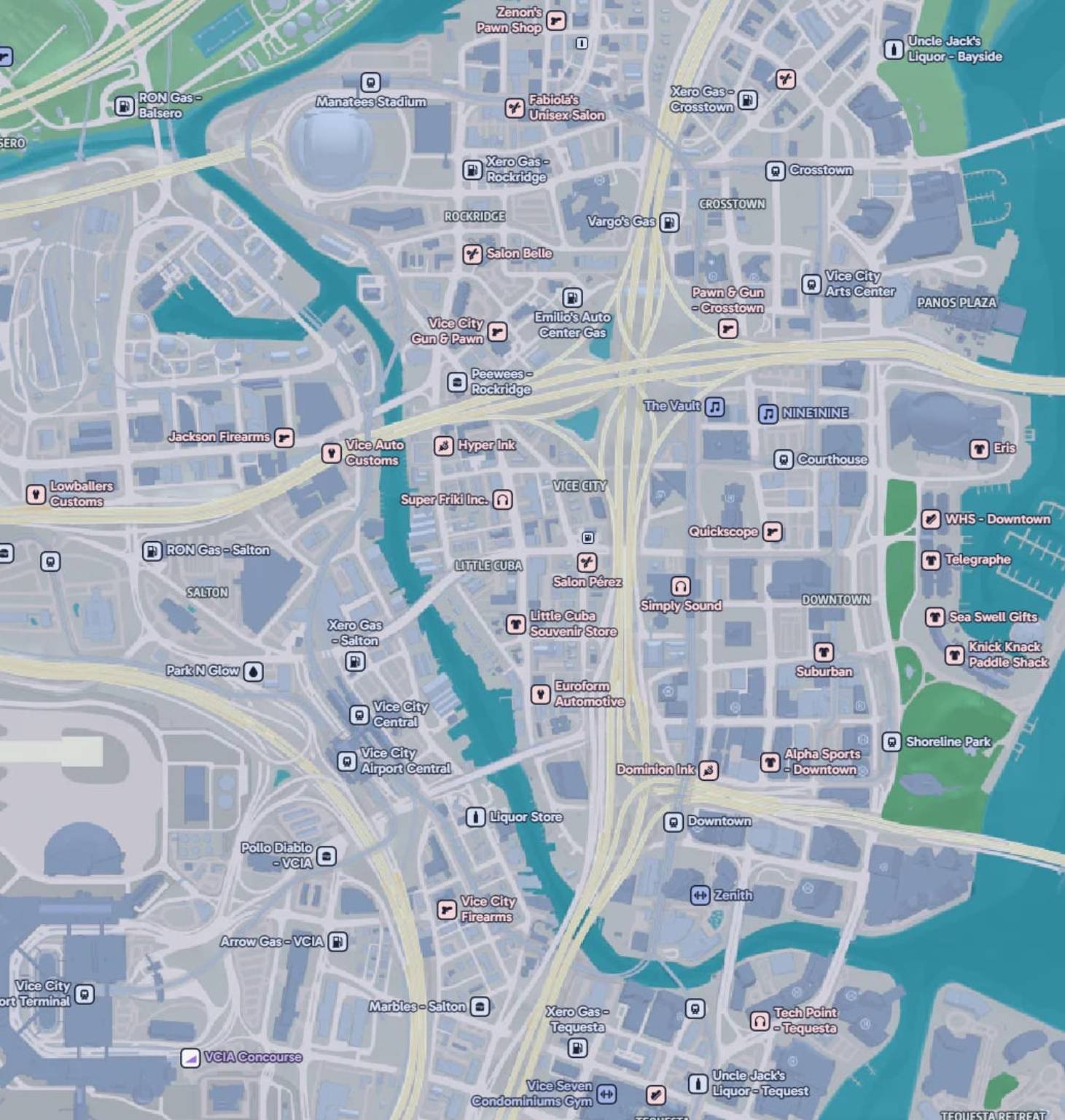
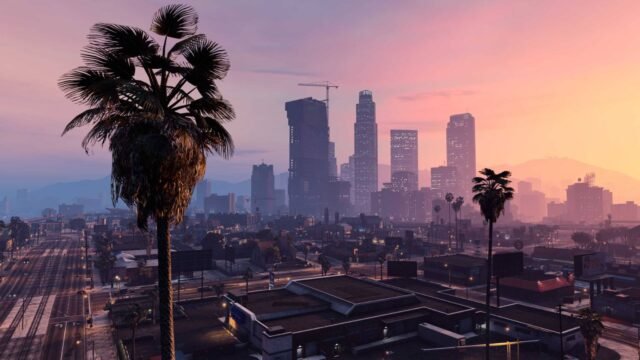
For an accurate location hunt, start with the official large-scale Leonida map to understand where the region sits. Then open a current interactive collectibles map such as GTABase or another guide that shows date-stamped pins. Filter to a single category. A point should ideally give a recognizable landmark, a screenshot or description, and enough context to find the correct entrance or vertical level. Some location collections are community-maintained and may contain estimates or reports that have not yet been checked in-game. Treat those as leads rather than guaranteed solutions. This page embeds a general Vice City reference image for orientation, not a fabricated collectible overlay. The clickable links to maps with actual markers are below. That distinction matters: users should never spend half an hour at a false pin just because a decorative poster looked authoritative.
Collectible cards: a reliable checklist method
Card searches are best managed by set rather than by an unsorted pile of coordinates. If your game lists a card collection, create one row for the set name, a second column for the cards you have, and a third for the ones you still need. With an interactive map open, collect geographically close cards in one district before moving to the next. A final card can be inside a shop, on a ledge or in a less obvious upstairs location, so zooming the map alone may not be enough. Use the pin description and a screenshot if supplied. After collecting the item, check the game’s actual progress menu and mark the row. Doing this immediately prevents ‘I thought I had already collected that’ problems. Keep your list short and practical, even if a broad database claims many hundreds of collectible entries.
WAiNK scans, flamingos and other special items
Some GTA 6 guides separate WAiNK scans and Cocaine Flamingos from ordinary card sets. These categories may involve recognizing an object or visiting a special point rather than picking up a standard card. Use a region label and a distinctive landmark in your checklist. A photo of a street corner without a clear region name is not enough if similar-looking scenery exists in several places. When crossing from Vice City to the Keys or a rural area, change the region filter so the map does not keep showing unrelated city icons. If a community tool provides a pin but no supporting screenshot, mark it as ‘to verify’ instead of ‘complete’. This habit is valuable because the launch-week maps are still being updated. Also distinguish collectibles from unrelated mysteries or Easter eggs: interesting scenery is not always a required collection item.
A region-by-region plan for Leonida
The simplest exploration plan begins with one area where you have already unlocked easy travel. Vice City has a dense road layout and is a sensible place to group many quick visits. Next consider Port Gellhorn if your story takes you west; then work through areas such as the Leonida Keys, Grassrivers, Ambrosia and Mount Kalaga when the relevant regions are accessible. Do not interpret this as a mandatory story order; it is a route-planning suggestion. The purpose is to minimize travel and keep records consistent. If you encounter a location locked behind a chapter or mission, record it in a ‘return later’ column rather than repeatedly trying the same door. A good route list might contain five neighboring points, not fifty scattered pins. When a new chapter begins, revisit the pending list.
A printable GTA 6 collectible checklist for your save
The checklist table below is intentionally a tracking template rather than a claim that every category’s full count is confirmed. Tick what you actually completed and write a region or landmark beside it. Because this is a standard web table, you can print the page or copy the rows into a note. The empty checkbox marks on the page are a visual aid and may reset after reloading; do not use them as your only long-term save. If you want persistence, keep a printed copy or save your progress in a dedicated tracker that explicitly offers storage. The in-game collection menu remains the source of truth. The rows include broad categories and practical exploration tasks, not exact hidden-object coordinates. This lets the resource remain useful even when public map pins are revised.
| Check | Category | Notes to record |
|---|---|---|
| Collectible card sets | Record each set name, missing card and district | |
| WAiNK scans / points | Track the scan name, region and screenshot reference | |
| Cocaine Flamingos | Note each found site and nearest landmark | |
| Magazines / books / comics | Record item title, floor or room, and area | |
| Music or playlists | Record the collection and where it was encountered | |
| Stunt or exploration activities | Track separately unless the game counts them as collectibles | |
| Missable / chapter-linked items | Mark story chapter and return window | |
| Unverified map pins | Keep on a follow-up list, not the completed list |
Checkboxes may reset when the page reloads. Print the checklist or use a tracker with an explicit save feature for lasting progress.
How to verify a collectible pin without wasting time
When you open a pin on a map, check four things: the category, the named location, a description of the object and the last update date. If any are missing, do not assume the pin has been confirmed. Match the broad location with your in-game map, then search for street-level signs or buildings that identify the entrance. Some collectibles require a certain chapter, a certain activity or a route to a rooftop; the point on a flat map does not tell the whole story. If you arrive and the object is not there, review the objective and your own progress menu before blaming the map. You may have collected it earlier, the screenshot may describe another level, or the report may be speculative. Use a ‘needs recheck’ mark instead of deleting your notes.
100% completion and collectibles: what not to assume
Completing every collectible visible on a fan site is not necessarily the same as earning the in-game 100 percent completion milestone. Some collectibles are optional, some form sets, and other completion categories require story or side activities. An online guide may group items under a broad heading for convenience. Use the game’s own Progress, Collections or equivalent menu to identify what actually counts. Before entering a new chapter or triggering a point-of-no-return warning, review your unfinished list and any missable items documented by reliable sources. This page cannot guarantee a complete launch-week list of precise pins, and that is preferable to misleading readers with invented locations. Keep checking fresh official or in-game evidence as the map evolves.
Mobile-friendly map and downloading tips
On mobile, open the full-screen map and use the smallest useful filter set. A hundred icons at once can hide the roads you need. If there is an option to search a region or landmark, use it before manually scanning every street. Keep one browser tab for the map and another for your list of pending categories. When an annotated screenshot helps, save it with the location name in the filename so you can find it offline later. The reference image below is mainly a city orientation image; it does not replace the dedicated collectible filters on a current interactive map. A printable checklist is useful on a second screen, but take care not to share a partially completed personal tracker as if it were a confirmed complete guide.
GTA 6 collectible FAQs
Is there an official Rockstar collectible pin map?
Rockstar provides an official printable Leonida world map. Pin-by-pin collectibles layers are offered by community guide providers.
Does every hidden item count toward GTA 6 100%?
No. Compare the specific in-game completion requirements with the category on a community map.
Where should I begin collecting cards?
Start in a currently accessible region, filter the relevant card set and clear nearby markers together.
Can I save completed checkboxes on this page?
The simple checklist is printable, but it is not a persistent cloud tracker; use a printed copy or dedicated tracker.
What if a map marker has no item when I arrive?
Check the game chapter, category, building level, map update date and whether you previously collected it.
Helpful maps, source notes and conclusion
For a continually updated map with filters, consult GTABase’s GTA 6 interactive map. Its map layers can help you distinguish safes and collectibles. For the official geography, use Rockstar Games’ GTA 6 Media page and the Leonida Map & Cover Art Poster option. For a category-oriented checklist, compare a current list such as MyGTA6Map’s collectible overview with your in-game Progress screen. Player-maintained sites update at different speeds, so these should not be combined into an invented complete coordinate list.
Bottom line: A useful GTA 6 collectibles guide connects named categories, locations, progress tracking and a map with current pins. Keep unverified spots separate from completed entries; save the printable list and update it as you explore.
Independent fan guide. Images are reference visuals and do not claim to be Rockstar’s official annotated collectible map.















Share Your Opinion
Comments are closed on this post.