
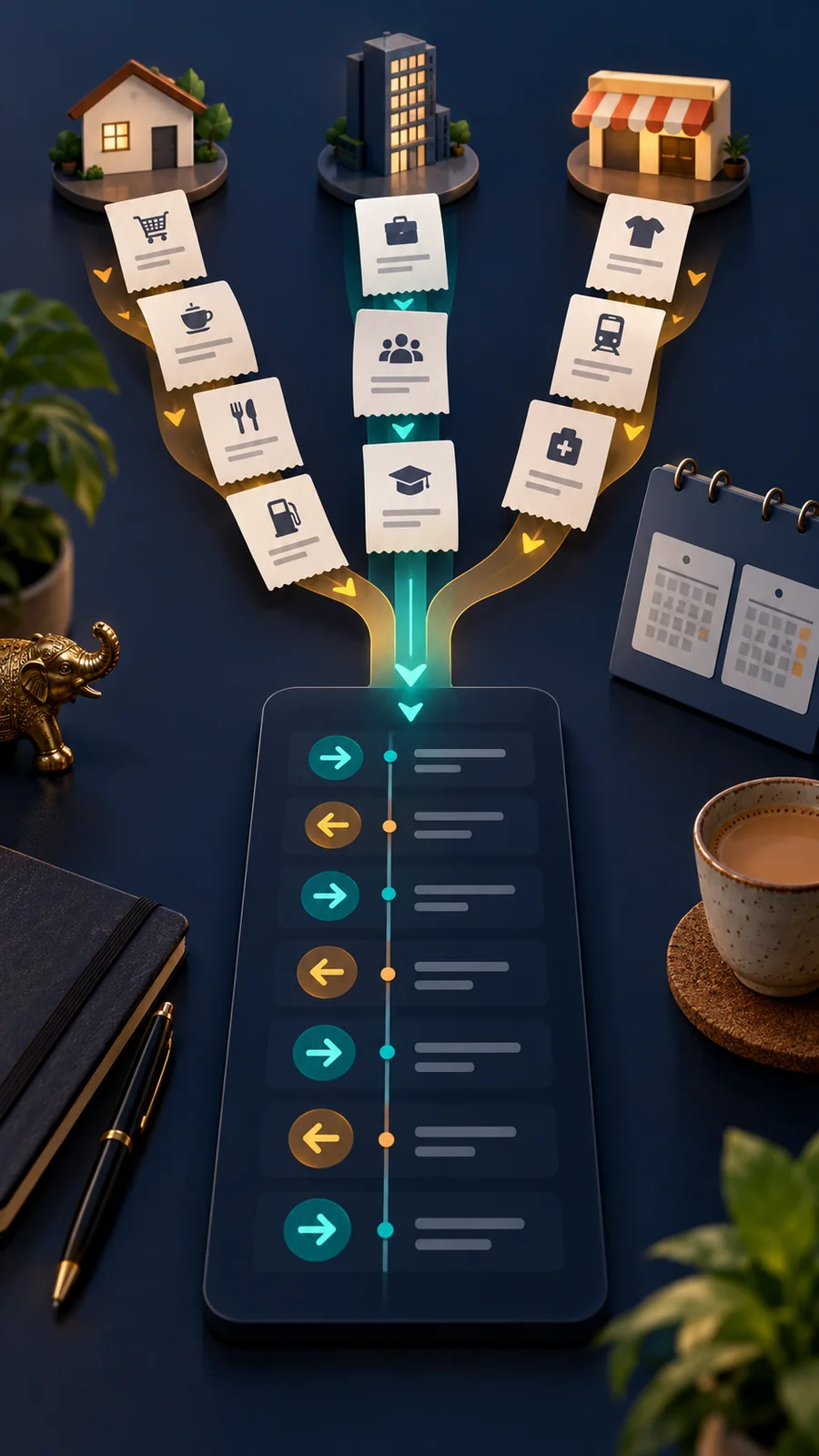
One payment happened in Google Pay, another in PhonePe and a third in BHIM. When you need a reference number, remembering which app you used can be the hardest part. MyUPI inside BHIM brings UPI transactions linked to your account into one view. It has a useful filter, but it is not an unlimited archive or a replacement for your bank statement.
Open the consolidated view
Sign in to BHIM using your registered account. From the home screen, open the MyUPI banner and choose Continue to MyUPI. Select the transaction history area to see entries. Check that the bank account or registered mobile number relevant to your search is linked. Labels and placement may vary with the app version, so confirm the account on screen rather than assuming all accounts are selected.
Which payments appear?
BHIM’s official support page says MyUPI can show UPI transactions made using any UPI-enabled app when they relate to a linked account. It includes both money sent and money received. The originating app might be Google Pay, PhonePe or BHIM. This is not a combined record of every card purchase, wallet payment or other bank transaction. If you use multiple accounts, review the correct account.
The 60-day window and app filter
The current BHIM support instructions describe access to the last 60 days of transactions. Use Filter to narrow the view to a particular UPI app. For older records, bookkeeping or formal proof, obtain a statement from your bank. A transaction missing from this view is not proof that it never happened; reconcile the bank record and transaction reference.
Check a payment carefully
Compare the date, debit or credit direction, amount, payee and transaction reference. You may have paid the same merchant more than once, so the name alone does not establish which entry you need. If an entry is unclear, review bank alerts and statements. Eligible transactions may offer a dispute or complaint action; contact your bank promptly as well when money has moved unexpectedly.
What Pay Again does
For an eligible previous person-to-person payment, MyUPI offers Pay Again. Even if the earlier payment originated in another app, the new payment is processed in BHIM. Do not treat a past entry as proof that the recipient is still the right person. Check the current UPI ID, displayed name and amount before confirming. Pay Again is not a refund feature.
Privacy and records
Do not leave BHIM signed in on a shared phone. A payment history can reveal financial habits, so share only the relevant reference when contacting official support. MyUPI is convenient for locating a recent payment; your bank statement is better for final reconciliation and older periods.
Frequently asked questions
Will I see my entire old payment archive?
BHIM currently describes a 60-day window for linked UPI transactions, not a lifetime archive.
Are card and wallet expenses included?
The feature is for UPI transactions, not every kind of card or wallet purchase.
Which app processes Pay Again?
BHIM processes the new payment, even if another app handled the original transaction.
Sources: BHIM MyUPI official support


























Share Your Opinion
Comments are closed on this post.