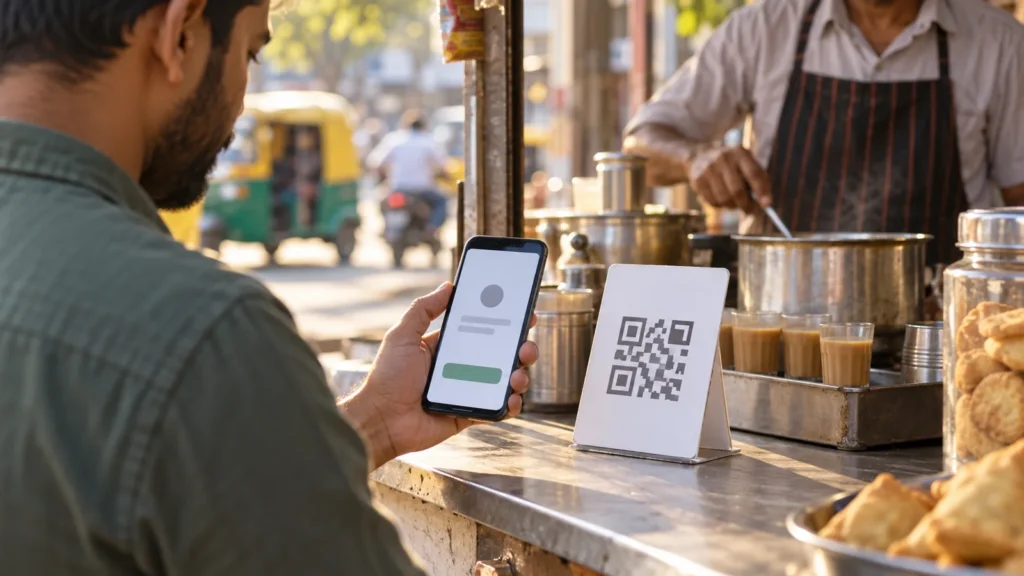
You reach for your phone and it is gone. The urgent question is whether someone can make a UPI payment from your bank account. BHIM MyUPI offers a Safety Switch, but a feature inside an app is of little use if the missing phone was your only way to open it. Start with your bank and mobile connection, then use the switch if you can securely access MyUPI on a registered device.
Do these things first
Contact your bank through its official helpline or branch. Report the missing phone, ask the bank how to block outgoing UPI use, and retain the complaint reference. Ask your mobile operator to suspend the SIM and explain the replacement process. If other banking apps were signed in, follow each bank’s security advice too. Never give an OTP, UPI PIN or login details to someone who calls claiming to help. Use a number from the bank’s official site, card or existing paperwork.
Where is the Safety Switch?
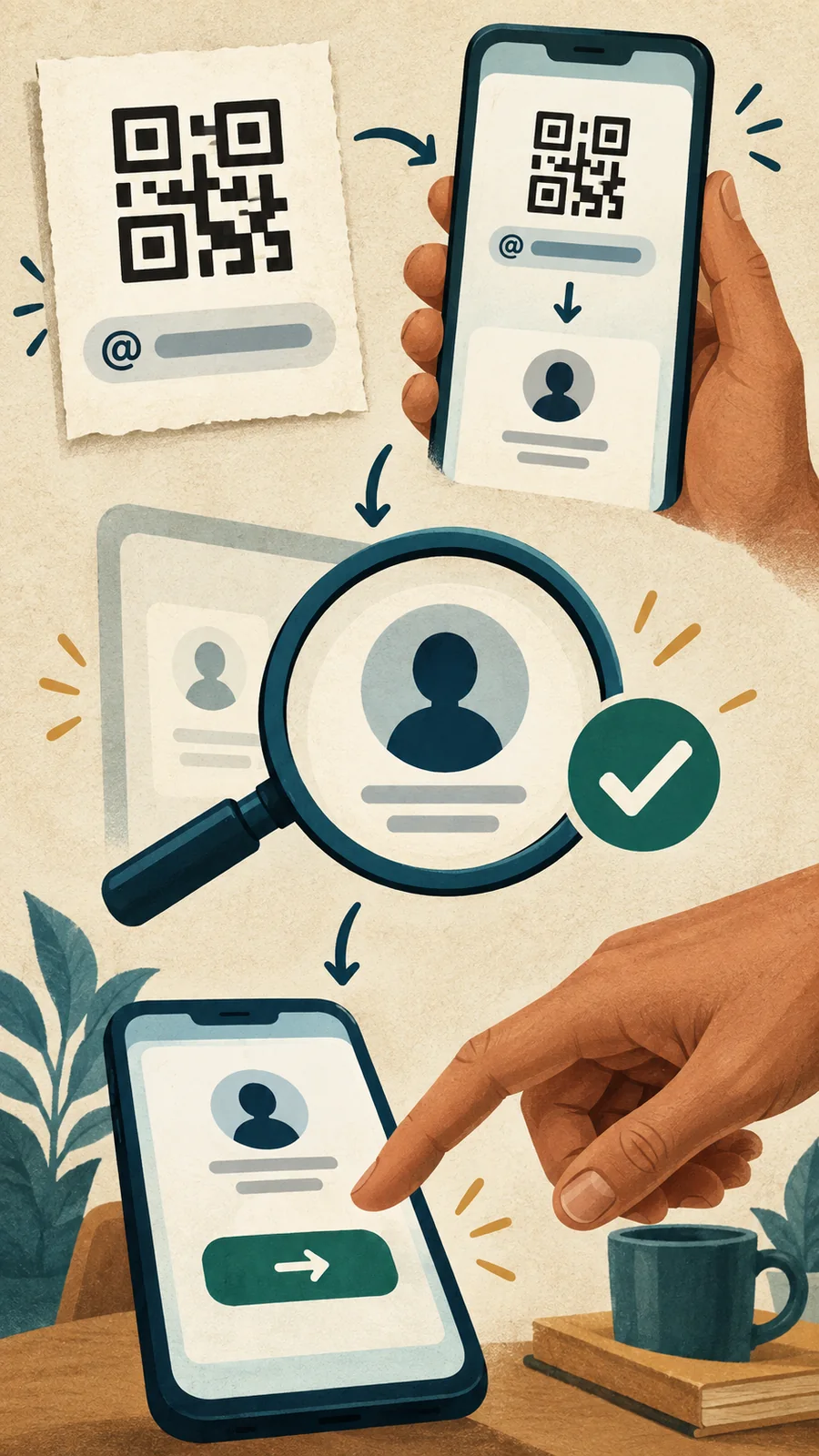
BHIM’s MyUPI support instructions say to sign in to BHIM, open the MyUPI banner on the home screen and choose Continue to MyUPI. Select Safety Switch, inspect the linked bank accounts, choose the affected account and tap Pause UPI Payments. The app layout can change, so read the confirmation screen before proceeding. If you have lost your only registered phone and cannot securely access BHIM, do not wait for this route before contacting the bank.
What does the switch actually pause?
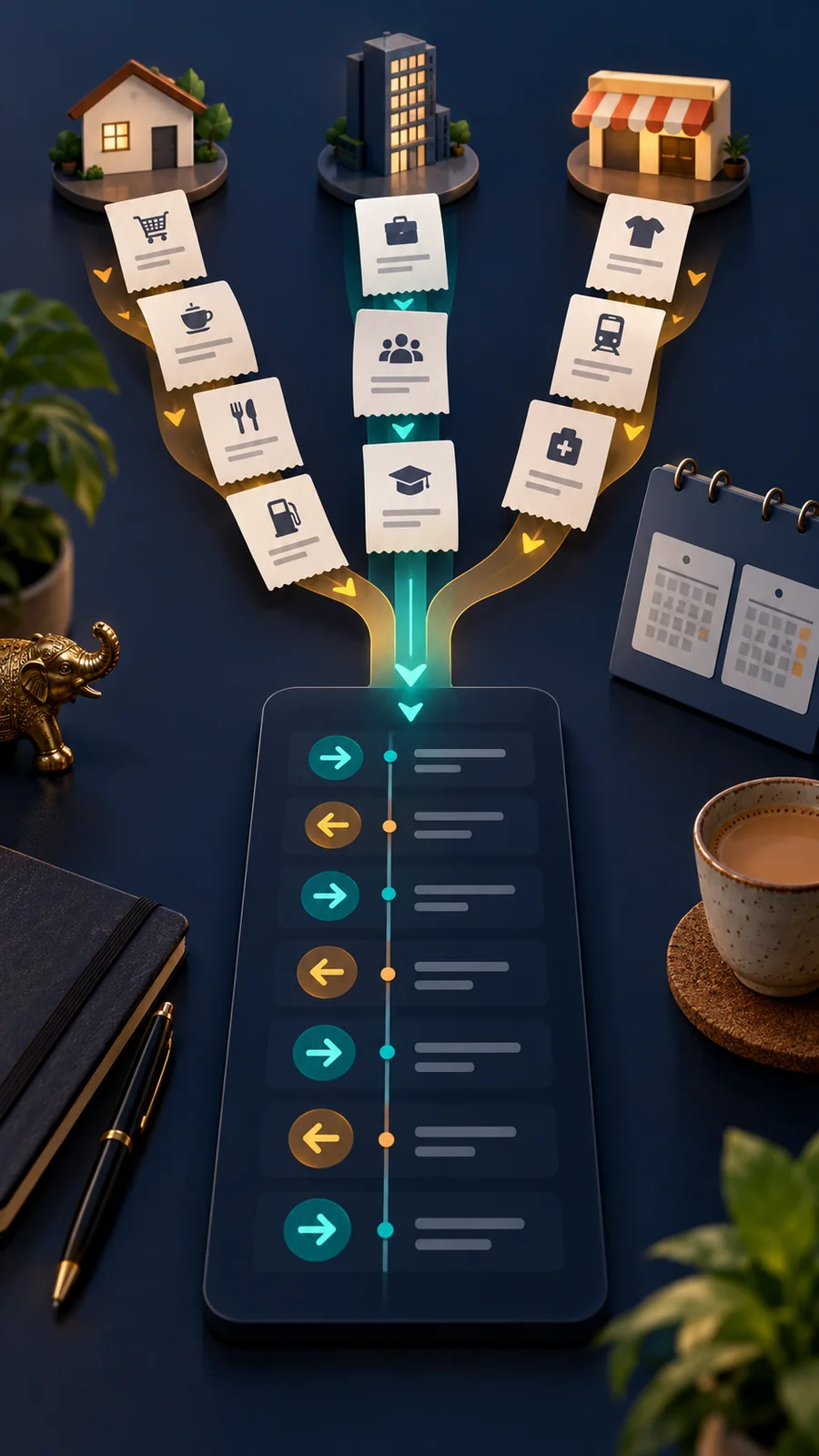
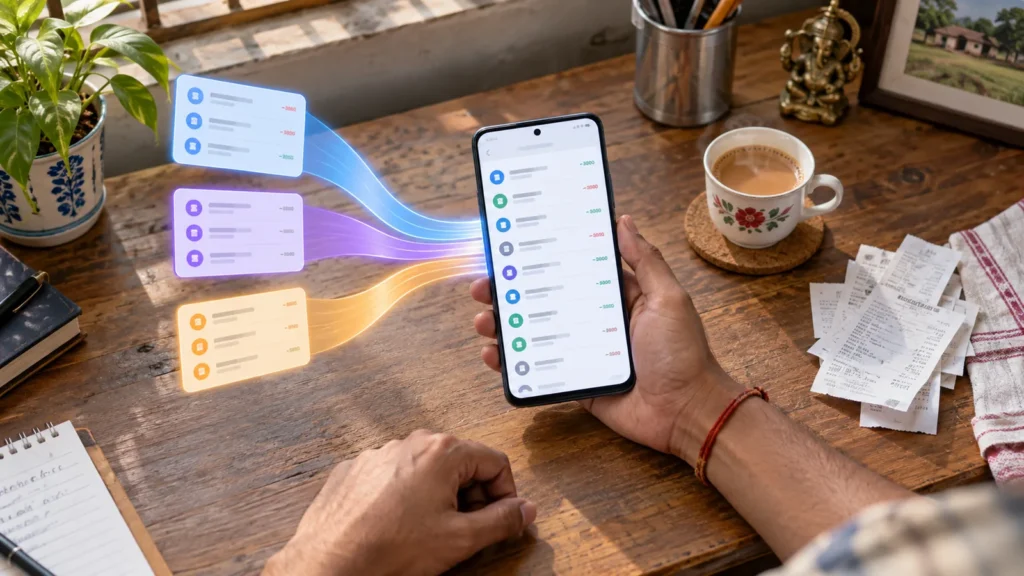
For the selected account, the switch blocks outgoing UPI debits. BHIM’s support guidance says AutoPay debits are paused too, while incoming credits remain active. It does not close the bank account, block the SIM, change passwords or reverse a payment that already succeeded. If several bank accounts are linked, check the status of each affected account individually. Uninstalling an app alone is not a substitute for contacting the bank.

How do you turn UPI back on?
This is the detail to know before pressing the button: after the Safety Switch is activated, the customer cannot independently resume UPI through MyUPI. BHIM directs users to their bank for help restoring the service. The switch is useful in a genuine emergency, but confirm which account you are pausing and keep your bank complaint reference. Ask the bank for confirmation when service is restored.
If money has already left the account
Report an unexplained debit immediately to your bank and keep the transaction reference. For suspected financial cyber fraud in India, call 1930 and use the government cybercrime portal. Reporting promptly matters, while liability depends on the facts of the case and applicable bank rules. A complaint inside MyUPI does not replace reporting an unauthorized transaction to the bank.
A practical follow-up checklist
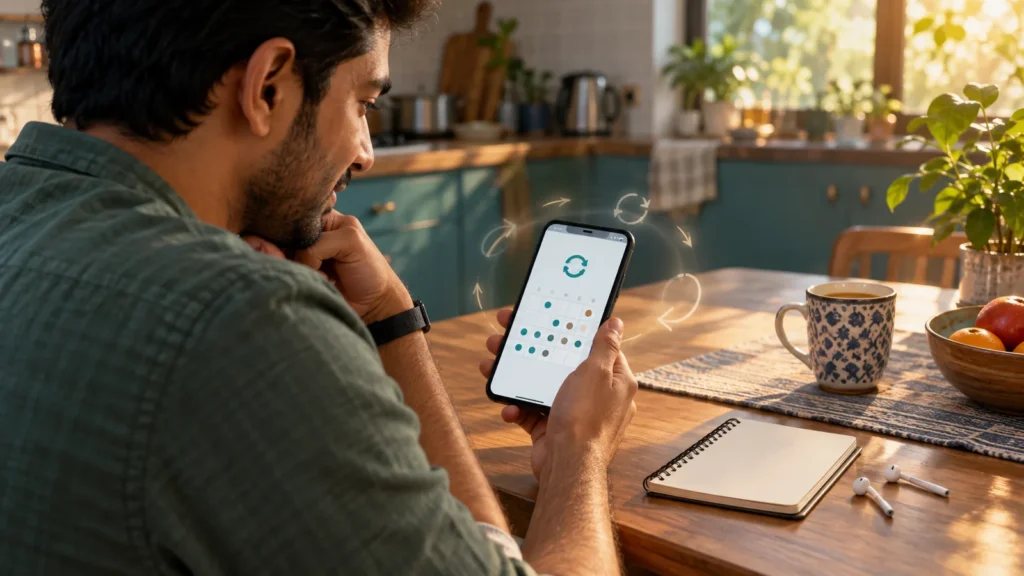
Secure the SIM, phone screen access, primary email and bank login. Later review the linked accounts and recent credits and debits. Install BHIM only from an official app store on a replacement phone and follow the registration steps shown there. Never share the UPI PIN. Be suspicious if someone says you must enter it merely to receive money.
Frequently asked questions
Does Safety Switch stop incoming money?
BHIM says incoming UPI credits remain active for the selected account.
Can I resume UPI myself inside MyUPI?
No. BHIM directs you to the bank for reactivation after using the switch.
What if I cannot open BHIM without the lost phone?
Contact your bank and mobile operator immediately. Do not wait to regain app access before reporting the risk.
Sources: BHIM MyUPI official support, National Cyber Crime Reporting Portal, RBI customer-liability guidance