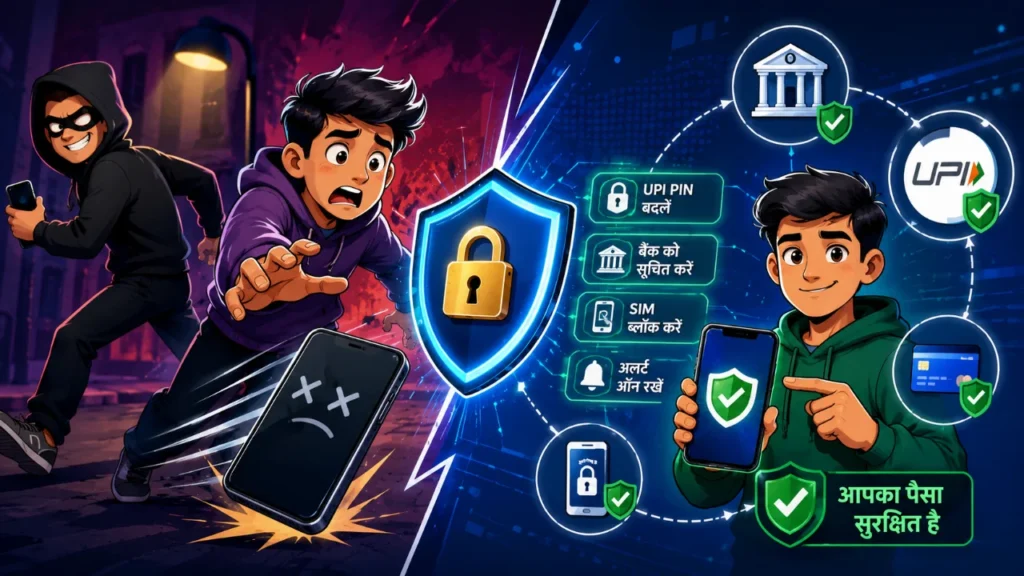
Immediate Steps After Losing Your Phone: Why Blocking Your SIM is Crucial
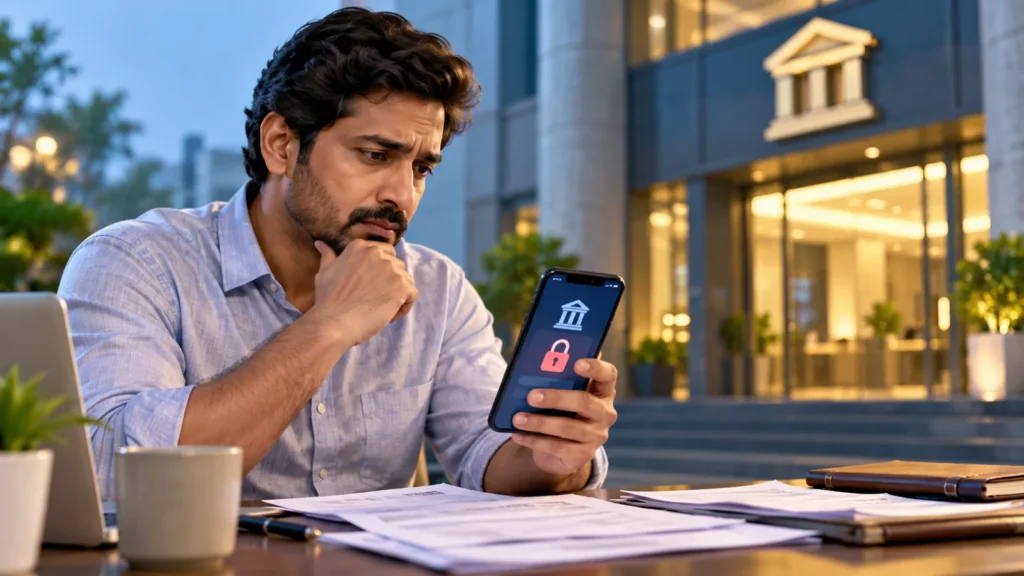
Imagine this: you’re out, and suddenly realize your phone is gone. The immediate panic isn’t just about the device, but the active UPI apps and bank balances it holds. A moment’s carelessness could lead to significant financial loss. While the instinct might be to search for the phone or contact loved ones, the absolute first technical step should be blocking your SIM card. As long as your SIM is active, a malicious person can insert it into another phone and misuse the SMS and OTPs sent to your number.
Use a friend’s phone to call your telecom provider (Jio, Airtel, Vi, BSNL) customer care. Explain the situation and request immediate deactivation of your SIM. Alternatively, you can report your lost mobile and SIM on the Sanchar Saathi Portal. Until your SIM is blocked, your UPI apps and bank accounts remain vulnerable. Blocking the SIM cuts off verification codes and OTPs, halting a hacker’s primary access route.
How to Suspend UPI Services: Blocking GPay, PhonePe, and Paytm
After blocking your SIM, the next critical action is to block all your UPI and payment applications. Many believe a screen lock is sufficient, but modern thieves can bypass software easily. Therefore, you must suspend your UPI services at the server level.
- Google Pay: Call their helpline or use Google’s ‘Find My Device’ feature to erase your phone’s data remotely.
- PhonePe: Contact their emergency support and select the ‘Report Fraud or Lost Phone’ option.
- Paytm: Log in to the Paytm app from another device, navigate to the ‘Lost Phone’ section, and log out or block your old session.
These apps typically offer 24×7 customer support. Contact them without delay to freeze your payment profile and prevent unauthorized transactions.
Temporarily Freezing Your Bank Account
If you had banking apps like YONO SBI, HDFC MobileBanking, or ICICI iMobile active on your phone, blocking UPI alone is insufficient. You must directly inform your bank. Call your bank’s 24-hour toll-free emergency number. Inform the call center executive about your situation and request them to block your debit card, net banking, and temporarily freeze your account. This will halt all debits or money transfers from your account. If you have access to internet banking on a laptop or desktop, you can also log in and immediately change your password.
It is advisable to keep your bank account in an emergency block mode until you get a new phone and SIM. This ensures your deposited funds remain completely secure.
Blocking Your Phone’s IMEI on the CEIR Portal
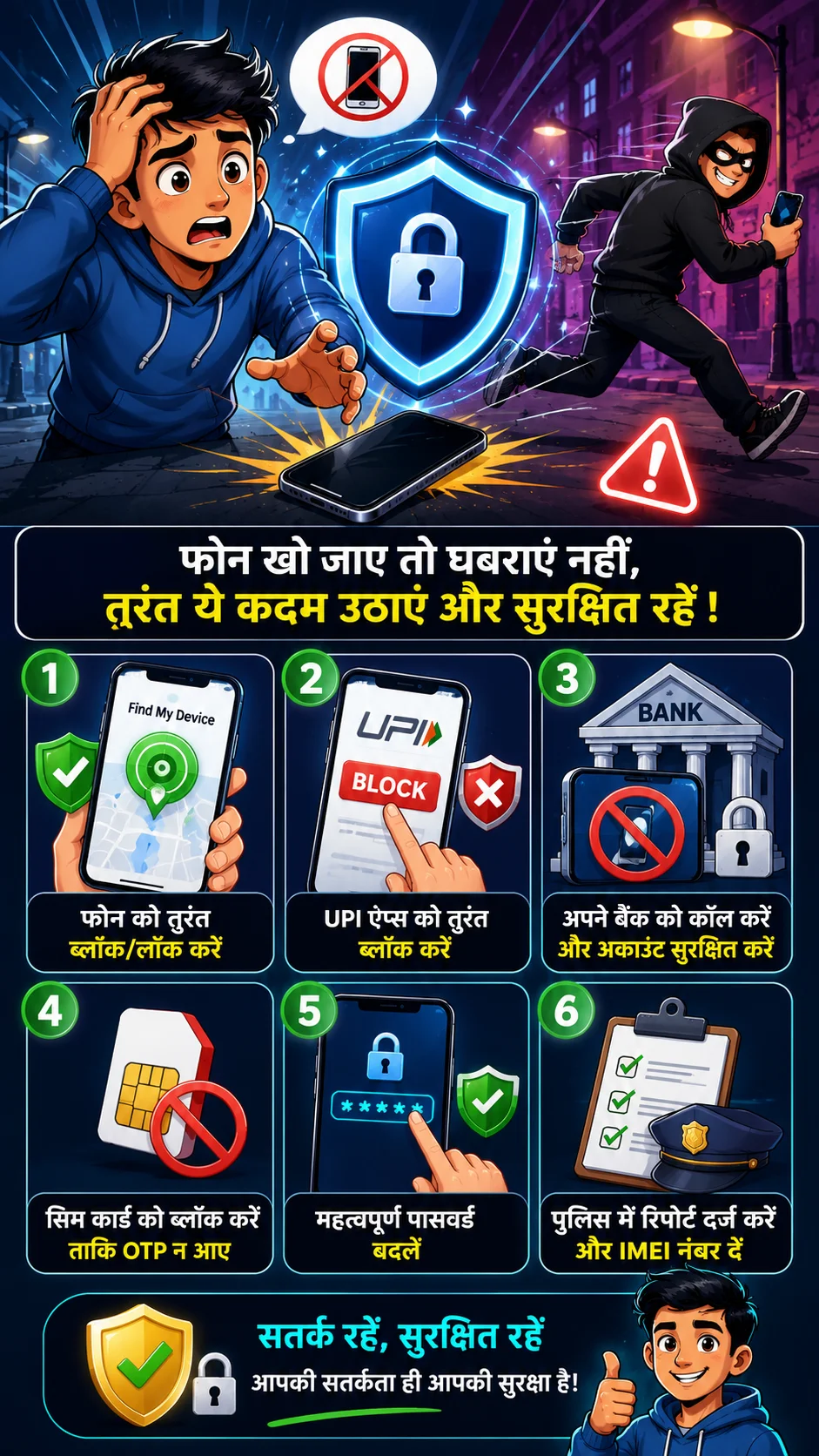
The Central Equipment Identity Register (CEIR) portal, launched by the Indian government’s Department of Telecommunications, is a powerful tool when your phone is lost. This portal allows you to block your lost phone’s IMEI number nationwide. Once blocked, the handset will not work with any SIM card.
To do this, you first need to file an FIR (First Information Report) for the lost phone at your nearest police station. Then, visit the official CEIR website (ceir.gov.in) and fill out the ‘Block Stolen/Lost Mobile’ form. You will need to upload your IMEI number, a copy of the police complaint, and your ID proof. After submission, your phone will be blacklisted, preventing anyone from using it with any SIM or accessing your personal data. If you recover your phone later, you can also unblock it through the same portal.
Fact: Digital fraudsters can extract your OTPs by simply placing your SIM card in another phone, putting your linked accounts at risk even without your UPI PIN.
Why Filing a Police FIR is a Critical Legal Step
Many people avoid filing a police report after losing a phone, thinking they’ll just buy a new one. However, this can have serious legal consequences. If your lost phone or SIM is used in any criminal activity, cyber fraud, or illegal act, the police will first trace it back to you. Therefore, immediately visit your nearest police station or use your state’s police website to file a ‘Lost Article Report’. Clearly mention your mobile number, phone model, and IMEI number in the report. Keep a digital or physical copy of this report safe.
This complaint serves as concrete legal proof that the phone was not in your possession after a specific date and time. In case of any future financial or cyber fraud, this report will protect you from legal complications.
Learning for the Future: 4 Golden Rules to Protect Your Phone from Digital Fraud
Instead of panicking after an incident, it’s better to adopt basic digital security measures proactively. Implementing a few simple settings on your smartphone can save you from significant financial loss in the future.
- SIM PIN Lock: Activate a SIM PIN lock. This prevents anyone from using your SIM in another phone without the PIN.
- Secure Credentials: Never save your UPI PIN or ATM card passwords as notes, messages, or photos on your phone.
- Two-Factor Authentication (2FA): Always keep 2FA enabled for WhatsApp and other social media apps.
- ‘Find My Device’: Ensure ‘Find My Device’ (Android) or ‘Find My’ (iPhone) is activated. This allows you to remotely wipe your phone’s data if needed, securing your financial information.
Frequently Asked Questions
Can money be debited from my bank account after blocking the SIM?
No, once the SIM is blocked, OTPs and verification messages to your number stop. Consequently, no one can transfer money from your bank account using UPI or net banking via your number.
Which number should I call to block Google Pay or PhonePe?
You can call the Google Pay helpline at 1800-419-0157 or the PhonePe support number at 080-68727374 from another phone to immediately block your account and UPI services.
Can I block my phone’s IMEI on the CEIR portal without a police complaint?
No, uploading a copy of the police complaint or the online ‘Lost Report’ number is mandatory to block a lost phone’s IMEI on the CEIR portal.
How do I reactivate my old UPI apps after getting a new SIM card?
Insert your new SIM card into your new phone. Download the relevant UPI app, complete the SMS verification process with your registered mobile number, and set a new UPI PIN.
Disclaimer: The information provided in this article is for general awareness only.