 Vista
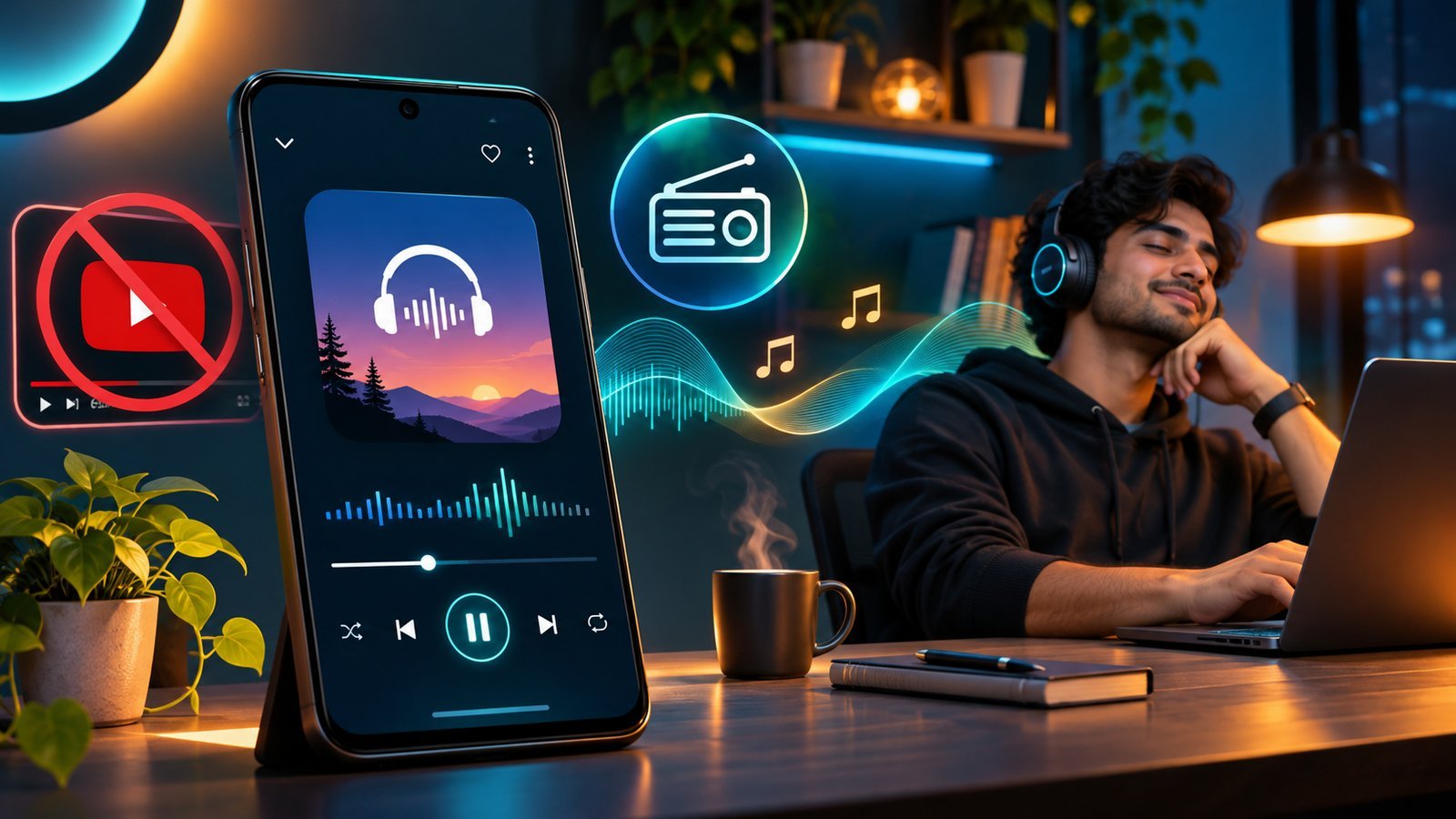
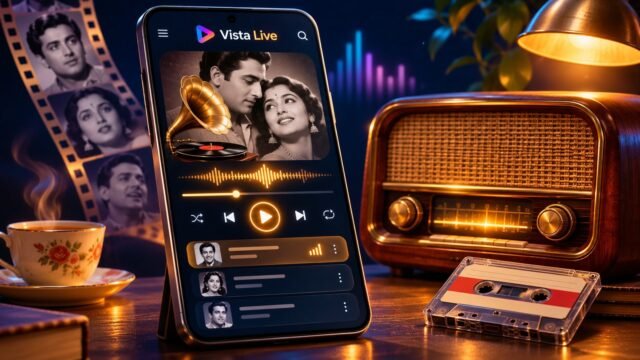
Want to listen to Hindi songs without YouTube? If you prefer audio to video, an online radio station is one practical choice. Open Vista Live in your mobile browser, select an available Hindi music station and tap Play. You can hear a broadcaster’s stream without opening the YouTube app or searching for a video. This does not mean you can listen without internet, select every specific song, or guarantee that playback continues with the screen locked.
People search for phrases such as hindi songs without youtube, hindi radio background play, screen off hindi music and ‘bina YouTube gaane sunao’ for slightly different reasons. Some want fewer distractions. Others want music while working, a quick radio button on the home screen, or a way to play songs without downloading questionable MP3 files. This guide explains how the player works and where the real limits are, so you can choose the right method for your situation.
▶ Listen to Hindi Radio Without Opening YouTube
Three ways to hear music without playing a YouTube video
The first method is internet radio. It is built around a station’s schedule, not a fixed song you choose. You select a station once, and the programme can continue while you listen. The second method is an authorized on-demand music service. Depending on the provider and plan, you may search for one recording, manage playlists and sometimes download music for offline use. The third method is playing audio files you already have the right to store on your phone. None of these methods is the same as bypassing a platform’s restrictions.
For users looking for old Hindi songs, 90s Bollywood or a mixture of film hits, radio can be convenient. You do not have to find the title of the next song every few minutes. The trade-off is control: you may hear announcements, advertisements, unfamiliar tracks or music outside your favourite decade. If your goal is one exact duet by a specific singer, an authorized searchable service is more suitable than expecting radio to play it on demand.
How to use Vista Live in a mobile browser
Start with vhoriginal.com/live/. The page shows a Save Radio option and a collection of station cards organized by categories such as Live Radio and music formats. Search for an appropriate station name, or browse the visible cards. Press the large ▶ Play control on a card and give the stream a moment to connect. Internet radio can take a few seconds to buffer, especially if your network or the broadcaster’s server is busy.
When the audio starts, set a comfortable volume using your phone’s media controls. If you want another musical style, select a different station rather than trying to open two streams simultaneously. Press Pause when you need quiet. A loading indicator or retry message means the player is trying to connect or could not reach that station. Try another station, check the Bluetooth output and confirm that the device has a working internet connection.
The player may also include a Sleep Timer. It is useful when you want the stream to stop after a chosen interval, especially in the evening. Radio is supposed to reduce the effort required to listen; its controls should not demand repeated attention. Before relying on it in a car or while working with your hands, choose the station and volume while you are stationary.
Background play, switching apps and locking the screen are different tests
The expression ‘background music’ describes music playing while another task has your attention. This could mean radio from your phone while you write, cook, clean, work at a computer or browse another website. On a laptop, switching between tabs is not technically identical to locking a smartphone. Even on the same Android device, playing behind another app may work while playback after screen lock does not.
Mobile operating systems protect battery life and manage background activity. Browser versions, phone manufacturers and power-saving modes can therefore influence audio playback. Some devices continue streaming when you switch apps; others pause when the browser becomes inactive. A station server may also disconnect. For these reasons it is misleading to promise that every Android and iPhone will play every radio stream with its screen off.
Test the actual behaviour: start one station, listen for a short period, switch apps and see whether audio continues. Then try the screen-lock button. If music stops, check the browser’s media notification and phone power settings before assuming the page is broken. Do not disable essential device security to force playback. The most dependable description is ‘browser radio with device-dependent background playback,’ not an unqualified ‘guaranteed screen-off music player.’
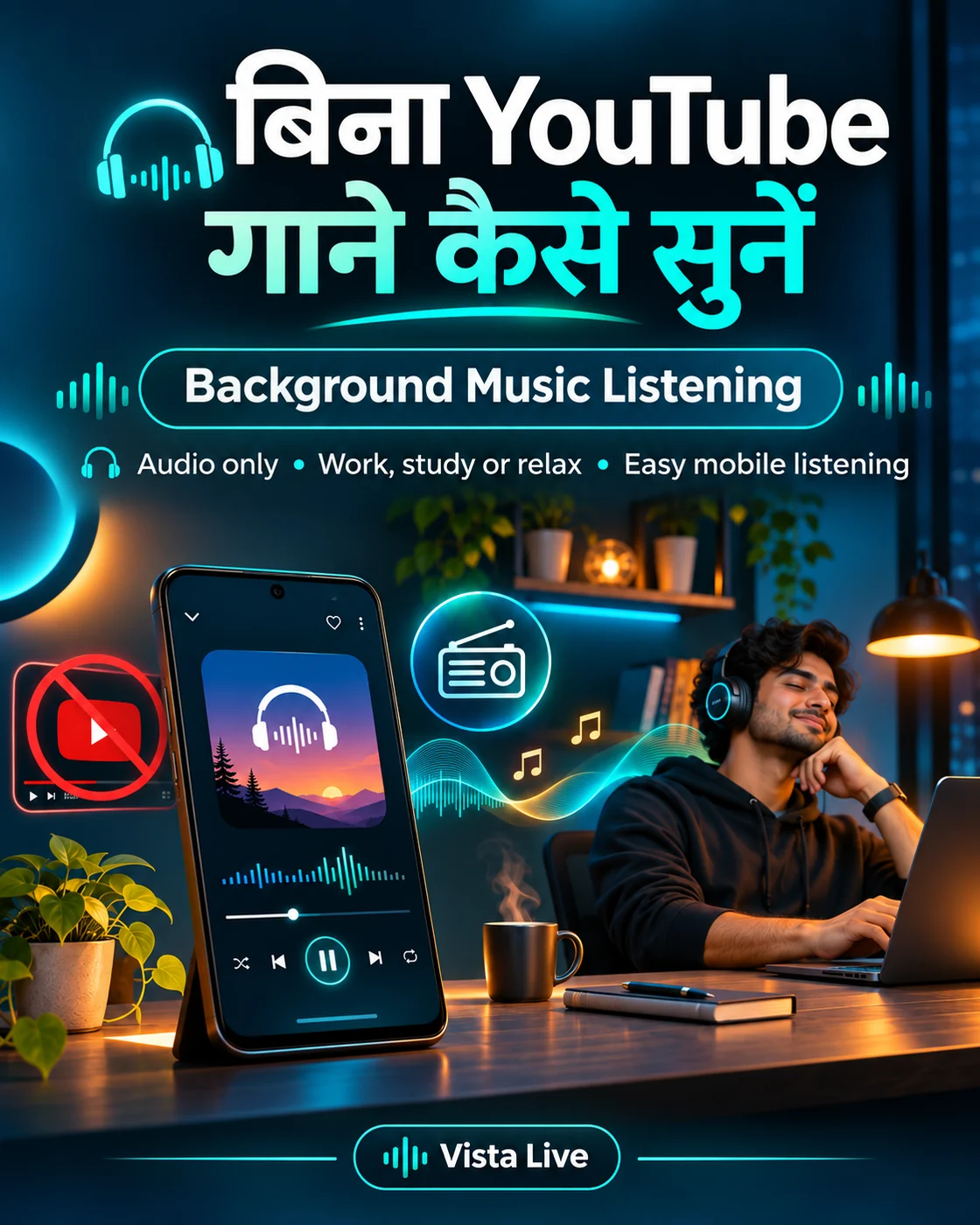
Why continuous radio is useful at home, at work or on a journey
Think about the difference between managing a queue and enjoying music. A playlist is useful when you know exactly what you want. A radio station can be more comfortable when you do not. A cook with busy hands, a small business owner serving customers or a passenger listening on a long journey may prefer one stream to run rather than pick a new song whenever the current one ends.
Unexpected songs can also be enjoyable. A track finishes, the opening of a familiar film melody begins, and someone nearby remembers its movie. The small surprise of the next song is part of the radio experience. There is no objective rule that a music lover must prefer radio; some people enjoy playlists more. Vista Live’s idea is that radio is not necessarily an outdated medium. It can be a simple companion in an ordinary day.
One safety note matters especially in vehicles. Drivers should not scroll through songs or station cards while driving. Select a station beforehand or ask a passenger to handle the controls. Keeping music automatic can reduce interaction, but it never justifies using the phone unsafely on the road.
What streaming does—and what it does not do
Streaming is a way to deliver audio data progressively. A broadcaster sends encoded audio through a server, the browser receives and buffers small sections, and you hear them while more data arrives. There is no need to save an entire album to the Downloads folder first. A stream can stop if the server becomes unavailable, the phone loses network coverage or an audio format is unsupported. The ‘Retry’ control may help, but it cannot repair a station whose broadcaster has gone offline.
Listening consumes mobile data even if no paid subscription is required on the page. The amount depends on the stream’s bitrate and how long you listen. If you have a limited data plan, watch your usage and use your phone’s data controls. ‘Free radio’ means that the web interface does not require a listening subscription, not that your mobile operator provides unlimited data or that the broadcaster will never play advertisements.
MP3 downloads are not automatically illegal
An MP3 file is a common audio format. When a musician or authorized distributor offers a legal download, saving it can be perfectly legitimate. Problems arise when someone copies, hosts or shares copyrighted recordings without permission. Rights may exist separately in the lyrics, musical composition, performance and recording. That is why anonymous websites promising huge free Bollywood song archives deserve caution, especially when they redirect to suspicious installers or unrelated apps.
Internet radio is not an MP3 download store. It gives you access to a broadcaster’s currently available stream. The availability of an online signal does not automatically permit copying its audio or redistributing it elsewhere. If you truly need offline listening to particular songs, check an authorized service’s download rights and terms rather than expecting a station stream to provide that feature.
Save Radio to Home Screen for one-tap access
Vista Live has a Save Radio to Home Screen option near the radio section. On an Android browser that supports installation, tapping it may open a native prompt. On other versions, you can follow the instructions to find Install app, Create Shortcut or Add to Home Screen in the browser’s menu. This avoids searching ‘Hindi radio background play’ again each morning. The exact menu text varies according to your browser.
A home-screen icon opens the radio page quickly. It is not a substitute for network access and does not convert live radio into a downloadable offline collection. iPhone Safari users can look for Add to Home Screen in the Share menu. Once saved, return to the page, choose a station and press Play. Whether music survives screen lock remains a separate device-specific test.
Troubleshooting when Hindi radio will not start
First check whether your phone’s media volume is turned up and whether sound is going to Bluetooth headphones or a speaker elsewhere. Next, try another station, because individual broadcasters may fail while others still work. Switch between Wi-Fi and mobile data if your connection seems unstable. Allow the loading indicator time to finish. If a broadcaster is temporarily unavailable, the safest solution may be to use a different available station.
Some phones become aggressive about background processes when battery saver is active. Others place restrictions on browser media notifications. Keep your browser updated and avoid installing random audio-fixing APKs. If the stream is playing when you look at the page but stops when the phone locks, document that difference rather than claiming the station is always offline. A brief test on the same device can identify many of these issues.
Frequently asked questions
Can I play Hindi songs without opening YouTube?
Yes. An available online radio stream can play through a browser without the YouTube app. You still need internet access.
Does Hindi radio background play work on every Android phone?
No. Background and screen-off playback depend on browser, phone, battery settings and stream behavior; test your own device.
Can I choose a particular Bollywood song on Vista Live?
Radio stations choose their own programmes. A specific song on demand is not guaranteed; use an authorized searchable music service when you need one exact recording.
Does Save Radio make the music work offline?
No. It creates a quicker route to the radio page. A live stream still needs a network connection.
Is it wrong to download an MP3 file?
Not inherently. Authorized downloads may be lawful; unauthorized copying or distributing copyrighted recordings can be unlawful.
▶ Open Vista Live and Choose a Music Station
Conclusion: Listening to music without opening YouTube does not have to mean downloading random apps. A browser radio page can be a useful audio-first option for daily life. Choose a working station, press Play, save the page for later, and remember that internet access and background audio support are separate conditions.
Sources and limitations: Google Chrome web apps guide; MDN: Audio and video delivery; India Copyright Office: Copyright Act, Sections 51–52. Updated 15 November 2026. Station availability and mobile browser support may change; this guide does not describe circumventing platform restrictions.
For more listening ideas, explore old Hindi songs radio and 90s Bollywood radio.


















Share Your Opinion
Comments are closed on this post.