 Vista
Looking for an easy school project front page design? You do not need expensive art supplies or complicated lettering. A clean A4 sheet, a pencil, a ruler and a few colours are enough to make a beautiful project cover. This guide features six original front page design images—floral, geometric, nature, science, minimal and rainbow—with clear instructions that children can follow and adapt.
Each design has a large image you can open for a closer look. The aim is not to print someone else’s finished homework; it is to help you draw an attractive cover yourself, with enough space left for your subject, name, class, roll number and teacher’s requirements.
What do you need for a school project cover page?
Start with an A4 drawing sheet or your school’s project-file cover. Keep an HB pencil and eraser nearby so you can correct lines before using permanent colour. A ruler helps with the margins, title boxes, and neatly spaced writing. For colouring, crayons or coloured pencils are usually easier to control than wet markers. A black fine-tip pen is useful for final headings, but not essential.
If you are decorating a folder instead of paper, choose light paper cutouts or simple stickers that do not make the front cover bulky. There is no need to use sharp cutters, hot glue, or glitter jars. If you are young and need scissors for a craft-paper border, ask an adult to help. Let glue and ink dry before closing the file.
How to choose the right design for your project
A good cover should match both your age and the subject you are presenting. For Class 1–3, big shapes and clear colours are easiest to copy; a rainbow or floral cover is a friendly starting point. For Class 4–6, leaf borders, simple geometry, and subject symbols work well. Older students may prefer the minimal cover with just a neat heading, subtle decoration and well-aligned details.
Use the geometric style for mathematics or technology, the leaves style for environmental science, and the flask layout for science projects. A floral style can work for language and art assignments, while the rainbow cover suits creative projects and holiday homework. These are suggestions, not school rules. Always follow the format your teacher gives you, particularly if a particular heading or roll-number position is required.
6 easy school project front page design ideas with images
Open the image that looks easiest for you. First copy its main layout lightly; then add your own title, colours and details. A cover looks better when the border is balanced and the writing area stays easy to read.
1. Floral Garden Front Page
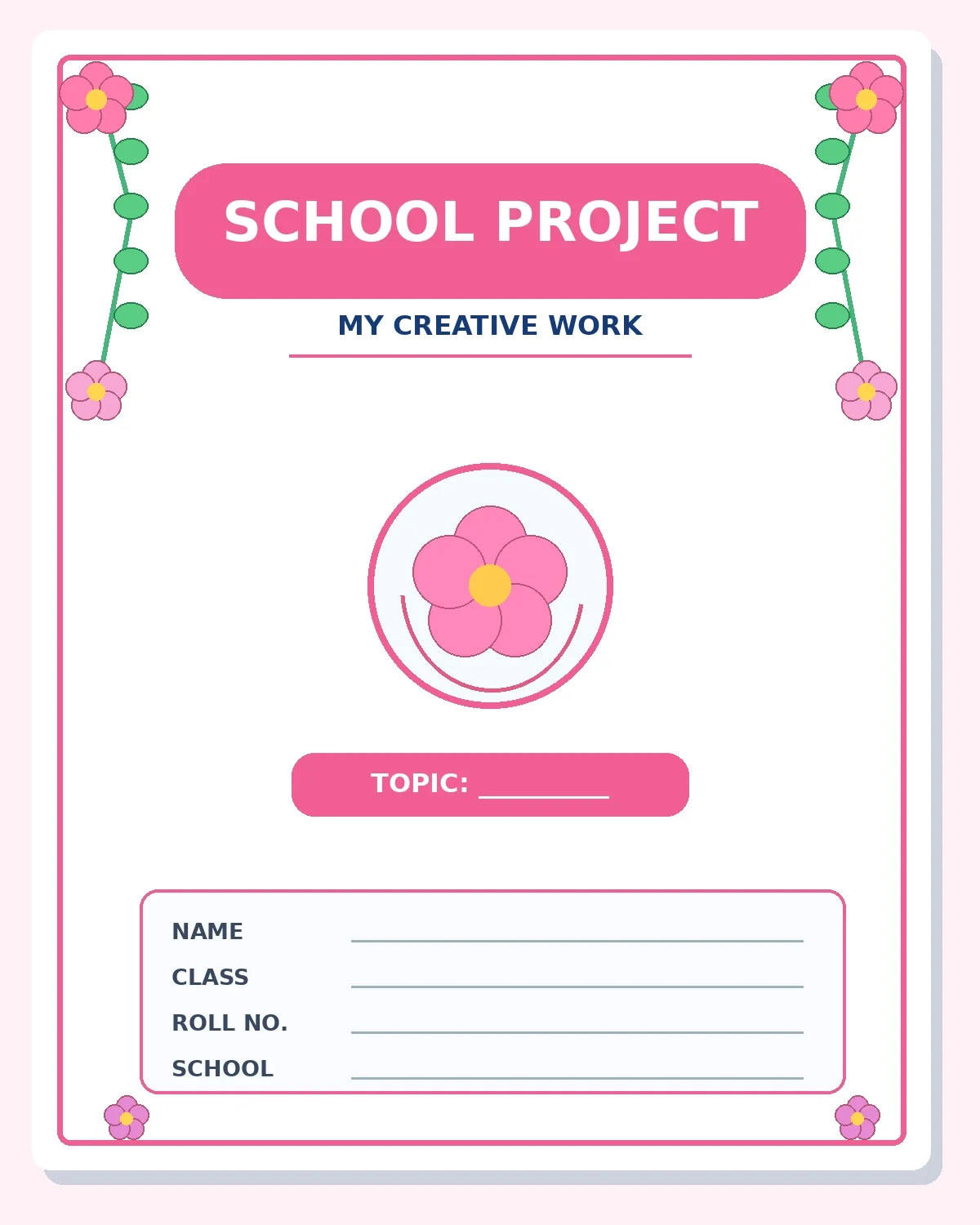
Choose this cover for English, environmental studies, art, or any general school assignment. Tiny blossoms travel down the margins while a large central area remains free for the project title and student details.
How to draw it: Sketch a narrow double-line border in pencil. Mark four corners with tiny circles, turn each into five rounded petals, then join the flowers with gentle vines along both sides. Leave the central heading untouched. Use pink for flowers and green for stems; repeat similar flowers so the page feels consistent.
Helpful tip: If flowers are difficult to draw, start with a small circle and surround it with five short petals. Do not let vines cover your name box.
2. Geometric Blue Front Page
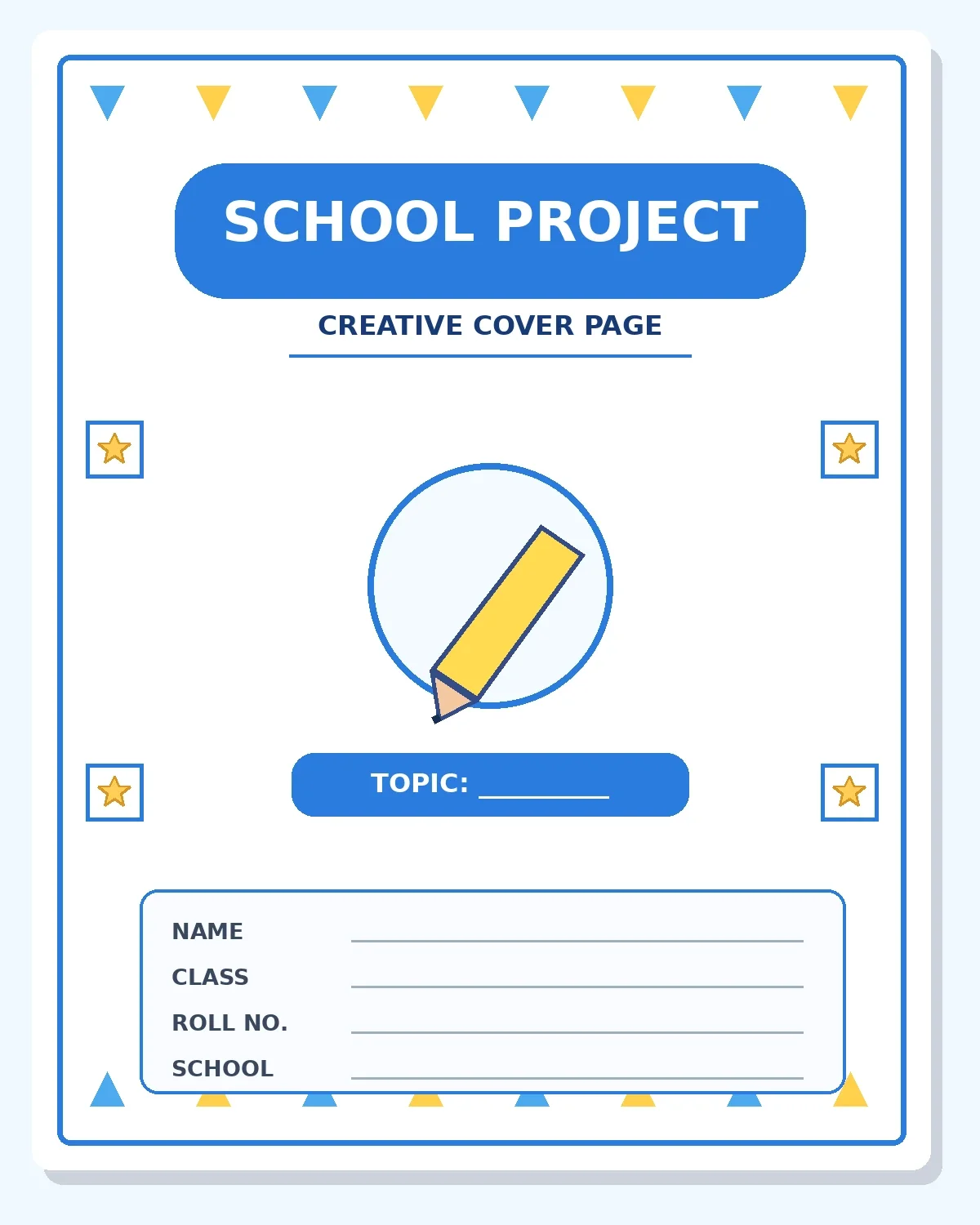
This modern cover suits maths, computer studies, social science, or subjects that need a neat, structured look. Simple triangles and squares are much easier to copy with a ruler than elaborate hand-drawn patterns.
How to draw it: Draw a rectangle around the page, then add small triangles along the top and bottom margins. Make a round pencil symbol in the middle, or replace it with the subject’s own symbol. Keep the title in a blue rounded banner and write your name in a tidy box at the bottom.
Helpful tip: Use a ruler for every straight line and limit the palette to blue, yellow, and one dark outline colour.
3. Nature and Leaves Front Page
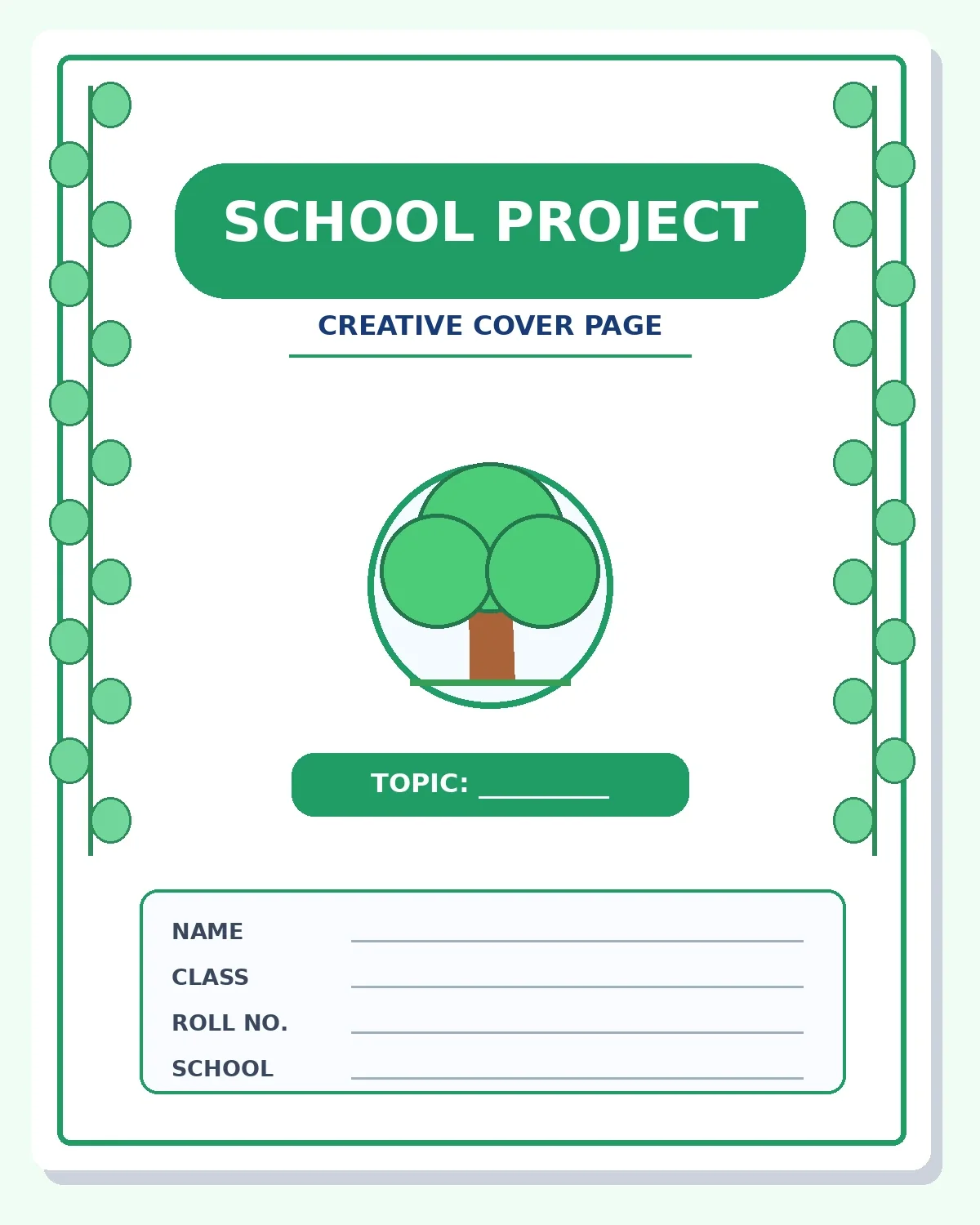
A green theme is especially helpful for a nature diary, plants project, water conservation folder, environmental awareness project, or science notebook. It looks colourful without needing heavy decorations.
How to draw it: Place simple oval leaves at even intervals down the left and right sides. To create a leaf, draw a pointed oval and add a centre vein. Put a tiny tree or leaf inside the main circle if you prefer, and keep the student-details box small and clear.
Helpful tip: Use light green for large leaves and dark green for outlines. Leave plenty of white space; that is part of the nature-themed design.
4. Science Lab Front Page
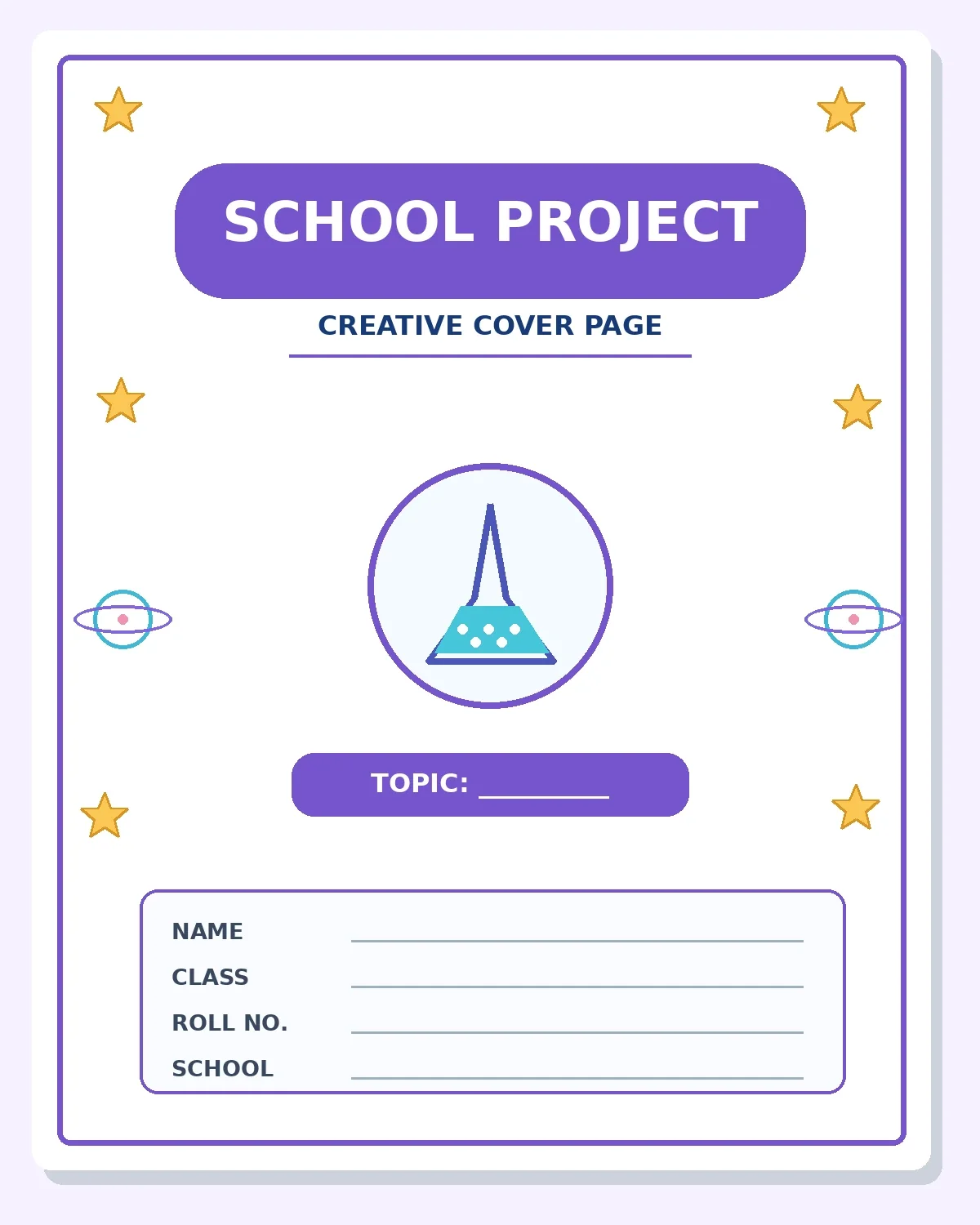
Use this for a science exhibition record, physics or chemistry activity, science scrapbook, or class experiment report. The sample uses a familiar flask icon and small science-themed decorations without making the cover crowded.
How to draw it: Draw the heading banner first, then lightly outline a flask. A simple flask can be made from a slim neck, angled sides, and a curved bottom. Add one or two tiny planet or star symbols outside the title area. Colour the flask’s contents blue and the frame purple.
Helpful tip: Copy the general layout, not an exact scientific diagram. If the assignment is about a specific experiment, use a suitable symbol instead.
5. Minimal Peach Front Page
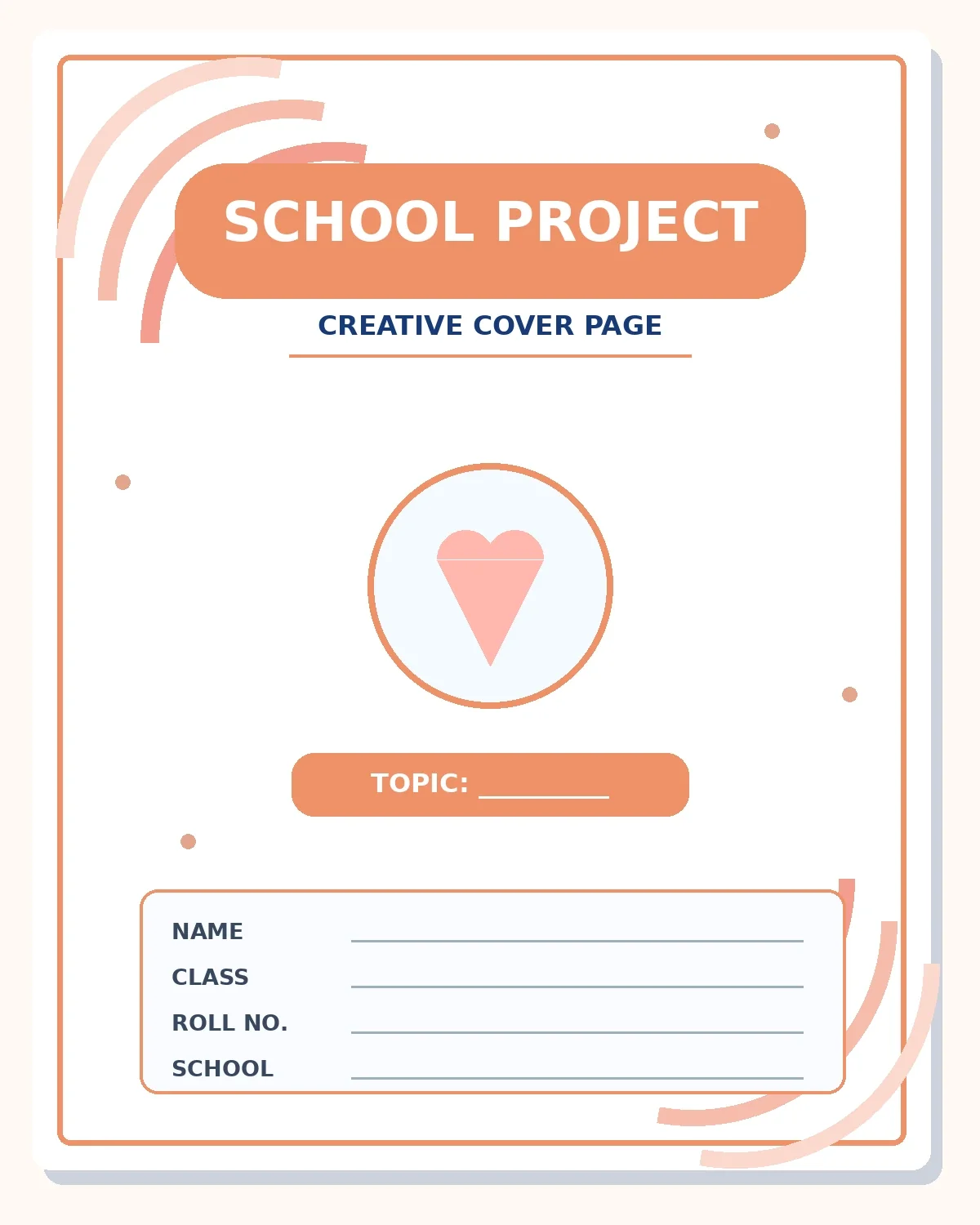
A minimal cover works well when you have little time, when the teacher prefers a serious file, or when the project is for an older class. It uses clean space and only a few peach-coloured details.
How to draw it: Measure equal margins, draw one thin outer border, and add two small corner curves. Place a clear rectangular title banner near the top. Use a simple circular icon in the middle and a straight student-information box below. No glitter or large illustrations are needed.
Helpful tip: The key is neat handwriting and aligned text. Use a ruler and avoid extra stickers.
6. Rainbow and Stars Front Page
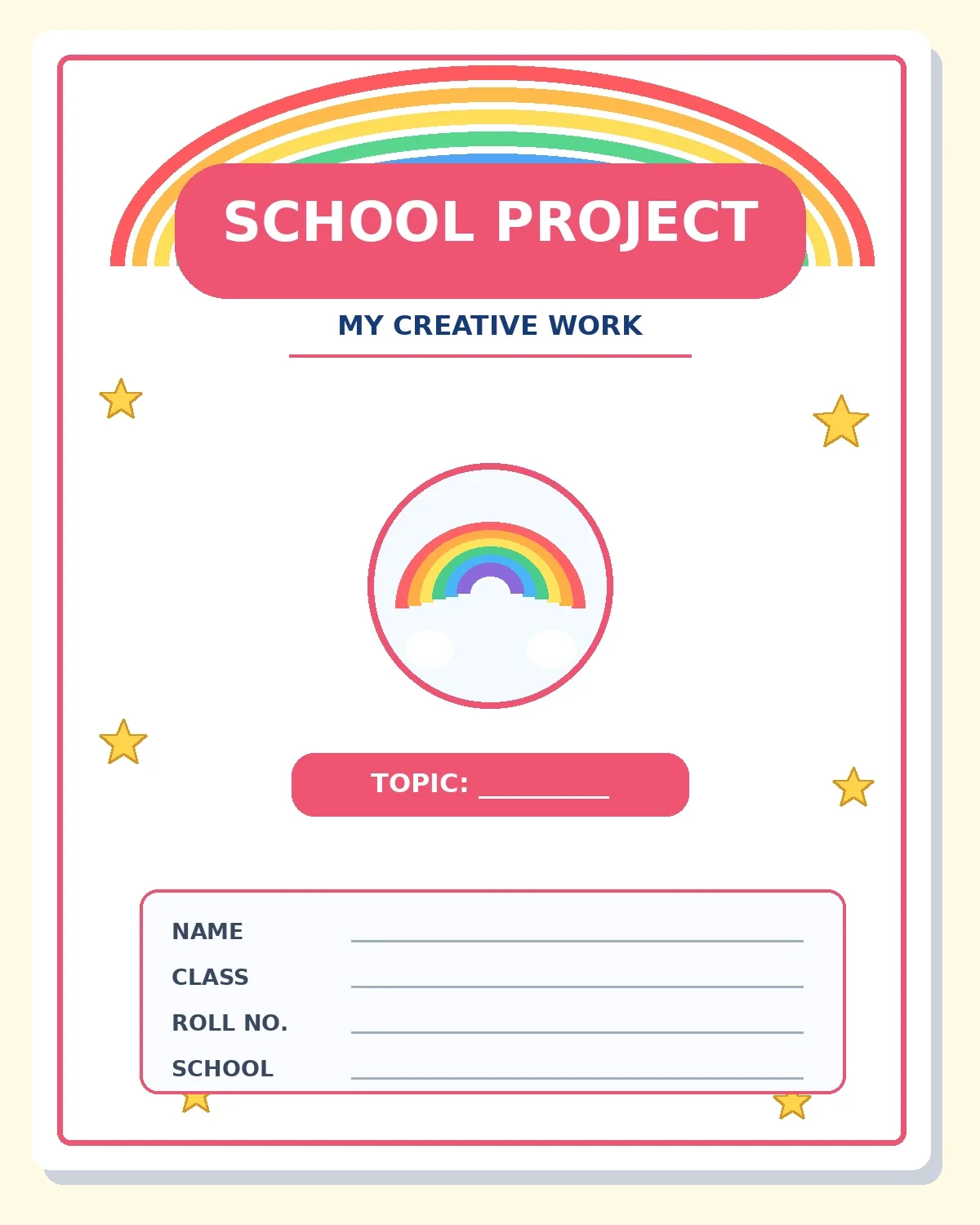
This friendly cover is ideal for junior classes, colouring activities, creative writing, and fun holiday homework. A curved rainbow and small stars make the page immediately recognisable.
How to draw it: Start with three or four nested rainbow arcs at the top, leaving room for the title. Draw a tiny star in each empty corner and one rainbow symbol inside the centre circle. Colour each curved stripe carefully without overlapping the title or the name section.
Helpful tip: You can use crayons for broad arcs and a fine pencil for tiny stars. Younger children may use fewer rainbow bands.
How to make a beautiful project front page in 7 simple steps
- Prepare the sheet. Place the paper on a flat desk and check that it is clean, dry and not folded.
- Set a safe margin. Leave room on the left if your file will be hole-punched. Keep all important text away from the outer edge.
- Choose a layout. Decide whether the title will go at the top or in the centre. Use very light pencil lines to mark its area.
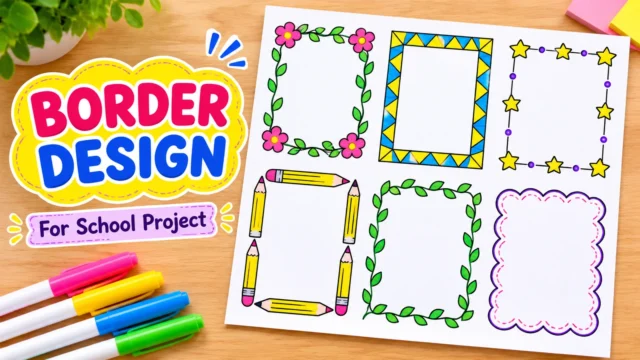
- Sketch the border. Repeat a simple shape around the page. You can choose a double line, flowers, leaves, triangles or stars.
- Add one main symbol. A book, pencil, tree, flask or rainbow is enough. A giant collection of unrelated icons may distract from the subject.
- Write your details. Add the project title and only the fields your school asks for. Leave clear space for neat handwriting.
- Colour and check. Fill light colours first, use dark outlines sparingly, erase visible pencil marks, and wait until everything dries.
Do not press too hard when sketching: light pencil is much easier to correct. If you are decorating with coloured paper, cut the pieces separately and arrange them on the cover before attaching anything. This helps you avoid covering the title or student-information section accidentally.
What should be written on a project front page?
Most school projects use a similar set of details: school name, subject, project topic, student’s name, class, section, roll number and sometimes the teacher’s name or academic session. The required information varies by school. If your teacher has given a printed front-page template, use that before trying a decorative layout.
For example, a science cover might say Science Project at the top, Topic: Water Conservation in the middle, followed by Name: ____, Class: ____, Section: ____ and Submitted To: ____. If the project is in Hindi, Marathi or another language, the written fields may be in that language. The English text in these reusable sample images does not require the final homework to be in English.
Write your final heading after the drawing is complete, not before. When the decorations are already in place, it is easier to see exactly how much room remains for the subject. If you are uncertain, practise the heading on rough paper first.
Common front page mistakes to avoid
The most common mistake is making the decoration bigger than the assignment title. Thick borders, too many stickers and tiny handwriting can all make the page harder to read. Another problem is using many colours without a consistent idea. Try two main colours, one accent colour and a dark heading.
Do not copy a sample’s words blindly. Check the spelling of your own school name, subject and class details. Keep text away from the page edge because the cover may be trimmed, punched or placed inside a transparent file. Avoid gluing wet or thick decorations on paper that must lie flat. If you are drawing stars or flowers, make a simple practice sketch before starting the final page.
Finally, remember that a front page is just an introduction. The quality of the actual project—its explanation, diagrams, correct facts and neat pages—matters more than a crowded, highly decorated cover.
Frequently asked questions
Which front page design is easiest for beginners?
The minimal style or a simple double-line border with two corner flowers is usually a good first attempt. Both use basic shapes and leave generous space for writing.
Can I make a project cover with only a pencil?
Yes. Draw a clean border, add a small subject symbol, write the title neatly and shade lightly. Colours are optional unless the assignment asks for them.
Which cover is best for a science project?
The science-lab layout works for a general science file. For a specific topic, you can replace the flask with a planet, plant, water drop or another relevant symbol.
What size paper should I use?
A4 is common for school project files, but some schools require chart paper or a particular file size. Follow the school’s instructions instead of assuming one size fits every project.
Can I use these front page images for a Hindi project?
Yes. You can copy the border and illustration, then write the title and student details in Hindi. The layout is independent of the language.
How can I make a cover look neat without glitter?
Use aligned margins, evenly spaced shapes, a legible heading and two or three coordinated colours. Simple work done carefully usually looks better than heavy decoration.
Final tip: keep the cover creative and easy to read
These six easy school project front page designs are meant to help students create their own covers, not replace school-specific requirements. Pick a style that matches your topic, outline it lightly, colour carefully and check every piece of written information. With a little practice, even a plain sheet can become an attractive project front page.
For a coordinated project file, use a slightly decorative front page and simpler page borders inside. That makes the entire project easy for your teacher to read while keeping its appearance consistent.

















Share Your Opinion
Comments are closed on this post.