Free prompt image generator is a popular search right now. People want to type a prompt and get an image for free. Keywords like “free prompt image generator”, “free AI image generator” and “free text to image” are trending.
The good news is that in 2026 several free tools can turn a text prompt into an image without payment. Some need a free account, others work without signup. Quality and daily limits differ from tool to tool.
Best Free Prompt Image Generators
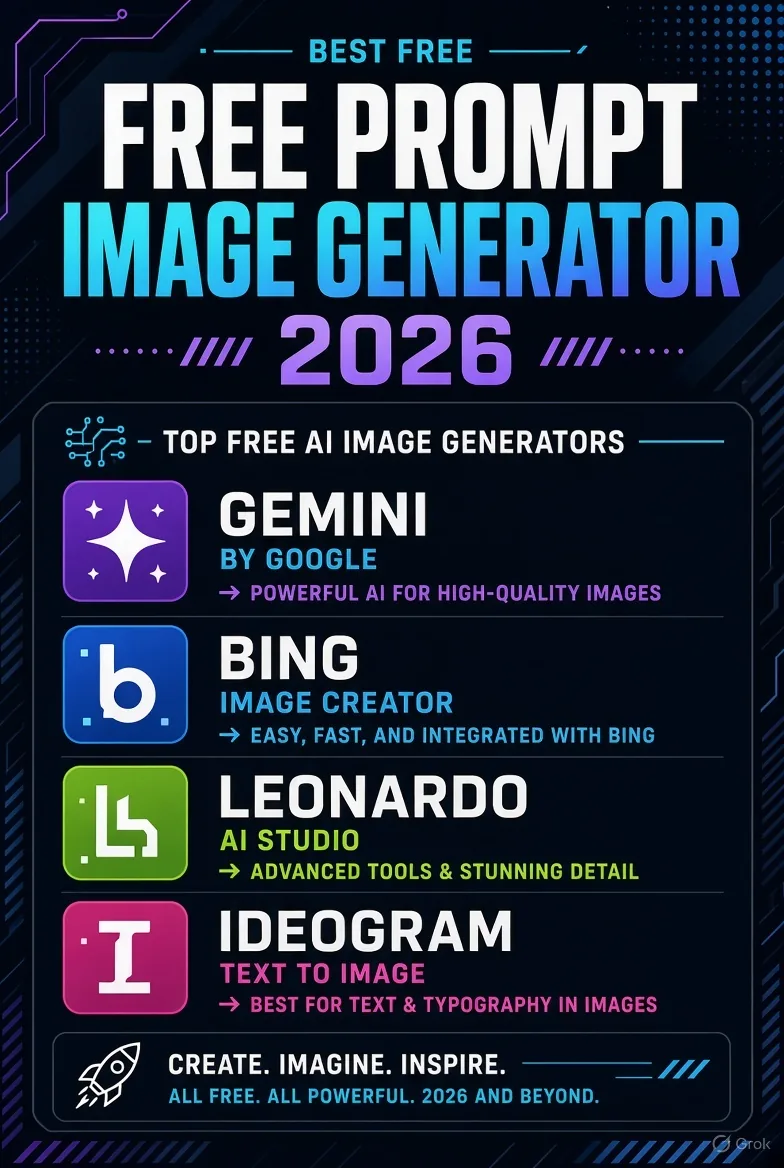
1. Google Gemini
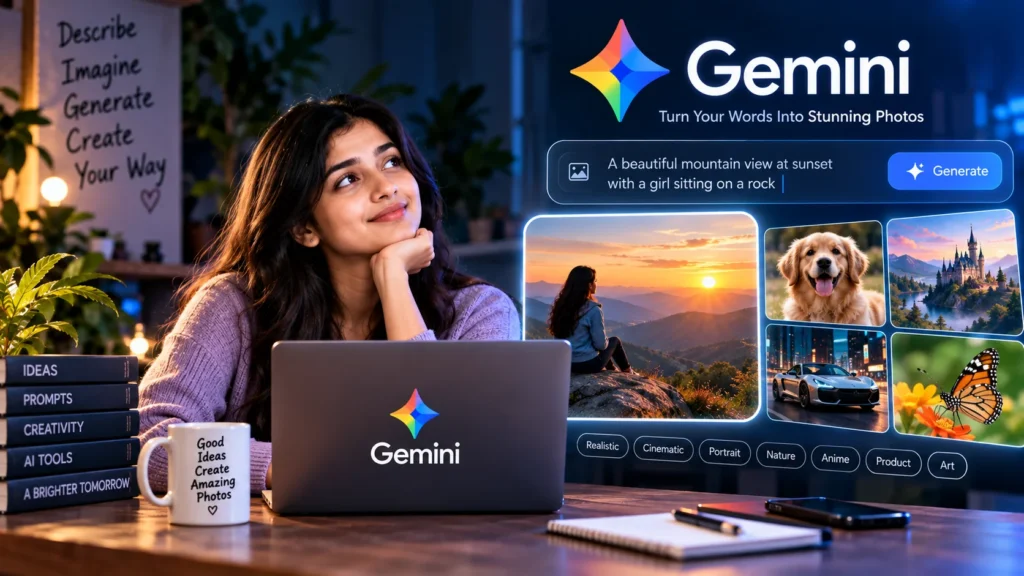
Gemini is currently one of the best free options. It uses the Nano Banana model. It understands prompts well and produces realistic images. You can make roughly 15-20 images per day. A Google account is required.
2. Bing Image Creator / Copilot
Microsoft’s Bing Image Creator is very easy to use and delivers DALL-E quality. You get a few fast generations daily, then slower ones. It works with a Microsoft account and is good for beginners.
3. Leonardo AI
Leonardo gives 150 tokens per day. It offers more style control. Good for art, characters and creative images. Free images may appear in the public gallery.
4. Ideogram
If you need text inside the image (posters, logos, headings), Ideogram is the best choice. Free users get limited daily credits. Text comes out clean.
5. Perchance and Craiyon
For no-signup use, try Perchance or Craiyon. Limits or quality are medium, but they are fine for quick tests.
6. Adobe Firefly
For commercial work, Adobe Firefly is considered safer because it is trained on licensed data. Free users get a small number of monthly credits.
Which tool to use when?
- Everyday good images → Gemini
- Quick and simple → Bing Image Creator
- More creative control → Leonardo
- Text inside image → Ideogram
- No account → Perchance / Craiyon
- Commercially safer → Firefly
How to write a better prompt
Don’t just write “cat”. Add details. Example: “a cute orange cat sitting on a windowsill, soft morning light, photorealistic, shallow depth of field”. Mentioning style, lighting and mood improves results.
Advice:
Start with Gemini or Bing. Both are free and give good quality. Check the tool’s terms before commercial use. Free plans have limits, so don’t regenerate the same prompt too many times. Use only official sites.
FAQ
What is the best free prompt image generator?
Google Gemini is currently the most balanced free option.
Which one works without signup?
Perchance and Craiyon work without an account.
How to get correct text in images?
Use Ideogram.
Can I use free images commercially?
Policies differ. Firefly and some others allow it, but always read the terms.
How many images can I make daily?
Gemini around 15-20, Leonardo more tokens, Bing has fast + slow limits.
Sources: Official sites (Gemini, Bing, Leonardo, Ideogram, Adobe) and updated 2026 comparisons.
Using a free prompt image generator has become very easy. Pick the right tool, write a clear prompt and watch the limits. For most people, starting with Gemini or Bing is the best choice.