 Vista

Gemini 4 Neon is Google’s newly announced AI model, introduced on 18 November 2026. People searching for Gemini 4 Neon how to use, free access, release date, pricing or comparison with Gemini 4 Carbon have practical questions: where is the model available, who can select it and what can it do? Google’s official announcement says Neon is rolling out through the Gemini API and Google AI Studio, business offerings, Antigravity and the Gemini app for eligible paid subscribers. Here is a clear guide to its features, prices and access restrictions. Updated: 19 November 2026.
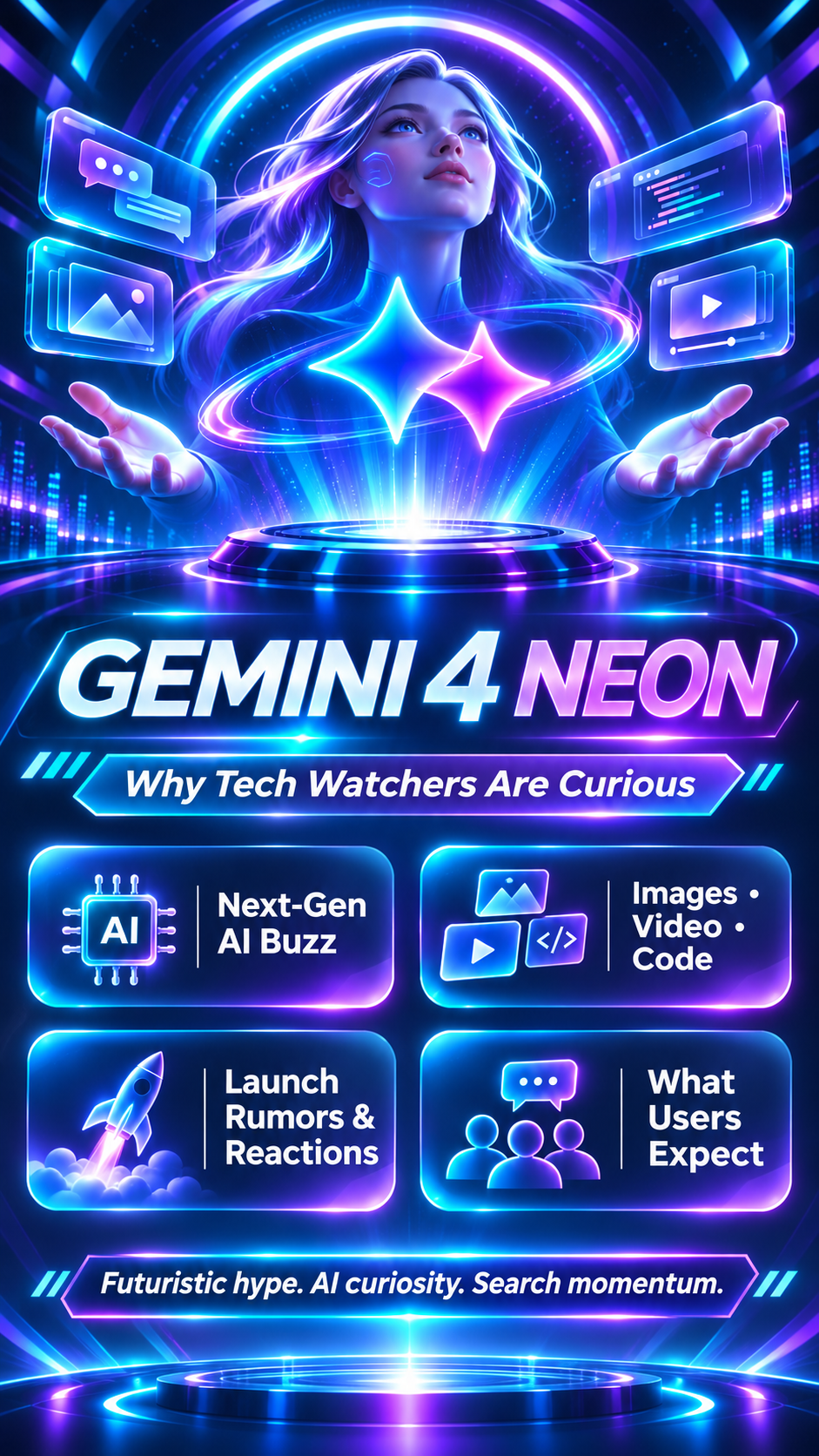
What is Gemini 4 Neon and when did it launch?
Google introduced Gemini 4 Neon on November 18, 2026, describing it as a frontier-level model designed for fast end-to-end completion of complex software engineering, research, knowledge work and scientific tasks. The announcement places Neon within the Gemini 4 family beside models such as Carbon and Hydrogen. Its focus is balancing capability and efficiency for frequent difficult tasks rather than being simply a new filter for AI photographs.
The model is no longer just a name spotted in a website’s source code or a rumored launch. An official Google blog announcement and a DeepMind model card are available. Older articles written before the launch may still say there was no announcement or pricing; check their publication date. A model’s existence does not mean that every free account can instantly select it, because the rollout depends on the product and plan.
How to use Gemini 4 Neon in the Gemini app
For ordinary Gemini users, the most direct route is to open the Gemini app or gemini.google.com, sign in and check the model selector. Google says Neon is available for Google AI Pro and Ultra subscribers as the rollout reaches their account. If Neon appears in the selector, choose it and start a conversation with a clear task such as analysing a complex document, planning a coding project or reviewing a multi-step research problem.
If the option does not appear, there are several possible explanations: your subscription may not qualify, rollout may still be occurring, or an account or region restriction may apply. Do not trust online screenshots that promise a hidden free toggle. You should not need to download a mysterious APK or enter your Google password on a third-party website to enable an official model. Check Google’s product announcements and account interface first.
Gemini 4 Neon in Google AI Studio and the API
Developers can go to Google AI Studio, review model availability and choose the applicable paid Gemini API tier. Google’s announcement says Neon is rolling out in AI Studio, the API and Gemini for business. A developer should verify the exact model ID shown in their own account rather than copy an unofficial model name from an old example. The API can be used to integrate complex text, coding or document workflows into an application.
Before moving a production system, check rate limits, current quota, context-window allowances, regional availability and error-handling requirements. Test a small request first. AI outputs can be incorrect even from a capable model, so anything that publishes to customers, moves money, changes data or runs code should include validation and appropriate approvals. Google AI Studio access and Gemini app subscriptions are not automatically the same product entitlement.
Gemini 4 Neon price: input, output and cached tokens
Google lists official model pricing of $3 per million input tokens, $15 per million output tokens and $0.15 per million cached input tokens in the launch announcement. These are developer model prices, not a flat monthly cost for every consumer. Actual bills depend on the number of tokens processed, the output generated, the API features used and the billing terms shown in your account. Currency conversions and taxes can also vary.
For a basic illustration, a workload that consumes one million input tokens and one million output tokens would cost $18 at those listed rates before other applicable charges. This is not a price estimate for a single normal message. A much smaller task consumes far fewer tokens, while repeated large files and long outputs can increase usage. Check the live pricing page before promising an exact bill to a customer.
Is Gemini 4 Neon free? Who can access it?
A common search is “Gemini 4 Neon free”. Google’s initial announcement specifically describes paid access in the Gemini API and Google AI Pro or Ultra subscriptions for the Gemini app and Antigravity. It does not establish unrestricted free consumer access to Neon. Availability can change after launch, but a claim about free use needs to be checked against the latest official account interface and pricing documentation.
Developers looking for a free testing allowance should inspect the current AI Studio tier table instead of assuming that a general free Gemini service covers this particular model. Enterprise customers have separate purchasing arrangements. For consumers, selecting the model in the official Gemini app is more reliable than searching the web for download files or websites advertising unlimited access.
Gemini 4 Neon vs Carbon and Hydrogen: which to pick?
Google’s model-family explanation positions Neon as a strong balance between powerful reasoning and efficient task execution. Carbon is described as a choice for the hardest, long-horizon projects, while Hydrogen is positioned for faster everyday execution. Neon sits between them for difficult, frequent development and knowledge tasks. This product positioning can help users choose without turning marketing language into a guarantee that one model wins every possible benchmark.
The better choice depends on the size of the task, the level of care required, latency expectations, pricing and whether the model is supported in the user’s product. Test the same representative prompt across the models you can actually access. Compare factual accuracy, required corrections, time spent, tool compatibility and cost. A model with a better benchmark score may still be less convenient for a simple everyday request.
Main features: coding, documents, science and a large context window
Google describes a one-million-token context window and the ability to work across spreadsheets, PDFs, charts, audio, video and other inputs in supported workflows. Neon is promoted for software engineering, structured analysis, research and multi-step tasks. It also includes different thinking levels to balance speed and deeper reasoning. These are significant capabilities, but the exact upload types, limits and controls depend on the product you use to access the model.
For example, a developer may ask the model to inspect a repository and propose a change plan, or a researcher may provide several reports and request a comparison table. In both situations a useful workflow includes checking citations, verifying calculations and testing generated code. A long context window makes handling more material possible; it does not mean the model will remember everything forever or cannot make mistakes.
Practical prompts and common problems after launch
Start with one specific task: “Review these release notes and identify compatibility problems”, “Compare the assumptions in these reports and cite each source”, or “Write a test plan for this API change.” Give constraints, required output and examples. For coding, explain the programming language and repository structure. For analysis, state which figures must be verified. Breaking a large problem into stages makes errors easier to catch.
If you see “model unavailable”, check your plan, API project permissions, billing status and rollout. If API responses fail, consult current documentation rather than retrying expensive requests indefinitely. When the output looks impressive but cannot be independently verified, review it before sharing. Neon is an AI tool, not an official source for a separate real-world claim unless it links to reliable evidence.
Frequently Asked Questions
What is the Gemini 4 Neon release date?
Google announced it on November 18, 2026.
How can I use Gemini 4 Neon?
Select it in the Gemini app if your Google AI Pro or Ultra plan has access, or use the paid model through Google AI Studio and the Gemini API.
Is Gemini 4 Neon free?
Google’s launch announcement described paid access, not universal unrestricted free access.
How much does Gemini 4 Neon cost?
Google listed $3 per million input tokens and $15 per million output tokens, with cached input at $0.15 per million.
What is Gemini 4 Neon’s context window?
The official announcement describes a one-million-token context window.
Is this poster an official Google product image?
No. It is conceptual AI artwork.
Conclusion: Check the official model selector and current billing terms, rather than assuming Neon is free for every account. Test its usefulness on your actual workflows.
Sources: Official Google Neon announcement · Google DeepMind model card · Google AI Studio
Related guide: Gemini 4 Carbon features, price and access






















Share Your Opinion
Comments are closed on this post.