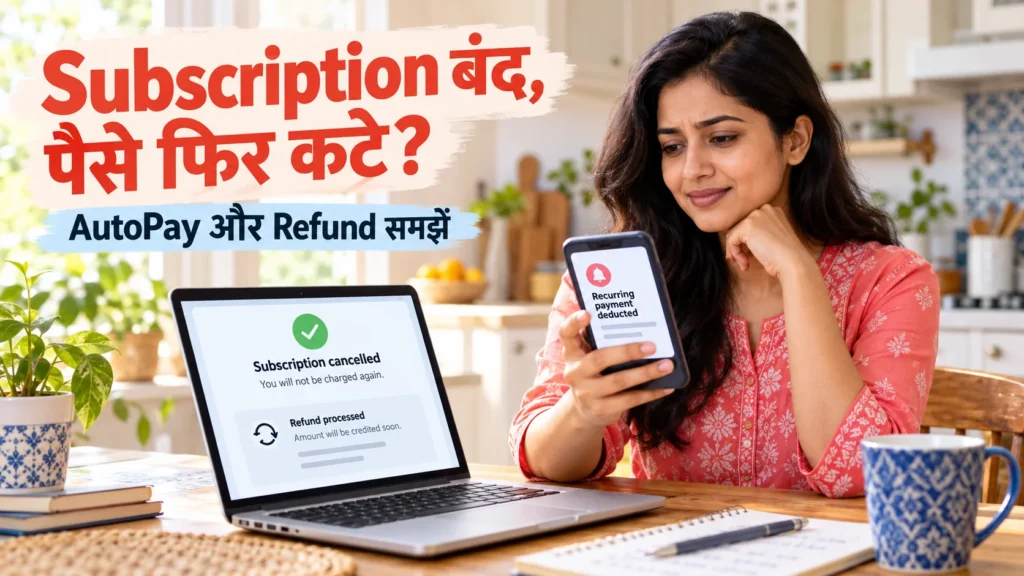
Subscription cancelled but still charged? Identify the billing route first
You cancelled a plan, yet a debit message arrived. Or you removed an app and later discovered a renewal charge. Before raising the same complaint everywhere, identify the account and billing provider behind the payment. Cancelling the service, checking the payment mandate and requesting a refund can be separate tasks, each requiring its own confirmation.
This guide concerns ordinary recurring digital-service subscriptions, such as apps or entertainment plans. Do not apply it blindly to loan EMIs, insurance or other contractual payments. Removing a payment permission does not erase an existing obligation. Check the actual plan and payment terms before changing anything.
Uninstalling, cancellation, mandate revocation and refunds are different
Uninstalling removes an app from your phone. Google Play explicitly says that this does not cancel the subscription. Cancellation of a regular plan generally stops a future renewal; a refund for an existing charge is a separate decision. Check the official Google Play cancellation guide for the type of plan you purchased.
A UPI AutoPay mandate records recurring payment permission. A service’s cancellation screen and a payment app’s mandate screen may show different stages of the process. Verify the status in the relevant places rather than assuming one action completed everything. You may also be checking the wrong Google or Apple account.
For example, a renewal charged on the tenth followed by cancellation on the eleventh is not automatically an incorrect debit. If your cancellation came first, compare its effective time with the charge. Make a factual timeline before deciding what you are disputing; the order of events often clarifies the request.
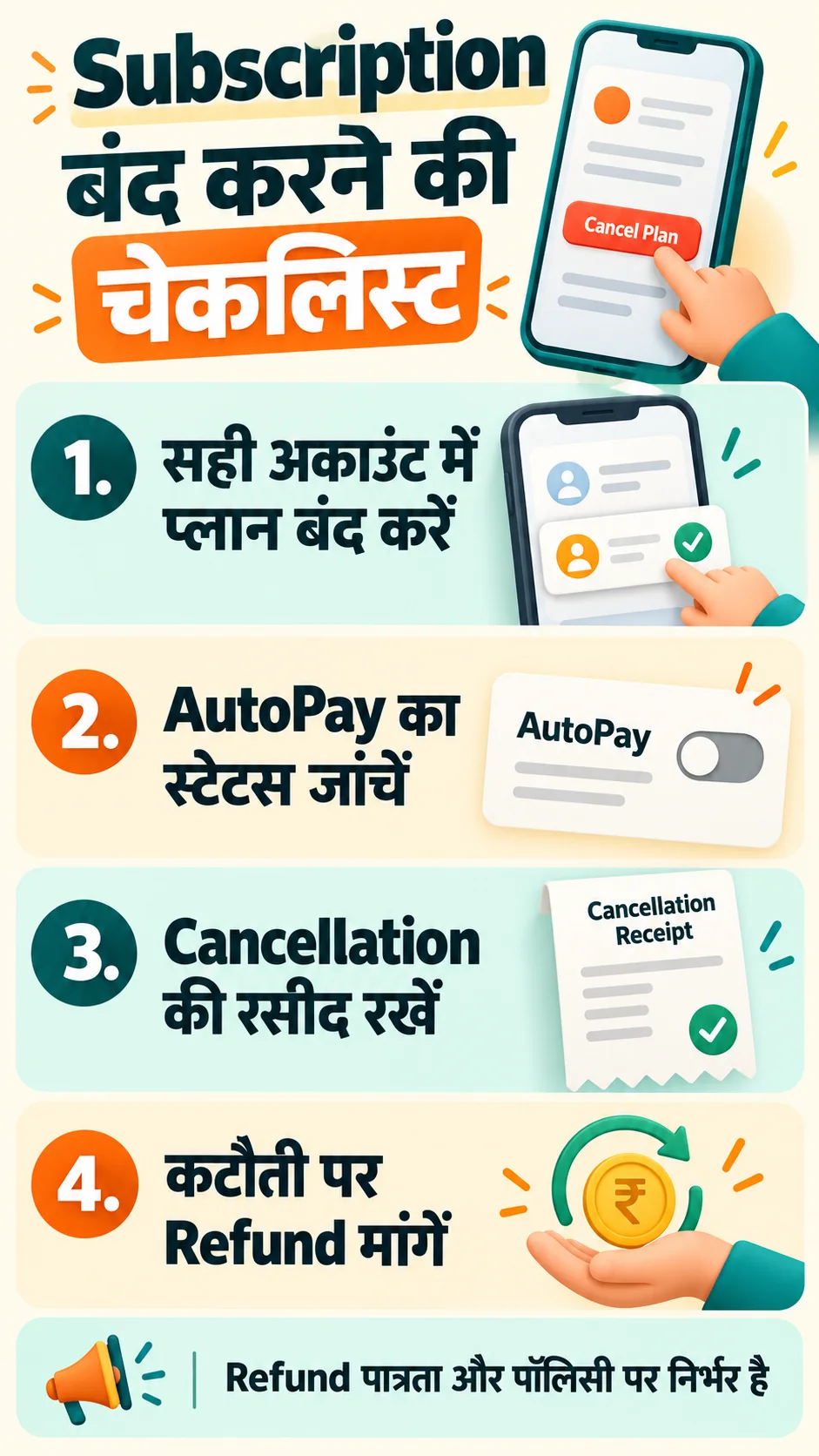
Find the account and company that actually billed you
Search your email for the service name, receipt, invoice, subscription and renewal. Compare the merchant description on your bank statement with the purchase receipt. Record the amount, debit date, order ID and account used. A shortened statement description can be ambiguous, so avoid treating it as the entire answer.
- A Google Play receipt: inspect orders and subscriptions in that Google account.
- An Apple receipt: check the Apple Account identified on the receipt.
- A website invoice: inspect that provider’s own billing section.
- A UPI mandate: match the merchant, bank account and mandate reference.
- Several accounts: check whether more than one active plan exists.
The account currently signed in on your phone may differ from the one used to purchase the plan. If a family member’s account appears, confirm the purchase with them. When you cannot identify a charge, ask official billing support to trace its reference rather than making an unsupported fraud allegation.
Complete cancellation through Google Play, Apple or the provider
For Google Play billing, switch to the correct account, open Payments & subscriptions, choose Subscriptions and complete the cancellation flow for that plan. Save the final confirmation and the displayed renewal or expiry information. Leaving the flow after its first button may not complete the request.
For Apple billing on an iPhone, open Settings, tap your name, choose Subscriptions and inspect the relevant plan. The official Apple guide explains that an absent cancellation button or an expiry message can indicate the subscription is already cancelled. A plan billed by another provider needs that provider’s route.
A subscription bought directly on a website need not appear in Google Play’s list. Use the provider’s account or billing controls and check when cancellation becomes effective. Certain Google Play payment plans may leave payments due under an existing commitment even after renewal is stopped; distinguish these from ordinary monthly subscriptions.
Check AutoPay status and document cancellation errors
Open the AutoPay, Mandates or recurring-payments section in your trusted UPI app. Match the merchant and mandate, then inspect the available cancellation or revocation process. Names and screens vary by app version. Enter a PIN only within the official flow of the trusted app, never in a support email or on this website.
Read Google Pay’s official AutoPay help for mandate revocation and HDFC Bank’s mandate-cancellation guide for checking status after cancelling the service. Save the confirmation and verify the resulting status. A temporary pause should not be assumed to have the same effect as permanent revocation.
If an error appears, record the exact message, date, time and mandate reference. Give those details to app or bank support and ask for confirmation of the action required. Deleting an app or attempting to remove its linked bank account is not a complete cancellation strategy. Loan-related mandates can involve different conditions.
FACT: Stopping future renewal and recovering an existing debit are different decisions. A cancellation acknowledgement does not establish that a refund has been approved or credited.
Prepare a refund request with an accurate timeline
Provide the receipt or transaction reference, amount, charge date, cancellation confirmation and a concise timeline. Ask for review under the applicable policy. A forgotten trial renewal that you originally authorised should not be described as an unauthorised transaction without supporting facts. For a genuinely unfamiliar charge, promptly check the bank or payment provider’s appropriate reporting route.
For Google Play purchases, use the official refund-request process and select the correct order and reason. For Apple billing, start with the official refund guide. For a direct website purchase, use that merchant’s refund channel. Eligibility depends on the purchase, timing, policy and applicable rules; submission does not guarantee approval.
Subject: Review of subscription charge and refund request

A charge of [amount] for [service] was made on [date]. I requested cancellation on [date, if applicable]. Order/transaction/mandate reference: [reference].

Please check the billing account and effective cancellation time. I do not want future renewal. Review this refund request under the applicable policy and confirm cancellation/mandate status. If the charge is valid, explain the reason. If a refund is approved, share the reference and expected timeframe.

Facts: [accurate timeline]
Attachments: [actual list]
Name/contact: [details]
Prepare your bank request or refund email
Our generator prepares editable text only. You remain responsible for checking it and contacting the correct billing provider. Do not enter passwords, PINs or full card numbers. Mention only documents you are actually attaching, and use the original payment route when discussing a refund.
Advice: follow up with records, then use the appropriate grievance route
Obtain a ticket reference and keep follow-up connected to it. Save confirmation emails, receipts and replies in one folder. If a refund is approved, compare its amount and reference with the statement. Ask for processing status before assuming a missing credit requires another identical refund request.
A merchant dispute and a bank’s payment-service deficiency are different issues. Select the grievance channel accordingly. RBI CMS may be relevant to eligible complaints against regulated financial entities, subject to current conditions and timelines. Do not assume every app company is directly covered by the banking grievance mechanism.
When starting a trial, record its renewal date and price in your calendar. Keep cancellation confirmation after the paid period ends. Read our guide to active UPI AutoPay mandates to help identify recurring permissions. Never share an OTP, PIN or remote-access permission with an unknown person promising a refund.
Frequently asked questions
Does uninstalling cancel a subscription?
No. Complete cancellation through the billing provider’s account controls and keep the confirmation.
Will revoking AutoPay refund a previous payment?
Not automatically. Request a separate review of the existing debit under the relevant policy.
Why is the plan missing from the subscription list?
Check the receipt for the correct account and provider. It may be under another account or billed directly by a website.
Is a forgotten trial renewal guaranteed to be refunded?
No. Explain the facts and request policy-based review; approval is not guaranteed.
Can the generator cancel the plan for me?
No. It prepares a letter or email. You must complete cancellation in the relevant official account.
Official references: Google Play cancellation, Google Play refunds, Google Pay AutoPay, HDFC mandate guide, Apple cancellation and Apple refunds. Reviewed: 14 October 2026.
General information, not individual financial or legal advice. Screens, eligibility and processing rules may change; consult your provider’s current policy.