Does Visiting the Dark Web Really Hack Your Webcam? Understanding the Fear
Stories about webcam hacking spread quickly online because they create instant fear. One common internet claim says that if someone opens the dark web even once, their laptop camera can automatically get hacked and someone may secretly watch them. This idea is popular in movies, social media posts, and online discussions, but the real world of cybersecurity is more practical and less mysterious.
Simply viewing a part of the internet does not magically give someone control over your webcam. A camera does not become accessible just because a person visited a certain type of website. Real security problems usually involve other factors, such as unsafe downloads, fake links, outdated software, weak account security, or unwanted permissions.
Understanding the difference between internet myths and real digital risks helps people stay calm and make better security decisions. The goal is not to create fear about technology but to understand how privacy can actually be protected.
What Is the Dark Web and Why Is It Connected With So Many Myths?
The dark web is a part of the internet that is not normally visible through regular search engines. People often describe the internet using simple categories: the public websites everyone visits, private areas like personal accounts and online services, and hidden networks commonly called the dark web.
Because the dark web is less familiar to most people, it has become a popular topic for fictional stories and online rumors. Movies and videos often show it as a place where every activity is dangerous and mysterious. Reality is more complicated. Like other parts of technology, the important question is not just where something exists, but what actions and risks are actually involved.
The name “dark web” itself creates a psychological effect. Many people automatically connect the word “dark” with danger. This makes some internet rumors easier to believe. A statement like “your camera gets hacked after visiting the dark web” sounds dramatic, but technology does not work that simply.
Digital security depends on systems, permissions, software, and user behavior. A website alone does not automatically take control of a device. Understanding this basic idea helps separate cybersecurity facts from online superstition.
FACT: Opening the Dark Web Alone Does Not Automatically Hack a Webcam
FACT: Visiting a website or viewing a hidden part of the internet does not by itself automatically give someone access to a webcam. Webcam security problems are generally connected with issues such as malicious software, unsafe files, security weaknesses, stolen account access, or incorrect permissions.
The popular idea that “one visit equals instant webcam hacking” is an internet myth. Good digital habits matter much more than fear of a particular website category.
What Are the Real Reasons a Webcam Could Become a Security Concern?
Webcam privacy is a real topic, but the actual risks are usually much more ordinary than online stories suggest. Many security problems begin with everyday mistakes rather than mysterious internet events.
One common risk comes from downloading unknown files or installing software from unreliable sources. Some programs may contain unwanted components that can create privacy problems. This is why downloading apps only from trusted sources and checking before installing anything is an important habit.
Another risk comes from phishing messages. A fake email, message, or website may try to convince someone to share account information or install something unsafe. These attacks usually depend on tricking the user rather than using some magical remote control method.
Outdated software can also create problems. Operating systems, browsers, and applications regularly receive security updates because developers discover and fix weaknesses over time. Ignoring updates for a long period can increase exposure to known issues.
Weak passwords are another part of the bigger security picture. If accounts are poorly protected, attackers may gain access to personal information. While every account issue does not mean webcam access, strong account protection is an important part of overall privacy.
Is Covering Your Webcam Useful or Just Another Internet Habit?
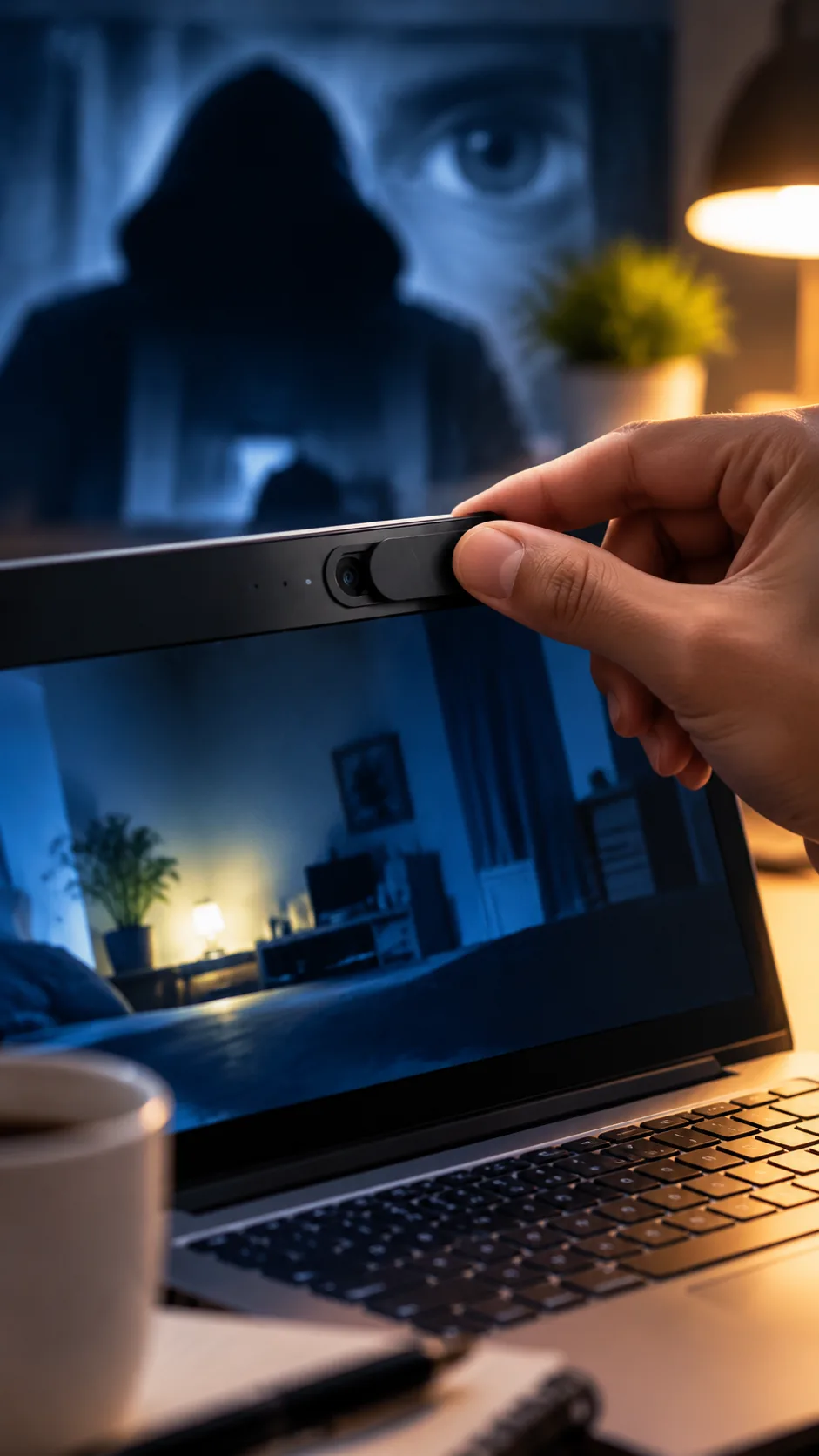
Many people place a small cover over their laptop camera as an extra privacy measure. This is a simple physical precaution. It does not replace good security practices, but it can provide an additional layer of comfort because the camera lens is physically blocked.
However, a camera cover alone cannot solve every digital security problem. If a device has unsafe software, weak passwords, or poor privacy settings, other parts of security still need attention.
Some people become extremely worried after hearing webcam hacking stories and start believing that someone is always watching them. Constant fear is not the goal of cybersecurity. A better approach is balanced awareness: understand possible risks, follow basic safety steps, and avoid believing every dramatic claim online.
Digital safety works best when it becomes a normal routine instead of a source of panic. Checking permissions, updating devices, and being careful online are simple habits that provide practical protection.
Why Do Webcam Hacking Rumors Spread So Quickly Online?
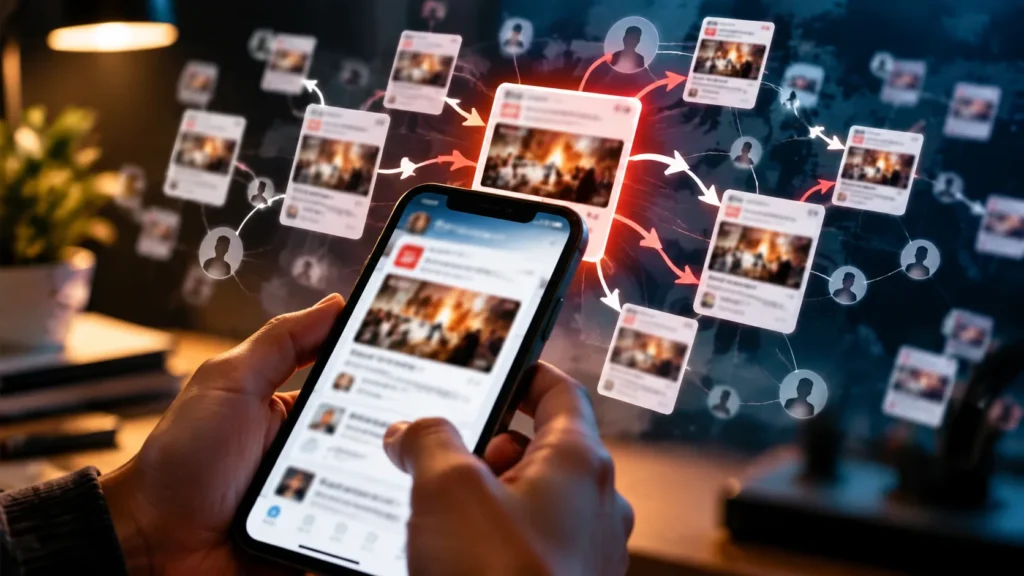
Internet rumors often spread because they combine fear, mystery, and curiosity. A headline saying “someone can watch you through your camera” immediately grabs attention. Many people share such posts before checking whether the information is accurate.
Social media algorithms can also make emotional content travel faster. Posts that create shock or fear often receive more reactions, comments, and shares. Over time, repeated exposure can make an exaggerated claim feel like common knowledge.
This is why digital literacy matters. Before accepting a scary technology claim, people should ask simple questions. What is the source? Is there a technical explanation? Does the claim describe how technology actually works?
Cybersecurity experts often focus on practical behavior rather than dramatic stories. Protecting devices is usually about updates, permissions, awareness, and careful choices—not about being afraid of every unknown part of the internet.
Simple Daily Habits That Improve Webcam and Digital Privacy
Good digital security does not require advanced technical skills. Everyday habits can make a meaningful difference.
First, keep your operating system, browser, and applications updated. Security updates often fix known problems and improve protection.
Second, think before clicking. Unknown links, unexpected attachments, and suspicious offers should be treated carefully. Many online attacks succeed because users are pressured to act quickly without checking.
Third, review camera and microphone permissions. Many devices allow users to see which applications can access these features. Remove unnecessary permissions when an app does not need them.
Fourth, use strong and unique passwords. Reusing the same password across many services can create bigger problems if one account is exposed.
Finally, learn to recognize internet myths. Not every scary technology story is true. A person who understands how technology works is less likely to panic and more likely to make smart decisions.
Advice
The internet is full of stories that make ordinary technology sound terrifying. A webcam is a useful tool for meetings, learning, and communication, but like every digital feature, it deserves responsible use. The best protection comes from understanding risks instead of believing scary rumors.
If you ever read that simply opening the dark web means your camera is hacked, take a moment before worrying. Ask what actually happened. Did you install something unknown? Did you click a suspicious link? Are your apps updated? These questions are more useful than assuming the worst.
Privacy is built through small habits. Keep your devices updated, check permissions, avoid suspicious downloads, and protect your accounts. These actions may seem simple, but they form the foundation of digital safety.
The biggest mistake people make online is not always a technical mistake—it is believing information without checking. A calm and informed approach helps you use technology with confidence.
💡 Remember: Digital security is not about living in fear. It is about knowing the difference between internet myths and real risks.
Frequently Asked Questions (FAQ)
Q1. Can opening the dark web instantly hack my webcam?
No. Simply viewing a part of the internet does not automatically give someone webcam access. Real risks usually involve security weaknesses, unsafe software, or poor digital practices.
Q2. Should I cover my webcam?
A webcam cover can be an extra privacy step, but it should not replace software updates, safe browsing habits, and account protection.
Q3. How can I check webcam privacy?
Review which applications have camera permissions and remove access from apps that do not need it.
Q4. Does a camera light always mean someone is spying?
No. Camera indicators can turn on for normal reasons, such as video calls or applications using the camera with permission.
Q5. What should I do if I feel my device is unsafe?
Update your device, review installed applications, check security settings, and seek help from a trusted technical professional if needed.
Disclaimer: This article is for educational myth-busting and basic digital hygiene awareness. It is not an access guide and not a hacking guide.