Imagine writing just a two-line prompt, and a cinematic quality 4K video gets generated right in front of you. Without a camera, without a heavy editing setup, and without spending a single rupee from your pocket. Creating a free HD AI video today is not rocket science; you just need to know the right tools and smart tricks.
Complete Process to Create Free HD AI Videos from Text
If you are going to create a free HD AI video for the first time, it is essential to understand how AI turns your text into visuals. This is called a diffusion model, which understands the meaning of words and generates frame-by-frame images and motion.
To get started, you don’t need any complex coding. Simply create a free account on a reliable platform, write an accurate description of your visual, and select the aspect ratio (such as 9:16 for Reels or 16:9 for YouTube). A good prompt always clearly defines the camera angle, lighting, and mood of the video.
When you hit the render button for the first time, the system generates a basic clip within 10 to 30 seconds. To get this clip in High Definition, the tools’ in-built enhancers or free upscalers are used so you get a clear video without pixels bursting.
Comparison of Best Free AI Video Tools Without Watermark
There are hundreds of tools on the internet, but most of them either leave a big watermark or start asking for money after generating a 2-second video. We have shortlisted tools that offer free credits every month or daily.
| Tool Name | Free Limit | Key Feature |
|---|---|---|
| Luma Dream Machine | 30 generations/month | Cinematic realism |
| Kling AI | Daily free credits | Natural human motion |
| Pika Labs | Monthly free tier | Effects and animation |
The biggest advantage of working on all these platforms is that you get high-definition output without entering any card details. If you smartly rotate and use the free tiers of different tools, a month’s worth of social media content can be prepared without any paid plan.
How to Write the Right Prompts for Cinematic Quality?
Often people complain that their AI video looks cartoonish or blurry. Actually, the fault lies not in the tool, but in the prompt. If you use visual terms instead of simple words, the output will change immediately.
An effective video prompt should contain at least four elements: subject, environment, lighting, and camera movement. For example, instead of just writing ‘car on road’, write ‘A sleek vintage sports car speeding on a wet asphalt road at sunset, cinematic lighting, drone shot, 4k hyper-realistic motion’.
Additionally, learn to use negative prompts. Adding words like ‘blurry, distorted faces, low resolution, extra limbs’ in the tool settings makes the AI automatically filter out bad frames, giving you a crystal-clear video directly.
How to Upscale AI Video Pixel Quality to 1080p and 4K?
Most free tools export videos at 720p to reduce server load. If you play it directly on YouTube or a large display, the visuals will look a bit soft. But there is a very simple solution that very few people know about.
There are several free AI video upscalers available on the internet that convert your low-resolution video to 1080p or 4K. These tools don’t just enlarge pixels; they predict and add new pixels with the help of neural networks, making details sharper.
For this, you just need to upload your 720p clip into a free upscaler. In 1 to 2 minutes, your clip converts into a crystal-clear HD video without any blur, driving high engagement in Reels and Shorts algorithms.
Secret Trick to Create Videos from Images (Image-to-Video)
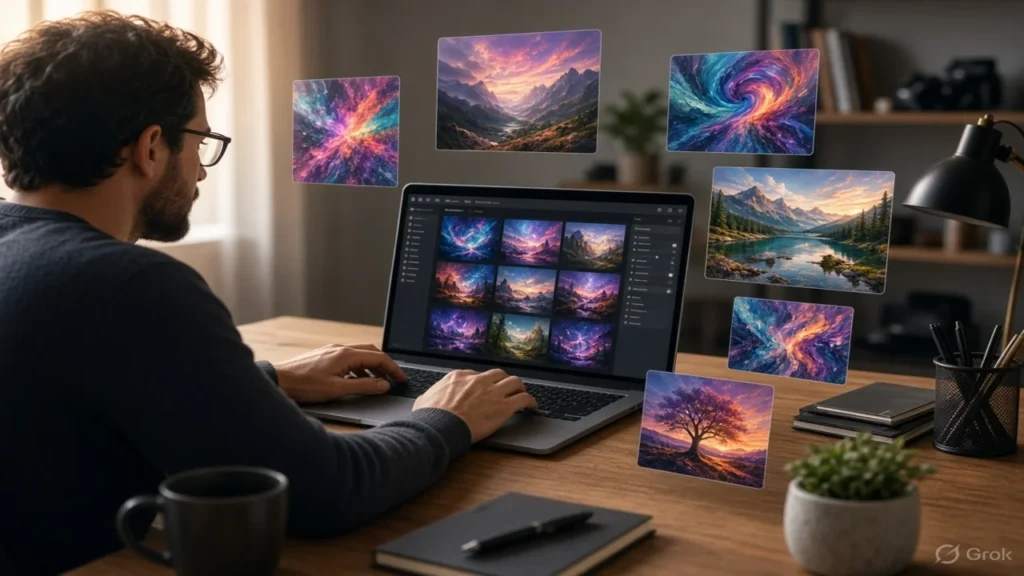
If you aren’t getting the desired results directly from text, the best approach is to use the Image-to-Video pipeline. In this, a perfect still image is generated first using a free image generator, and then it is fed into a video tool.
The biggest benefit of this method is that control over your character and background stays in your hands. When you add motion to a pre-generated high-quality image, the AI doesn’t have to work as hard, and the chances of character faces getting distorted in the video drop to almost zero.
By giving commands like camera pan, zoom-in, or object motion, you can transform any static picture into a lively 5-second video. This technique proves most effective especially for faceless YouTube channels and Instagram pages.
3 Major Mistakes Made While Creating Free AI Videos and Their Solutions
When new creators start AI video generation, they often make some basic mistakes that exhaust their free quota and result in poor output. The first mistake is cramming too much action into a single clip.
AI models render 3 to 5 seconds of smooth motion much better at a time. If you write running, jumping, and talking all in one prompt, the frame will distort. Always give short and focused motion prompts.
The second big mistake is selecting the wrong frame rate. Always prioritize rendering at 24 or 30 FPS for social media. The third mistake is that people don’t sync audio and visuals. First finalize the video speed and pacing, and only then add background music or an AI voiceover.
Personal Advice
The world of AI tools is changing so fast that a new platform launches every second day. If you set out to buy paid subscriptions for every new tool, you will end up spending thousands of rupees every month just on software. The reality is that the quality of free tools today has become so impressive that 90% of creative work can be completed without spending a single rupee.
Instead of running after fancy features initially, focus on your basic prompting skills and storytelling. Even with a simple tool, if you know how to prompt for the right lighting and camera angles, your output will look better than a $100 paid software. The real magic isn’t in the tool, but in your visual vision.
Look bro, simple point—if you are serious about content creation, build a workflow with 2-3 great free tools. Generate an image with one tool, add motion with another, and export it in 1080p using a free upscaler. That smart workflow alone will easily keep your work running without any paid plan.
Frequently Asked Questions
Can free AI videos be monetized on YouTube and Instagram?
Yes, if the video includes your own original script, voiceover, and value addition, you can monetize free AI videos on YouTube and Instagram without any trouble.
How many seconds long are videos made with free tools?
Most free AI video tools generate 3 to 5-second clips at a time. You can easily combine multiple clips to create a longer video or an entire Reel.
Do I need a PC with an expensive graphics card to make AI videos?
Not at all. Most tools work on cloud servers, which means you can easily make HD videos even from the browser of your regular smartphone or basic laptop.
Why do faces get distorted or blurry in videos?
This problem occurs when very fast movement is specified in the prompt. To keep faces steady and clear, add phrases like ‘close-up shot, sharp focus, steady camera’ to the prompt.
Disclaimer: The information provided in this article is for general awareness only.