Apple has announced a MacBook Pro with PROLED XDR, bringing tandem OLED and direct touch input to this professional laptop family. For Indian buyers, the important distinction is the display family: PROLED XDR is a separate choice from MacBook Pro with Liquid Retina XDR. The PROLED models use M5 Pro or M5 Max chips, so a chip name elsewhere in the range does not by itself identify the laptop with the new screen.
Apple’s India announcement lists starting prices of ₹3,49,900 for the 14-inch M5 Pro and ₹4,09,900 for the 16-inch M5 Pro. The India product and pre-order pages show availability from 9 November 2026. These are advertised starting prices, checked on 29 October. Your configuration, postcode and checkout delivery estimate still matter. This article explains the announcement and offers a buying framework; it is not a hands-on review.
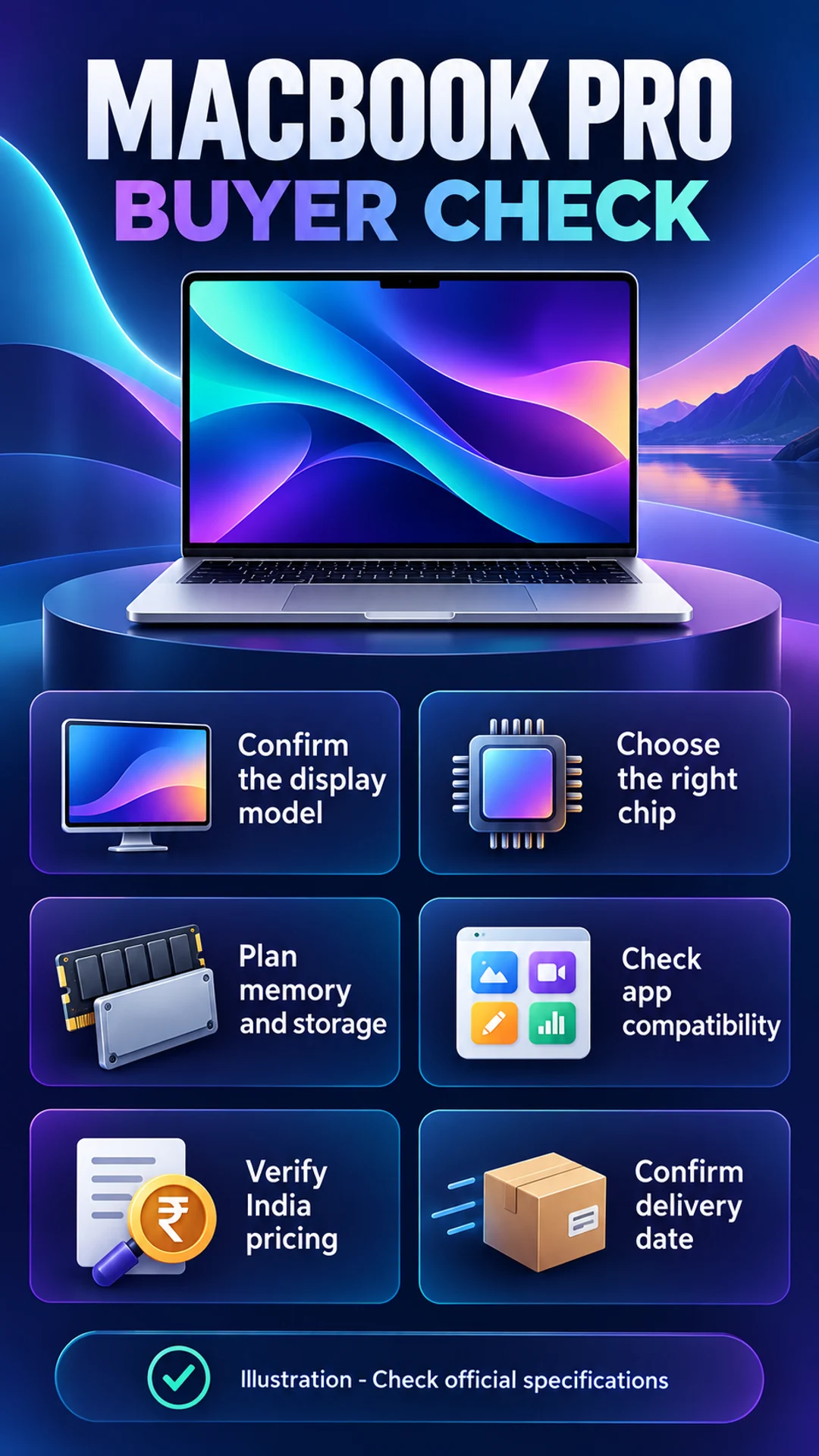
What changes with the PROLED XDR display?
Apple describes the panel as tandem OLED, using two self-illuminating pixel layers. Its published specifications distinguish up to 1,000 nits sustained full-screen brightness from up to 2,000 nits peak brightness in the stated HDR or outdoor SDR conditions. A peak specification should not be treated as a promise that the entire screen continuously runs at that brightness in every application. Read the conditions beside a headline number.
The specifications also list P3 and Adobe RGB colour support and adaptive refresh rates up to 120Hz. These are manufacturer specifications rather than independent measurements made for this article. A photographer considering a print workflow should investigate calibration, reference modes and the editing environment. A wider-gamut panel does not make every image accurate automatically. The settings, content and wider workflow still influence what you see and deliver.
The practical question is whether the screen solves an existing problem. A photographer reviewing work on location or a creator showing visual material to clients may value the built-in display. Someone who completes all serious editing on an external monitor may value it differently. Compare the price of the complete setup against the improvement you expect in your own work, rather than buying a specification in isolation.
Touch on a Mac: what should you expect?
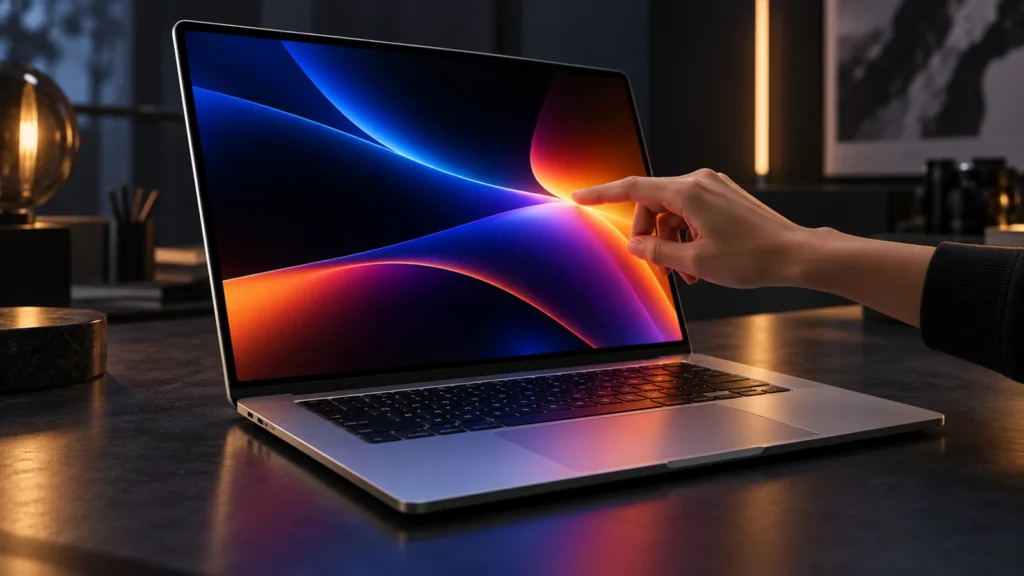
Direct touch gestures are supported alongside the keyboard and trackpad. Apple highlights activities such as scrolling, zooming and interacting with creative content. Dynamic Island also appears on this model family. However, an operating-system capability is not a guarantee that every third-party application is optimised for it immediately. Check the software you use, its current version and the functionality its developer actually supports.
Think through a full task rather than a short demonstration. Does reaching towards the screen feel comfortable in your usual position? Can the application expose the controls you need? Will touch be occasional navigation or a core part of your work? These are usability questions that a feature list cannot answer. A practical demonstration with your own workflow is more valuable than guessing from a promotional image.
Do not assume that touch means the laptop becomes a detachable tablet or replaces every drawing accessory. Verify supported inputs and accessories before ordering. If precise drawing is essential, investigate the exact method you intend to use. The word touch alone does not establish that a particular pen, creative application or specialist workflow will behave as you expect. Purchase decisions should follow the complete requirement, not the label.
India price and the availability-date discrepancy
Apple’s announcement lists the 14-inch M5 Max model from ₹5,49,900 and the 16-inch M5 Max from ₹5,89,900. Education prices are separate, conditional offers with eligibility requirements. They should not be presented as unrestricted retail prices. Memory, storage and display choices can change the amount payable, so compare identical configurations when assessing different listings. A lower headline price may describe a different machine.
There is an inconsistency inside the launch release: an introductory passage mentions 6 November, while its detailed availability section says 9 November. Both the India product page and the India pre-order page show 9 November. This guide follows those current local buying pages. The date is still not a delivery promise for every custom configuration and every address. Check the estimate attached to your actual order.
Before payment, confirm the exact model and options. Look at the seller’s delivery estimate, invoice description and any applicable conditions. Cashback, education pricing and trade-in value are different things. A conditional card benefit is not a universal discount. This article does not assume every reader qualifies for a particular promotion, nor does it treat advertised maximum savings as the amount every customer receives.
M5 Pro or M5 Max: start with the workload
Both chip families appear in the PROLED line. Their GPU, memory and storage combinations differ, and the largest advertised capacities belong to specific configurations. A maximum figure from one column should not be combined with a base price from another to describe an imaginary entry model. Read the exact row for the machine you intend to buy. Configuration names matter as much as the product family.
Name the applications that earn their place on your laptop. A writer, a developer and a video editor can all be professional users while having different needs. Identify the current bottleneck: export time, memory pressure, storage, external displays or reliability. The more expensive option is worthwhile only when your work benefits enough to justify its extra cost. Choosing the top tier without identifying a need is not a workload assessment.
For example, a creator with several complex projects open together may prioritise memory planning. Someone mostly waiting on online services may see less benefit from a larger GPU than from an improved overall working setup. These are decision examples, not benchmark results. Independent testing with relevant applications is more useful than assuming a manufacturer’s strongest comparison applies equally to every user and every project.
FACT: PROLED XDR and Liquid Retina XDR are different
Apple lists its Liquid Retina XDR MacBook Pro family separately. PROLED is the tandem OLED touch display family; the Liquid Retina specification page describes a mini-LED screen. A listing that says only MacBook Pro does not prove that it contains the new display. Ask for the complete model description and match it with the appropriate Apple specification page before comparing prices.
Shopping filters and product photographs can be incomplete. A retailer may sell multiple generations side by side. Make a note of display family, chip, memory, storage, screen size and warranty. Check those details against each offer. This small exercise helps prevent an apparently attractive discount on one model being mistaken for a discount on a different configuration discussed in an article or video.
Advice: checks before placing an order
First, check application compatibility. List essential software, plug-ins, peripherals and file formats. Confirm support for the operating-system version and hardware requirements that apply to you. A new laptop should not create an avoidable interruption because a specialised tool or workplace setup cannot run as expected. For business-critical applications, confirm support with the developer or your organisation before committing to a purchase.
Second, plan memory and storage together. Estimate active project sizes, simultaneous applications and your backup method. External storage can be useful, but it has a cost and connection requirements. Avoid allocating the entire budget to a chip upgrade while forgetting backup, project storage or necessary peripherals. The usable workstation includes those supporting parts, not just the laptop’s headline specifications.
Third, check your real monitor setup. Apple’s published external-display support varies by chip and by resolution and refresh rate. Write down what you need and consult the matching specifications. A suitable-looking port does not guarantee every monitor arrangement at its highest settings. If a multi-screen workspace is essential, resolve that requirement before choosing the configuration rather than after it arrives.
Fourth, compare the complete purchase against keeping your current machine. Include required accessories, subscriptions, backup storage and optional service cover. If the existing computer remains reliable and meets deadlines, waiting for independent reviews is a reasonable option. If it regularly prevents paid work, replacement may have a stronger case. The decision should reflect the cost of your actual limitation.
Finally, treat battery claims as conditional. Apple advertises up to 24 hours, but brightness, applications, workload, peripherals and configuration affect runtime. Do not assume a laboratory maximum applies to a heavy editing day. If mobility is central to your work, look for tests that resemble your usage and plan power access accordingly. This guide has not conducted independent battery measurements.
Frequently asked questions
What is the MacBook Pro PROLED XDR India starting price? Apple’s announcement lists the 14-inch M5 Pro from ₹3,49,900 and the 16-inch M5 Pro from ₹4,09,900. Configuration changes and conditional offers need separate checks.
When is it available in India? The India product and pre-order pages show 9 November 2026 at the time checked. The delivery estimate for your postcode and configuration remains the relevant information for an order.
Does every MacBook Pro have touch? No. Confirm the PROLED XDR model specifically. Do not assume that a generic MacBook Pro listing or a newer chip designation establishes touch-display support.
Is M5 Max necessary for professional work? Not automatically. Select capabilities for your applications, memory needs, display setup and budget. Professional use alone does not establish that the highest-priced configuration is required.
Is this a tested review? No. It explains Apple’s published material and adds editorial buying guidance. It does not claim hands-on testing, independent benchmarks or measured battery results.
Conclusion: identify the right display family before deciding whether this upgrade fits your work. Verify the configuration, total cost and delivery estimate. A purchase is easier to justify when the improvement solves a real problem rather than simply adding a higher headline specification.
Primary sources: Apple India announcement, PROLED product page, PROLED specifications, Liquid Retina specifications, India pre-order page. Checked 29 October 2026. Buying examples are editorial guidance. Images are conceptual AI illustrations, not official product photographs.
Related reading: Gemini 4 Carbon: features, price and access.