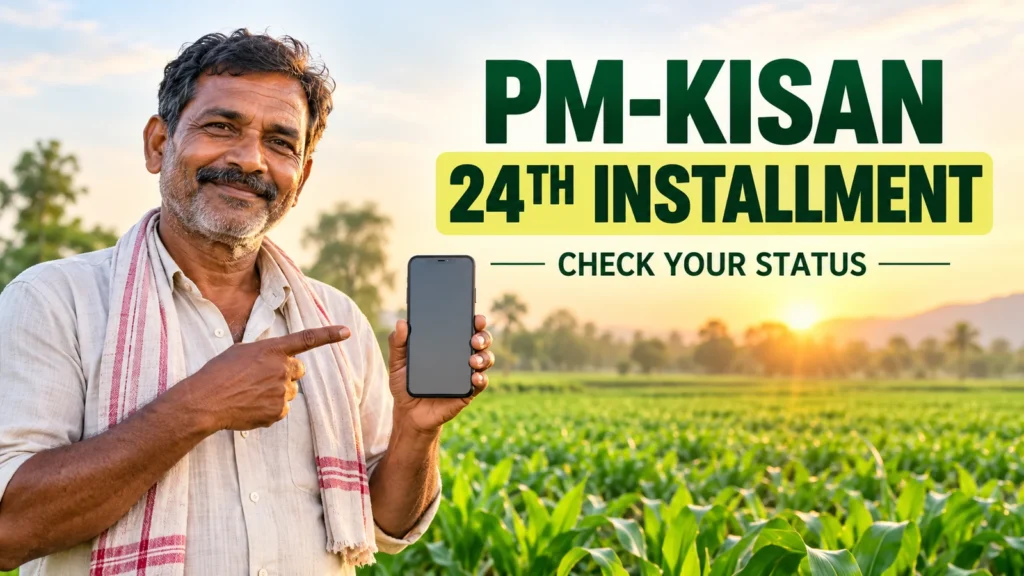
When will the PM-Kisan 24th installment be released?
The announced release date for the PM-Kisan 24th installment is 30 October 2026. The scheme’s official social announcement states the date. The installment for eligible beneficiaries is ₹2,000. A release announcement does not establish that every individual bank account has already been credited; check your own payment record separately.
Information was checked on 23 October 2026. This guide provides official links and explains how to read your status, distinguish a village list from bank credit and seek help for a pending issue. Do not treat a forwarded message or an old screenshot as evidence that your payment has arrived.
How to check your own payment status
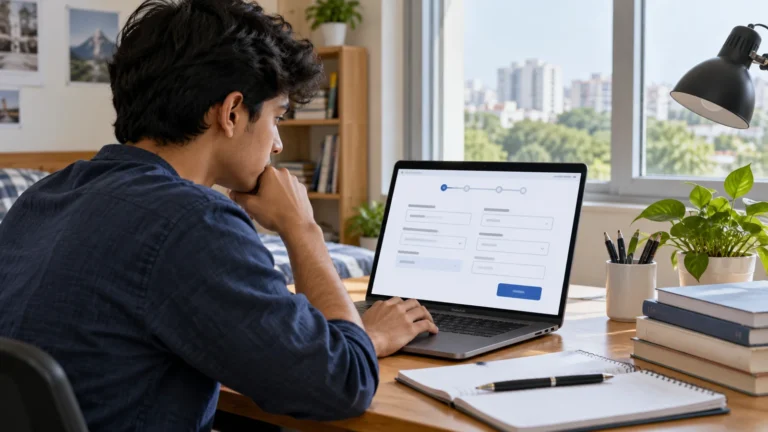
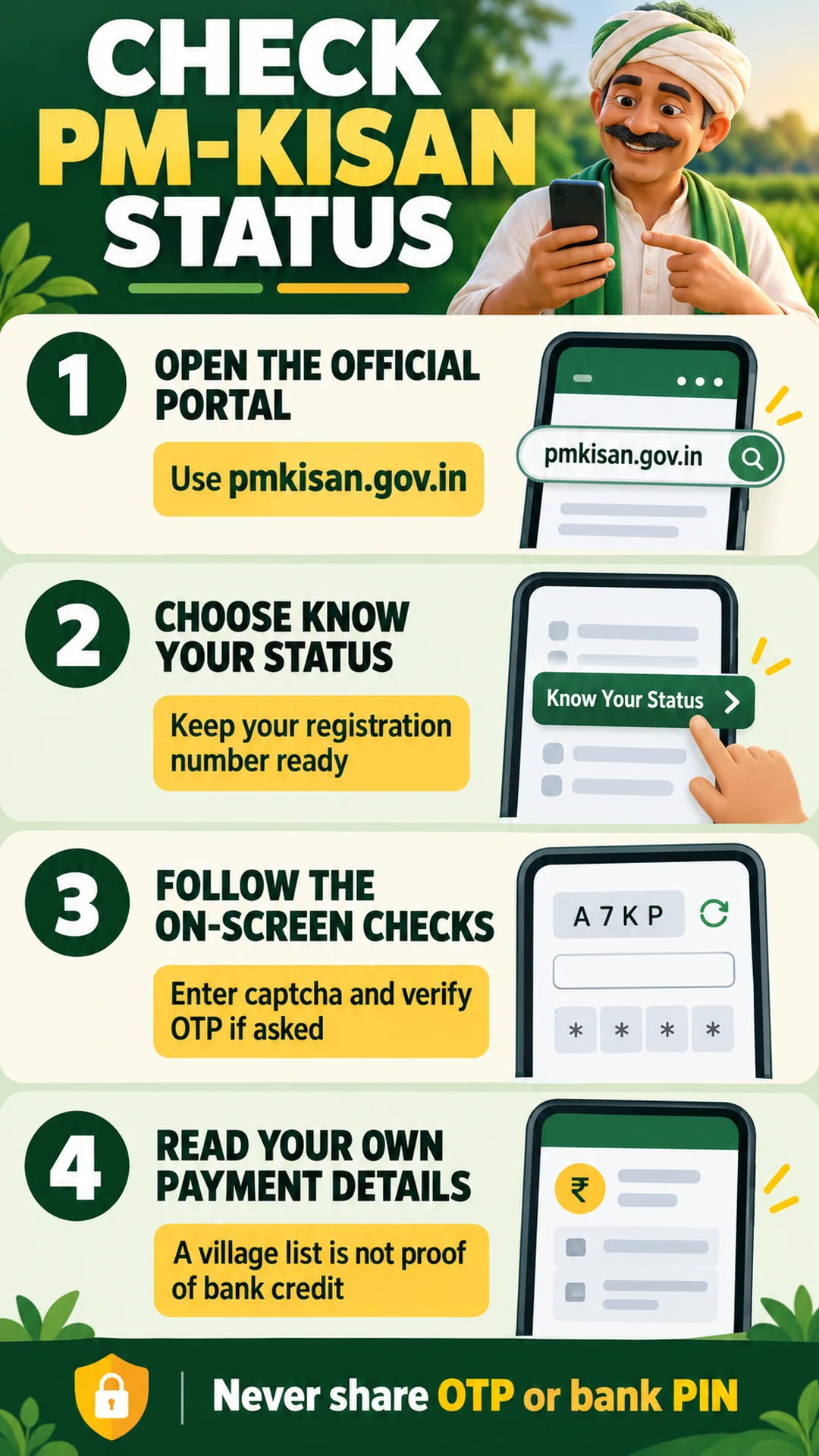
Open pmkisan.gov.in and choose Know Your Status in Farmers Corner. You can also use the official status page. Keep your scheme registration number ready.
Enter the registration number and displayed captcha, then complete the on-screen verification, including OTP if requested. Read the account and installment details carefully. Match the installment or date instead of interpreting an older payment as the new 24th installment.
Follow the current screen rather than an outdated screenshot, as portal steps can change. Do not post registration numbers, OTPs or complete banking details in a public comment.
If you have forgotten the registration number
Use Know Your Registration No. from the status page or open the official registration-number recovery page. Complete the information and verification requested there. Do not guess multiple numbers when you are unsure of your registration.
If an OTP does not arrive, check which registered mobile the page refers to. Do not assume that the scheme-registered and Aadhaar-linked mobile are necessarily the same. If the issue continues, seek official assistance or help from the local agriculture office.
The beneficiary list is not proof of bank credit
For the village list, choose Beneficiary List on the official portal. Select the requested location hierarchy, such as state, district, sub-district, block and village, then view the report. Make sure you selected your own village.
Useful fact: A name appearing in a beneficiary list is not proof that the bank account received this installment. Check the individual status and bank statement or passbook separately. Avoid sharing an old list screenshot as a newly issued list.
If you cannot find a name, first recheck the location selections. Absence from the displayed report does not by itself establish permanent removal from the scheme. Ask the relevant office to explain the record.
What to check about e-KYC and other verification
e-KYC is required for PM-Kisan. Official processes include OTP verification, biometric verification at authorised centres and face authentication through the available official application. Confirm the appropriate process through official channels. The government explanation describes checks associated with payment eligibility.
Note any incomplete e-KYC, land-record or banking verification shown in your status. Completing e-KYC alone is not a guarantee of payment; eligibility and other records also matter.
If the mobile number has changed or the OTP method is not working, ask an authorised CSC or the relevant office for the correct process instead of sharing codes with a stranger. Keep PM-Kisan central payments separate from any other scheme benefit.
What to do when the payment is not showing
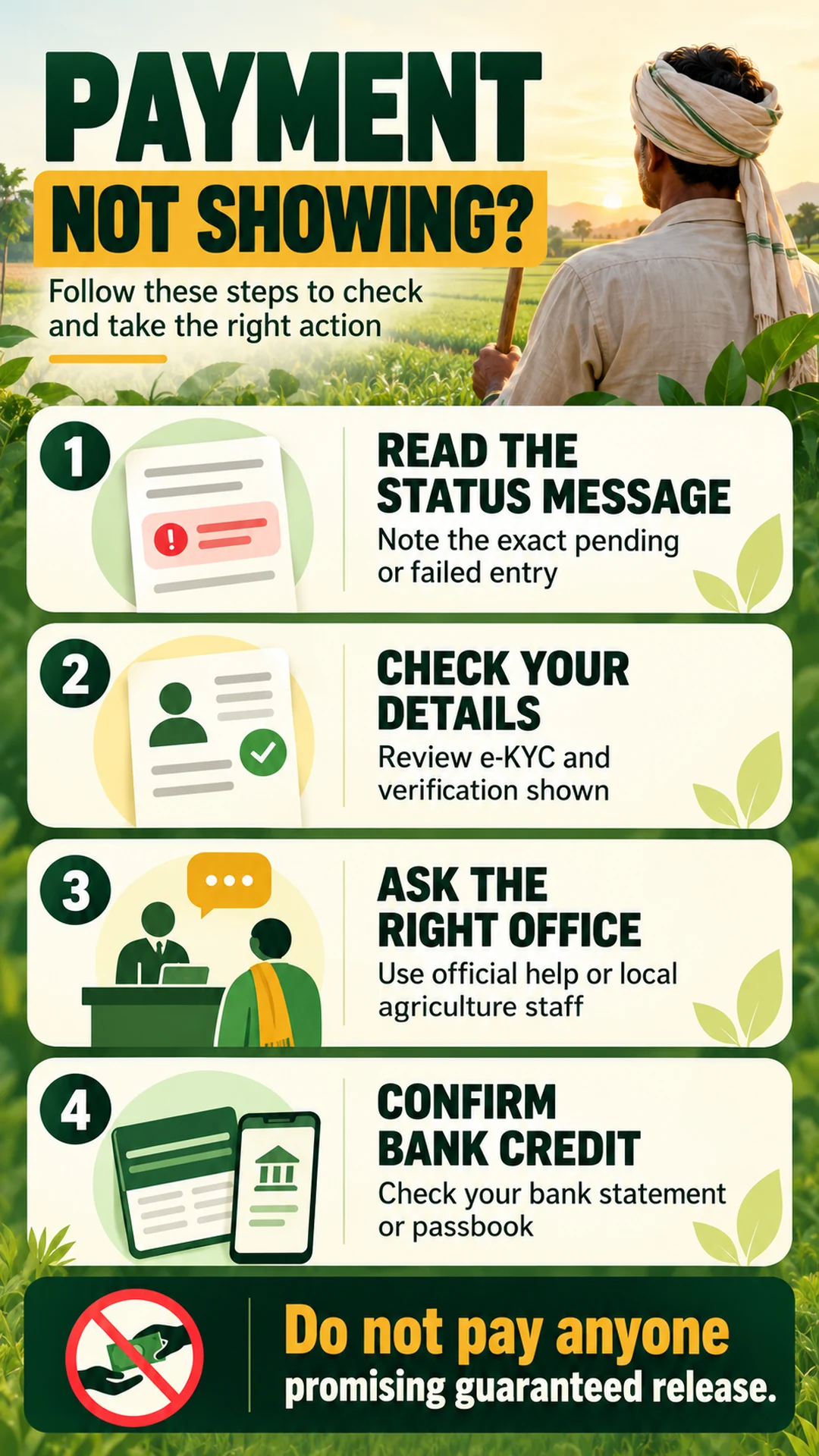
First match the installment and the status message. Keep a private note of the pending or incorrect entry and when you checked it. Confirm bank credit through a statement or passbook; lack of an SMS alone does not prove non-payment.
Ask the bank about a banking-record issue. For land or scheme records, approach the local agriculture office or authorised centre. Where appropriate, use the official query form. Do not publish complete identity information while seeking help.
Our related guide explains the next steps in more detail: PM Kisan Payment Not Received? Fix the Problem Shown in Your Status. Do not pay an agent for a promise of guaranteed release by a fixed time.
If the portal does not open, and our advice
If the page times out, shows a technical error or takes too long, try again later and recheck the official address. Repeatedly submitting details is not necessarily a solution. Avoid switching to a lookalike government site found through a forwarded link.
Keep OTPs and banking PINs private when someone helps you. Assistance with reading a status is different from a guarantee that money will be released. Be cautious of anyone claiming that installing an unrelated app or opening their private link will unlock an installment.
Our advice: Treat 30 October as the announced release date and use your status plus bank records to establish your personal payment position. Match the correct installment, resolve the issue actually shown, and retain acknowledgements or complaint references when seeking help.
Frequently asked questions
What is the announced date? The official social announcement states 30 October 2026. Each account’s payment still needs checking.
Can I check payment only with Aadhaar? The available Know Your Status page asks for a registration number and subsequent verification. Use Know Your Registration No. if you need to recover it.
Does a name in the village list mean money arrived? No. Check the list, individual payment status and bank credit separately.
Why might payment not appear after e-KYC? Other eligibility or record checks can matter. Read the specific message and ask the appropriate office.
Should I enter personal information here? No. Provide necessary details only on the correct official service. This article is an explanatory guide, not a government portal.
Note: Portal options and official instructions may change. Verify the latest announcement, official portal and your own records.
Sources
Official 24th-installment announcement
Government explanation of verification