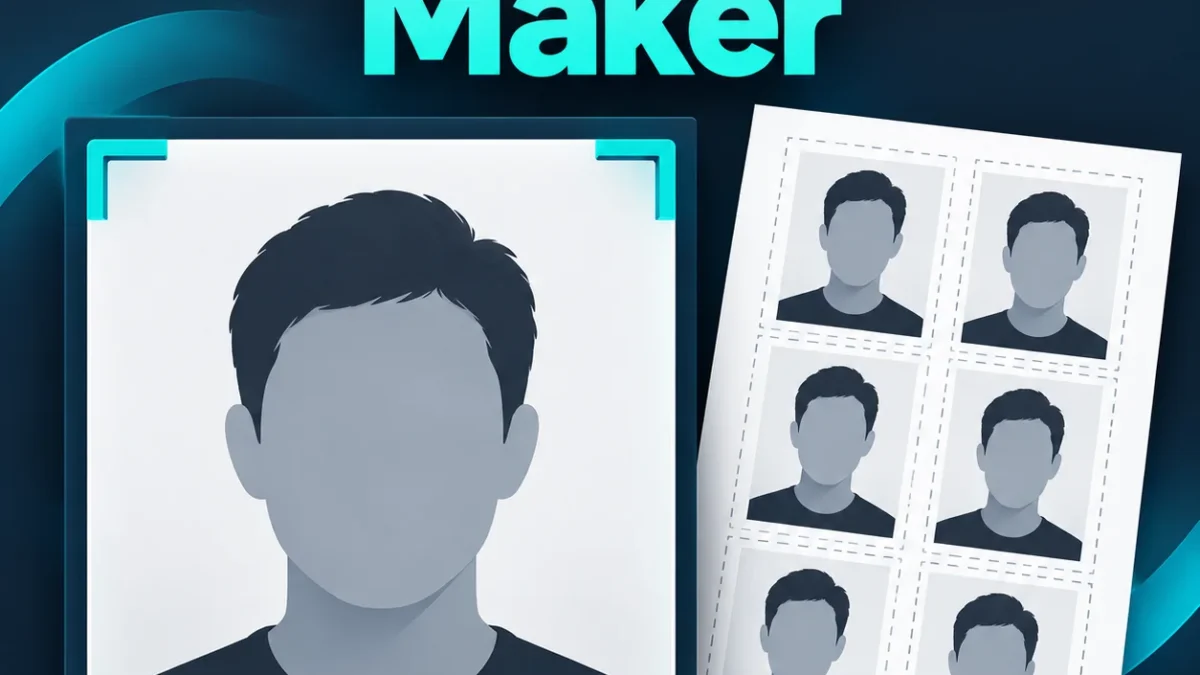
Make a passport-size photo
Crop your photo and download a sized JPG and print-sheet PDF. Check your application’s photo and size requirements before use.
This is a crop and print-layout tool. It does not remove backgrounds or guarantee acceptance by a passport authority.
How to use the passport size photo maker
- Choose a clear JPG, PNG or WebP photo up to 10 MB.
- Select 35 × 45 mm, 2 × 2 inches, or enter a custom size in millimetres.
- Adjust zoom and horizontal or vertical position while checking the crop preview.
- Choose the resolution, print-sheet paper and number of copies.
- Press Create JPG and print PDF, then download the photo and printable sheet.
The preview shows the crop that will be used for every copy. Keep your whole face and enough space around the head within the frame, following your application’s actual instructions. This tool does not identify faces or check whether a photo satisfies an official standard. You decide the crop and verify the result.
Choose the photo size your application asks for
The two presets are convenient size layouts, not a promise that either one fits every passport, visa or application form. Requirements can differ by destination and service. Read the instructions provided with your application before choosing a size. Use Custom if you need a different width and height between 10 and 100 mm.
At 300 DPI, a 35 × 45 mm photo produces a 413 × 531 pixel JPG, rounded to whole pixels. A 2 × 2 inch photo produces 600 × 600 pixels. The selected resolution is also written to the JPG’s density metadata. For printing, the PDF places each photo at the exact selected dimensions in millimetres.
Crop, zoom and reposition the photo
Zoom moves closer to the photo without stretching the subject. Left / right position and Up / down position move the crop within the source image. If an image already fits the chosen crop in one direction, moving that direction at the minimum zoom may have no visible effect. Zoom in slightly to create room for repositioning.
Rotate photo turns the image by a right angle when needed. Reset crop returns zoom and position to the centre. The tool preserves the photo’s existing background, expression and visible details; it does not remove a background, retouch a face or generate a new portrait. Start with an appropriate original photo.
Print several copies on A4 or 4 × 6 inch paper
The print PDF repeats your cropped photo on one sheet with thin borders for cutting. A4 uses margins and spacing. The 4 × 6 inch sheet is designed for borderless printing, allowing six 2 × 2 inch photos to fit exactly. Choose matching paper in the printer settings and use Actual size or 100%, with Fit to page disabled.
If the requested copies do not fit the selected paper, the tool tells you the sheet’s capacity. Choose fewer copies, a smaller photo size or A4. The maximum is 24 copies. Printer margins and scaling can affect the physical result, so measure one printed photo before cutting or using the full sheet.
Image quality and file limits
A larger, sharper source is better than a tiny cropped image. The preview notes when your selected crop must be enlarged to reach the output dimensions. Upscaling adds pixels, but cannot restore missing detail. Check the downloaded JPG at full size, especially the face and edges.
Input files are limited to 10 MB, 16 megapixels and 8192 pixels along either edge. Resize a larger image before selecting it. The JPG is exported at a high quality setting, and its actual KB size is shown after export. If a form also requires a strict KB limit, use an image compressor after checking its pixel requirements.
Privacy and processing
Your photo is cropped and exported in your browser. This tool does not upload it to our server. The PDF library is loaded from a third-party CDN, so an internet connection is needed to load that library. Keep your original image, and inspect the downloads before submitting or printing.
Frequently asked questions
Is this passport photo maker free?
Yes. No payment or new account is required for this converter.
Does it remove the background?
No. It crops, resizes and arranges the image you provide.
Is the result guaranteed to be accepted?
No. Size is only one requirement. Check the authority’s current instructions for background, framing, expression, lighting and other conditions.
Can I make a custom-size photo?
Yes. Choose Custom and enter the required width and height in millimetres.
Why did the print come out too small?
Check paper size, printer margins and scaling. Print at 100% / Actual size and measure a sample.
More photo tools
Find image compression, exact-pixel resizing and file conversion in the free Image and PDF Tools hub.