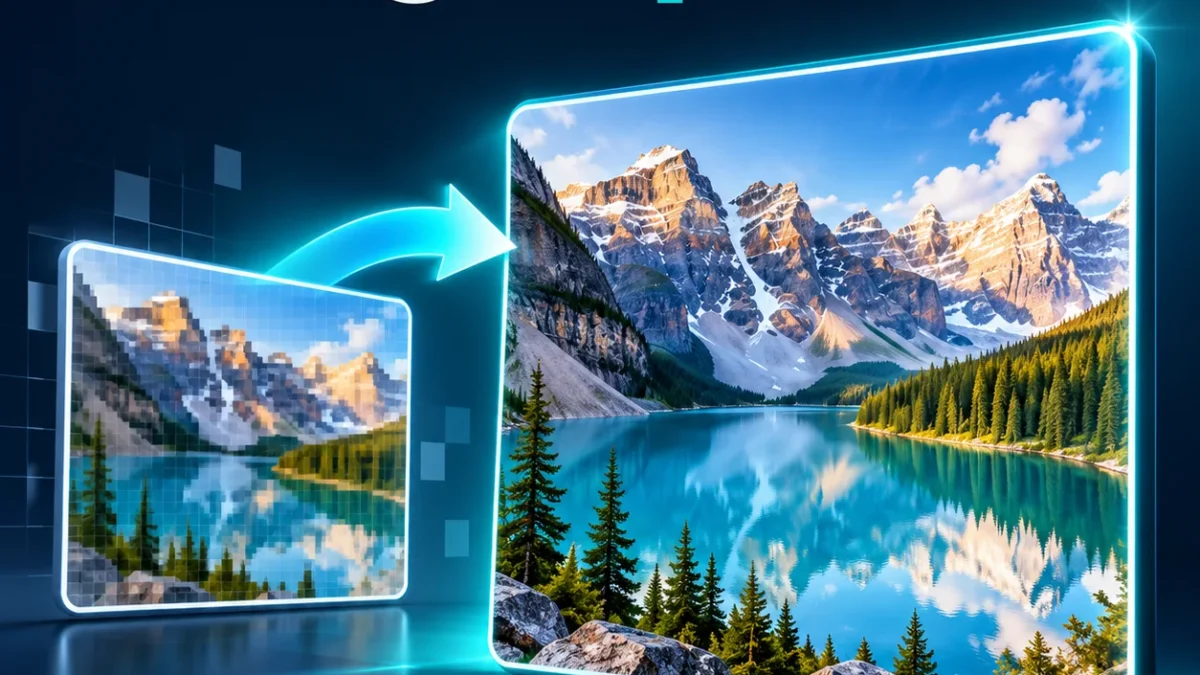
Enlarge a small image to twice or four times its width and height. This image upscaler uses browser image resampling and optional sharpening, with a preview and the exact output dimensions. It is useful for increasing pixel dimensions for a layout or preparing a larger copy of a small graphic. It is not generative AI and cannot restore detail that is absent in the original.
Upscale image 2× or 4×
Your file is processed in your browser. Processing libraries may download from a CDN.
How to use this tool
- Choose a JPG, PNG or WebP up to 10 MB and 12 megapixels.
- Select 2× or 4× scale. Width and height both increase by that factor.
- Choose no sharpening, light or medium, then PNG or JPG.
- Create, inspect the preview and output dimensions, then download.
Limits and tips for a useful result
A 500 × 400 image becomes 1000 × 800 at 2× or 2000 × 1600 at 4×. Four times the width and height means 16 times as many pixels. Output is limited to 24 megapixels and 8000 pixels per side. PNG keeps transparency; JPG places transparent areas on white. Sharpening can create halos around high-contrast edges, so start with Off or Light. Larger dimensions do not guarantee a sharper print or recover unreadable text.
Privacy and downloads
The selected file or text is processed in this browser. Keep the tab open until processing finishes. Internet may be needed to load conversion libraries. The download is saved to your device; open and inspect it before use. Selecting a new input clears the previous result.
Frequently asked questions
Is this an AI upscaler?
No. It uses smooth browser resampling with optional sharpening. It does not generate missing detail.
What does 4× mean?
Both width and height become four times larger, producing 16 times the pixel count.
Does PNG keep transparency?
Yes. PNG preserves the alpha channel. JPG output uses a white background for transparent areas.
Why is a large image rejected?
Output must stay within 24 megapixels and 8000 pixels per side. Try 2× or resize the input first.
Can it make blurred text readable?
It enlarges pixels and can sharpen edges, but cannot recover text information missing from a blurred source.
Is the photo uploaded?
No. Canvas resizing and export happen in your browser; the tool does not send the photo to our server.