 Vista
Basic beta conversion only. Font mapping reference. Verify conjuncts, special symbols and every converted document before use.
Anmol Lipi is used in older Punjabi publishing workflows. To recover readable text for modern applications, a converter must interpret the original legacy encoding and produce the correct Unicode characters. Selecting a different font alone cannot repair an incorrectly encoded document.
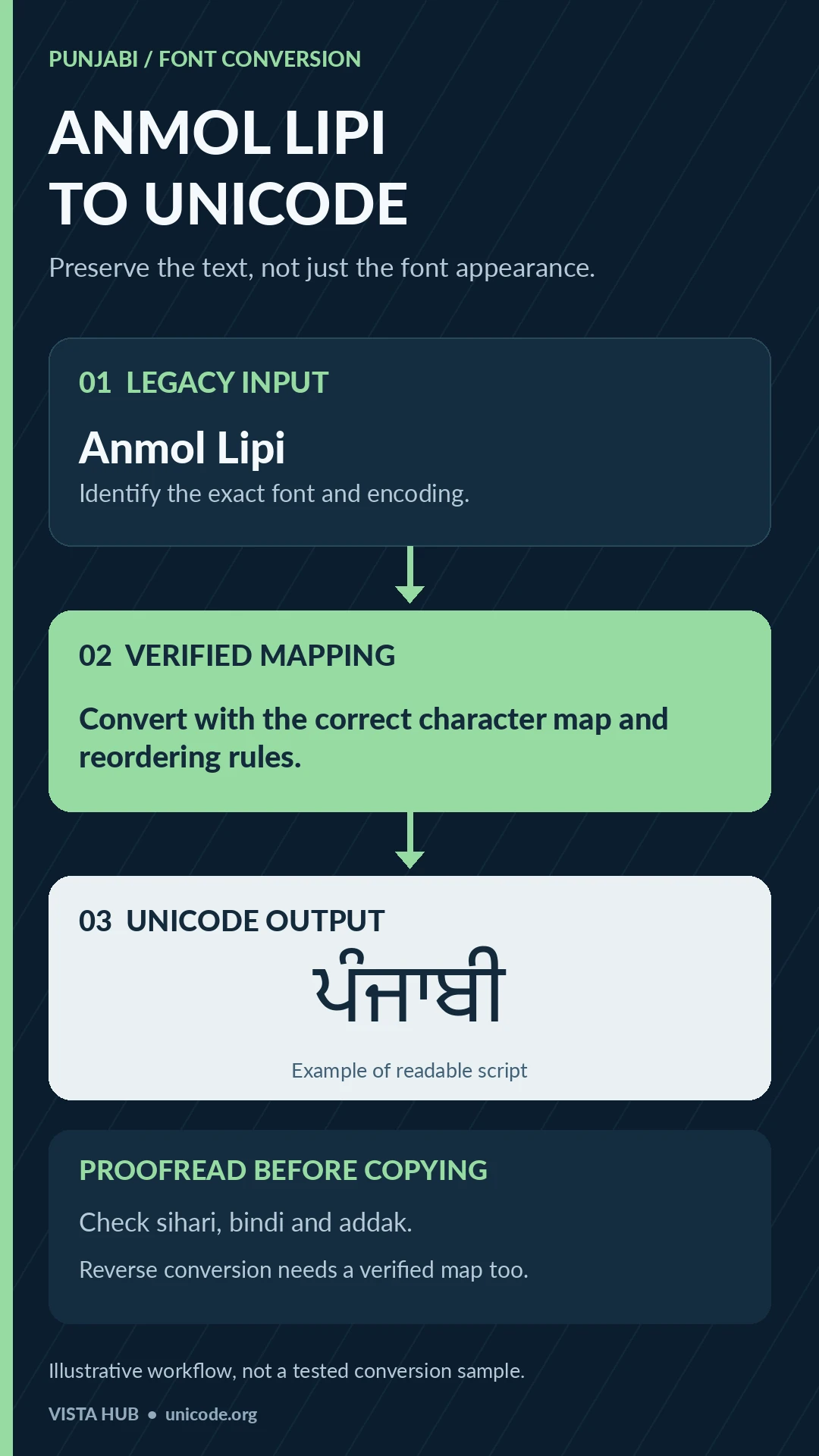
Anmol Lipi to Unicode: choose the right input encoding
Target profile: AnmolLipi legacy Gurmukhi encoding. Identify the original font in the source application before copying text. Legacy fonts may represent visible letters using unrelated character codes; a pasted string may look like Latin letters even though the document displays Punjabi. Do not assume every version of a font family uses the same mapping.
How to prepare and review conversion
- Keep a copy of the source file and identify its exact font name.
- Select a short passage encoded with that font, excluding ordinary English and other fonts.
- Choose legacy-to-Unicode or the reverse direction only when the exact mapping is supported.
- Compare the output against the original document before using it.
- Copy or save the reviewed text as UTF-8 for a modern document.
Common uses
Punjabi books, letters and older publishing files. Unicode text is suitable for search, indexing and modern text editors when the correct script is represented. A reverse conversion is appropriate only for a DTP workflow requiring the specified legacy font.
Accuracy checks
Review ਸਿਹਾਰੀ, ਬਿੰਦੀ, ਟਿੱਪੀ, ਅੱਧਕ and pairin letters. Review numerals, punctuation, spaces and mixed-language text. A font name alone does not establish compatibility. Unmapped sequences should be reported rather than silently deleted. The appearance of Unicode output may differ by rendering font without changing its underlying text.
PDF and mixed-font limitations
A scanned PDF contains images rather than extractable characters. OCR or the original editable file may be needed. A PDF with a faulty text mapping may not yield the original legacy codes on copy. Convert separate font runs independently; do not feed English headings into a legacy conversion blindly. Preserve original files.
Frequently asked questions
Is changing the font the same as conversion?
No, encoding conversion changes the character representation; font selection changes appearance.
Can every Anmol Lipi version be converted?
Only profiles with a verified mapping should be enabled.
Will conversion preserve formatting?
Plain text conversion does not preserve page layout, styles or tables.
Can a scanned PDF be converted directly?
Not as plain legacy text. Obtain a reliable text layer or use OCR and proofread.
Reference
Read the Unicode Indic scripts FAQ and Unicode display troubleshooting for encoding context.