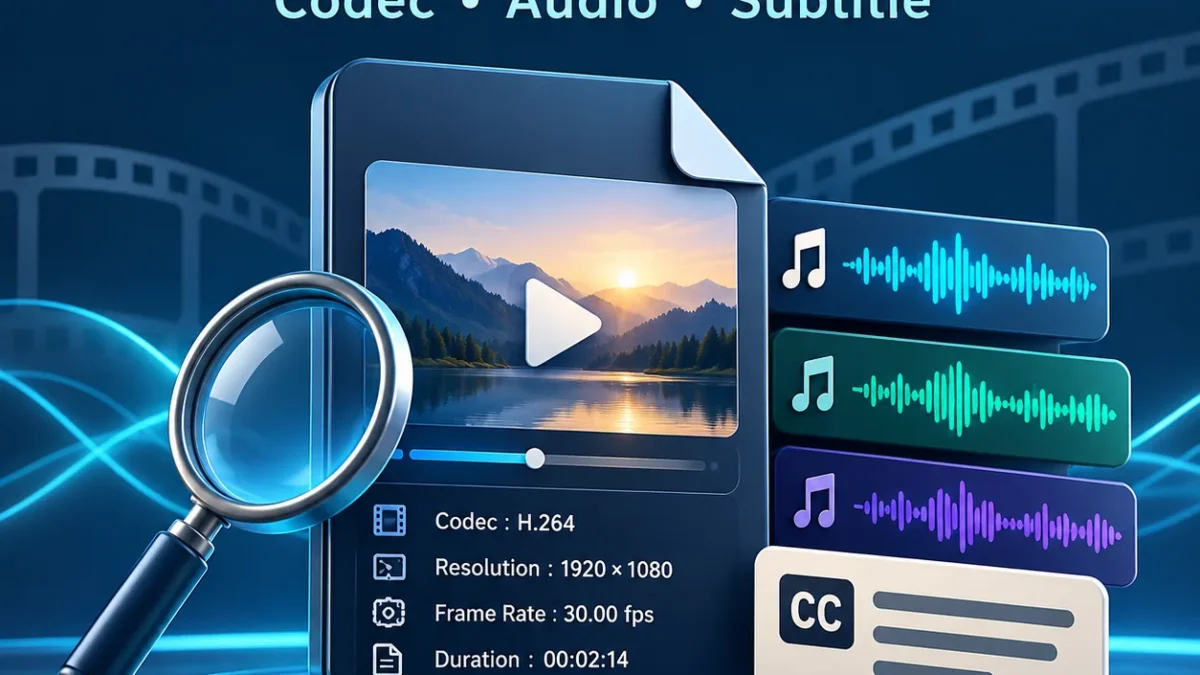
Select a local video or audio file to inspect its container, codecs, audio tracks, language tags and embedded subtitles. Copy or download a JSON report. Browser compatibility hints are limited; test actual playback in your player.
How to use the Video & Audio Compatibility Checker
Choose a media file stored on your phone or computer, then select Inspect file. The browser reads the file locally; it is not uploaded to our server. This is not a download-link tool. Once the report opens, begin with the container and Audio tracks sections rather than guessing from the extension.
Files up to four GiB are accepted, but that does not promise successful inspection of every such file on every device. Metadata is read in chunks. Inspection stops at a 45-second timeout or 64 MiB read budget. If a limit is reached, try a desktop inspector such as MediaInfo.
Selecting another file or using Clear/Cancel stops the old inspection. Empty, unsupported or unreadable media produces an error rather than a fabricated result. No report does not automatically mean a file is fake. Both parser limitations and incomplete or damaged media can affect the outcome.
Information that may appear in the report
- Container/format, file size and available duration.
- Audio format/codec, channels, sample rate and available bitrate.
- Audio-language tags, titles, Default/Forced flags and track counts.
- Embedded subtitle formats and available language labels.
- Video format/codec, resolution, frame rate and available bit depth.
Not every field exists in every file. Not reported means that the inspector did not supply that information; it is not guessed from the filename. Full technical details are in an expandable section. Reported metadata may also have been intentionally or accidentally labelled incorrectly, so interpret it within its limits.
Distinguish Hindi audio from Hindi subtitles
A Hindi/hi/hin tag in Audio tracks labels a sound stream. The same language tag in Subtitle tracks labels written text. Hindi subtitles do not establish that Hindi dubbing exists. Two audio streams are not automatically two distinct languages either; the contents need a separate listening check.
When a Hindi tag is found, choose that audio stream in your player and listen to dialogue. An unlabelled stream can still contain Hindi. The checker does not run speech recognition or listen to the entire soundtrack. Burnt-in text and separate SRT/VTT files are not included in the embedded-subtitle count.
Read browser compatibility hints carefully
The report provides a current-browser container hint and generic codec-family indications for some recognised audio formats. Probably is a likelihood indication; maybe is uncertain. No mapping is shown when a suitable test type is unavailable. These results are not a complete test of a TV, phone hardware or another player.
The hint uses a generic media-type check rather than playing your entire file. Profiles, channel layouts, damaged data and actual decoder implementations can affect outcomes. Read the hint alongside the track information, then perform a real player/device test where necessary. Metadata inspection and successful audible playback are different checks.
Copy or download a JSON report
Copy report places the current report on your clipboard. If permission is unavailable, use the browser Copy command on the selected text. JSON download includes the filename, size, counts and inspected metadata. It is a technical report, not a converted video or audio file.
Before sharing, check names, titles, creator/date fields and other private tags. Clear removes the page’s current data; a JSON file you already downloaded remains on your device. Handle it separately on a shared phone or computer. A relevant excerpt may be sufficient when seeking support.
Privacy, limits and related troubleshooting
The tool does not upload media bytes, save them in local storage or send them to a third-party analysis API. The page and parsing engine load from our site. Ordinary website hosting, analytics and advertising requests are separate from local file inspection. Browser extensions and shared clipboards are outside our control.
This is not a repair, conversion, dubbing, authenticity-certification or DRM-bypass service. Read movie plays but has no sound and Hindi audio or only subtitles for practical next steps. For a timing problem, see our Subtitle Timing Fixer.
Frequently asked questions
Is it free?
Yes. Registration is not required; your browser needs Worker and WebAssembly support.
Will my video be uploaded?
The tool does not upload your media file. Normal page/engine requests are separate.
Does a Hindi tag prove spoken language?
No. Tags can be incorrect or missing. Listen to dialogue to confirm.
Does this restore missing sound?
No. It reports information and limited hints; volume, track, player and source checks remain separate.
Can it open protected OTT downloads?
It does not remove DRM. It is intended to inspect supported ordinary local media files.
Technical sources and credits: MediaInfo, MDN media-type hints and VLC documentation. MediaInfo.js 0.3.8, BSD-2-Clause. Reviewed: 14 October 2026.