 Vista
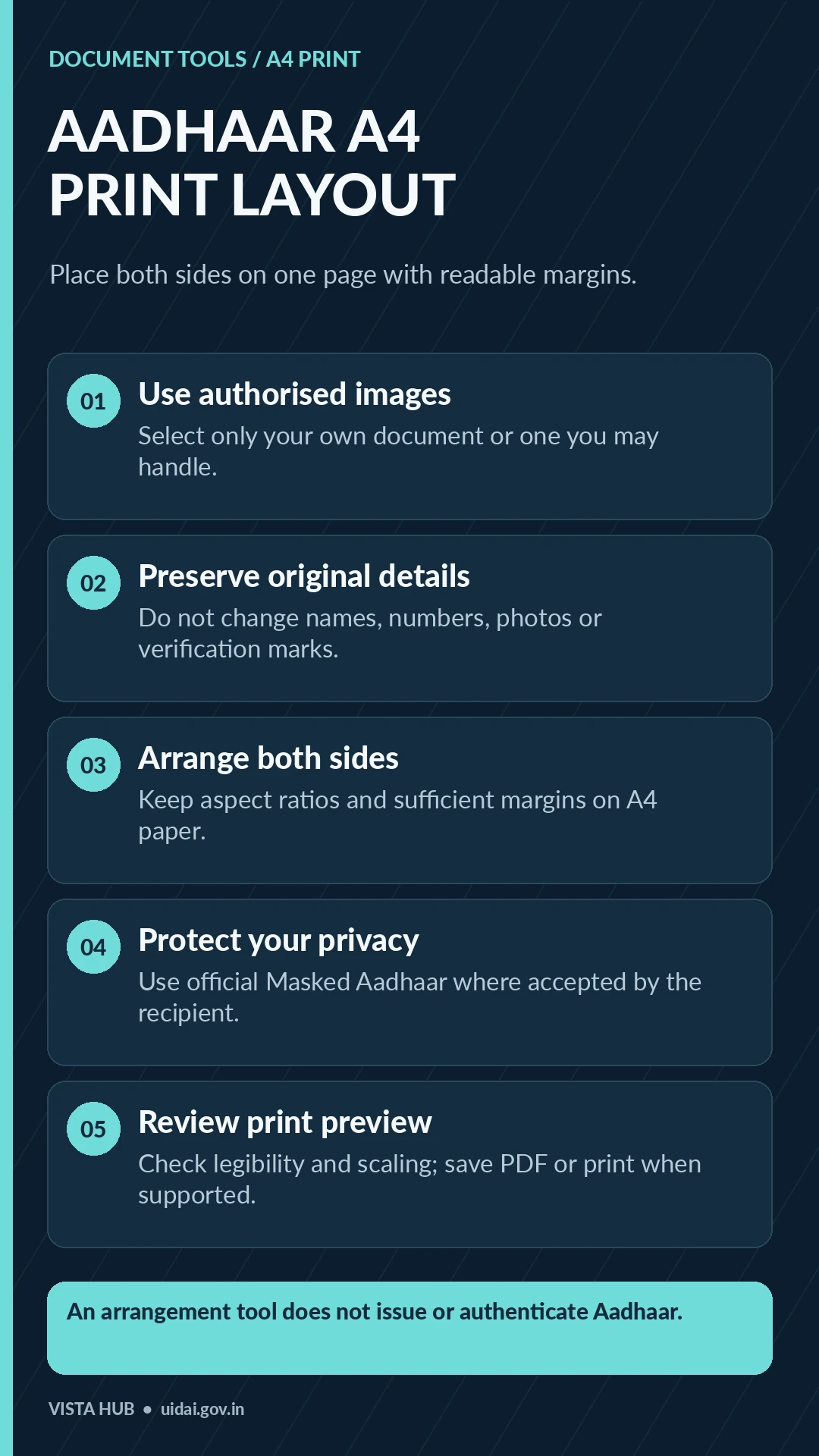
When you need to print the front and back of your own Aadhaar or other identification document on one A4 sheet, keep both sides readable and preserve the original information. An A4 layout is a convenience for arranging existing images, not a service for issuing, editing or authenticating Aadhaar.
Prepare your front and back images
Use images of a document you are authorised to handle. Check that both sides are upright and the edges, text and any verification marks are not cut off. Do not alter the name, number, photograph, QR code or other identity details.
A4 print layout
A4 paper measures 210 × 297 mm. Arrange the two images with sufficient margins, preserve the aspect ratio and review the page in print preview. Select actual size if physical dimensions matter, and confirm that the printer does not unexpectedly scale or crop the page.
Masked Aadhaar and privacy
Where appropriate, obtain the official masked Aadhaar from myAadhaar. Masked Aadhaar hides the first eight digits and shows the last four. A locally redacted image is not a substitute for the official masked document. Confirm what the receiving organisation accepts and share only necessary information. Avoid uploading sensitive identity images to unfamiliar websites.
Save as PDF or print
Use the print preview to review both sides and the layout. If supported by your device, choose Save as PDF in the print dialog or select your printer. Keep the resulting file private and remove unnecessary copies from shared devices.
FAQ
Does the print layout create a new Aadhaar?
No. It only arranges existing images; official Aadhaar services are provided by UIDAI.
Can I edit my Aadhaar number or name?
No. Use UIDAI’s official correction process for genuine changes.
Can I self-attest a copy?
Follow the receiving organisation’s instructions. If needed, add an annotation outside the document image without modifying its identity information.
Official resource: UIDAI.
Printable PDF resource
A4 assistance checklist in Hindi and English. This is not an official government form.
Download PDF (Hindi + English)Related tools and guides: Aadhaar and Marksheet Name Mismatch: Which Record to Correct? · DigiLocker No Record Found? Fix Marksheet and Document Fetch Errors