Nothing OS 5.0: Supported Phones, Rollout and Update Help
Waiting for Nothing OS 5.0 but seeing no update on your phone? Start by identifying your exact model and whether the news concerns an open beta or the general release. Another owner receiving an update does not establish that every phone should receive it at the same moment.
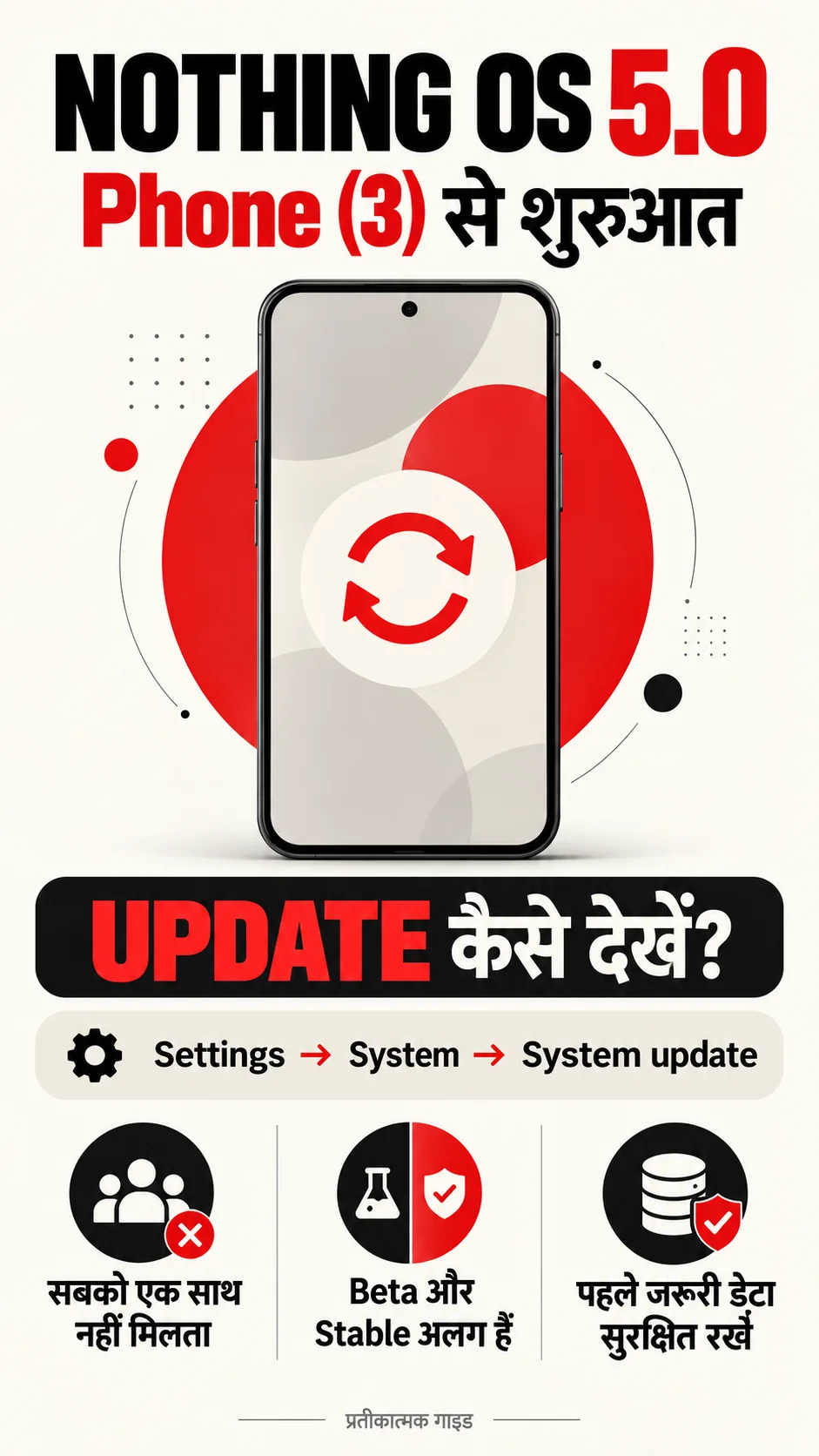
Checked on 15 October 2026, Nothing’s general-release announcement confirms the rollout for Phone (3). It includes Android 17, the redesigned Launcher and Micrographics clock face. Check Settings → System → System update. Distribution is staggered, with availability varying by device and region.
Supported phones and the official rollout timeline
The following schedule comes from Nothing’s OS 5.0 page. October refers to 2026, followed by November and December; the subsequent January means January 2027. Treat these as target windows, rather than a promise that every unit receives an OTA on one particular day.
| Phone | Open Beta | General release |
|---|---|---|
| Phone (3) | 26 August | From 12 October |
| Phone (4a) Pro / Phone (4a) | Early / late September | Early November |
| Phone (3a) Pro / Phone (3a) | Late September | Early November |
| Phone (2a) / Phone (2a) Plus | Mid October | Mid November |
| Phone (3a) Lite | — | Late December |
| Phone (4b) | Mid December | Mid January |
| CMF Phone 2 Pro | — | Mid January |
A dash means that the table does not provide an open-beta date; it does not cancel the listed general release. Nothing excludes Phone (1), Phone (2) and CMF Phone 1 from OS 5.0 because major software support has ended. That statement alone does not establish that every type of security update has stopped.
FACT BOX — understand the release stage
- Phone (3): general rollout has started; check your own OTA screen.
- Other models: read both columns for the exact model name.
- An open-beta date is different from a general-release date.
- This article reflects the official schedule checked on 15 October 2026.
What is new in Nothing OS 5.0?
The official feature explainer describes Geist typography, refreshed Settings and Gallery controls, wallpaper-linked colours, home-screen batch editing and Away Time. Away Time records breaks from the phone, rather than blocking apps. Redesigned Bluetooth Quick Settings and separate Notifications/Quick Settings panels are also described.
These are the manufacturer’s feature descriptions, not independent speed or battery measurements from this article. A smoother-performance claim should not be turned into a specific percentage improvement, promised gaming frame rate or guaranteed screen-on time. Assess changes against the apps and settings you actually use.
Feature delivery can be separate from the OS version. The release roadmap describes Essential Space updates through Google Play, MCP planned for October and a redesigned capture experience from November. Essential Apps Builder access is expanding gradually. Installing the OS therefore does not establish that every advertised AI option is immediately enabled.
How to install an available update
Nothing India’s OTA instructions recommend stable Wi-Fi, at least 50% battery or a charger, and a copy of important data. Open Settings, System, then System updates. Read the offered changelog and follow the on-screen download, installation and restart prompts.
Choose a suitable time before confirming installation. If the phone is needed immediately for an important call, navigation or payment, allow time for it to be temporarily unavailable. Downloading a package and authorising installation are separate stages; read the screen instead of tapping through automatically.
A useful practical check is to open a few important photos or documents from your second copy. A cloud icon alone does not prove that a usable copy has finished syncing. Give priority to any device-specific requirements shown by the update screen, rather than a generic social-media checklist.
ADVICE — before installing
- Record the exact model and current build number.
- Read the update name and changelog shown on your phone.
- Keep essential account-recovery information securely accessible.
- Follow installation prompts and avoid interrupting the process.
What to do if the update is not showing
First, check whether your model’s general-release window has arrived. A phone scheduled for a later window is not necessarily faulty because it shows no update today. Pay attention to Pro, Plus and Lite suffixes; similar names do not make devices interchangeable.
Next, record the current build and the exact message on the update screen. Review the latest official announcement or roadmap. If there is an error, contact Nothing support with the model, build and error wording. Redact IMEI, serial numbers and account details before posting a screenshot publicly.
Changing a VPN, swapping a SIM or trying firmware intended for another model is not the remedy recommended here. A download labelled “stable” by an unknown uploader does not establish that it is appropriate for your device. Use model-specific official guidance when the normal update path reports a problem.
Open beta versus general release
General release is the broad distribution stage; an open beta is a testing stage. Consider the time and recovery preparation involved before joining a test programme on the phone you use for work, family calls and payments. A new clock face alone need not determine that decision.
Nothing identifies the beta as pre-release software that can affect stability, battery and performance. Its current instructions use Beta Hub V2.0; rollback can erase data. Follow the official beta installation and rollback guidance rather than an APK mirror. Joining the beta is not required simply to check for an ordinary general-release OTA.
If you already run a beta, read the instructions applicable to that channel and model. A procedure shared for someone else’s phone is not automatically suitable for yours. A factory reset is not presented here as a shortcut to receiving the update; it can remove data without resolving rollout availability.
Five frequently asked questions
Which Android version is Nothing OS 5.0 based on? Nothing’s announcement identifies Android 17.
When does Phone (3) receive it? The official general-release timeline starts on 12 October; individual availability is phased.
What about Phone (2a) and Phone (2a) Plus? The listed general-release target is mid November. Mid October refers to their beta window.
Is Phone (2) supported? The current official OS 5.0 exclusions are Phone (2), Phone (1) and CMF Phone 1.
Will every AI feature appear immediately? Not necessarily. Separate app updates, feature eligibility and gradually expanded access can matter.
Official sources and related phone coverage
Sources: General-release announcement · Model schedule and beta guidance · Feature explainer · Release roadmap · Nothing India OTA support. Last checked: 15 October 2026.
यह Nothing OS 5.0 गाइड हिंदी में पढ़ें · Related: OnePlus ColorOS 17 beta: another manufacturer’s rollout. Firmware from the two brands is not interchangeable.
This is independent reporting, not a hands-on review or an official Nothing support service. Images are illustrative software concepts, not actual OS screenshots. Announced schedules can change.