While scrolling through your social media feed, you often come across a picture that looks surprisingly real at first glance, yet something deep down feels slightly off. Was that viral photograph captured by a real camera lens, or did a generative AI tool craft it within a matter of seconds? Fooled eyes have become an everyday reality across the digital world.
Artificial intelligence tools like Midjourney, DALL-E, and Stable Diffusion have grown remarkably sophisticated. However, despite their advanced algorithms, AI image generators still struggle with the complex laws of physical nature, light reflections, and human anatomy. Knowing how to detect ai images is an essential digital literacy skill to avoid falling for fake narratives, misleading news, or viral hoaxes online.
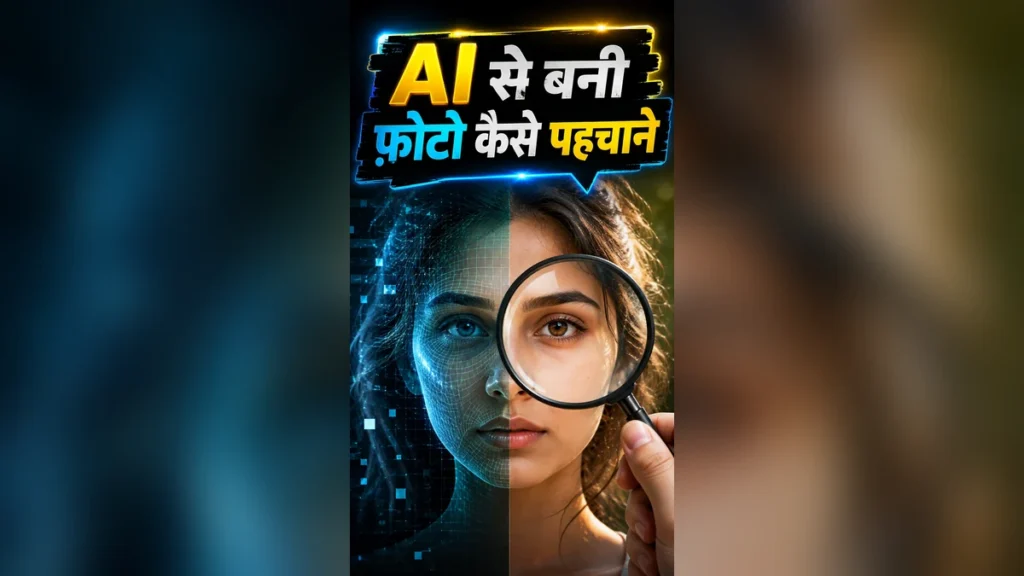
If you want to quickly separate real photos from synthetic creations, here is a complete guide explaining 7 proven methods to spot AI-generated pictures with precision.
1. Why You Should Check Fingers and Hands First
Whenever you suspect an image might be fake, the very first place your attention should go is to the subject’s hands and fingers. Human hands are anatomically complex. Because fingers bend at intricate joint angles and overlap in unique ways, generative AI models frequently fail to calculate the correct structural geometry.
In a large number of AI-generated photos, you will notice people with six fingers instead of five, or fingers that appear strangely fused together. In other instances, fingernails might be missing entirely, or the skin around the knuckles might look melted into a wax-like mass. AI models continue to make their most obvious errors when rendering negative spaces between fingers and natural hand grips around physical objects.
2. Examine Eyes, Pupil Catchlights, and Eyeglass Reflections
It is often said that eyes never lie, and this principle holds 100% true when evaluating synthetic imagery. In a genuine photograph taken with a camera, the light reflection on both eye pupils—known as the catchlight—shares a consistent shape, size, and direction because the ambient light comes from a real single source.
In AI images, however, catchlights are often inconsistent. You might see a perfectly round highlight in one eye and an irregular or square distortion in the other. Furthermore, if the person in the photo is wearing spectacles or sunglasses, carefully examine the reflections on both lenses. AI tools frequently render a window shadow on one lens and an indoor ceiling light on the other—an environmental contradiction that defies basic physics. The circular shape of the pupils themselves may also look warped or oval.
3. Look for Unnaturally Smooth Skin and Plastic Textures
Real human faces possess fine pores, delicate wrinkles, tiny blemishes, and natural skin variations. One of the single biggest giveaways when learning how to detect ai images is identifying overly smooth skin texture that resembles a polished plastic doll or a wax figure.
When you zoom into the cheeks, forehead, or chin of an AI-generated subject, you will notice a complete lack of natural surface texture. Instead, it looks as though someone applied an excessively heavy airbrush or blur tool over the entire face. Real human skin exhibits a subtle subsurface scatter and warm flush when hit by light, a natural biological characteristic that AI tools still struggle to replicate convincingly.
4. Inspect Background Details and Blur Artifacts
AI image generators focus heavily on making the primary subject look stunning and realistic. As a result, they often fail miserably when processing the minor details hidden in the background. Whenever you analyze a suspicious photograph, look closely at what is happening behind the main character.
In AI-created backgrounds, people standing in the distance often appear featureless, with melted faces or missing eyes and noses. Architectural elements like window frames may look crooked, staircases might lead into empty air, or tree branches could terminate abruptly in floating shapes. While standard camera lenses produce an even, natural depth of field (Bokeh), AI-generated background blur is often erratic—exaggerated in one spot and completely non-existent right next to it.
FACT BOX: Key Insights on AI Image Artifacts
- Anatomy Glitches: AI models guess pixels rather than understanding real skeletal structures, often creating extra fingers or unnatural joints.
- Catchlight Errors: Pupil reflections in AI images frequently clash in shape, size, and lighting direction between the two eyes.
- Skin Texture: Synthetic photos lack micro-pores and facial blemishes, giving subjects a glossy, wax-like finish.
- Text Rendering: AI algorithms struggle with exact character glyphs, producing unreadable scripts and gibberish lettering.
- Symmetry Failures: Accessories like earrings, glasses frames, and shirt patterns rarely align symmetrically on both sides.
5. Analyze Text, Letters, and Gibberish Signs in the Image
Have you ever attempted to read the text written on a billboard, street sign, shop banner, or t-shirt printed in a suspicious photograph? If the image was generated by AI, the writing will almost certainly look like alien script or random gibberish.
AI image models guess character arrangements visually rather than understanding actual linguistic orthography or grammar. You might spot letters that resemble English or Hindi alphabets, but when you attempt to connect them into words, they make no logical sense. The characters often appear half-formed, inverted, or merged together, instantly confirming that the image is not authentic.
Real vs AI Generated Photos: A Quick Comparison
If you need to analyze a viral photograph within seconds, keep this simple comparison table in mind to spot structural errors quickly:
| Feature | Real Camera Photograph | AI-Generated Photo |
|---|---|---|
| Fingers & Hands | 5 distinct fingers with correct joint bending | 6 fingers, fused knuckles, or missing nails |
| Skin Texture | Visible pores, fine lines, natural blemishes | Unnaturally smooth, glossy, plastic look |
| Jewellery & Glasses | Symmetrical designs on both sides | Mismatched patterns, disappearing frame temples |
| Background Text | Clear, readable letters and real words | Distorted characters and unreadable gibberish |
Conducting a quick visual scan like this helps stop the spread of sensationalized fake news on instant messaging apps and social media platforms.
6. Check Jewellery and Clothing Symmetry
When humans wear clothing and accessories, there is a natural balance to how items fit on the body. AI generators frequently fail at maintaining geometric symmetry across matching items. For example, examine a person’s earrings—you will frequently notice that the earring on the left ear has a completely different design, shape, or chain length than the one on the right.
Similarly, spectacle arms might disappear behind an ear without connecting properly, or a shirt collar might feature a sharp point on one side and a rounded corner on the other. Striped or plaid clothing patterns in AI photos often warp unnaturally, blending into solid colors or shifting directions mid-fabric. Button alignment and zipper tracks are also commonly scrambled.
7. Look for Shadow Physics and Lighting Discrepancies
In the real physical world, light travels in straight lines. Every object in a real photograph casts a shadow that aligns perfectly with the primary light source in the environment. AI tools, however, generate imagery by predicting pixel arrangements based on trained datasets, meaning they don’t truly understand gravity, optics, or shadow mechanics.
Check if the shadow cast by a person’s nose matches the angle of the shadow on their neck or the ground behind them. In many synthetic photos, you will notice floating subjects whose feet cast no ground shadows, or multiple shadows falling in contradictory directions despite there being only one sun or key light present.
Vivek Bhai ki Advice
In today’s digital era, where almost anyone can generate a hyper-realistic photo simply by typing a text prompt into a mobile phone, believing every viral image blindly is a massive mistake. Fake images of political figures, celebrities, and dramatic disaster scenes are regularly created to trigger emotional reactions and spread misinformation.
Whenever you see a viral image that feels overly dramatic, surreal, or unbelievable, refrain from immediately hitting the share button. Take two extra seconds to perform a simple zoom test on your smartphone screen. Magnify the edges, examine the hands, inspect background faces, and look for asymmetrical details.
Digital awareness is your best line of defense in the age of artificial intelligence. No matter how advanced AI models become, they still fail to replicate the strict physical laws of our world—gravity, exact optical reflections, and geometric symmetry. By trusting your logical observation skills over instant visual impressions, you can easily distinguish truth from digital deception.
💡 Pro Tip: Before trusting or sharing any sensational viral photo, always zoom into the background corners and inspect the person’s hands and eye reflections first.
FAQ
Is there a free online tool to detect AI images?
Yes, you can use specialized web tools like Hive Moderation, Illuminarty, or Hugging Face AI Detectors alongside Google Reverse Image Search to trace an image back to its original web source and confirm whether it is generated or real.
Can photo metadata (EXIF Data) help detect AI photos?
Yes. If the image retains its original metadata, EXIF readers can show details like camera model, shutter speed, ISO, and software used. AI-generated images typically lack camera EXIF data or show creation details from editing programs.
What is the most common mistake made by AI image generators?
AI tools struggle most with human hands (rendering extra or fused fingers), pupil catchlight consistency, background text legibility, and maintaining symmetrical designs in earrings and eyewear frames.
Can you spot fake AI photos directly on a mobile screen?
Yes. Simply pinch-to-zoom into the photo to examine skin textures for excessive airbrushing, check background faces for melted features, and verify if ambient light reflections in both eyes match logically.
Why do AI models struggle with rendering text in images?
AI image generators process visuals as complex pixel patterns rather than understanding language rules. Consequently, they render letter-like shapes that look plausible from afar but are actually unreadable gibberish when read up close.
Disclaimer: The information provided in this article is for general digital awareness and educational purposes only. Always verify critical news and media through official news outlets and verified original sources before resharing content online.