Installed a wedding or challan APK? Separate the facts first
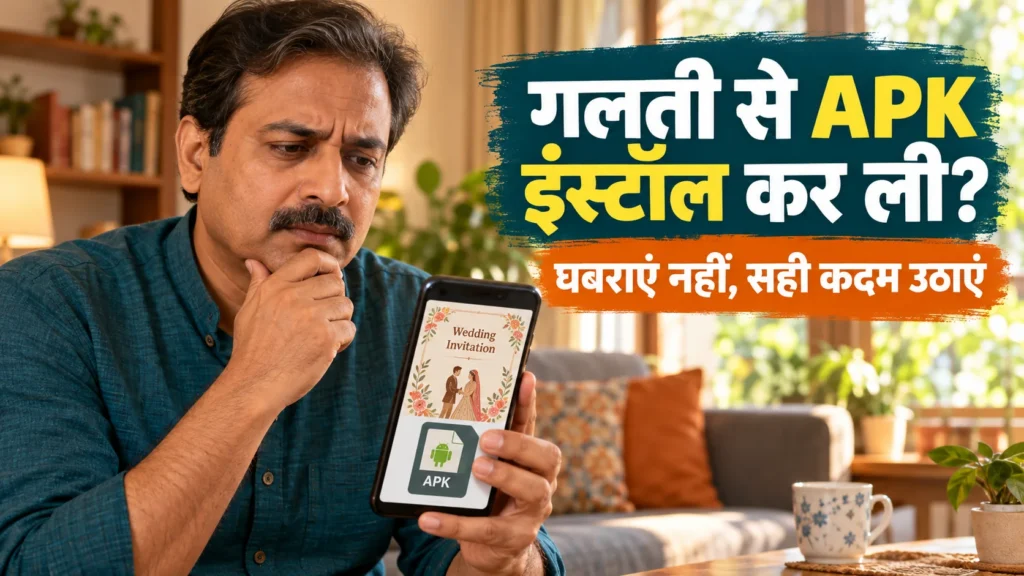
A WhatsApp message looked like a wedding invitation, a traffic challan or a utility notice. You installed its APK, and now you are worried about your phone and bank account. Start by separating three facts: the file was downloaded, the app was installed, and the app was given access. Those are different events and do not automatically call for the same response.
An APK is an Android application installation package. A familiar file name or sender does not establish trust. Equally, seeing an APK is not enough to diagnose infection. This guide gives a practical sequence for limiting harm, reporting and reviewing your device. Neither this article nor the companion wizard examines your phone for malware.
Money missing? Report before waiting for cleanup
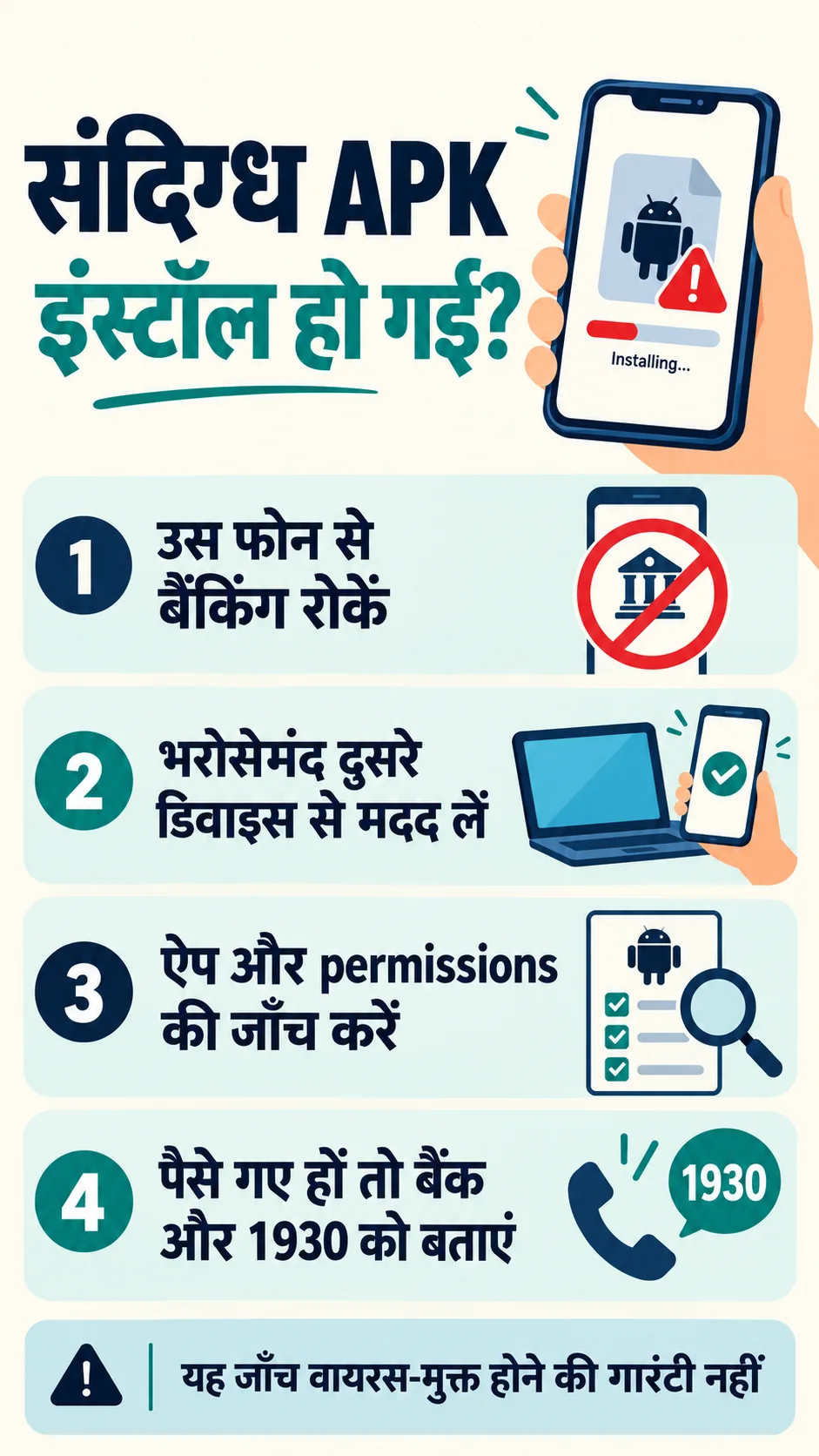
If you see an unauthorised bank, UPI or card transaction, do not wait for an uninstall or a complete scan. From a trusted separate device, contact your bank through its official fraud channel, call 1930 and report through the National Cyber Crime Reporting Portal. Keep complaint references. Prompt reporting matters; it does not guarantee reimbursement.
Verify the bank contact through a source you already trust, such as your card, official bank documents or the correct bank website. Do not call the number embedded in the scam message or an unfamiliar search advertisement. Keep the amount, date, transaction reference and message timeline privately. You do not need to enter those details into our wizard.
Pause sensitive activity on the suspect device
If the installed app is suspicious, avoid entering fresh banking credentials, passwords or recovery codes on that phone. Temporarily disconnecting Wi-Fi and mobile data can help contain suspected malware activity. It is a precaution, not a substitute for removal, account recovery or reporting. Use another trusted device for urgent contact and recovery.
If you cannot access a separate device, seek help from someone you trust or use the bank’s official telephone/branch assistance. Simply switching the phone off and doing nothing for hours is not a useful response to active financial loss. Prioritise the harm that is occurring and the safe help available to you.
Review installed apps and special access
Open Settings → Apps/See all apps and identify unfamiliar recent additions. A missing launcher icon does not prove an app was removed. A familiar app name is also not decisive evidence. The government SpyMax alert described a fake wedding-invitation APK campaign in June 2025. That is a real example of this threat, not a diagnosis of your particular file.
Review ordinary permissions as well as Accessibility, Notification access, Device admin and Install unknown apps. Permission to display notifications is different from access that reads other apps’ notifications. Do not bypass restricted-settings protections to grant an unknown app sensitive access. Android menu labels vary across versions and manufacturers.
Revoke suspicious access and uninstall the unwanted app you have identified. Avoid blindly disabling a legitimate screen reader, an assistive app or a managed work app. If you cannot identify an item or remove it safely, seek manufacturer guidance rather than experimenting with system components.
Uninstalling does not complete account recovery
If you entered or shared a password, PIN or OTP, saw unfamiliar sign-ins or noticed messages you did not send, review the affected accounts from a trusted clean device. Use each service’s official recovery flow. Change exposed credentials, review devices/sessions and recovery contacts, and enable appropriate two-step protection.
For WhatsApp activity, also review linked devices and access to the account. Our WhatsApp account-recovery guide covers that separate process. Warn affected contacts without forwarding the original APK attachment. Removing an app cannot recall data already copied or undo an attacker’s earlier access.
Use Play Protect, updates and a private incident record
Run Play Protect from the Play Store profile menu and check Android/security updates. A scan that finds nothing is useful information, not a complete safety certificate. Google’s Improve harmful app detection option may send unknown apps to Google. That is separate from our wizard, which processes its questionnaire answers within this page.
If it is safe, preserve the sender, timestamps, original message, warnings and transaction records. Do not rerun the APK to create screenshots, or postpone stopping active harm for a perfect evidence collection. Redact phone numbers, account details and private conversations before seeking help on a public forum. Keep originals privately for appropriate official reporting.
What if the app is hidden, cannot uninstall or returns?
Do not respond by deleting random system apps. Manufacturer-specific Safe mode guidance can help investigate a troublesome downloaded app; the startup method differs between phones. Safe mode is not a certified malware test and its behaviour alone cannot establish that the device is clean.
If problems persist, seek official manufacturer support or a qualified technician. Factory reset is not the first step in every incident: it can erase data and evidence. Consider urgent bank reporting, essential records and account recovery first. If a reset is advised, understand the Google-account/lock credentials and manufacturer instructions, and avoid reinstalling unknown APKs from old files.
Frequently asked questions
I only downloaded the APK. Is my bank hacked? Downloading and installing/running are different. A download alone does not establish bank compromise. Check the installed-app list if unsure, and handle any separate phishing, shared OTP or unauthorised transaction on its own facts.
I gave no permissions. Can I ignore it? That is useful information but not a final safety guarantee. Review what was installed and what happened. Account exposure may arise from credentials you entered rather than a permission prompt.
Is a clean scan enough after uninstall? No. Review account sessions and banking activity too. A clean result cannot reverse earlier data exposure or prove that every relevant risk has been removed.
Should I upload the APK here? No. The wizard asks six general questions and creates a checklist. It needs no APK, OTP, photo or bank information, and does not scan the phone.
Will I definitely get my money back? No such promise is possible. Report promptly to the bank, 1930 and NCRP, preserve references and follow the official process. Outcomes depend on the incident and subsequent action.
Build an APK response checklist from your answers
Read the related detailed guide
General self-help information, not an individual forensic examination or banking advice. Android menus vary.
आधिकारिक स्रोत / Official sources
- Cyber Swachhta Kendra: SpyMax alert (25 June 2025)
- Google: Android app permissions
- Google: restricted settings
- Google: Play Protect
- Google: compromised-account recovery
- Google: Android safe mode
- Google: factory reset
- PIB: cyber fraud reporting guidance (8 September 2026)
- National Cyber Crime Reporting Portal