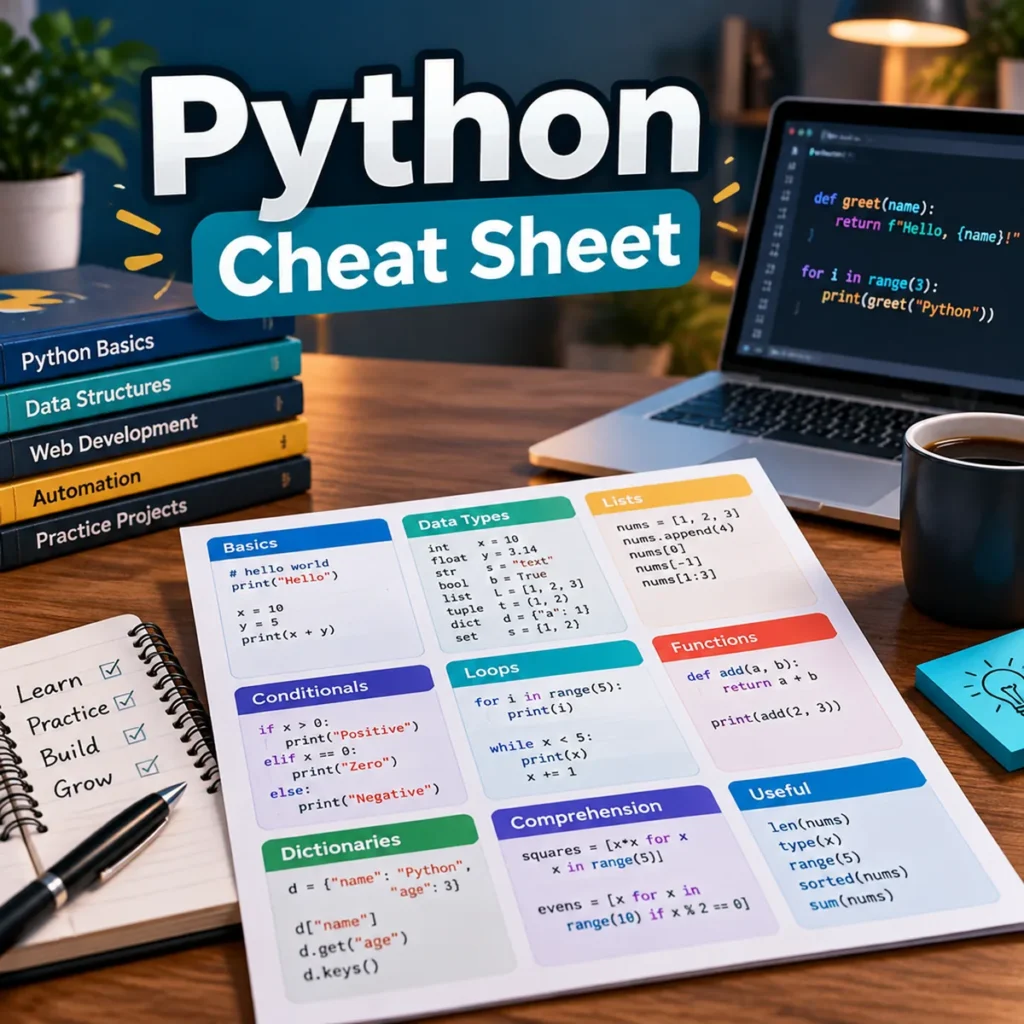
Looking for a clear python cheat sheet for beginners pdf? This original English guide from Vista Hub is a print-friendly A4 reference for learning Python 3 syntax. It keeps the first steps practical: type a small example, run it, read the output, and make one change at a time.
What is inside the Python cheat sheet?
The eight-page PDF starts with the pieces that make Python feel predictable. You will see how variables point to values, how common types such as integers, floats, strings, booleans, and None behave, and why indentation is part of Python syntax. A compact input-and-output section covers print(), input(), simple conversions, and readable naming with snake_case.
The next pages turn everyday data into something you can work with. The string reference includes indexing, slicing, trimming, splitting, joining, and case changes. Tables compare lists, tuples, dictionaries, and sets so a beginner can choose a sensible collection shape. Short code blocks show operations such as append(), dictionary lookups, set membership, and unpacking a tuple.
Decisions, loops, and reusable code
Conditional logic is easier to remember when it is grouped with the operators it uses. The guide covers arithmetic, comparisons, Boolean logic, membership, identity, and assignment shortcuts. It also includes a simple if / elif / else example and a reminder to use == for value comparisons while reserving is None for the special None value.
For repetition, the PDF compares for and while loops, then shows range(), enumerate(), dictionary iteration, break, and continue. The functions section covers parameters, arguments, defaults, return values, docstrings, local scope, and the practical if __name__ == "__main__" guard. A small imports and error-handling section introduces modules, aliases, try / except, and focused functions.
Useful patterns for small projects
The final reference pages collect built-ins including len(), type(), conversions, min(), max(), sum(), sorted(), zip(), any(), and all(). There are short examples for f-strings, beginner-friendly list comprehensions, and reading or writing a UTF-8 text file with a with open(...) context manager. The last page works as a quick recap and gives you a tiny reading-tracker exercise to type yourself.
Optional learning desk supplies
You do not need special equipment to learn Python, but a few practical tools can make practice more comfortable. You can compare Python programming books, a mechanical keyboard, a USB-C hub, or a coding notebook through Amazon.com search links. These are optional suggestions, not requirements. Vista Hub may earn a commission from qualifying purchases at no extra cost to you.
How to use it
Print the pages you need, keep the syntax tables beside your editor, and type the examples instead of only reading them. When something fails, read the traceback from the bottom up and fix the first useful line. The goal is not to memorize every function in one sitting; it is to build a reliable loop of prediction, execution, and small revision.
Download the free Vista Hub PDF and keep this beginner reference close while you practice. It is original educational material, written in English for learners who want a calm, readable starting point for Python 3.