Keep notice and gratuity separate
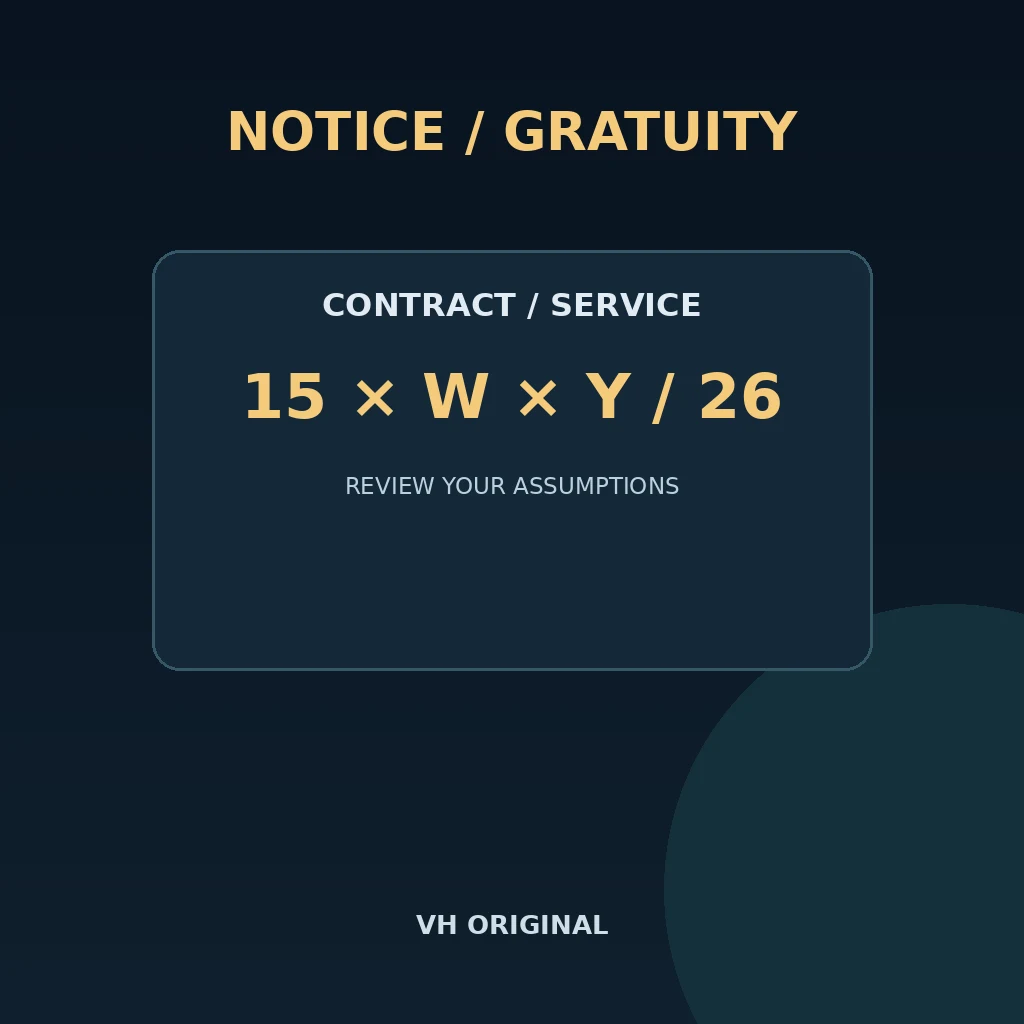
This planner answers two different arithmetic questions in one report. The notice section counts calendar days from a chosen start date under the convention you select. The gratuity section illustrates the monthly-rated regular-service formula using wages, completed years, additional months and a cap you confirm. Neither section approves resignation, determines legal entitlement or replaces an employment agreement. Notice obligations and gratuity eligibility can arise under different provisions. Read your appointment letter, separation policy and applicable scheme before entering numbers. The tool does not automatically offset notice pay against gratuity, calculate a final settlement or decide whether a waiver should be granted.
Choose the notice counting convention
Enter a real date and a whole number of calendar days from one to 3,650. With Count start date as day 1 selected, a 30-day notice starting 5 October 2026 ends on 3 November 2026. Without that selection, it ends on 4 November 2026. Weekends and holidays are included because this is a calendar-day planner. A contract expressed as one month, working days or a release date approved by HR may give a different answer. Do not convert months into thirty days without an agreed rule. The displayed last day is an arithmetic planning date and should be confirmed with the employer.
Use the applicable wage definition
For the gratuity estimate, enter the applicable last-drawn monthly wages, not automatically CTC, net salary or only the basic-pay label on a payslip. The Ministry of Labour’s additional FAQs dated 16 March 2026 explain that the revised wage definition applies from 21 November 2025 and that relevant included and excluded components need to be considered. This tool does not reconstruct that definition from a salary breakup. Confirm the wage base with payroll or a qualified adviser before checking the acknowledgement. Scheme coverage, continuous service, eligibility, separation circumstances and better contractual benefits also need review. A number entered in the wage field does not prove that basis is legally correct.
Understand rounding and the formula
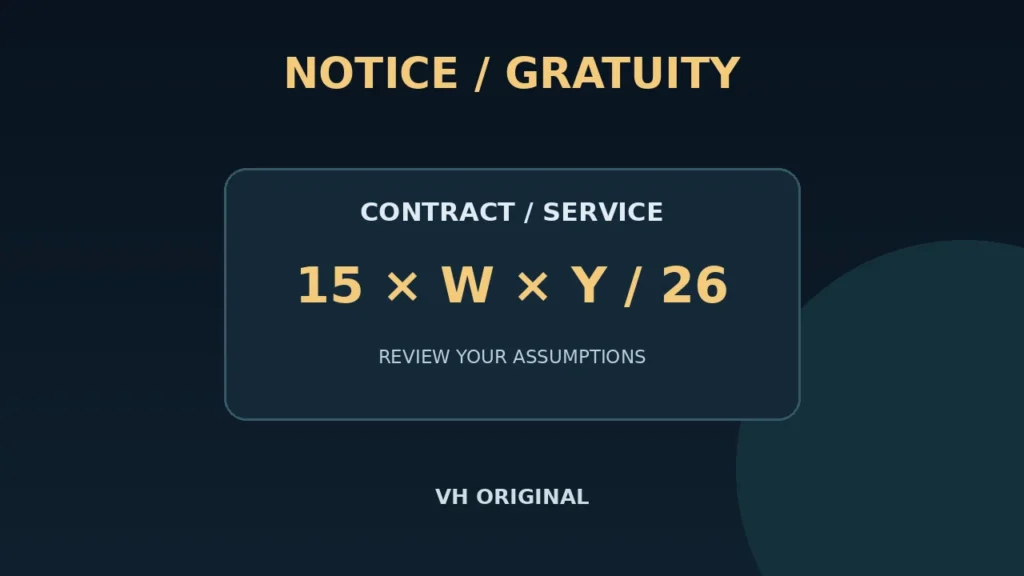
The regular monthly-rated illustration uses monthly applicable wages × 15 ÷ 26 × counted service years. Enter completed years and additional completed months separately. More than six additional months adds one counted year; exactly six months does not. For example, five years and seven months count as six years, while five years and six months count as five. Using wages ₹30,000 and six counted years gives an uncapped estimate of about ₹1,03,846.15. The tool accepts only whole years and months. It does not interpret disputed continuous-service rules or convert incomplete days into service months. Confirm the actual period before choosing these inputs.
Check exclusions and the selected cap
The gratuity section is restricted to a regular monthly-rated illustration. Do not use it for fixed-term pro-rata employment, a deceased employee’s pro-rata calculation, seasonal work, piece-rated wages, government pension schemes or disputed forfeiture cases. The Ministry FAQs specifically distinguish directly engaged fixed-term employees and their one-year condition, which this regular-service interface does not implement. The cap field starts with ₹20,00,000 as an editable illustration. Confirm the current cap applicable to your scheme and circumstances; the tool does not retrieve notifications. The report shows the uncapped arithmetic and the lower of that amount and your selected cap. It does not calculate tax exemption.
Review the report before separation planning
The acknowledgement is required because the calculator cannot determine coverage and eligibility from two service numbers. If you cannot confirm those assumptions, obtain clarification before using the gratuity estimate. Changing any input removes the previous report and download link. The JSON report keeps notice convention, dates, wage basis, service rounding, uncapped amount, selected cap and estimated amount together. Save it as a planning record and compare it with an employer calculation, rather than submitting it as an entitlement certificate. No resignation letter or identity document needs to be uploaded. Inputs are handled locally. Final dates, payments and any dispute still depend on the applicable agreement, law and responsible decision-maker.
FAQ
Are holidays excluded?
No. The notice planner counts calendar days.
Can a month be entered as 30 days?
Only if your applicable agreement uses that convention.
Does six extra months round up?
No. This regular-service illustration adds a year only above six completed months.
Does this establish eligibility?
No. Confirm coverage, continuous service and applicable conditions separately.
Can fixed-term staff use this formula?
Not this interface. Fixed-term pro-rata cases need the applicable separate method.
Does the cap determine tax exemption?
No. This selected payment cap and tax exemption are different questions.
Review before use
Start with a small example and check that every field represents the same document, month or service period. Save the original source separately. Review each generated result before sending it to another person. A downloaded file records the assumptions you entered and the calculation method shown on this page. It does not replace an independent document review, a payroll statement, an employment agreement or an official determination. If an input is uncertain, confirm that input before treating the displayed result as a reliable planning figure.
Related tools
Sources: Ministry of Labour: additional FAQs, 16 March 2026 · Ministry of Labour: current laws and notifications