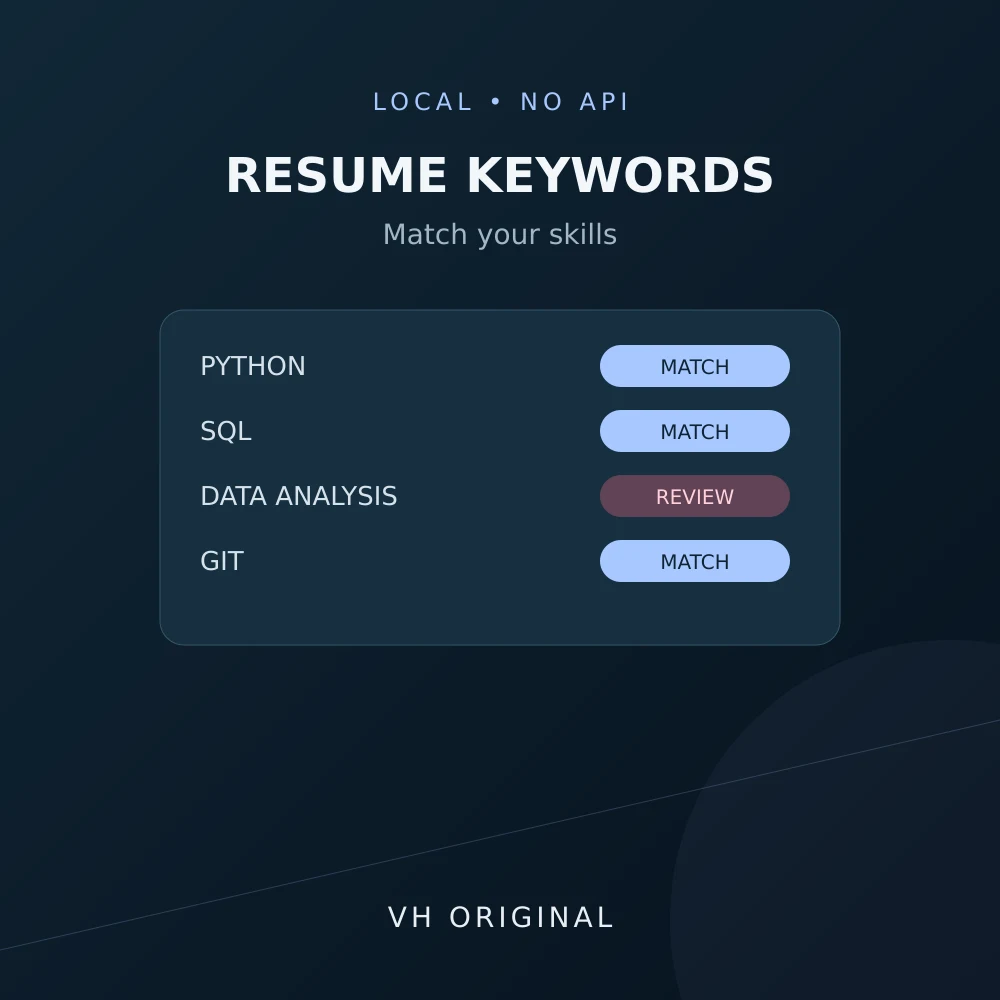
Compare resume text with a job description. See matched and missing keywords and transparent keyword coverage locally, without an AI API or upload.
Compare the words in your resume with a target job description before editing an application. The result lists matched and missing keywords and a coverage percentage. This is a writing aid for your own resume, not a candidate ranking or hiring decision system.
How to use
Paste the job description and resume as plain text. For the most useful result, enter your chosen skills and phrases in Keywords to check, separated by commas or new lines. Leave that box empty to extract individual terms from the job description. Use Sample to see a six-keyword example with four matches: 67% after rounding.
How the comparison works
Coverage equals matched unique keywords divided by all checked unique keywords, multiplied by 100 and rounded to a whole percent. Matching is case-insensitive after Unicode NFKC normalization. A phrase must occur as adjacent tokens. Java does not match JavaScript; C++ and C# remain distinct. Repeated mentions count once.
Details
Automatic extraction removes a small English stop-word list and numeric-only terms. It does not identify which words an employer considers important. Manual keywords give you control over the denominator. Hyphenated terms remain single tokens, so data-analysis differs from the two-word phrase data analysis.
Limits
The tool does not reproduce a proprietary ATS, read PDF/DOCX files, infer synonyms or predict shortlisting. Each source text has a 50,000 UTF-16-unit limit; the optional keyword field has 5,000 units and a maximum of 200 unique terms. Hindi keywords are supported, but automatic stop-word filtering is English only.
Advice
Add a missing skill only if you can honestly demonstrate it. Place relevant evidence in clear experience or project bullets instead of repeating keywords. Review formatting in the employer application portal separately. A high coverage percentage does not prove that you meet the role requirements.
Frequently asked questions
Is this my real ATS score?
No. It is keyword coverage for the terms shown.
Can I choose the keywords?
Yes. Enter comma-separated or newline-separated terms and phrases.
Are synonyms recognized?
No. Matching uses exact tokens and adjacent phrases.
Can it compare Hindi text?
Yes. Review manual keywords for the best control.