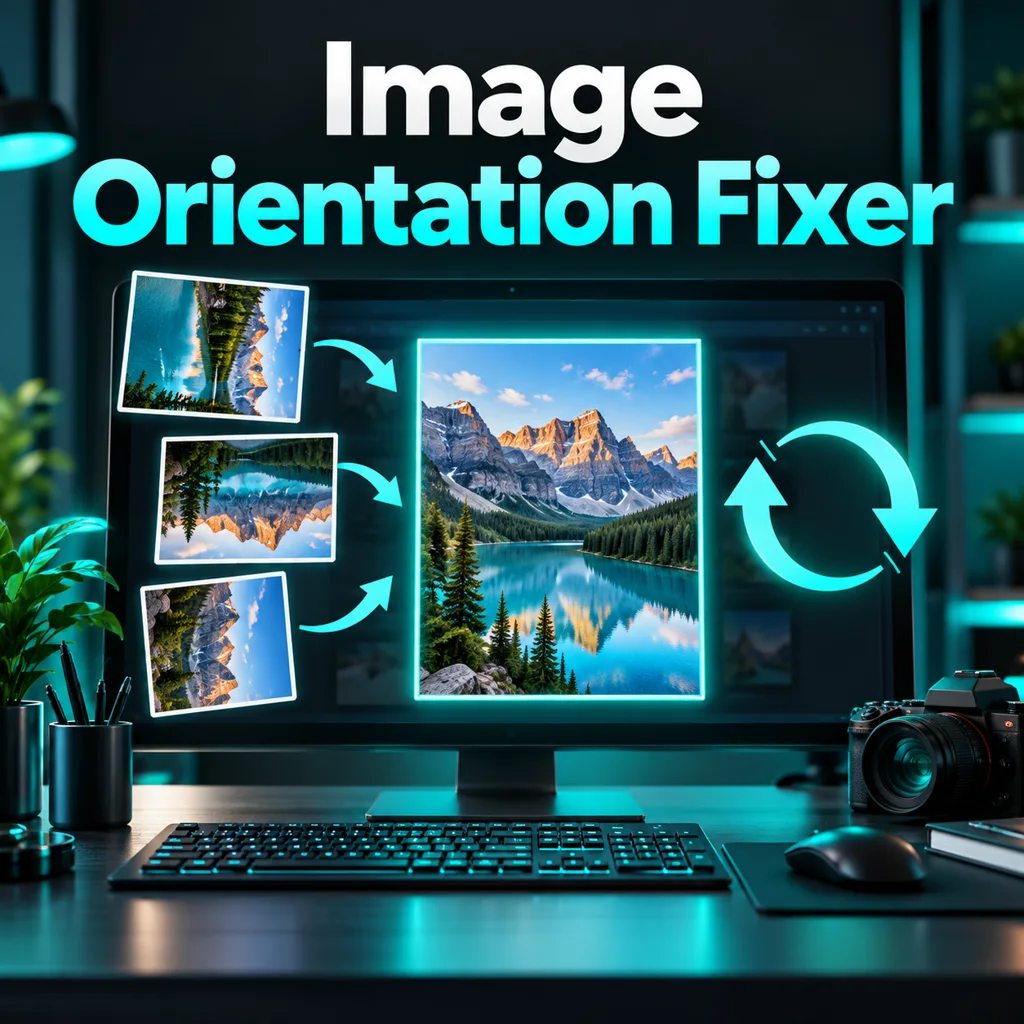
What this tool does
Rotate or flip a decoded image and export upright JPG, PNG or WebP pixels with a visual preview.
How to use
Choose an image. Select clockwise angle, optional flip before rotation and output format. Process, inspect the preview and download. Browser-applied EXIF orientation is the starting point.
Limitations
25 MB and 40 megapixels. Output is re-encoded; metadata is not preserved. Animated images become a still frame. JPG uses a white background for transparency and lossy compression. PNG preserves transparency. Browser support determines accepted source formats. It does not detect the intended visual orientation automatically or repair damaged files.
FAQ
Are files or text uploaded?
No. Processing happens locally in your browser.
Should I review the output?
Yes. Compare it with the original using the stated limitations before use.
Does it work on mobile?
Modern browsers are supported; format support and available memory depend on your device.