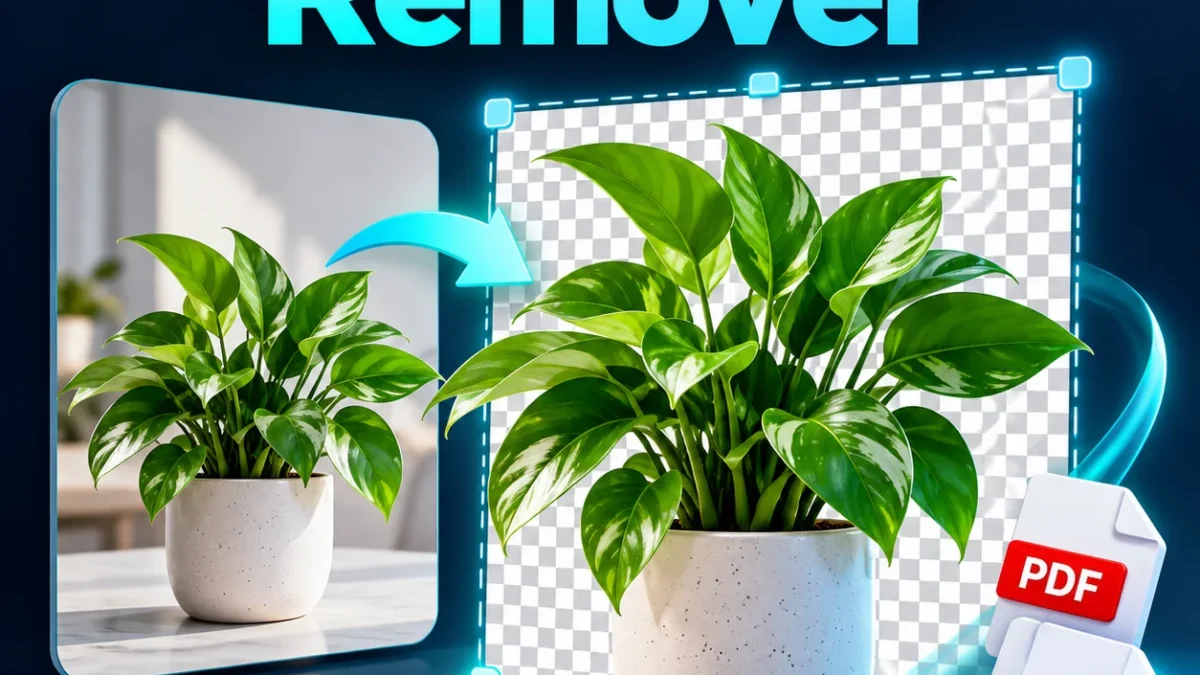
Remove a distracting background from a product photo, portrait or other single-subject image. This image background remover uses an AI model on your device and offers transparent PNG or a white background. Select a clear image, wait for the preview, then inspect the edges before downloading.
Remove image background
Your file is processed in your browser. Processing libraries may download from a CDN.
Open-source code (AGPL-3.0) · IMG.LY background-removal library
How to use this tool
- Choose a JPG, PNG or WebP under 10 MB and 12 megapixels.
- Choose transparent PNG or white PNG.
- Click Convert / Create. On first use, allow the model download to finish.
- Inspect the preview around hair, clothing and object edges. Download the PNG.
Limits and tips for a useful result
The first use downloads a large model, around 80 MB or more, so a reliable connection helps. Processing can be slow on older phones. Input images are scaled down to at most 2048 pixels on the longest side for processing. Fine hair, glass, shadows, multiple subjects and low contrast are difficult cases. This tool does not offer manual edge refinement; use an editor if the preview needs correction.
Privacy and downloads
The selected file or text is processed in this browser. Keep the tab open until processing finishes. Internet may be needed to load conversion libraries. The download is saved to your device; open and inspect it before use. Selecting a new input clears the previous result.
Frequently asked questions
Are my photos uploaded?
The tool processes the selected photo in the browser. Its code and AI model download from a CDN; the conversion code does not upload your photo to our server.
Why does the first conversion take longer?
The browser must download and initialize the AI model. Keep the tab open and retry if the connection is interrupted.
Is the output transparent?
Choose Transparent PNG to preserve an alpha channel. Choose White PNG when you need a solid white background.
Will the output keep the original size?
Images larger than 2048 pixels on the longest side are reduced for processing. The result summary shows the actual output dimensions.
Can it remove every background perfectly?
No. Examine the preview, especially hair, glass, shadows and similar colors. Results vary with the image.
Does it work offline?
Initial model and library downloads need internet. Do not assume offline operation or permanent model caching.