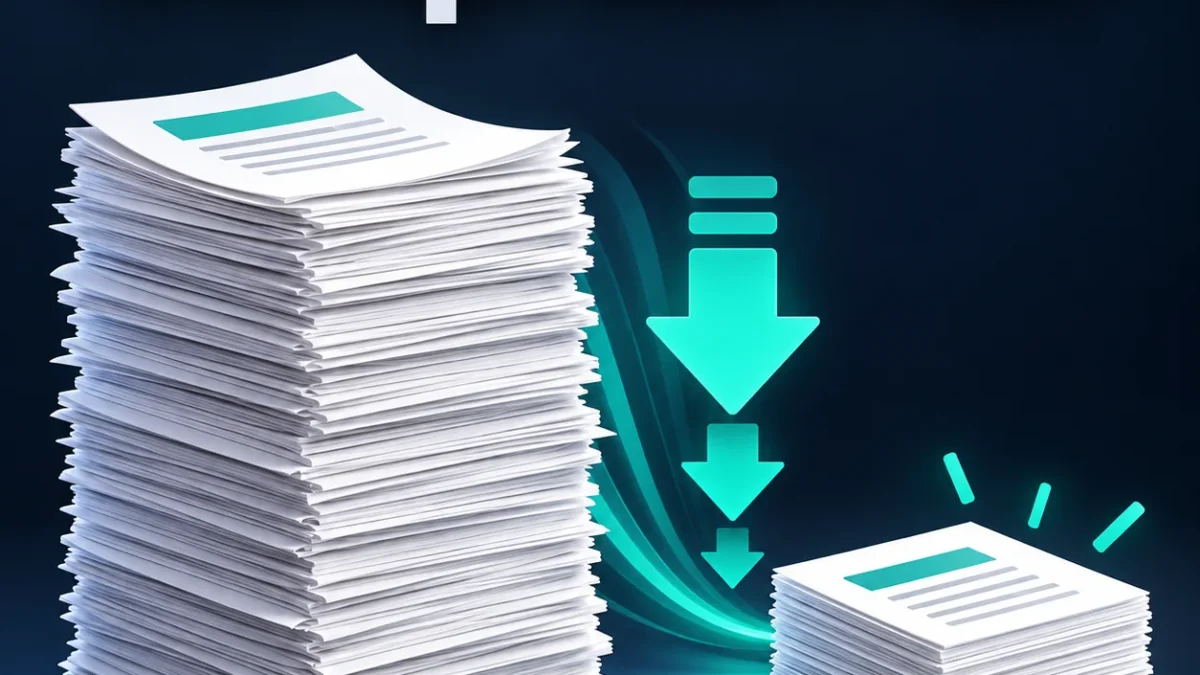
Need to compress a PDF to 100KB, 200KB, 500KB or 1MB for an upload? Choose your size limit below, compare the actual result and download the PDF. Processing happens in your browser. A smaller result is not guaranteed for every document.
Compress PDF to a KB or MB limit
Processed on your device. Maximum 15 MB and 20 pages.How to reduce PDF file size online
- Select one PDF up to 15 MB and 20 pages.
- Enter the maximum allowed size and choose KB or MB.
- Start with Keep text for an ordinary document. Use Scanned PDF only when image-based pages are acceptable.
- Press Compress PDF. Keep this page open until processing finishes.
- Check the output size, download and inspect every page before uploading.
Compress PDF to 100KB or 200KB
Enter 100 or 200 and leave the unit set to KB. This tool treats 1 KB as 1,000 bytes and 1 MB as 1,000,000 bytes, so the limit is conservative for forms using binary units. A long or detailed PDF may not fit under a very small limit while remaining readable.
The output shows its actual size. If the available compression settings cannot meet your limit, the result is explicitly marked above the limit. Increase the allowance or remove unnecessary pages with a PDF split tool. Do not submit an unreadable file simply because it is small.
Keep text or compress scanned pages?
Keep text reserializes your PDF with compressed object streams. It keeps the existing page content and selectable text. It does not aggressively recompress scanned images; sometimes the original is already smaller, so the original bytes are offered instead.
Scanned mode renders each page as a JPEG image and builds a new PDF. It tries progressively lower resolution and image quality, stopping if your limit is met. This can reduce image-heavy scans, but text can become softer. Use grayscale only if colour is unnecessary.
What scanned mode removes
The new image-based PDF does not retain selectable text, search, clickable links, interactive forms, bookmarks, layers or accessibility structure. The visible page appearance is flattened. Digital signatures are not preserved as valid signatures. Keep the original document, particularly for official or signed records.
Privacy, limits and supported files
Your PDF bytes stay on your device. The page downloads PDF processing libraries from a CDN, but it does not upload the chosen PDF to a conversion service. Processing needs an up-to-date browser and available memory. Files over 15 MB, documents over 20 pages and unusually large page dimensions are rejected.
Password-protected or damaged PDFs may fail. This tool does not remove passwords. Cancel discards the current output, and you can choose the file and try again. Close the page when you have finished using your local document.
Why is the PDF still too large?
Many pages, detailed photographs and small text need space. A target is a maximum allowance, not a promise that any file can reach it. For scans, try grayscale or a higher allowance. For documents that need searchable text, keep the text mode and accept that it may offer only a modest reduction.
Frequently asked questions
Can I compress a PDF to exactly 100KB?
The goal is at or below the limit, not artificial padding to exactly 100KB. Some files cannot meet that limit with the available settings.
Does compression keep searchable text?
Keep text mode retains existing selectable text. Scanned mode creates image pages and removes text selection and search.
Can I compress PDF without losing quality?
Keep text avoids rendering pages as images. Strong scanned compression reduces image quality and resolution, so lossless size reduction is not promised.
Can I use this on my phone?
Yes, in a compatible current browser. Short PDFs work best on devices with limited memory.
Are my documents uploaded?
No. The selected PDF is processed locally in your browser.
Will a digital signature remain valid?
Do not rely on that. Modifying a signed PDF can invalidate signatures. Keep and use the original signed document.
Related tools
Find PDF split, PDF merge and image converters in the English tools hub.