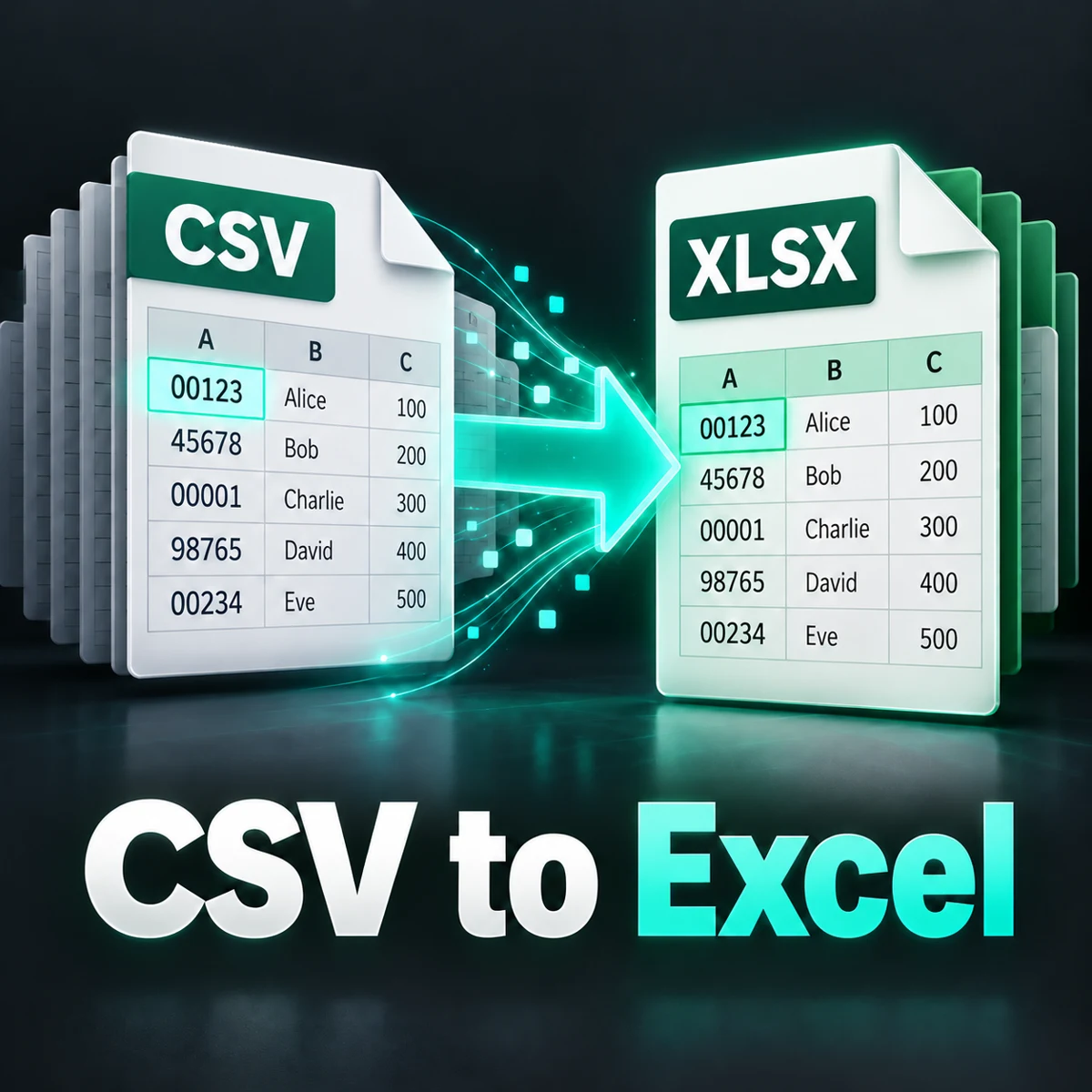
Convert a UTF-8 CSV or TSV file into an Excel workbook while keeping values such as 00123 and long IDs as text. Preview the parsed rows and download a real XLSX file.
Convert CSV to Excel without losing zeros
All cells are saved as text. UTF-8 CSV/TSV files are read on your device; nothing is uploaded.
Preview: first 10 rows and 8 columns
How to convert CSV to Excel
- Choose a UTF-8 CSV/TSV file or paste its text.
- Select the separator: comma, semicolon or tab.
- Choose whether to style the first row as a header.
- Click Create Excel file and check the preview.
- Download the XLSX file.
What this preserves
Every cell is stored as text. IDs such as 00123, phone numbers beginning with zero, long digit strings and date-looking text keep their original characters. Formula-looking content such as =1+1 remains literal text, not a formula. Quoted separators, escaped quotes and line breaks within quoted cells are supported.
A useful example
Use the sample to export ID 00123, phone 09876543210 and long ID 12345678901234567890. The preview and XLSX should retain each digit. The value =1+1 is displayed as text. It is not evaluated as 2.
All-text output: the tradeoff
This converter prioritizes preserving text over automatic type detection. Numbers are not numeric cells, dates are not Excel dates and formulas do not calculate. Convert selected columns to numbers or dates in Excel afterward when needed. IDs and phone numbers should usually remain text. If zeros or digits were already lost in the source CSV, conversion cannot recover them.
Separators and quotes
Select the separator used by your file; this tool does not guess it. TSV files selected through the file picker switch to Tab. A field containing a separator or newline must be enclosed in double quotes. A literal quote inside a quoted field is written twice. Completely empty single-field records are skipped. Other empty cells, spaces and uneven row lengths are retained. CRLF and CR line endings are normalized to LF.
Supported files and limits
Use UTF-8 CSV or TSV files up to 2 MB, with up to 1 million characters after decoding. The conversion limit is 25,000 rows, 256 columns, 100,000 cells and 32,767 characters per cell. The preview shows only the first 10 rows and 8 columns; the download contains all parsed rows within the limits. Only one worksheet is created. Unsupported control characters stop conversion.
If the result looks wrong
If everything is in one column, choose the correct separator. If quotes are invalid, fix the source instead of deleting quotes blindly. For garbled Hindi, re-save the source as UTF-8 CSV. A different encoding is not automatically detected. Browser processing does not upload your file or pasted text. Original input and options can be changed, but you must create a new result before downloading again.
Frequently asked questions
Will leading zeros stay in Excel?
Yes, when the source contains them. Cells are stored as strings with text formatting.
Will a 20-digit ID be rounded?
This converter stores it as text, so it does not perform numeric rounding.
Does it support Hindi and emoji?
Yes. Use UTF-8 text so the original characters can be decoded correctly.
Will formulas from CSV run?
No. Formula-looking values are literal text in this output.
Can I calculate totals immediately?
Convert the relevant numeric columns in Excel first. This output deliberately stores all values as text.
Does it convert XLSX back to CSV?
No. This page converts CSV/TSV text to a single-sheet XLSX workbook.
Are the files uploaded?
No. Reading, preview and workbook creation happen in your browser.
Related tools
Compare two lists, bulk find and replace or browse all tools.